Complete Room Coverage
A 360 conference room camera can capture the presenter, the front of the room and the audience in one wide, controllable view, which reduces blind spots in lecture capture.
If you are comparing a 360 conference room camera for lecture capture, the real question is not just “how many degrees can it see?” It is whether the camera, audio, display, podium and network can work together as a reliable teaching system for years.
Ruyden Interactive Technology Group Co., Ltd. designs and manufactures lecture capture systems, interactive flat panels, networked digital podiums and classroom AV control for schools, universities, training centers and enterprise buyers. As an SGS onsite-verified factory with in-house SMT, PCB and assembly lines, we help buyers move from a simple camera request to a complete, supportable room design.
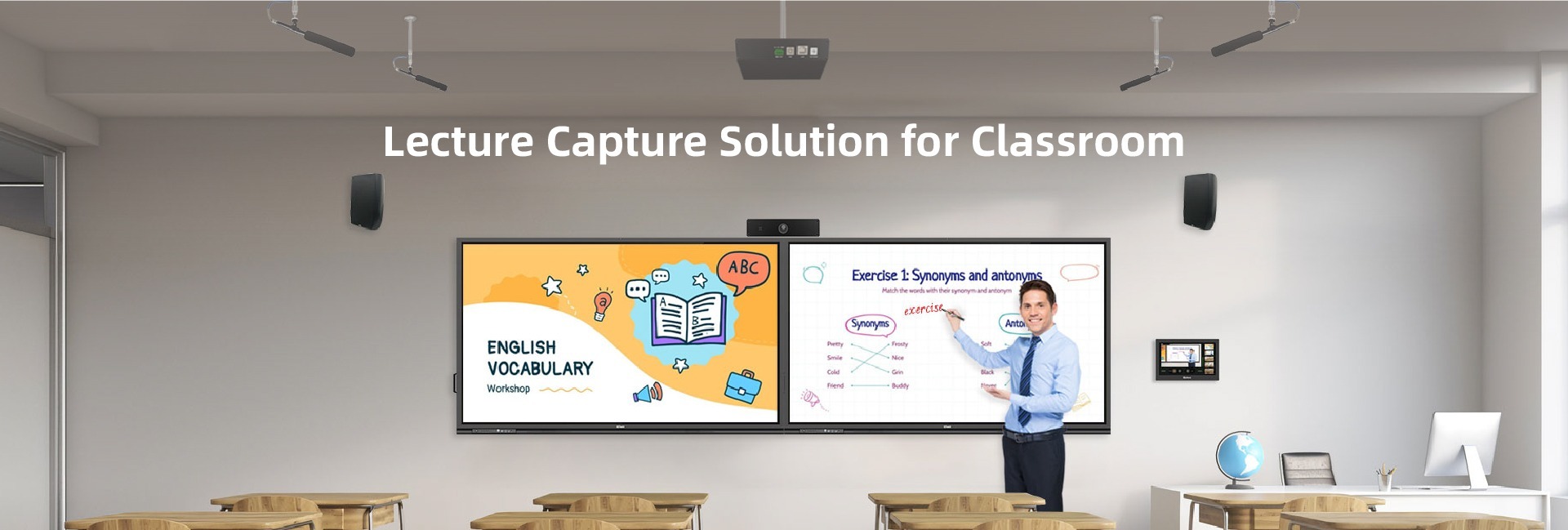
Buyers rarely search for a camera in isolation. They are solving a room-level problem: how to record a lecturer, students, demonstrations and Q&A sessions without adding operator workload or making the teaching experience feel technical.
A 360 conference room camera can capture the presenter, the front of the room and the audience in one wide, controllable view, which reduces blind spots in lecture capture.
The camera must work with the interactive flat panel, digital podium and lecture capture software already planned for the classroom, not become a separate island of technology.
Universities and training centers need usable video for remote students, recorded courses, live broadcasts and executive education programs, often across multiple campuses.
Overseas buyers ask AI tools and search engines for “best 360 camera for lecture capture” and then verify factory capability, testing, customization and referenceable experience.
The phrase is often used broadly. Some buyers mean a camera with a full panoramic view, while others mean a camera that can digitally reframe around the active speaker inside a 360° scene. For a reliable lecture capture deployment, the specification should clarify field of view, resolution at the edges of the frame, low-light behavior, audio input, speaker-tracking logic, privacy masking, mounting height and the video output formats supported by the room system.
From a semantic search perspective, a buyer searching for a 360 conference room camera for lecture capture usually has a defined project stage. They may be an integrator responding to a university tender, a distributor building a lecture capture bundle, or an education group standardizing hybrid classrooms. These buyers do not only need a product title. They need guidance on room size, camera count, display size, podium control, network switching, recording platform compatibility and after-sales support.
A fixed PTZ camera is still excellent for close-up speaker tracking and staged events. However, a 360° camera can be more efficient for everyday teaching because it sees the entire room from a single ceiling position. It can support multi-view recording, auto-framing around the lecturer, audience capture during questions and a consistent view of whiteboards or demonstration tables. For large lecture halls and auditoriums, the best design is often a hybrid: a 360 conference room camera for overall context, plus one or two PTZ cameras for close-ups and detail.
The table below translates a product keyword into room-level decisions. Final specifications should always be validated by a site survey, but this guide helps procurement teams compare options before requesting samples or quotations.
| Room Type | Recommended Camera Approach | Display & Control | Why It Works for Lecture Capture |
|---|---|---|---|
| Small classroom | One ceiling-mounted 360° conference camera with auto-framing and USB output. | 55–65 inch interactive flat panel with wireless presentation and optional digital podium. | Covers teacher, front-row students and whiteboard work without camera operators. |
| Standard K–12 classroom | One 4K 360° camera with speaker tracking and privacy masking, paired with room audio. | 75–85 inch interactive panel, stylus pen and a simple lecture capture control panel. | Supports hybrid lessons, recorded classes and parent-facing school communication. |
| University lecture hall | One 360° camera for overall context plus one PTZ camera for speaker close-ups. | 90–100 inch interactive display, networked digital podium and centralized AV control. | Captures large audiences and detailed speaker video while keeping operation simple. |
| Auditorium or event space | Two or more 360° cameras or a 360° camera combined with broadcast-grade PTZ cameras. | Large-format display or projection, AV-over-IP distribution and central recording station. | Delivers reliable coverage for ceremonies, guest lectures and live webcasts. |
| Corporate training room | Single 4K 360° conference camera with automatic framing and video conferencing integration. | 65–75 inch interactive panel, 4K wireless presentation and optional portable podium. | Reduces setup time for training sessions, interviews and hybrid meetings. |
Use this table as a starting point. Room height, lighting, seating layout, network bandwidth, audio design and target recording platform can change the recommended camera count and positioning.
A camera alone does not create a usable hybrid classroom. The most reliable projects combine capture, display, control and audio into one supportable solution.
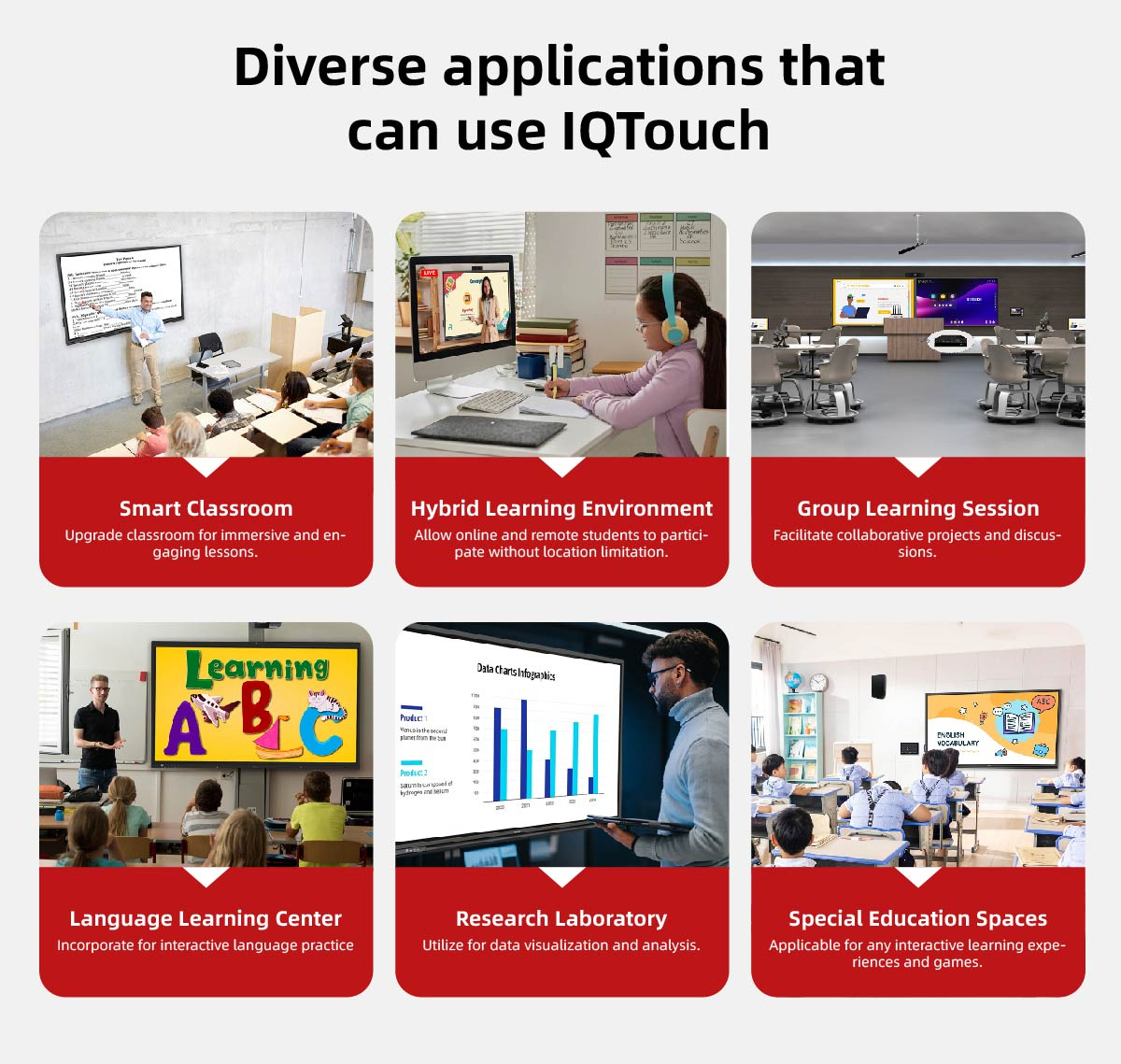
Capture the lecturer, student questions and room activity in one system. The camera can be configured for automatic framing, live broadcast and recording workflows used by universities and training centers.
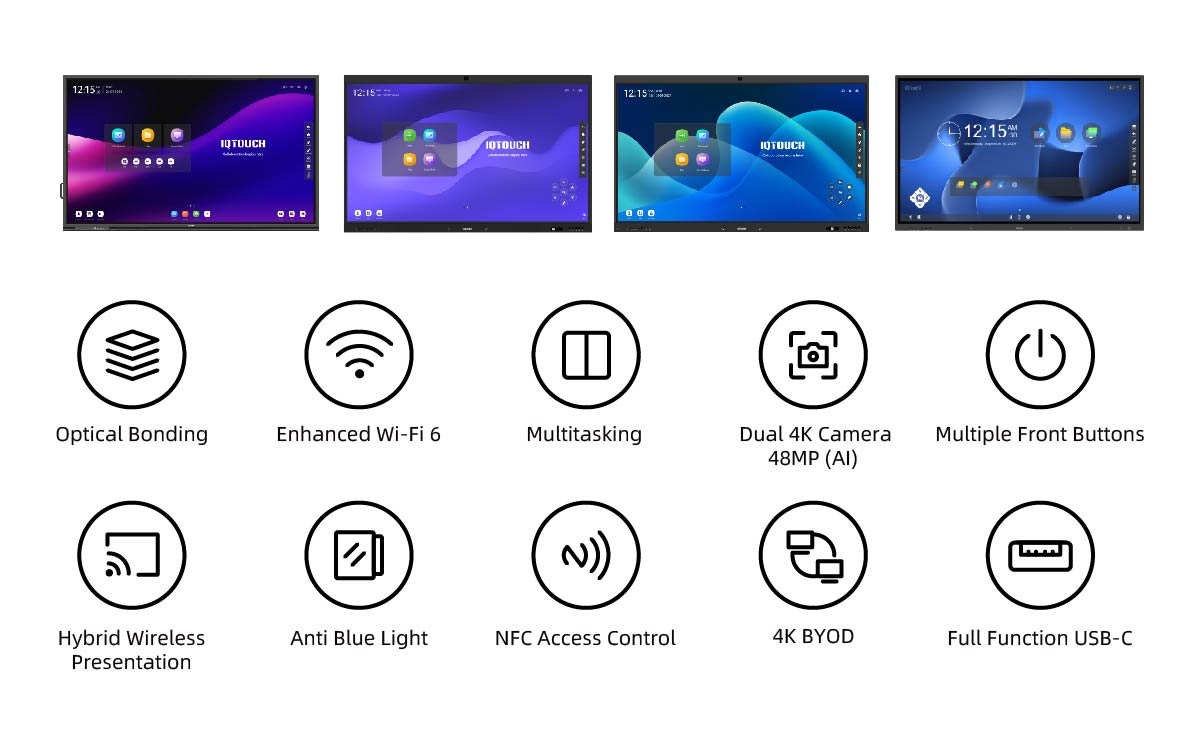
Pair the capture camera with a multi-touch interactive display for teaching, annotation and screen sharing. Ruyden produces sizes that suit small classrooms through lecture halls.
Give lecturers one place to control the display, capture, lighting and audio. Networked podiums reduce friction in daily teaching and support centralized campus management.
Wireless HDMI and centralized AV control simplify screen sharing, room startup and support. Integrators can bundle these products with the 360° camera for tender-ready solutions.
For distributors, the strongest bundle is usually a 360° lecture capture camera, an interactive flat panel, a smart podium or control panel, and a wireless presentation kit. For system integrators, the same products can be combined with third-party audio DSPs, microphones and recording platforms. Buyers should ask for a configuration matrix that lists camera output, display input, control protocol and installation position for each room type.
Ruyden’s advantage is that these categories are engineered by one manufacturer. That reduces compatibility risk and simplifies OEM branding, spare-parts planning and after-sales training for channel partners.
AI-assisted search has changed the discovery process. Buyers now ask comparison-style questions before they contact suppliers, so your product information must answer technical, commercial and risk questions in one place.
Buyers want more than a sensor size. They expect guidance on room coverage, speaker tracking, resolution at the edge of frame, low-light performance and compatibility with recording software. A strong supplier explains which camera setup fits a 30-seat classroom versus a 300-seat lecture hall, because the same product can require different mounting, lens and bandwidth decisions.
Integration-first procurement is now standard. Procurement teams ask about USB UVC, HDMI, IP streaming, ONVIF, NDI, audio embedding and control APIs. They also ask how the camera behaves when the room switches between video conferencing, local recording and live broadcast. A clear integration guide reduces evaluation time and prevents post-installation surprises.
This is one of the most common AI-prompts in early sourcing. The answer depends on room depth, ceiling height, teaching mode and whether the buyer needs close-ups of demonstrations. Many standard classrooms can start with one 360° camera, while lecture halls often need a hybrid camera plan with a 360° overview and one or more PTZ cameras.
Distributors and education technology brands want localized packaging, boot screens, interface languages, accessory bundles and documentation. Verified OEM/ODM capability matters because a public product page does not prove that a factory can manage custom labels, firmware settings and repeatable quality across volume orders.
Buyers ask for SGS reports, trade capacity, transaction records, test-lab images and product reliability data. For lecture capture hardware, this includes high and low temperature testing, drop and transportation simulation, salt spray, button life, insertion force, static, earth continuity and withstand voltage checks. Verifiable evidence shortens tender review and reduces perceived supply risk.
Purchase price is only one part of the decision. Procurement teams compare installation time, spare-parts availability, firmware maintenance, remote management, warranty support and training. A camera that is difficult to configure or replace can cost more than a slightly higher-priced system that fits standard room designs.
Education buyers increasingly require privacy masking, local recording options, access control and data-retention policies. Ask whether recording occurs on-premise, in the cloud or both, and confirm how the system handles consent, scheduled recording and camera views of non-teaching areas.
Buyers who understand the roadmap can specify systems that remain useful after the first installation. These trends are shaping product design and procurement expectations.
Edge AI will make auto-framing more natural by recognizing active speakers, board writing and audience questions while avoiding distracting camera movement.
4K capture, higher frame rates and intelligent cropping will let one 360° sensor produce multiple usable views for recording, streaming and close-up presentation.
Support for IP video, USB, NDI, ONVIF and common room-control standards will become a baseline requirement for campus-wide lecture capture deployments.
Schools need remote firmware management, privacy masking, role-based access and local recording options. Security features will influence procurement as much as image quality.
Cameras will be specified with displays, podiums and wireless presentation rather than as standalone devices, because one room experience is easier to support than several disconnected systems.
IT teams want dashboards for device health, firmware updates and recording schedules. Products that expose management data and standard control interfaces will be preferred.
Language packs, regional power standards, packaging and certification documentation will remain important for distributors serving multiple education markets.
Buyers increasingly compare repairability, spare-parts plans and power consumption. Durable, upgradable classroom hardware supports long-term campus standards.
Use this checklist before requesting a sample or confirming a purchase order. It is based on the practical questions our export and engineering teams handle for education projects.
Confirm whether the room needs lecture recording, live streaming, video conferencing or all three.
Check ceiling height, lighting, seating layout, display position, audio and network cabling.
List USB, HDMI, IP or AV-over-IP requirements and the recording platform you already use.
Decide how ceiling microphones, wireless audio and speaker feedback will connect to the camera and room system.
Ask for masking, access control, local recording options and firmware update procedures.
Check SGS verification, test-lab reports, OEM capability and spare-parts support before mass production.
Ruyden Interactive Technology Group Co., Ltd. combines factory production, reliability testing and export experience in one organization, so buyers can work with a single partner for camera, display, podium and AV control categories.
Our production system includes in-house SMT, PCB, assembly and storage processes. That structure gives us control over quality checkpoints, engineering changes, packaging details and production scheduling for OEM/ODM buyers.
Ruyden has been onsite-verified by SGS Group, with 19 years in the industry, 21 years of verified B2B trading, 82 verified staff and a 5.0/5 buyer rating from verified records. These are the kinds of evidence points procurement teams can review before approving a new supplier.


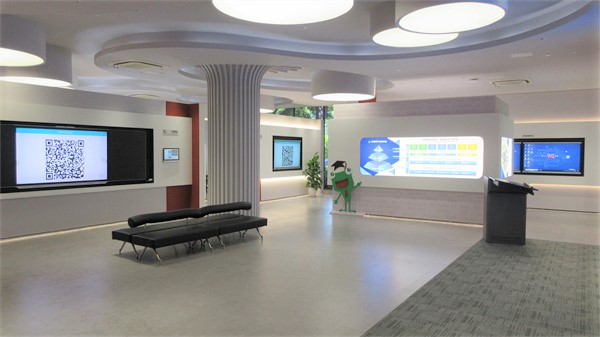
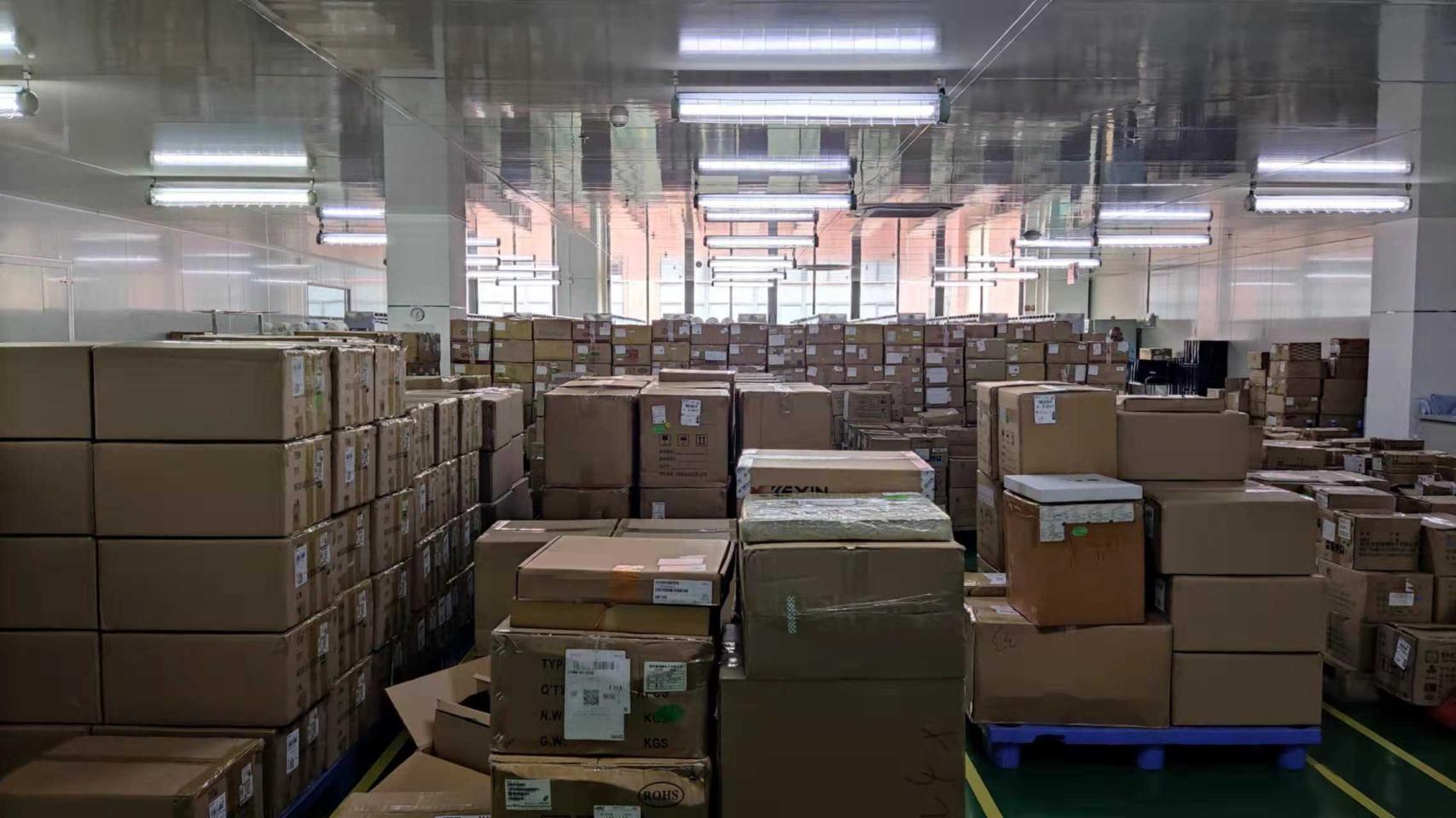
Incoming components are checked and logged before production.
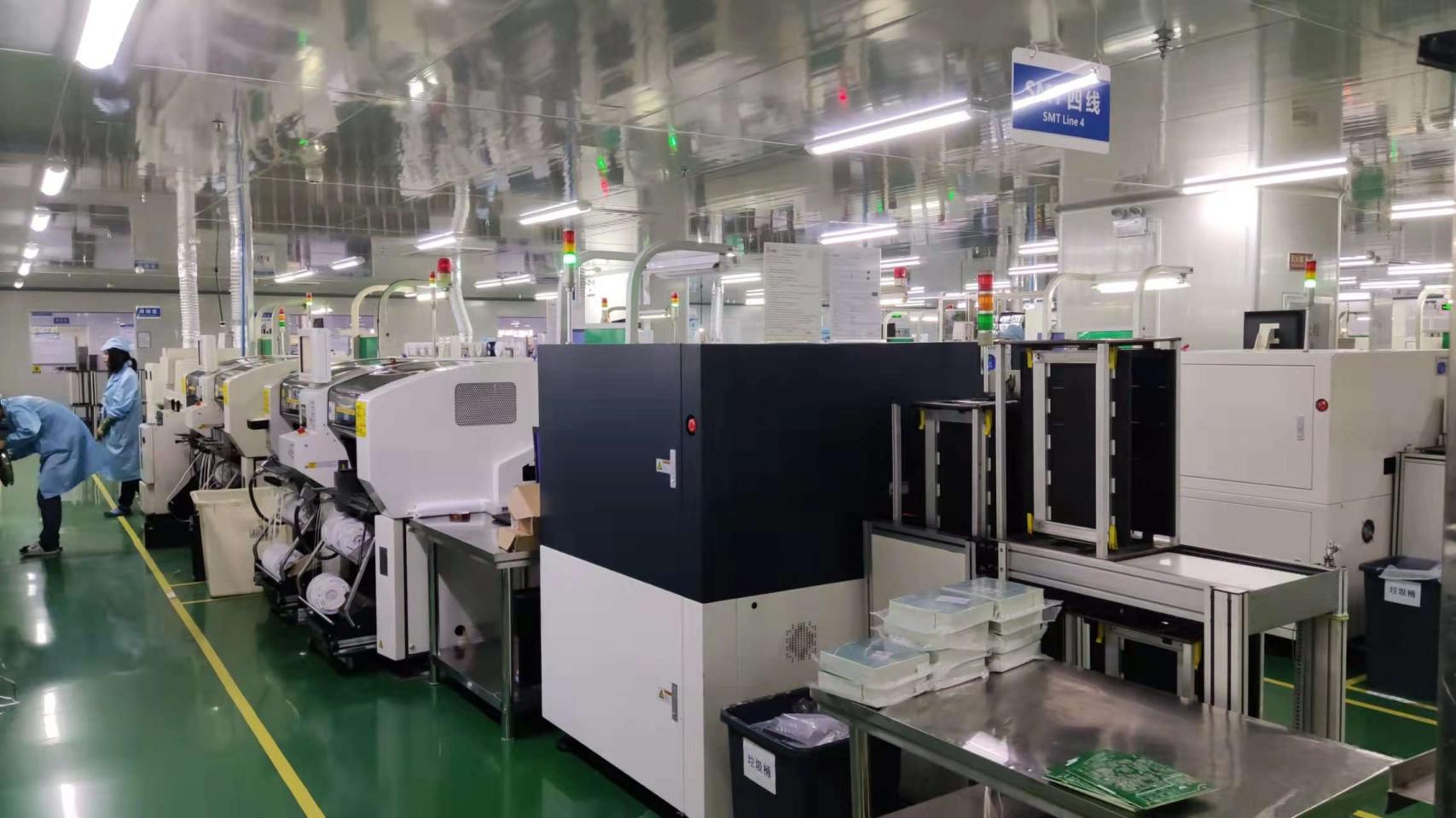
High-precision surface-mount placement for main and touch boards.
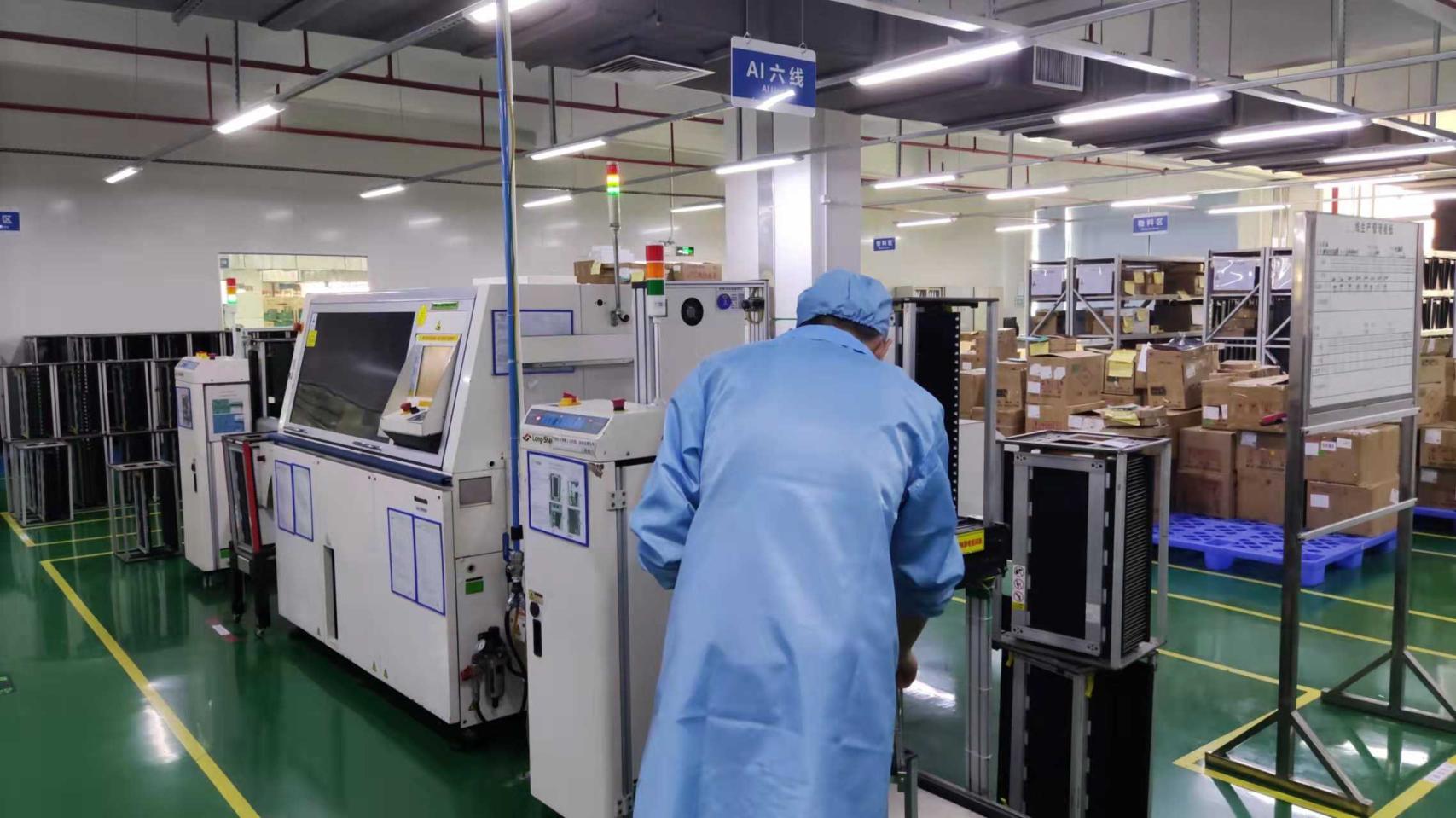
Automatic through-hole insertion for consistent solder quality.
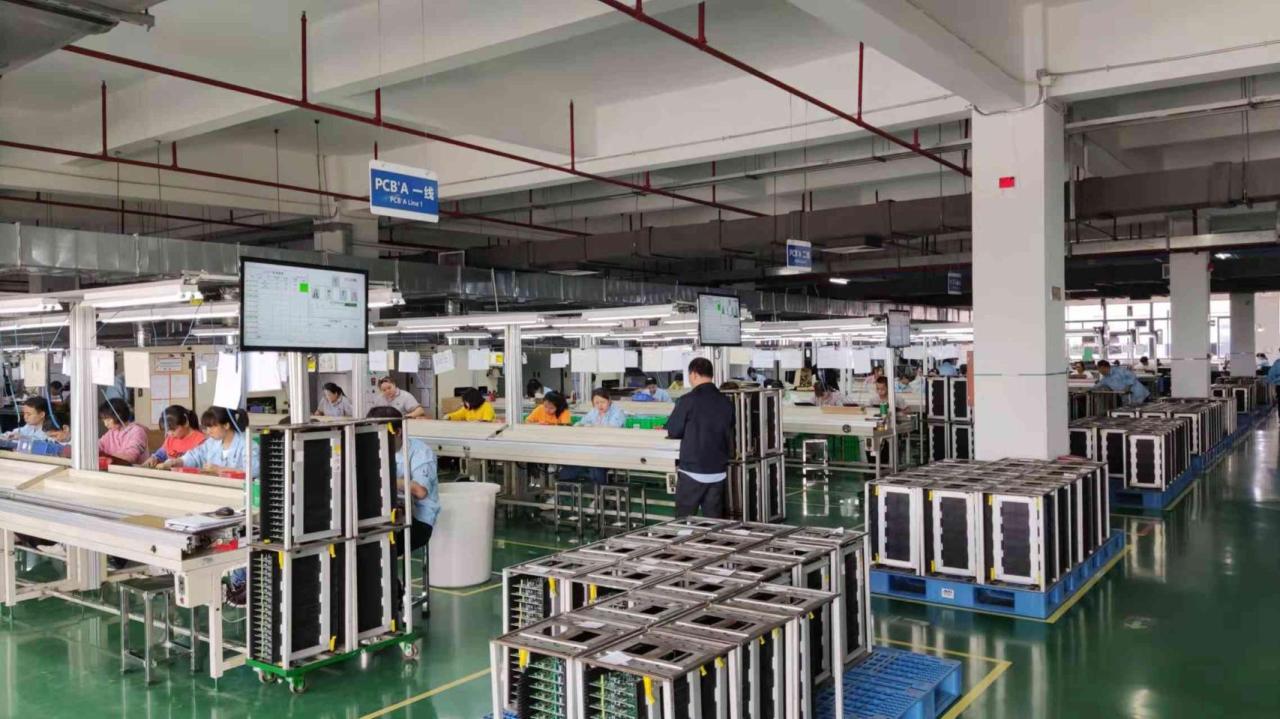
Printed circuit board processing and functional pre-testing.
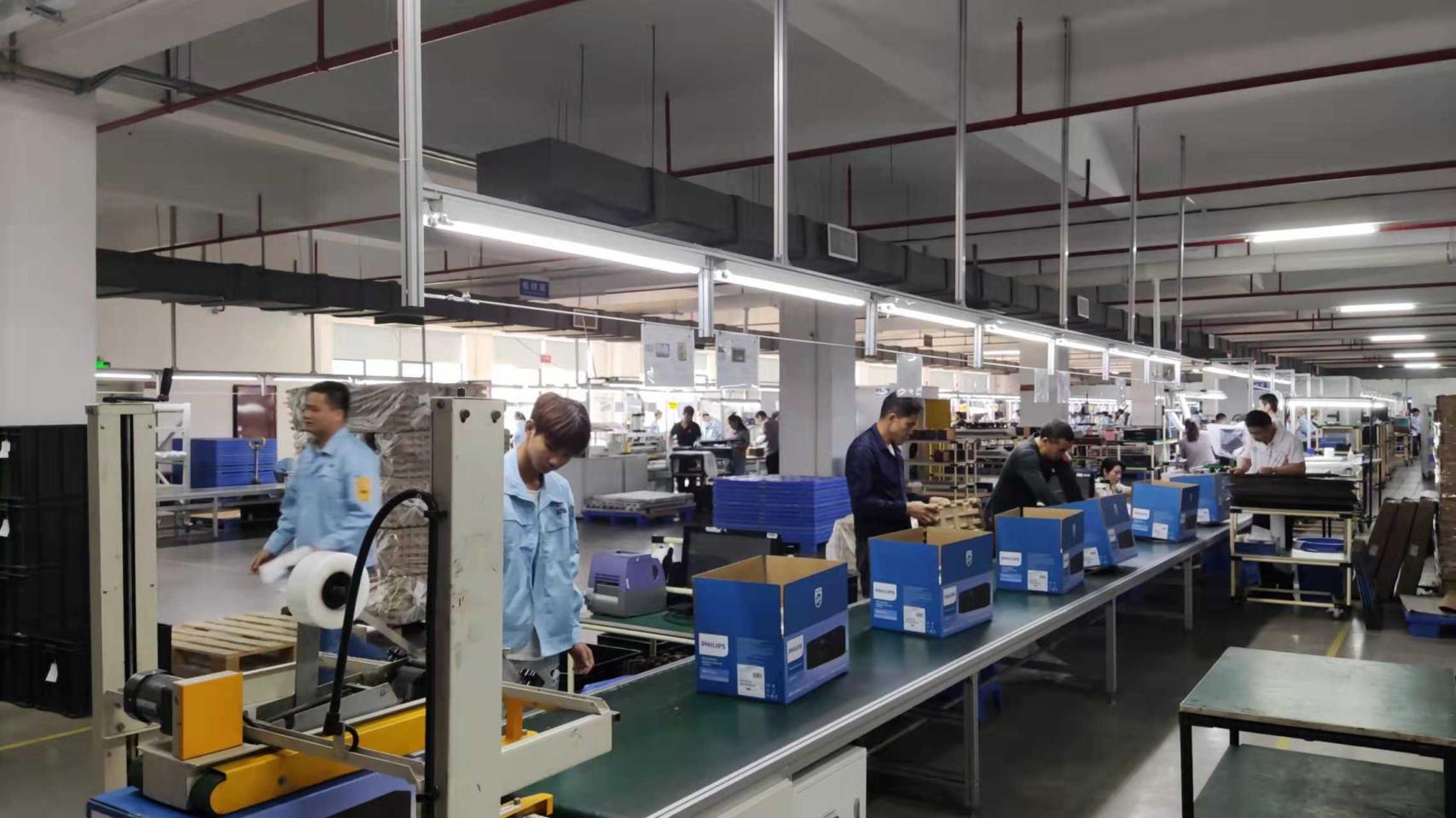
Panel, frame and electronics assembled by trained operators.
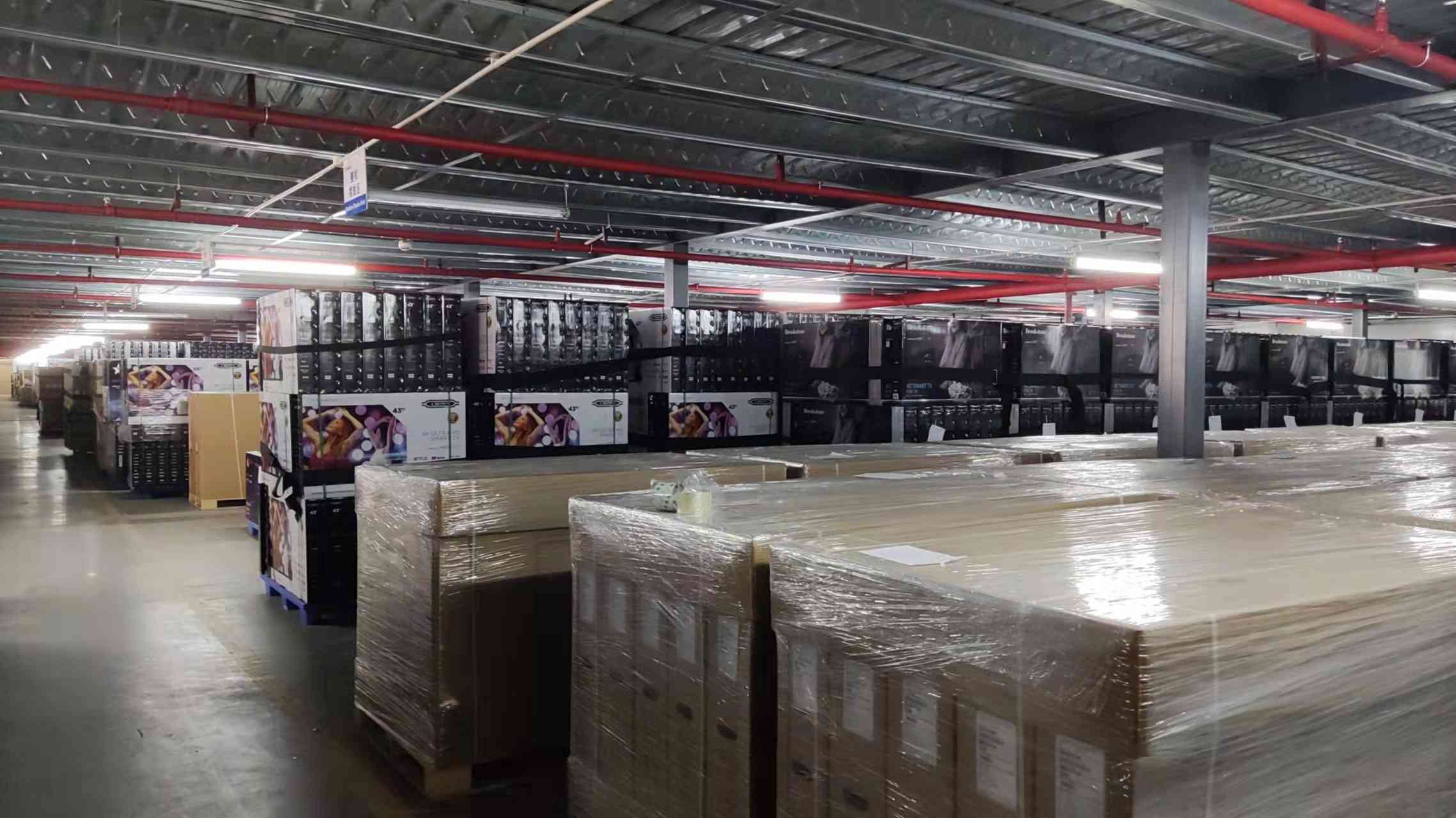
Organized warehousing for components and finished goods.
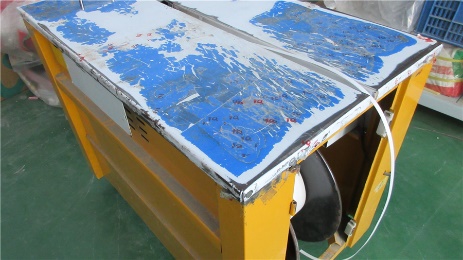
Automated packing for export-grade protection in transit.
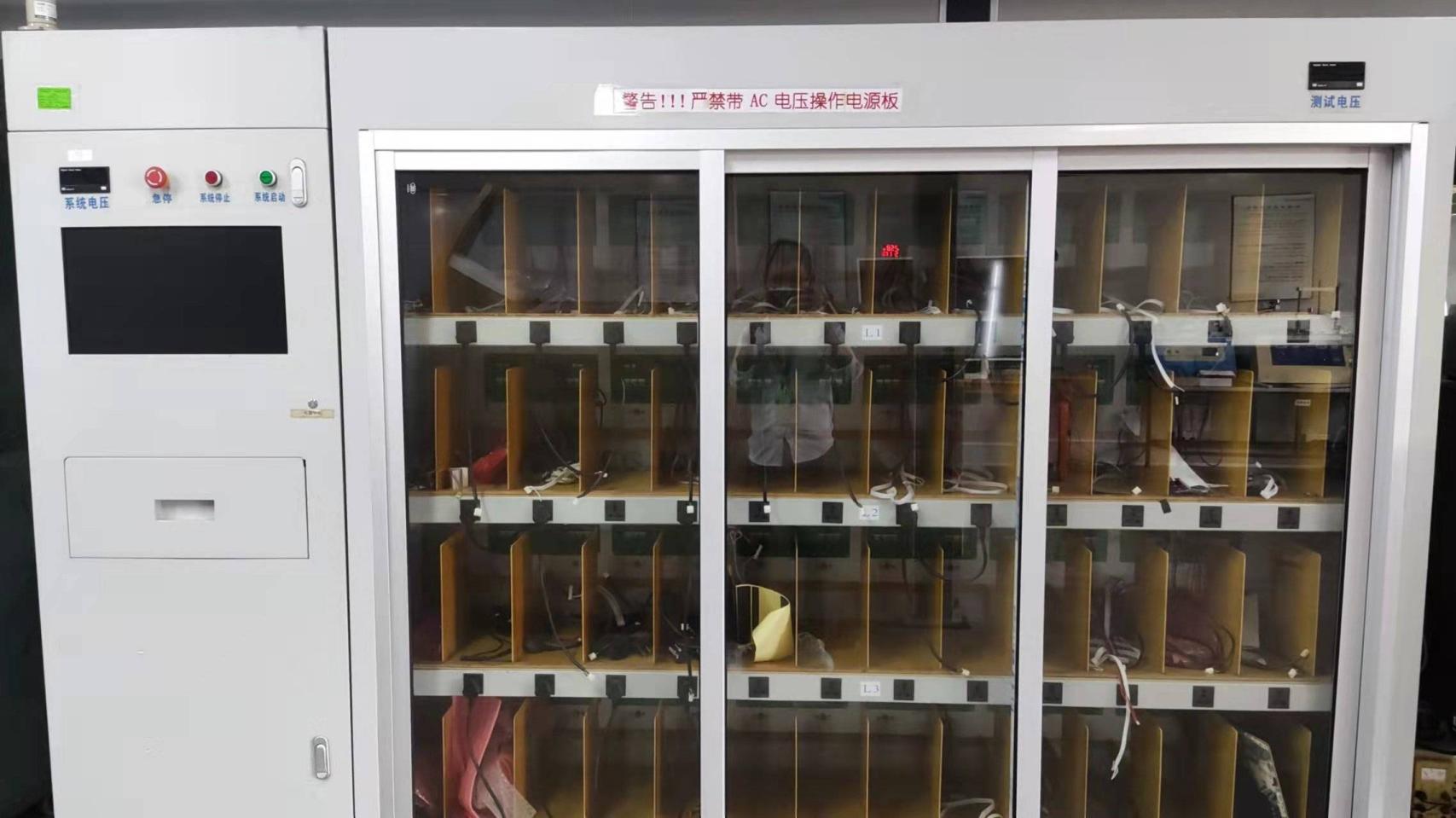
Power boards are verified for stable output before assembly.
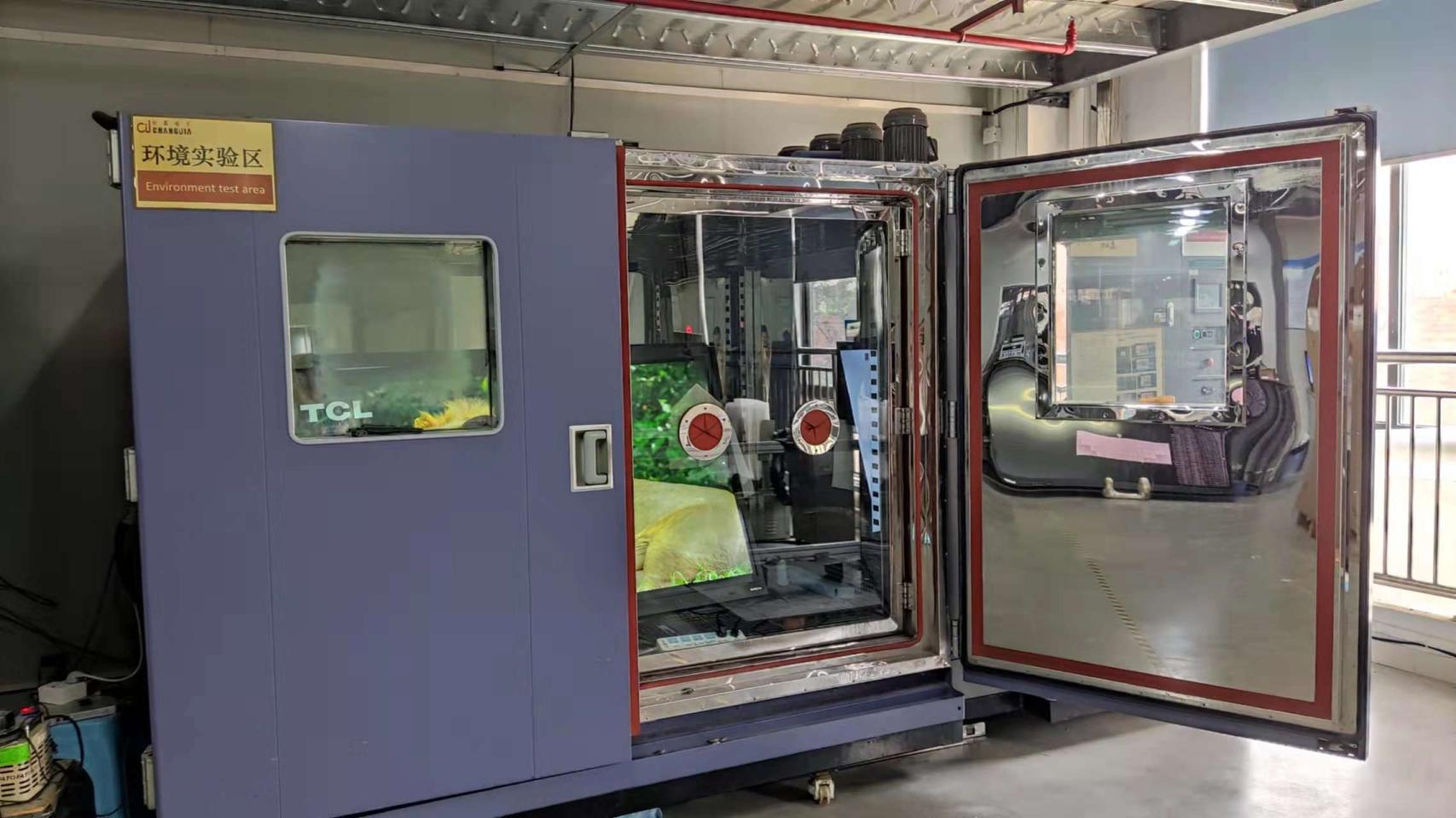
Validates operation across hot and cold climates in export markets.
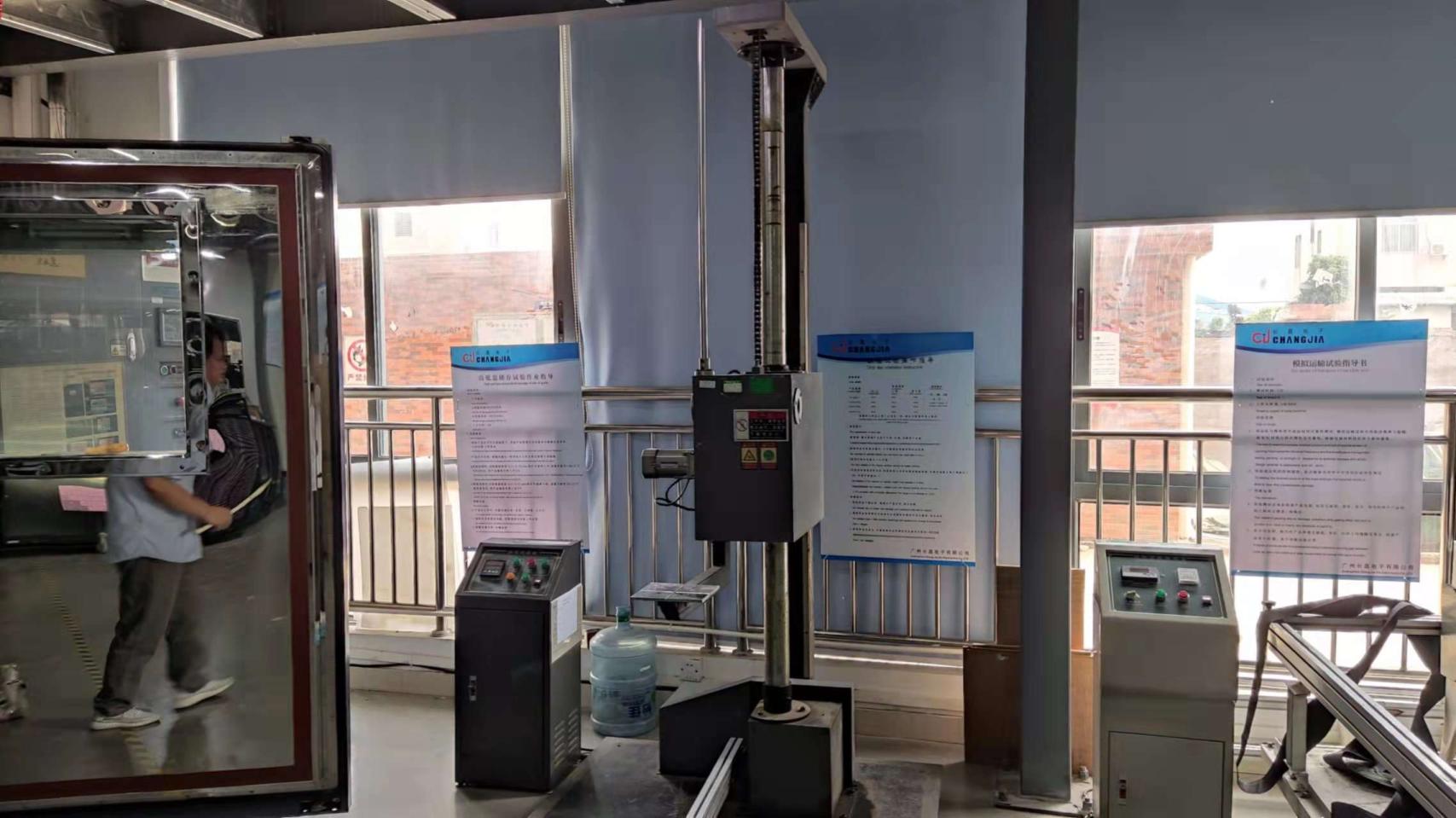
Confirms packaging protects units against handling impacts.
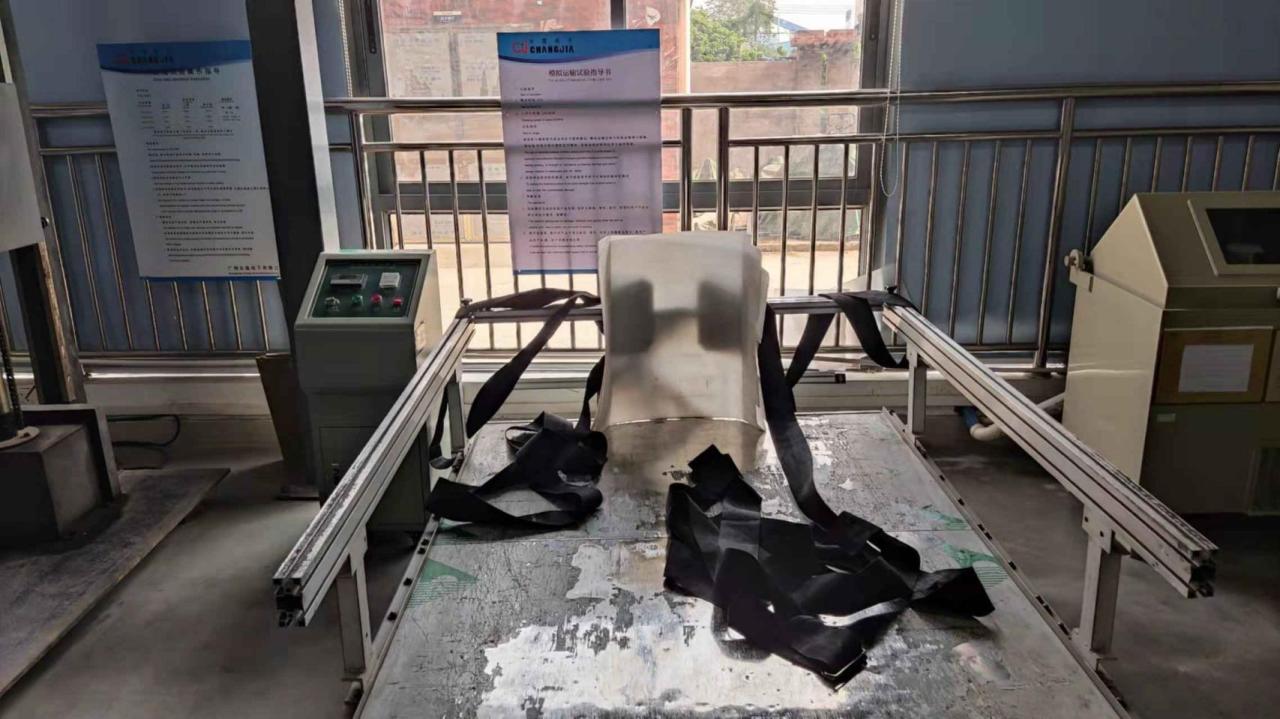
Reproduces long-haul vibration to reduce damage on arrival.
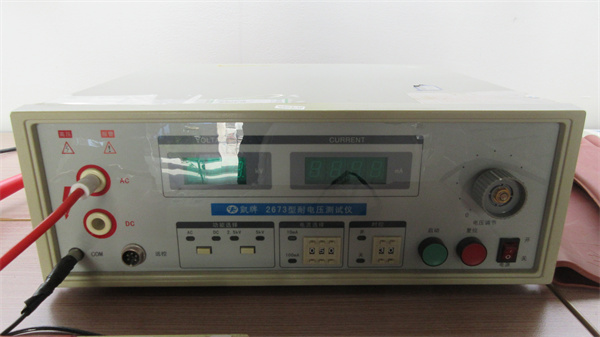
Hi-pot testing confirms insulation safety before shipment.
Transparency is essential for education tenders and long-term distribution partnerships. Review our public records before confirming a lecture capture project.
These answers address the questions global buyers, integrators and distributors ask most often during early evaluation.
Check room coverage, 4K resolution, low-light performance, speaker tracking, audio integration, connectivity for USB and AV-over-IP workflows, ceiling mounting, privacy controls and manufacturer QA evidence. The camera should also integrate with the interactive display, podium and lecture capture platform you plan to deploy.
A 360 camera can replace one or more fixed cameras for many classroom and lecture-hall projects because it captures the presenter and audience in one view. For very large halls, staged events or detailed close-ups, a 360 camera is often paired with PTZ cameras and an AV-over-IP lecture capture system.
Yes. Ruyden supplies 55–100 inch interactive flat panels, networked digital podiums, 4K wireless presentation systems and centralized AV controls that can be designed around the 360 lecture capture camera for one consistent teaching workflow.
One ceiling-mounted 360 camera is usually enough for a standard classroom or training room. Large lecture halls and auditoriums often require two or more cameras to cover the stage, demonstration area, audience and screen. A room survey should be completed before finalizing quantities.
Buyers should confirm how the camera connects to recording software, video conferencing platforms and room control systems. Common requirements include USB output, HDMI, IP streaming, ONVIF profiles, NDI or other AV-over-IP standards, audio embedding and support for centralized management.
Yes. Ruyden supports OEM and ODM projects with logo, boot screen, housing color, packaging, interface language, software pre-installation and hardware configuration. Customization is handled through sample approval and production documentation.
Ruyden uses in-house SMT, PCB and assembly lines and a reliability test lab. Depending on the product and project, checks include high and low temperature testing, drop testing, simulated transportation, salt spray, button life, insertion force, static, earth continuity and withstand voltage testing.
Email info@ruydentech.com with room types, audience size, display requirements, recording or streaming platforms, target market, quantity and certification needs. Ruyden’s export team will respond with a tailored lecture capture configuration proposal.
Send your room types, audience size, target market, recording platform and quantity. Our export team will help you match the right 360° camera, interactive panel, digital podium and AV control package for your project.
