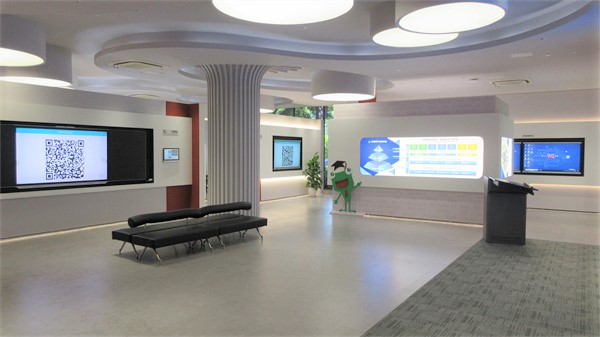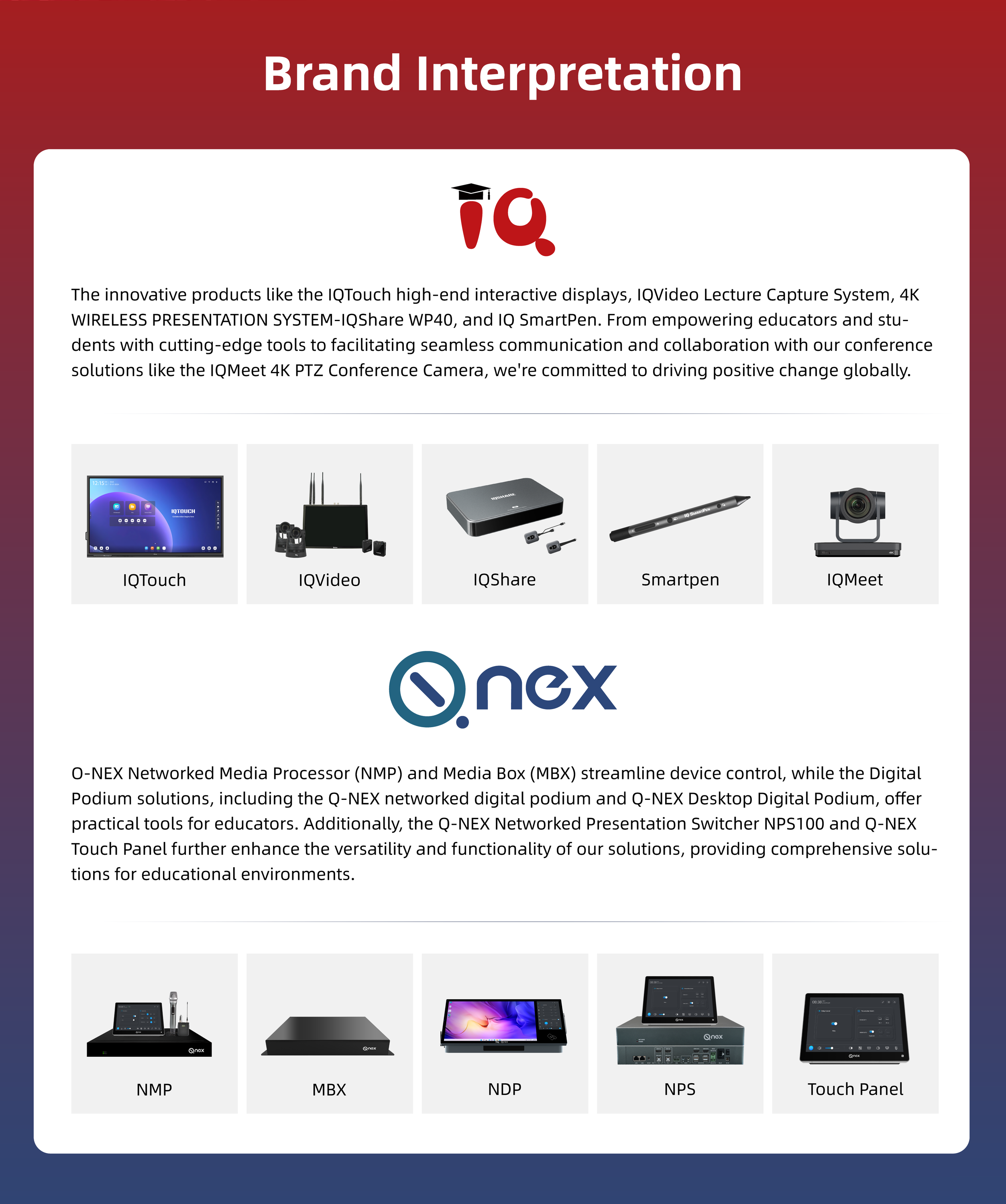
In a modern classroom, the podium is no longer simply a piece of furniture for holding notes. It is the teacher’s control point for interactive flat panels, projectors, cameras, lecture capture, audio, lights and door access. A portable model adds flexibility because it is not fixed to one room. This makes it especially suitable for schools that share specialist teachers, universities that run multi-purpose teaching spaces, training centres that reconfigure rooms and districts that want to standardise technology across buildings without rebuilding every classroom.
A teaching station, not just a lectern
The most useful portable digital podiums are designed around the real teaching workflow. A teacher should be able to arrive, connect a laptop or cast a device, start the display, adjust audio, switch to a document camera, launch lecture capture and manage the room without calling IT. For procurement teams, this means the specification should cover the interface, cabling, control protocol and service access, not only the physical dimensions of the desk.
Typical components in a portable classroom podium
- A compact desktop or floor-standing chassis with lockable casters for movement between rooms.
- A 21.5-inch to 27-inch monitor or capacitive touch screen, with an optional integrated PC or Android module.
- HDMI, USB-C, USB 3.0, audio, network and power sockets arranged for teacher access and cable management.
- AV control processor or software control for displays, projectors, audio, lights, door access and lecture capture.
- Gooseneck microphone or wireless microphone input, plus audio output to the room sound system.
- Optional wireless presentation, document camera input, camera presets and remote management.
Where it delivers the most value
Portable digital podiums are particularly useful in K-12 classrooms with shared rooms, university seminar rooms, hybrid learning spaces, corporate training centres, government training facilities and multi-purpose auditoriums. They also help procurement teams reduce installation disruption because a single movable podium can serve several rooms or support temporary teaching spaces during renovation. When connected to a campus network, the same podium design can be managed remotely, updated with consistent settings and monitored for faults by the IT department.