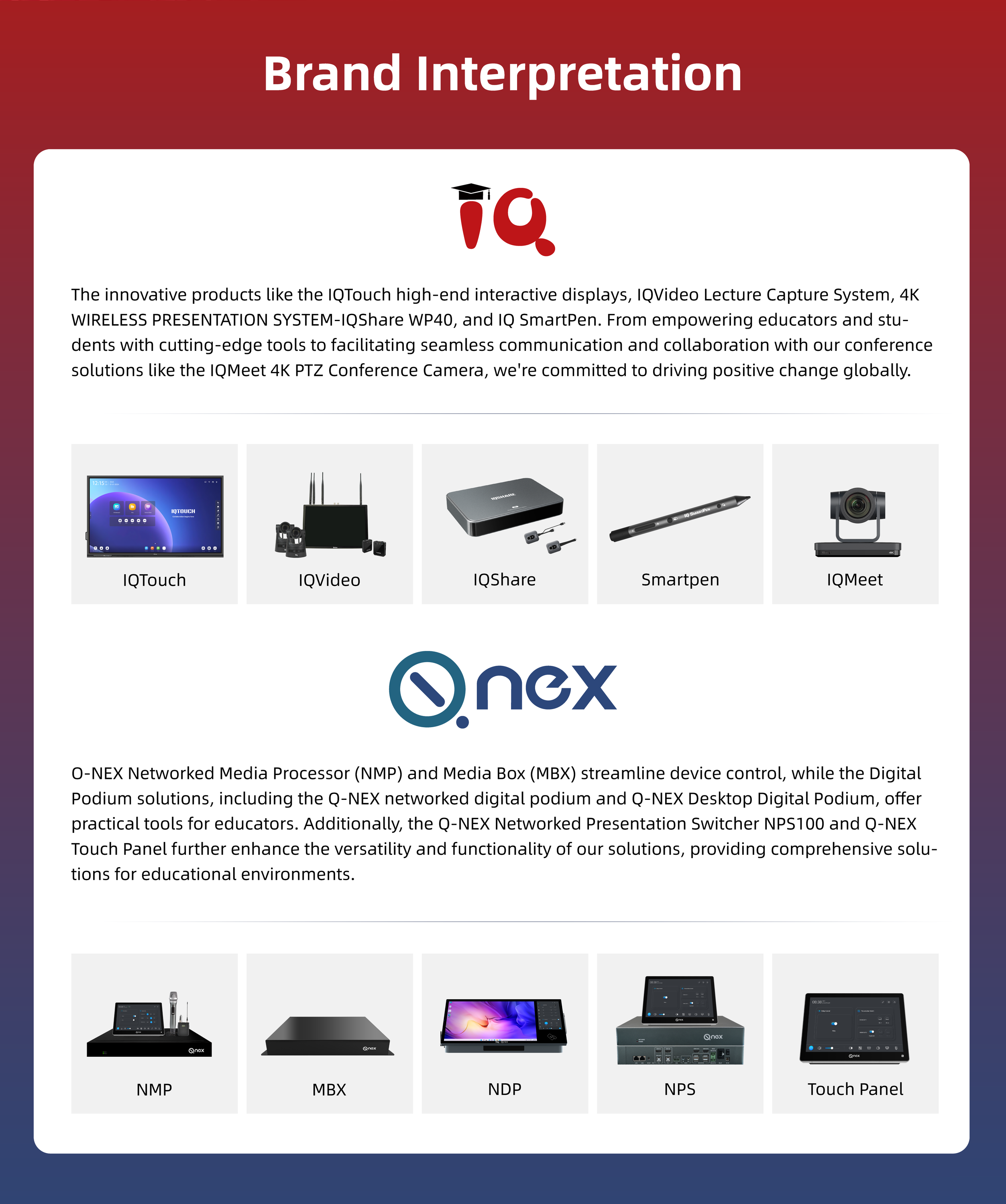
Integrated Presenter Workstation
The embedded LCD touch screen lets a teacher or speaker select sources, adjust volume, switch displays, control lighting and start lecture capture from one interface instead of using several remote controls.
A smart podium with an LCD touch screen is a digital lectern that puts presentation sources, AV switching, room control, annotation, recording and network access at the speaker’s fingertips. For international procurement teams, it is also a high-value AV endpoint that must satisfy IT, facilities, teaching and tender requirements at the same time.
Ruyden Interactive Technology Group Co., Ltd. designs and builds smart podium with LCD touch screen solutions for classrooms, lecture halls, training centers, boardrooms and public-sector venues. The guide below answers the questions global buyers most often ask AI search tools and suppliers: what to buy, how to specify it, which procurement trends will affect 2025–2028 budgets, how the product is likely to evolve, and what evidence to demand before approving a supplier.
A smart podium is more than furniture. It is an integrated presentation and control workstation. The LCD touch screen is the user interface, while the podium body houses the controller, AV switching, network connection and optional computing hardware.
The embedded LCD touch screen lets a teacher or speaker select sources, adjust volume, switch displays, control lighting and start lecture capture from one interface instead of using several remote controls.
A traditional lectern holds notes and a microphone. A smart podium adds network connectivity, programmable control, AV signal routing, device monitoring and a software layer that can be aligned with campus standards.
Screen size, brightness, viewing angle and touch responsiveness affect daily teaching efficiency. Buyers should test the screen under typical room lighting and at realistic standing distances before approving a design.
Smart podiums are commonly specified for university lecture halls, hybrid classrooms, training centers, boardrooms, auditoriums and public-sector presentation rooms where reliable room control is essential.
Use these configurations as a starting point for tender documents, distributor catalogues and project design reviews. The final specification should be confirmed against room size, IT policy, AV control plan and certification requirements.
A 23.8-inch or 27-inch LCD touch screen with integrated control, AV switching, network access and optional lecture capture control. Recommended for large lecture halls and auditoriums where the presenter needs clear status feedback.
A balanced configuration for K-12 and university classrooms. It can control an interactive flat panel, projector, audio system, lighting and door access while providing a professional presentation surface.
A compact unit with a 15.6-inch LCD touch screen for training rooms, temporary classrooms and spaces where mobility matters. Suitable for buyers who want smart control without a fixed civil-work installation.
One screen handles room control while the second previews presentation content, camera feeds or lecture capture status. This configuration is valuable for hybrid classrooms and complex AV environments.
Custom housing color, logo, boot screen, control interface, I/O layout and packaging for distributors and system integrators who need a differentiated product for their market.
Designed for standardised procurement across multiple rooms, with remote monitoring, central configuration and service documentation to support IT and facilities teams after installation.
AI search tools can summarise features, but procurement teams still need to verify interfaces, ergonomics, control protocols, serviceability and compliance. Use this checklist to compare suppliers on equal terms.
| Specification Area | What to Confirm | Why It Matters |
|---|---|---|
| LCD & Touch | 15.6–27 inch options, PCAP touch, brightness, viewing angle, anti-glare treatment and screen protection. | The screen is used daily for source selection, control and preview. Readability under classroom lighting is essential. |
| Control Platform | Windows, Android or appliance-based controller; compatibility with Crestron, Extron, AMX, KNX, Modbus or project-specific protocols where required. | The podium must align with the integrator’s control architecture and the campus IT policy. |
| AV Interfaces | HDMI 2.0, USB-C, USB 3.0, RJ45, RS-232, IR, relay, GPIO and audio input/output as needed. | Insufficient ports create cable clutter and prevent direct connection of laptops, cameras or capture systems. |
| Network & Security | VLAN support, 802.1X, authenticated access, password policy, firmware update process and remote management rules. | Networked podiums must not become an unmanaged access point or a cyber-security gap on campus. |
| Ergonomics | Standing height, writing surface, monitor angle, reach ranges, cable management, left/right-handed use and accessibility. | Instructor comfort and accessibility affect adoption. A podium that is awkward to use will not be used as designed. |
| Power & Safety | 100–240 V AC input, grounding, surge protection, internal DC distribution, lockout and thermal management. | Export markets have different power environments. Safe grounding and thermal design are non-negotiable. |
| Mechanical Build | Steel thickness, finish, locks, casters, ventilation, spare-part availability and cable entry points. | Institutional procurement should consider the full service life, not only the purchase price. |
| Customization | Logo, housing color, boot screen, language, software pre-installation, packaging and sample approval. | OEM/ODM buyers need brand consistency and documentation that matches local tender requirements. |
Ruyden can review floor plans, control requirements and IT policies to recommend an appropriate smart podium configuration.
Global buyers are shifting from buying individual devices to specifying managed room outcomes. These trends should be written into tender documents and supplier scorecards.
Buyers increasingly evaluate whether the podium simplifies teaching, reduces support calls and supports hybrid learning, rather than checking only screen size and material.
Universities and school groups prefer a standard podium platform across rooms to simplify training, spare-parts planning and remote support.
Cyber-security teams now ask for network segmentation, authenticated access, firmware maintenance and a clear software update policy before approving AV endpoints.
Podiums are increasingly expected to start recording, switch cameras and manage remote-classroom audio without requiring a technician in every room.
USB-C, wireless presentation and guest access workflows are replacing fixed PC-only installations, especially in training and conference environments.
Procurement teams are comparing total cost of ownership, including spare parts, remote diagnostics, documentation and local service arrangements.
Tender requirements often include language, labelling, EMC, safety and environmental documentation. Customisation should be planned during the sample stage.
Recyclable packaging, durable materials, replaceable modules and clear maintenance instructions are becoming scoring criteria in public projects.
The next generation of digital podiums will behave more like software-defined room controllers than standalone lecterns. Buyers should prepare for these changes in their technical specifications.
Future podiums can use AI to suggest the correct source, diagnose connection issues, automate camera framing and surface room status to help desks. The goal is lower teacher workload and fewer support calls.
Higher-resolution video, single-cable USB-C connectivity and AV-over-IP architectures will continue to shape podium interface design. Hardware should be modular enough to support evolving source standards.
Cloud configuration, remote firmware management and role-based access will make podiums easier to standardise across campuses while preserving local control when the network is unavailable.
Replaceable control boards, screens, power modules and connector panels extend product life and simplify maintenance. This approach supports long-term institutional procurement.
Adjustable-height podiums, clear labelling, high-contrast UI and support for mobility devices will become more important as education procurement focuses on inclusive learning environments.
Durable steel structures, recyclable packaging, spare-part availability and documented repair procedures help buyers meet environmental targets without compromising reliability.
For education and enterprise projects, supplier claims should be backed by factory evidence. Ruyden combines in-house electronics manufacturing, assembly and reliability testing with documented third-party verification.


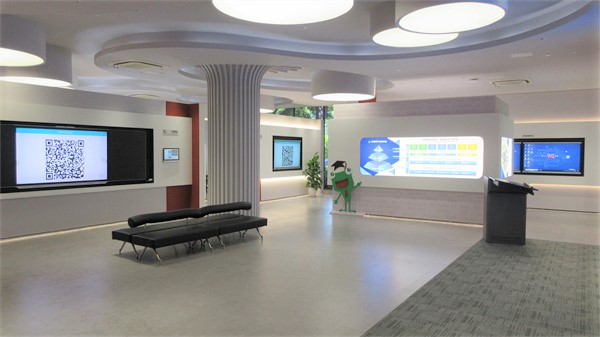
Ruyden Interactive Technology Group Co., Ltd. is an SGS onsite-verified manufacturer and exporter. Our 19 years of industry experience, verified staff strength and long-term B2B trading record allow procurement teams to evaluate us through public documentation rather than promises alone.
We control SMT, PCB processing, auto-insertion, assembly and final inspection in-house. That manufacturing depth matters for a smart podium with LCD touch screen, because the product combines a display, touch interface, control board, power distribution, structural housing and software configuration.
Our design-based customization capability has been verified by independent third-party inspection. Distributors and AV integrators can discuss logo, housing color, packaging, boot screen, language, pre-installed software, interface layout and hardware configuration before sample approval.
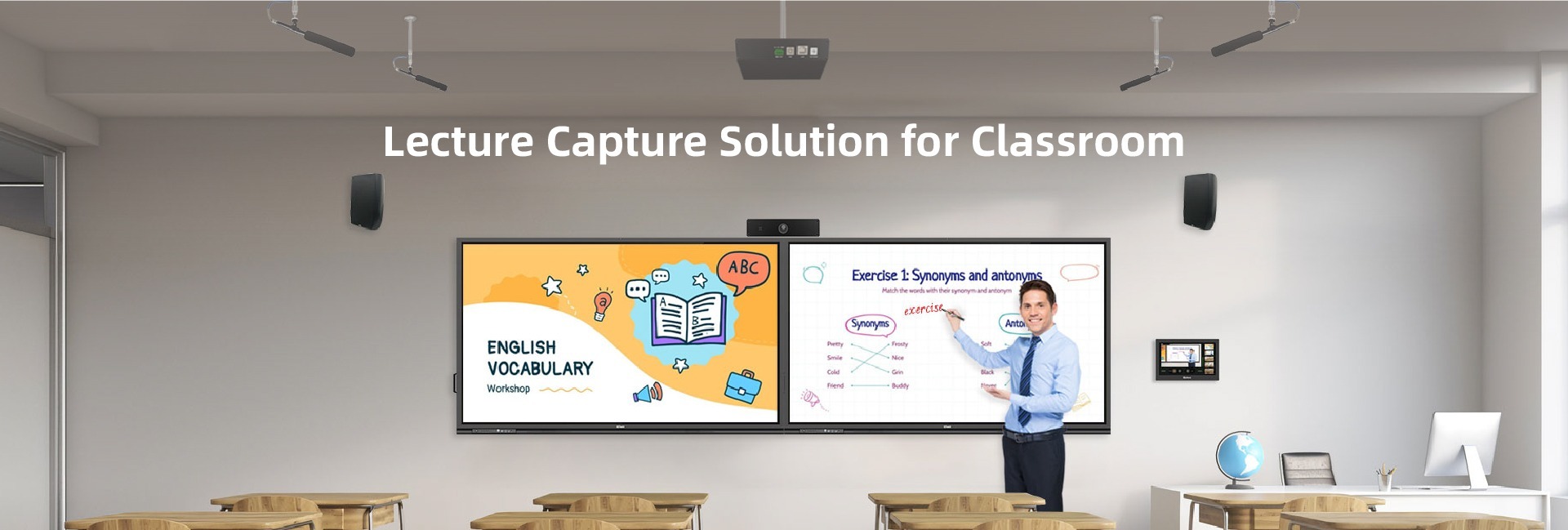
Interactive displays, lecture capture, networked podiums and central control can be planned as one AV system to reduce compatibility risk.
Procurement teams can review Ruyden’s audited records before placing an order. These documents support supplier onboarding, tender evaluation and risk assessment.
Smart podiums are installed in high-use rooms and must survive transportation, daily operation and varied climates. Ruyden’s in-house lab supports reliability checks across mechanical, electrical and environmental requirements.
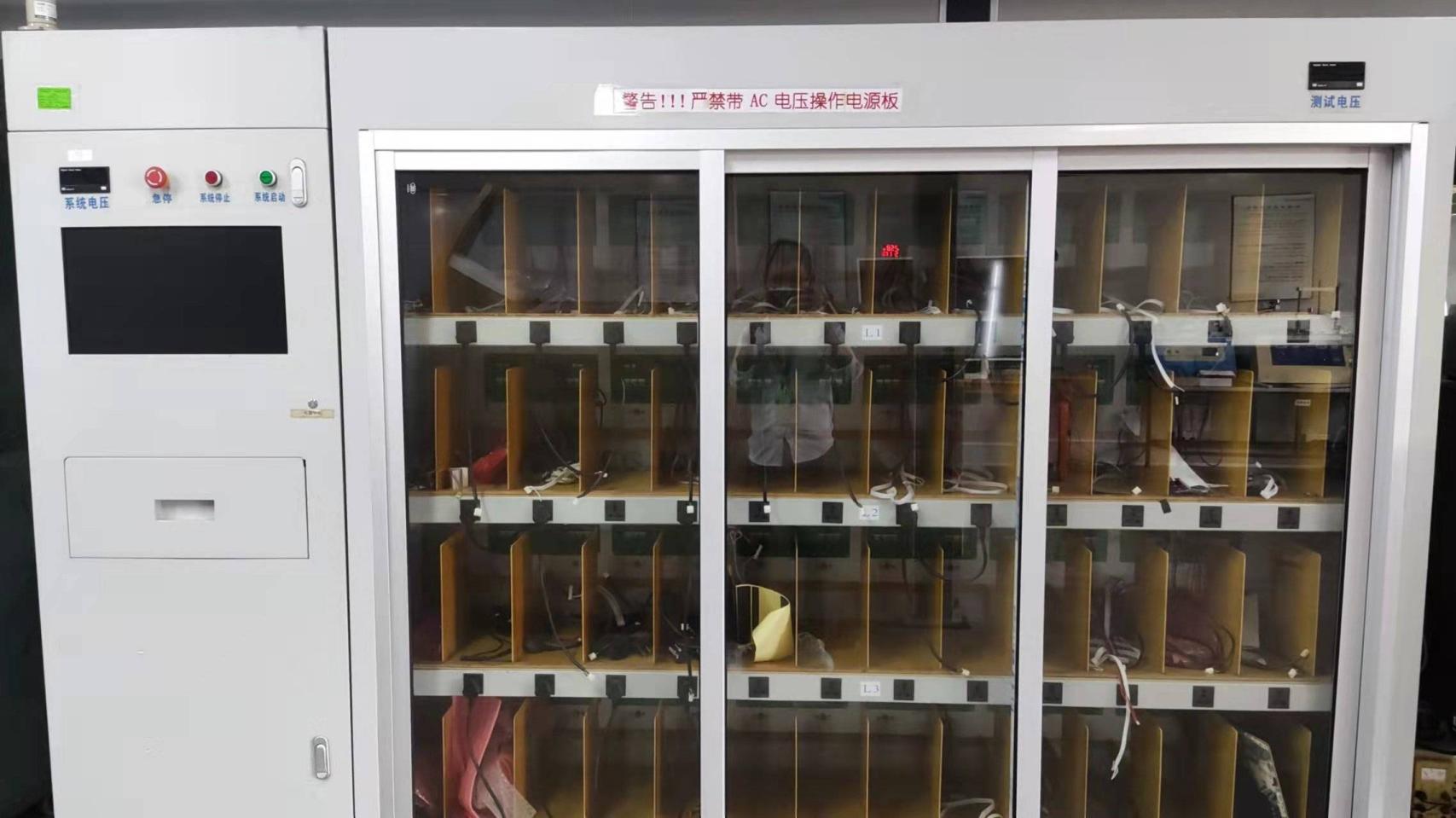
Power boards are checked for stable output before assembly.
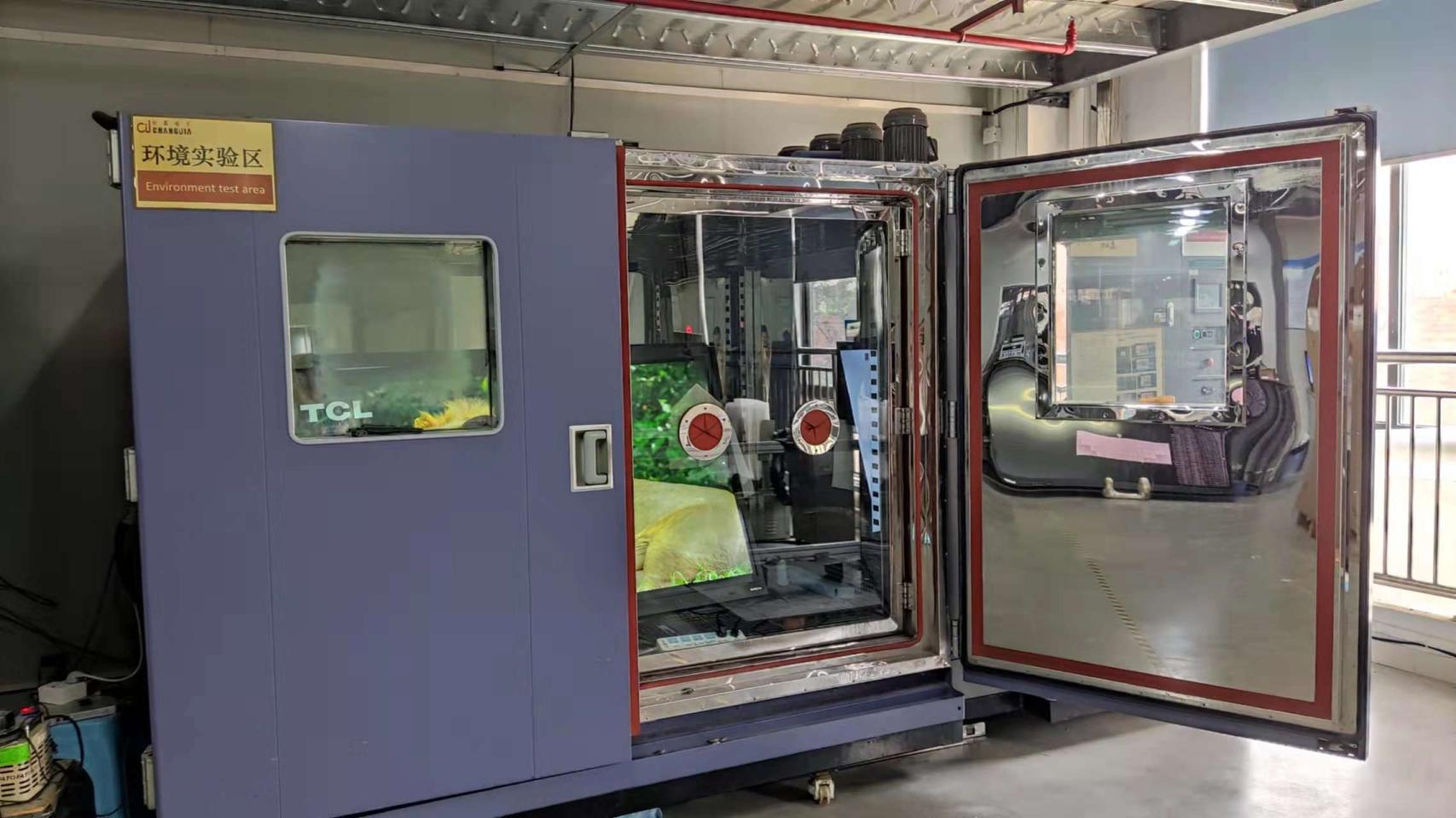
Validates operation across hot and cold export markets.
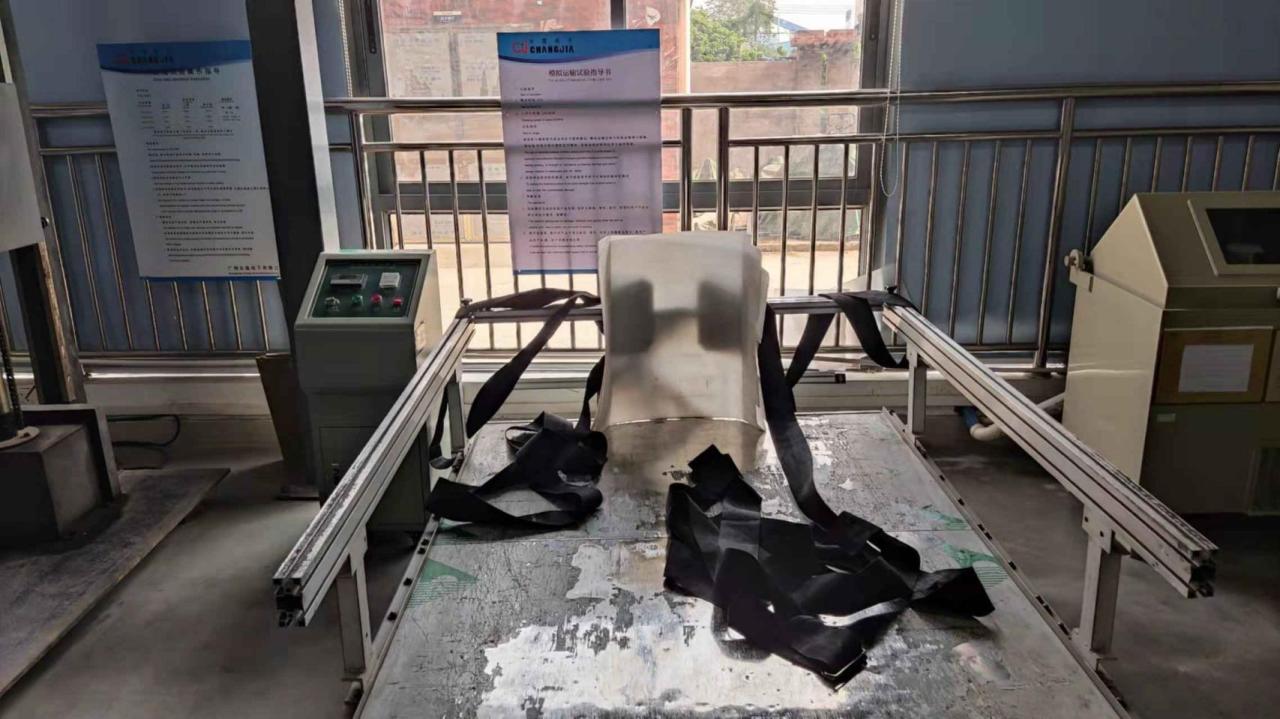
Reproduces long-haul vibration to reduce arrival damage.
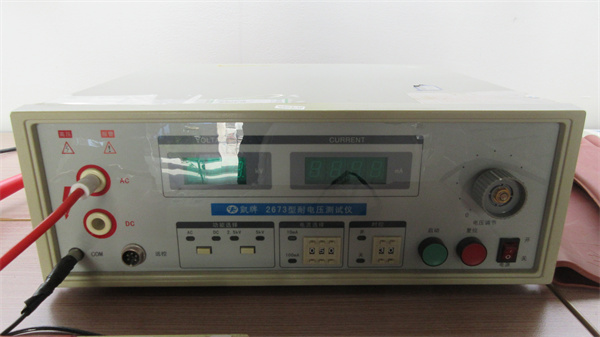
Hi-pot testing supports electrical safety verification.
The figures below are supported by independent third-party inspection or verified platform records.
Confirmed by the latest independent inspection report.
Long-term membership as a paid global supplier.
Engineering, production, QC and export service professionals.
Average score from verified buyer reviews and transactions.
A smart podium with an LCD touch screen is a digital lectern that combines a presenter workstation, AV switching, room control, network access and optional teaching software. The touch screen lets the speaker control displays, projectors, audio, lighting, lecture capture and presentation sources from one interface.
A 15.6 to 18.5 inch screen is common for compact and portable podiums. A 21.5 inch screen suits standard classrooms and training rooms. For large lecture halls and control-intensive rooms, 23.8 to 27 inch or dual-screen configurations provide better preview and control visibility.
Yes, when specified correctly. Ruyden smart podiums can be configured with HDMI, USB, RS-232, IR, relay, GPIO and network interfaces to control interactive flat panels, projectors, AV switchers, lighting, curtains and door access according to the project control plan.
Project-specific configurations can integrate lecture capture, cameras, wireless presentation, USB-C and HDMI inputs. Buyers should define recording destinations, video standards, network policy and guest presentation workflow during technical review.
The control platform should match the campus IT and AV standards. Some projects prefer a Windows-based controller, while others use an Android or appliance-based control processor. The important points are security updates, remote management, backup and recovery, and compatibility with the required control protocols.
Most export projects require 100–240 V AC input, reliable grounding and surge protection. The podium should include internal power distribution, thermal management and lockable cable access. Final electrical design must be confirmed by the project engineer and local code requirements.
Common interfaces include HDMI, USB-C, USB-A, RJ45 network, audio input and output, RS-232, IR, relay and GPIO. For lecture capture or hybrid learning, additional USB or network camera connections may be needed. The interface panel should be planned with the integrator to avoid adapters and clutter.
Yes. Ruyden supports design-based customization verified by independent third-party inspection. Typical options include logo, boot screen, housing color, LCD interface, packaging, I/O layout, pre-installed software and hardware configuration.
Ruyden controls SMT, PCB, assembly and testing in-house. The in-house lab includes high and low temperature, drop, simulated transportation, salt spray, button life, insertion force, static, earth continuity and withstand voltage testing. Final inspection is performed before export packing.
Yes. Ruyden Interactive Technology Group Co., Ltd. has been onsite-verified by SGS Group. The supplier assessment report, credit overview, trade capacity, transaction level and trade history are publicly available for buyer review.
Send room types, viewer distance, quantity, control requirements, target market, certification needs and branding requirements to info@ruydentech.com. Ruyden can then propose a smart podium configuration, sample plan and quotation for review.
Share your room sizes, LCD touch screen preference, control requirements, target market and branding needs. Our team will review the project and recommend a practical smart podium configuration with supporting documentation for your tender or distributor evaluation.
Email: info@ruydentech.com