90 Inch Interactive Whiteboard for Lecture Hall: The Complete Buyer's Guide
A 90 inch interactive whiteboard for lecture hall projects is no longer a simple display purchase. It is a visibility, hybrid-learning, lecture-capture and campus-standardization decision. For global distributors, system integrators, university procurement teams and education tender buyers, the right 90 inch platform must serve a large audience, support BYOD teaching and integrate with recorders, podiums and central AV control without creating a maintenance burden.
Ruyden Interactive Technology Group Co., Ltd. engineers interactive flat panels and complete lecture hall solutions from 55 to 100 inches, including the 90 inch class that sits between a standard classroom board and a very large auditorium display. This guide explains how to specify the product, what procurement teams are likely to require in the coming years, which product development trends matter, and how to verify a supplier before you place an order.
Large-format 4K visibility for medium lecture halls, seminar rooms and training auditoriums
Hybrid-ready design with wireless casting, lecture capture, camera, microphone and podium integration
SGS onsite-verified manufacturer with 19 years in industry and verified OEM / ODM customization
Recommended 90 Inch Interactive Whiteboard Configurations for Lecture Halls
Use the following configurations as a starting point for tender documents, distributor catalogs and campus upgrade plans. Final specifications should always be confirmed with engineering against room size, sightlines, software requirements and local compliance needs.
Standard 90-Inch 4K Teaching Display
An ideal general-purpose 90 inch interactive whiteboard for lecture hall use, with 4K UHD resolution, anti-glare glass, multi-point touch, palm rejection, OPS expansion and wireless casting for daily teaching. It replaces projector and chalkboard combinations while keeping installation and maintenance straightforward.
4K UHD
Multi-touch
Anti-glare
OPS ready
90-Inch Hybrid Lecture Capture Whiteboard
For universities and training centers with distance-learning programs, this configuration adds lecture capture, a wide-angle or 360° camera, microphone and recording software. It lets instructors teach a live room while streaming or recording for remote students, without adding a separate projector-based capture station.
Lecture capture
Live broadcast
Camera & mic
Hybrid learning
90-Inch Auditorium AV Integration Solution
For larger procurement programs, combine the 90 inch display with a networked digital podium, central control, lighting and door control, and school management software. This creates one operating interface for teachers and one manageable system for campus IT teams, reducing training time and service complexity.
Smart podium
Central control
School management
Campus scale
90 inch interactive whiteboard for lecture hall specification guide
Buyer Requirement
Recommended Specification
Why It Matters
Room type
Medium lecture hall, seminar room, training auditorium
A 90 inch display provides strong visibility without the structural and cost burden of a very large video wall.
Viewing distance
Up to approximately 7 m when mounted at the correct height
Rear-row readability depends on screen size, brightness, anti-glare treatment and sightline planning.
Resolution
4K UHD
Keeps text, formulas, diagrams and small annotations clear for audience viewing.
Touch & writing
Multi-point touch, pen and finger input, palm rejection
Supports natural teaching, annotation and collaborative problem solving.
Accommodates laptops, document cameras, BYOD devices and room PCs.
Hybrid capability
Lecture capture, camera, microphone, live broadcast
Future-proofs the room for distance learning, recording and campus events.
Control
Networked digital podium, central AV, light and door control
Simplifies daily operation and enables centralized campus management.
Quality assurance
Sample approval, reliability test report and final inspection
Reduces shipment risk and supports tender compliance.
Specifications are customizable for target markets, language, branding, software pre-installation and certification requirements. Ruyden engineers can review room plans and recommend the correct size, mounting and integration package.
Procurement Outlook
90 Inch Interactive Whiteboard Procurement Trends for Global Buyers
Purchasing teams are becoming more sophisticated. They are no longer comparing only screen size and unit price; they are evaluating lifecycle value, supplier verification, integration risk and hybrid-learning readiness.
1. Room-led specification is replacing generic size selection
Education buyers increasingly specify displays by room type, sightline, mounting height and audience capacity rather than ordering the same size for every classroom. A 90 inch interactive whiteboard for lecture hall use is often selected for medium lecture halls, seminar rooms and training auditoriums because it creates a strong visual focus without the cost and installation complexity of a larger auditorium display or projection wall.
2. Verified suppliers and transparent documentation are becoming mandatory
Public institutions, universities and large distributors must justify supplier selection. They ask for third-party verification, company records, testing evidence and clear after-sales terms. For this reason, an SGS onsite-verified manufacturer with public credit, trade capacity and transaction records has an advantage over suppliers who cannot document their capabilities.
3. Hybrid learning is moving from optional to expected
Lecture capture, live broadcast, wireless presentation and video conferencing are becoming standard requirements. Procurement teams increasingly ask whether a 90 inch display can integrate with cameras, microphones, lecture recording systems and networked podiums. The display must be more than a touch screen; it must be the visual center of a hybrid teaching system.
4. Total cost of ownership is receiving more attention than initial price
Buyers are comparing installation cost, training time, spare parts availability, software updates and service response. A reliable 90 inch interactive whiteboard may cost more at the outset than a low-cost alternative, but it can reduce downtime and replacement risk over a multi-year campus rollout. Modular hardware, accessible ports and documented maintenance procedures are key evaluation points.
5. Centralized management and interoperability are shaping tender requirements
Campus IT teams want one view of all classroom displays, podiums, cameras and AV devices. They prefer open connectivity, standard protocols and management software that can be updated remotely. When a lecture hall system integrates displays, lecture capture, wireless presentation and central control, procurement becomes more efficient and long-term support becomes more predictable.
6. Pilot samples and factory acceptance checks reduce risk
Professional buyers rarely order a large quantity without a sample or pilot. They test touch performance, writing latency, brightness, anti-glare behavior, connectivity, software stability and packing quality. They may also review the factory and reliability test process. Ruyden supports pre-production sample approval and can provide relevant inspection documents for tender files.
Define the room size, audience size and maximum viewing distance before choosing the 90 inch configuration.
Require third-party verification, factory audit records and reliability test evidence from the manufacturer.
Plan hybrid learning, podium control, camera placement and network connectivity at the tender stage.
Approve a sample and confirm packaging, language, software and after-sales terms before mass production.
Product Development Trends
How 90 Inch Interactive Whiteboards Are Evolving
The next generation of lecture hall displays is being shaped by hybrid teaching, AI-assisted operation, simplified management and stronger on-campus integration.
AI-Assisted Teaching and Capture
Auto-framing cameras, voice pickup, speaker tracking and smart recording features are reducing the effort required to produce hybrid lectures. Future displays will work more intelligently with cameras and audio systems.
4K Wireless and Cloud Management
Wireless casting, 4K content sharing and cloud-based device management are becoming standard. Campus IT teams want to update software, monitor status and troubleshoot rooms remotely.
Anti-Glare, Eye Comfort and Readability
Large lecture hall displays must remain readable under different lighting conditions. Anti-glare glass, brightness control and low-blue-light options help improve comfort for students and teachers.
Modularity and Serviceability
Buyers prefer displays that are easy to install, maintain and update. Modular OPS slots, accessible ports, replaceable components and clear service procedures extend product life and reduce downtime.
Ruyden designs its interactive flat panels around these trends. The product family supports sizes from 55 to 100 inches, integrated lecture capture, networked digital podiums, 4K wireless presentation and smart classroom AV integration. For buyers planning a multi-year campus upgrade, this means one supplier can support display, capture, control and software integration across different room sizes.
Factory and Enterprise Advantages
Why Ruyden Interactive Technology Group Co., Ltd. Is a Lower-Risk Partner
For a 90 inch interactive whiteboard for lecture hall projects, supplier capability matters as much as product specifications. Ruyden combines in-house manufacturing, verified customization and documented quality control to reduce sourcing risk.
Ruyden Interactive Technology Group Co., Ltd. is an SGS onsite-verified manufacturer with 19 years in industry, 21 years of verified B2B trading, 82 verified staff and a 5.0 / 5 buyer rating from verified transactions. Design-based customization has been verified by an independent third-party inspection. The company has more than ten years of export experience and supports buyers across education, government, corporate training and system integration markets.
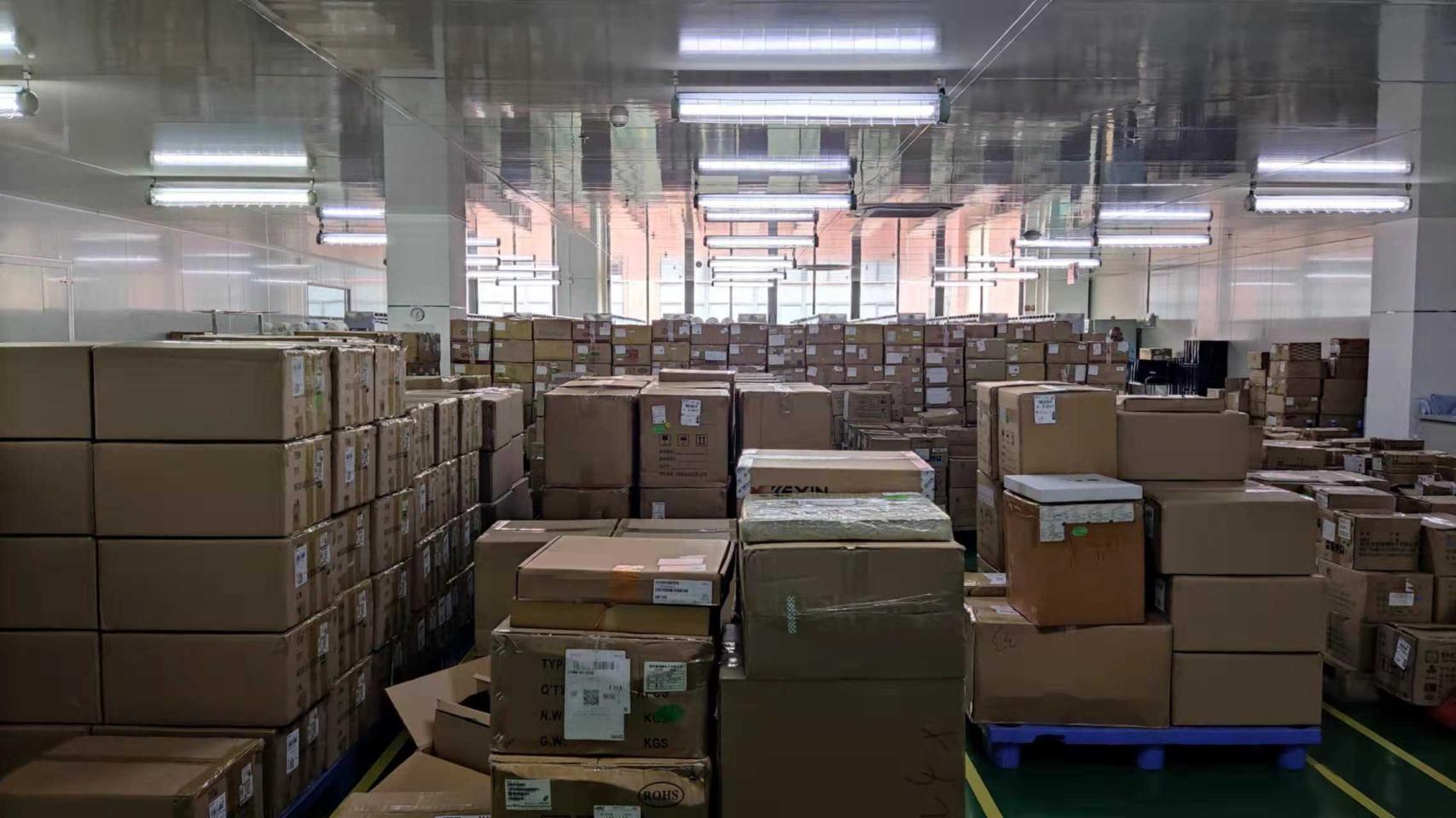
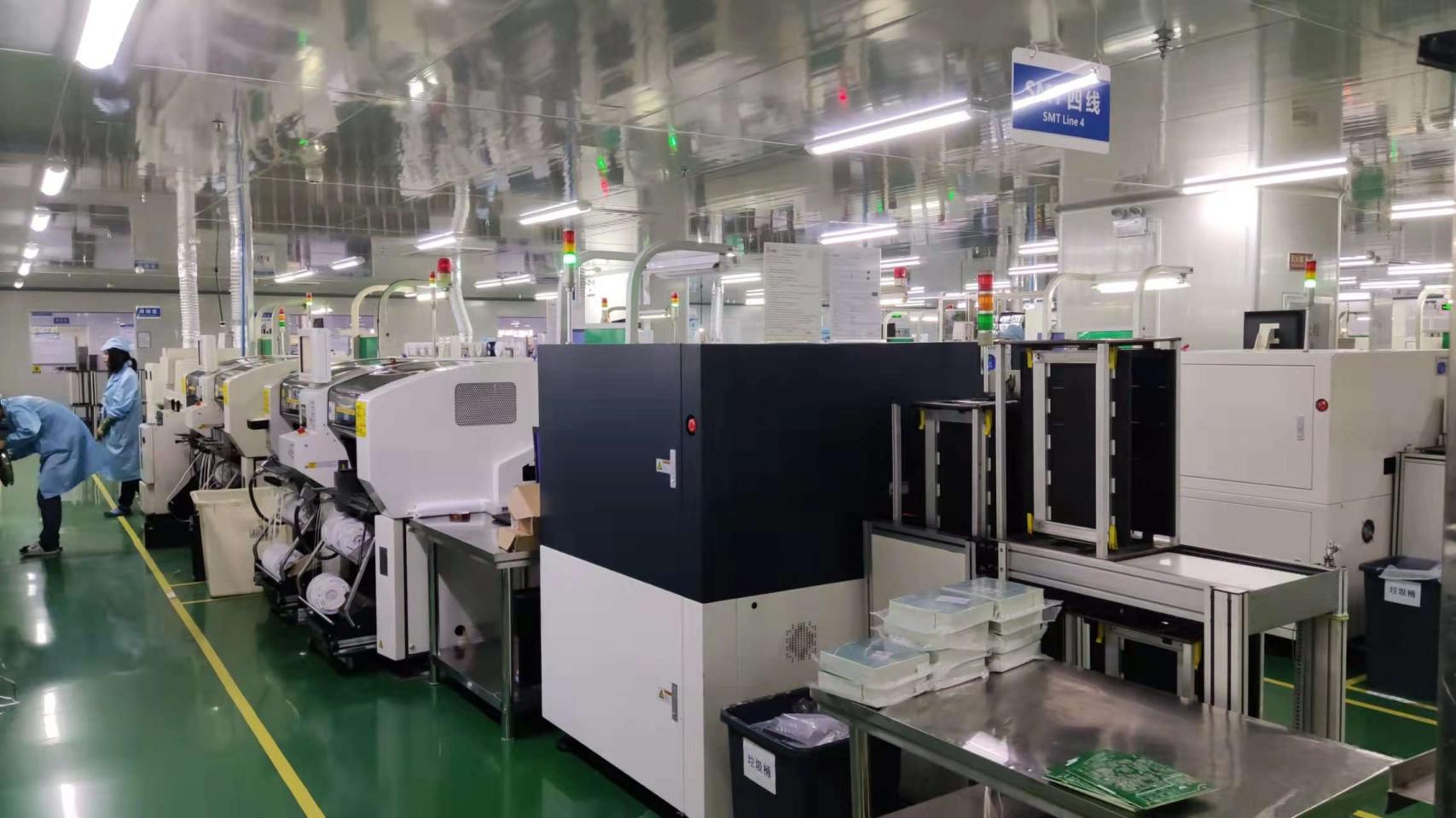
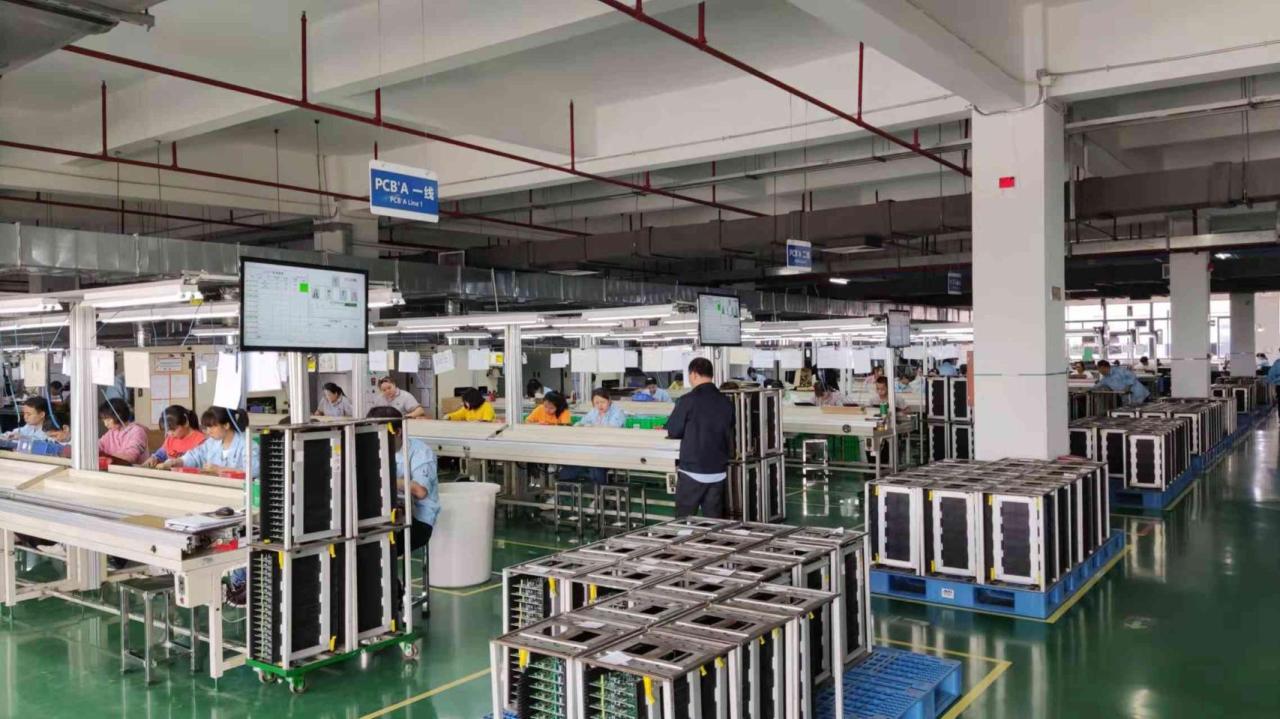
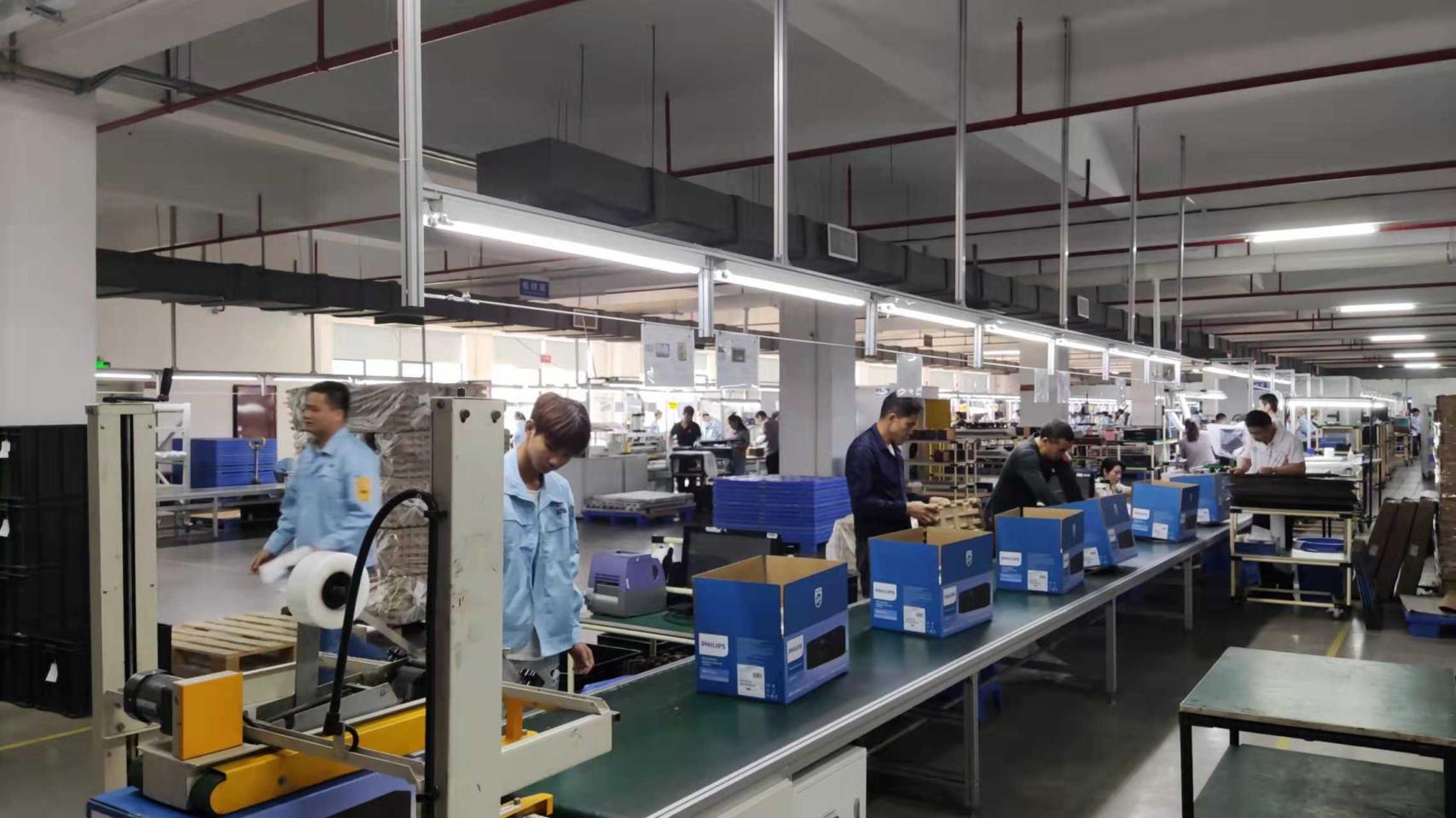
Manufacturing is controlled in-house through SMT, AI auto-insertion, PCB, assembly, storage and packaging processes. This allows Ruyden to protect custom designs, respond to engineering changes and maintain consistency across repeat orders. For tender buyers, this level of control makes it easier to document production capability and reduce dependence on multiple subcontractors.
Raw Materials
Incoming components are checked and logged before production.
SMT Process
High-precision surface-mount placement for main and touch boards.
PCB
In-house PCB processing and functional pre-testing.
Assembly
Panel, frame and electronics assembled by trained operators.
Quality control is supported by an in-house reliability test lab. Depending on the project and test plan, products can be validated with high and low temperature testing, drop testing, simulated transportation testing, salt spray testing, button life testing, insertion force testing, static testing, earth continuity testing and withstand voltage testing. Power board inspection and final functional checks further reduce shipment risk. These processes are especially important for 90 inch lecture hall displays that must operate reliably in daily, high-usage environments.
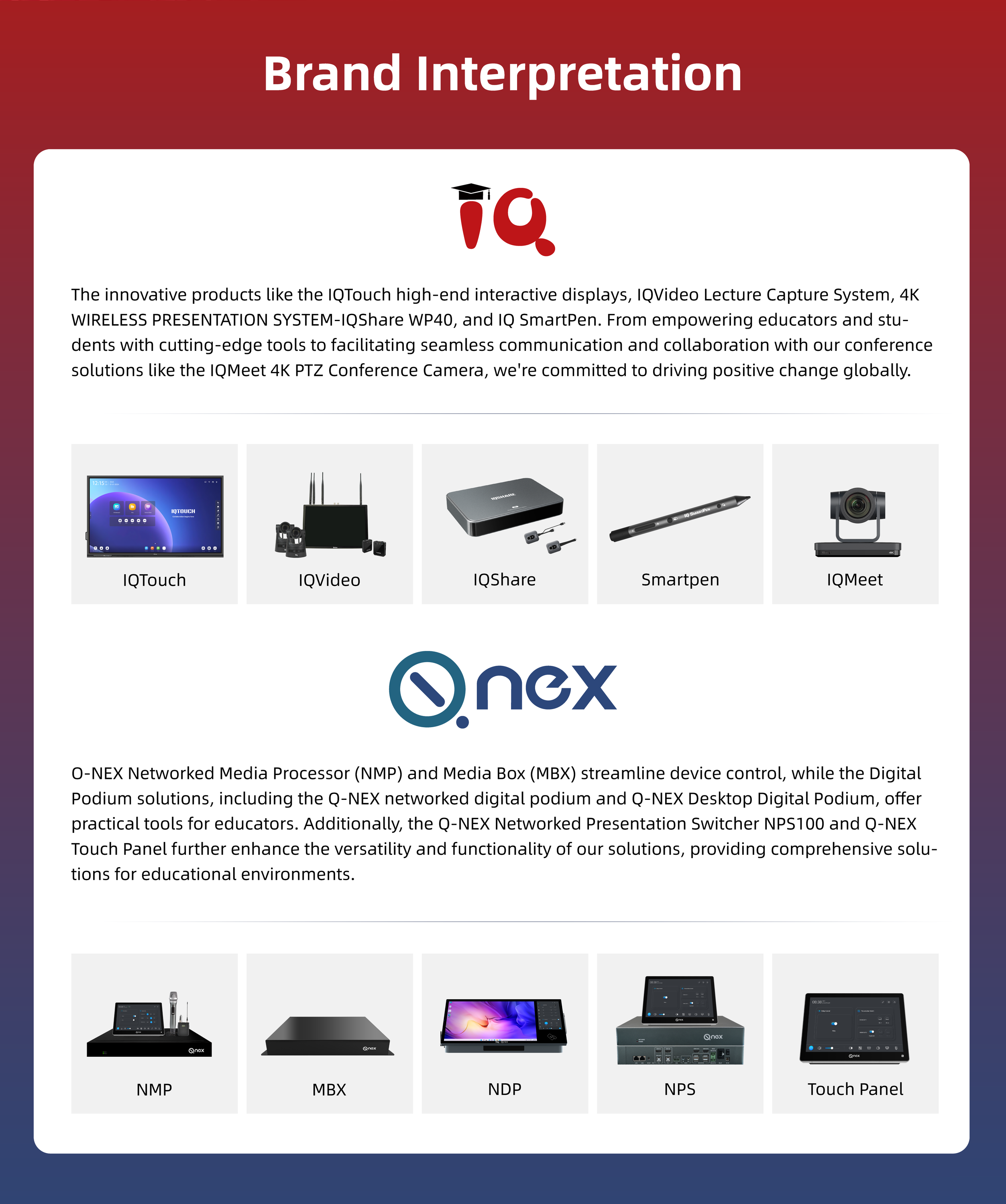
Ruyden also provides a broader smart classroom ecosystem: interactive flat panels, interactive whiteboards, lecture capture systems, 360° conference cameras, networked digital podiums, portable podiums, 4K wireless presentation systems, webcams, stylus pens, centralized AV control and school management software. Buyers can source a single display category or plan a complete campus rollout with fewer compatibility concerns.
Verify Ruyden Before You Commit
Transparent records help procurement teams prepare supplier files and reduce risk. Review the following public information before placing a sample or volume order.
Questions Global Buyers Ask About 90 Inch Lecture Hall Interactive Whiteboards
These are the questions procurement teams, distributors and integrators ask most often when planning a lecture hall display purchase.
Is a 90 inch interactive whiteboard suitable for a lecture hall?
Yes. A 90 inch interactive whiteboard for lecture hall use is a practical choice for medium lecture halls, seminar rooms and training auditoriums. It offers strong visibility for rows up to approximately seven meters away when the display is mounted at the correct height and the room has controlled lighting. Very deep auditoriums may require a 100 inch display, additional screens or projection.
What is the ideal room size and viewing distance for a 90 inch display?
For a 16:9 90 inch display, plan the primary viewing distance around the screen height and room sightlines. As a general guideline, the rear seating position should remain within about seven meters for detailed text and annotation. Always consider ceiling height, platform position, lighting, obstructions and the content type. Ruyden can review room plans and recommend mounting and size options.
What should buyers specify for hybrid lecture capture?
Specify the display size and resolution, camera placement, microphone coverage, lecture capture software, live broadcast requirements, network bandwidth and podium control. If the room will be used for distance learning, confirm how the camera tracks the instructor, how content is recorded and how remote students see annotations and presentations. Ruyden can combine the 90 inch display with cameras, podiums and wireless presentation for a complete solution.
How can I verify product quality before placing an order?
Request a pre-production sample, review reliability test reports and confirm final inspection procedures. Ruyden uses in-house testing such as high and low temperature, drop, simulated transportation, salt spray, button life, insertion force, static, earth continuity and withstand voltage testing. Buyers can also review the SGS assessment report, credit overview, trade capacity and transaction records before ordering.
Do you support OEM and ODM customization for 90 inch displays?
Yes. Design-based customization has been verified by an independent third-party inspection. Common customization options include logo and boot screen, housing color, packaging, language settings, pre-installed software, accessories and hardware configuration. This is useful for distributors, tender projects and brands that need market-specific presentation.
What are the most common procurement mistakes for lecture hall displays?
Common mistakes include choosing a display size without checking sightlines, ignoring anti-glare requirements, planning hybrid learning too late, selecting a supplier without verified documentation and failing to approve a sample before mass production. Procurement teams should also confirm installation responsibility, warranty terms, spare parts availability, software update policy and after-sales support in the contract.
How do I request a catalog or project quotation?
Email info@ruydentech.com with your room dimensions, audience size, quantity, target market, certification needs and hybrid-learning requirements. The Ruyden export team can provide a tailored configuration proposal, sample plan and catalog. You can also use the Get Catalog button on this page to start the inquiry process.
Start Your Lecture Hall Project
Specify the Right 90 Inch Interactive Whiteboard for Your Next Lecture Hall
Share your room plans, audience size, target market and hybrid-learning requirements with an engineering team that understands education AV. Ruyden Interactive Technology Group Co., Ltd. can recommend the display, capture system, podium and control package for your project.