75 Inch Interactive Display for Teaching: The Complete Buyer’s Guide for Global Procurement Teams
A 75 inch interactive display for teaching has become the practical standard for primary, secondary, university and corporate training rooms. It provides a large enough canvas for annotation, video and group collaboration without overwhelming the room or stretching the budget beyond what most projects can justify.
This guide is published by Ruyden Interactive Technology Group Co., Ltd., an SGS-verified manufacturer of interactive flat panels, interactive whiteboards, lecture capture systems and networked digital podiums. It is written for procurement officers, distributors and system integrators who need a clear technical, commercial and sourcing view before ordering.
Room-by-room sizing guidance for 65 inch, 75 inch, 85 inch and 100 inch teaching displays
Recommended configurations for standard, hybrid, seminar and training classrooms
Future procurement and product development trends that affect total cost of ownership
Factory verification, quality testing and supplier evaluation criteria
Why 75 Inch Is the Practical Choice for Most Teaching Spaces
Screen size is a room-design decision, not a cosmetic one. The widely used education AV rule is that the furthest viewer should sit no more than six times the screen height from the display. For a 75 inch 16:9 panel, that means a comfortable maximum viewing distance of roughly 5.5 metres.
Recommended display size by teaching room type and viewing distance
Display Size
Best Teaching Space
Approx. Max Viewing Distance
Procurement Note
65"
Small classrooms, tutoring rooms, huddle spaces
≈ 4.5 m
Cost-efficient for 10–18 learners
75"
Standard K-12 classrooms, seminar rooms, corporate training rooms
≈ 5.5 m
Best balance of visibility, wall fit and budget
85" / 86"
Large classrooms, boardrooms, lecture rooms
≈ 6.5 m
Choose when viewing distance or room width increases
100"
Lecture halls, auditoriums, large training centres
≈ 7.5 m
Pair with lecture capture and centralized AV control
For a 75 inch interactive display for teaching, the practical sweet spot is a room with 20–40 learners. Teachers can annotate comfortably, students at the back can still read fine text, and the panel leaves enough wall space for a physical whiteboard or storage.
Product Recommendations
Recommended 75 Inch Interactive Display Configurations for Real Teaching Workflows
Buyers often compare only the panel price. In practice, the panel, mounting, PC module, camera, audio and control accessories determine whether the room is easy to teach in and simple to support.
Teaching Scenario
Recommended 75 Inch Configuration
Why It Works
Standard K-12 classroom
75" 4K multi-touch panel + wall mount + OPS PC + wireless presentation + anti-glare glass
Keeps lesson software local, reduces cable clutter and protects visibility near windows.
Hybrid classroom
75" panel + 4K USB webcam + ceiling or wireless microphone + lecture capture + 4K wireless sharing
Remote students see the teacher, board and shared content without extra software complexity.
University seminar room
75" panel + networked digital podium + 360° capture camera + central AV control
Connects the display to the podium, recording and room automation for a complete teaching system.
Corporate training room
75" panel + mobile stand + 4K wireless presentation + stylus pens + full HD webcam
Flexible room layout, fast hot-desking and simple BYOD collaboration for trainers and visitors.
Procurement pilot room
One 75" panel + OPS PC + mobile stand + webcam + wireless kit
Validates teacher workflow, network compatibility and service support before a campus-wide rollout.
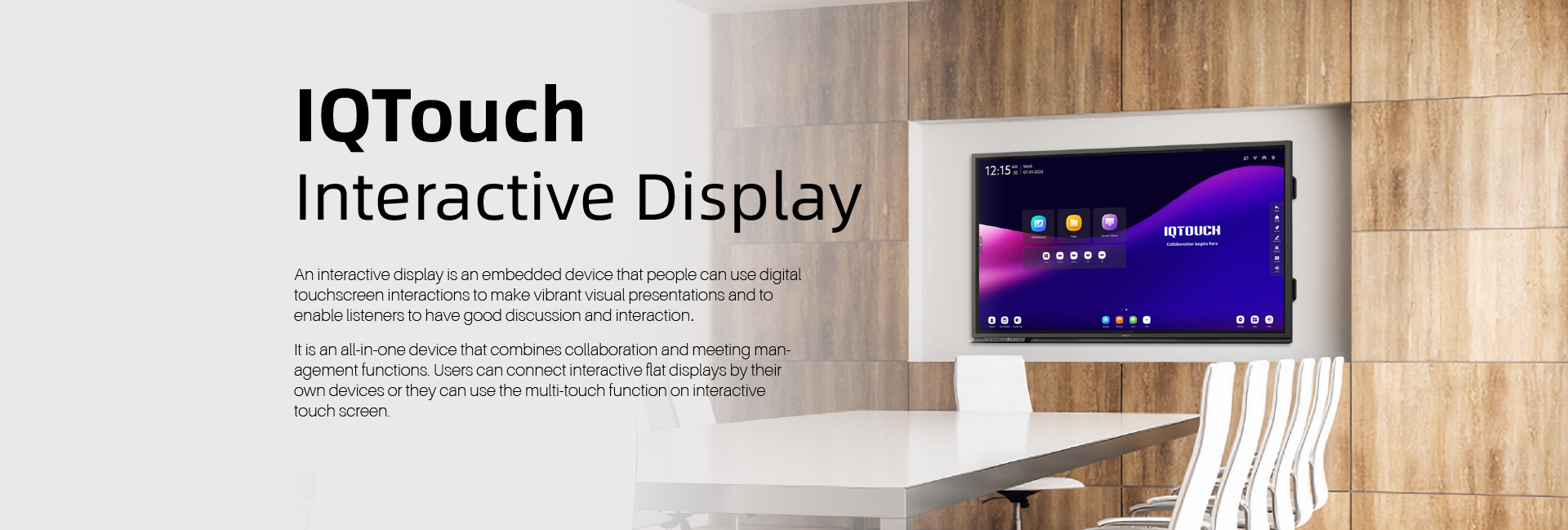
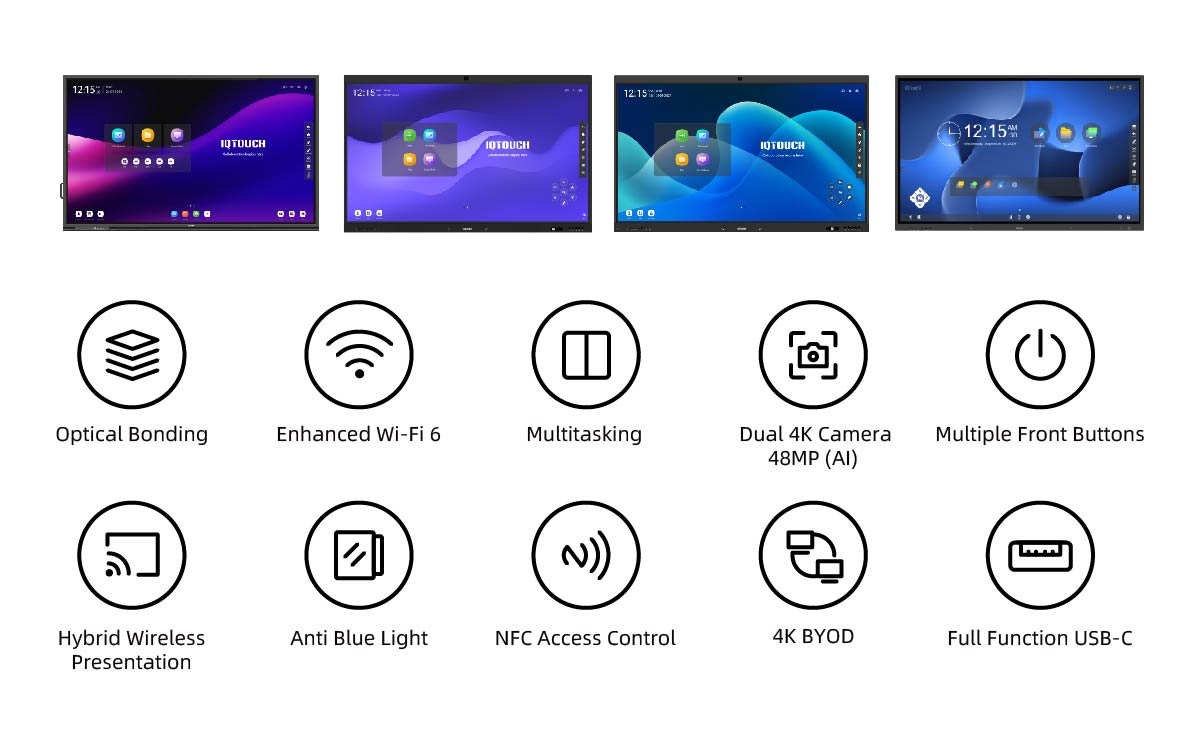
75 Inch Teaching Display Family
Anti-glare, multi-touch and OPS-ready designs that fit standard classroom walls and hybrid teaching workflows.
Ruyden can configure each 75 inch interactive display for teaching with your preferred Android or OPS PC platform, software pre-installation, branding and accessory bundle.
Future Procurement Trends
What Global Buyers Should Plan for When Procuring Teaching Displays
Education procurement is moving from single-product purchasing toward outcome-based, hybrid-ready classroom standards. Buyers who plan for these shifts reduce replacement costs and avoid room-by-room compatibility problems.
Hybrid-First Room Standards
Displays are now specified together with cameras, microphones, capture systems and wireless presentation. A 75 inch panel that supports these add-ons is easier to standardize across classrooms than a display chosen only for screen size.
Total Cost of Ownership
Procurement teams are comparing purchase price with installation, software licensing, service access, spare parts and expected service life. Front-facing ports, modular OPS slots and accessible power boards reduce ongoing support cost.
Local Compliance and Data Privacy
Schools increasingly ask about software data residency, network security and regional compliance. Buyers should confirm which apps are pre-installed, whether cloud services are optional and how updates are managed.
Interoperability With Existing AV
New 75 inch displays must work with legacy projectors, podiums, audio systems and campus control platforms. Standard interfaces such as HDMI, USB, RS-232, OPS and wireless casting help protect existing AV investment.
Product Development Trends
How the Next Generation of Teaching Displays Is Evolving
Interactive display hardware is maturing, so differentiation is shifting toward software integration, classroom manageability, eye comfort and total system reliability.
AI-Assisted Cameras and Audio
Future teaching displays will increasingly integrate with AI cameras that track the teacher, auto-frame the whiteboard and improve remote student engagement. The display becomes the visual hub of the hybrid classroom.
Cloud Management and OTA Updates
Campus IT teams want centralized device status, app deployment and firmware updates. Displays that support remote management reduce site visits and help maintain consistent software versions across hundreds of rooms.
Higher Brightness and Anti-Glare Bonding
Classrooms with large windows need displays that remain readable in daylight. Anti-glare glass, optical bonding and higher brightness improve clarity and reduce teacher eye fatigue during long lessons.
Dual-Pen and Low-Latency Writing
Teachers expect writing that feels immediate. Low-latency touch controllers, palm rejection and dual-pen input allow natural annotation and student collaboration without distracting lag.
Multi-Platform Software and BYOD
One classroom may run Windows, another Android and a third Chrome or iOS devices. Buyers should prioritize displays that support cross-platform casting, browser-based tools and common lesson software.
Deeper Integration With Smart Podiums
As classrooms become integrated systems, the display must communicate with digital podiums, lecture capture, lighting and door control. Open protocols and documented APIs make long-term integration easier.
Manufacturing and Quality
Inside Ruyden Interactive Technology Group Co., Ltd.
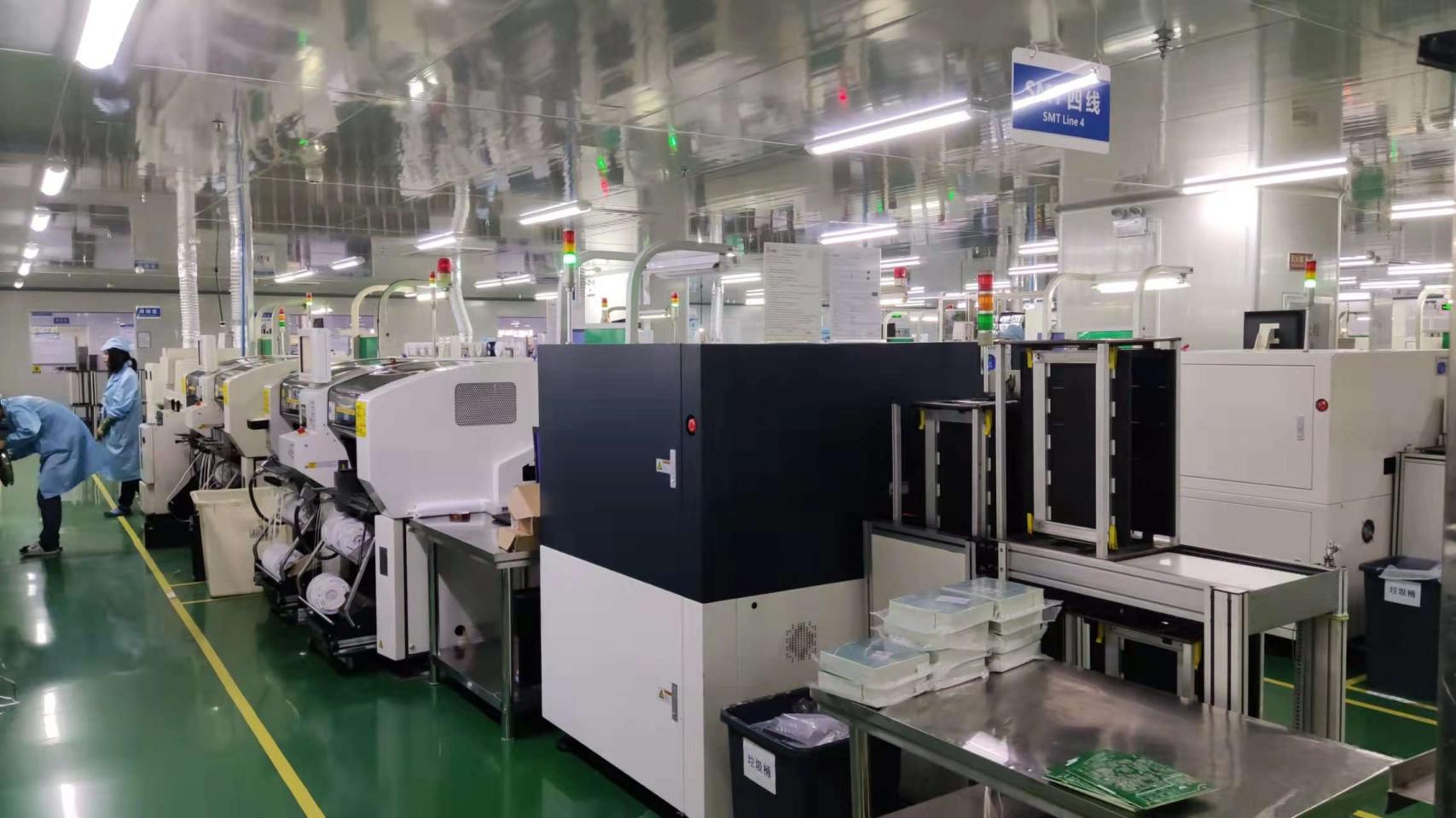
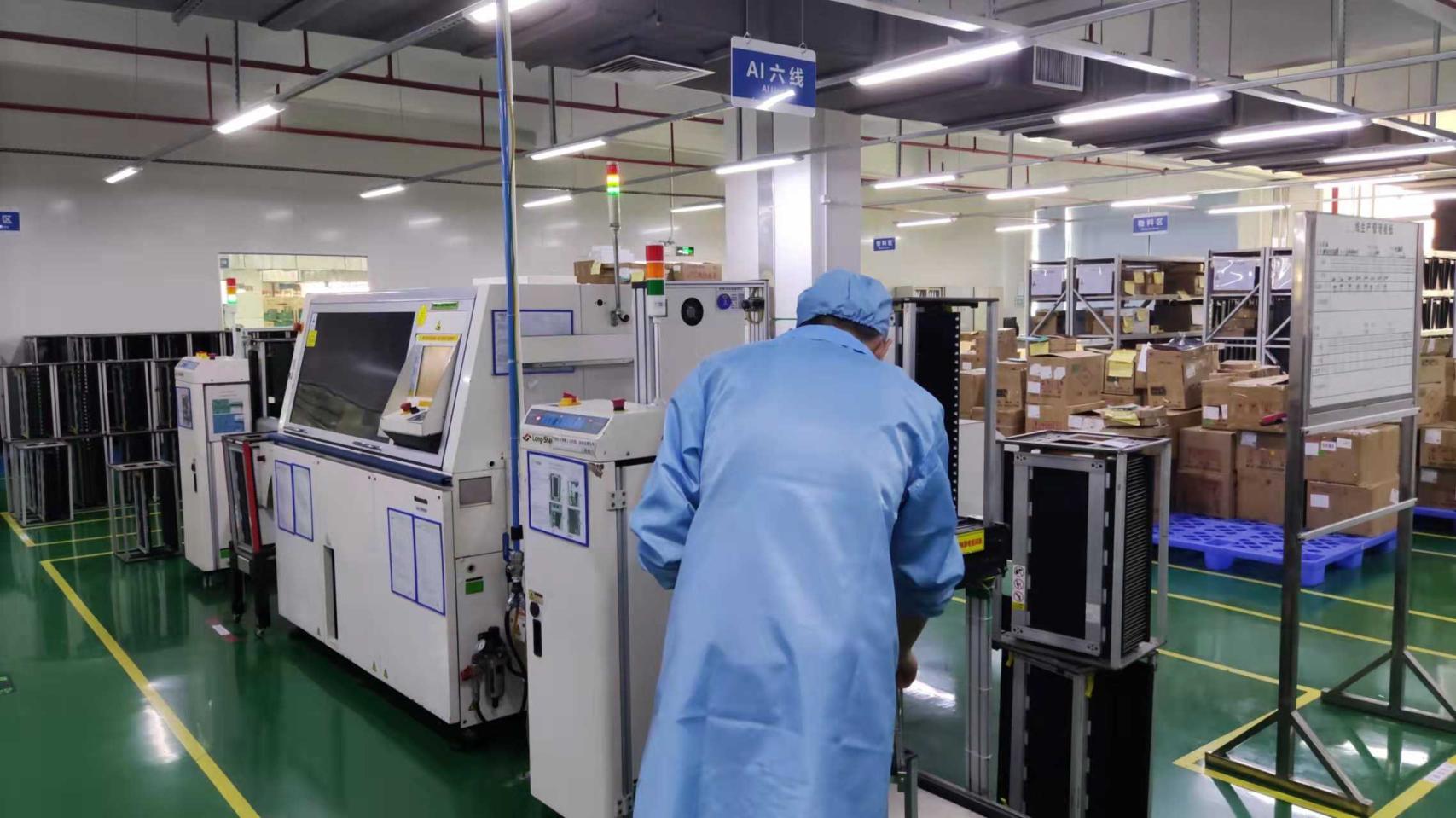
Ruyden controls SMT, PCB processing, assembly and reliability testing under one roof. That vertical control helps protect custom designs, maintain batch consistency and respond quickly to engineering changes for education projects.
Raw Materials
Incoming components are checked and logged before production.
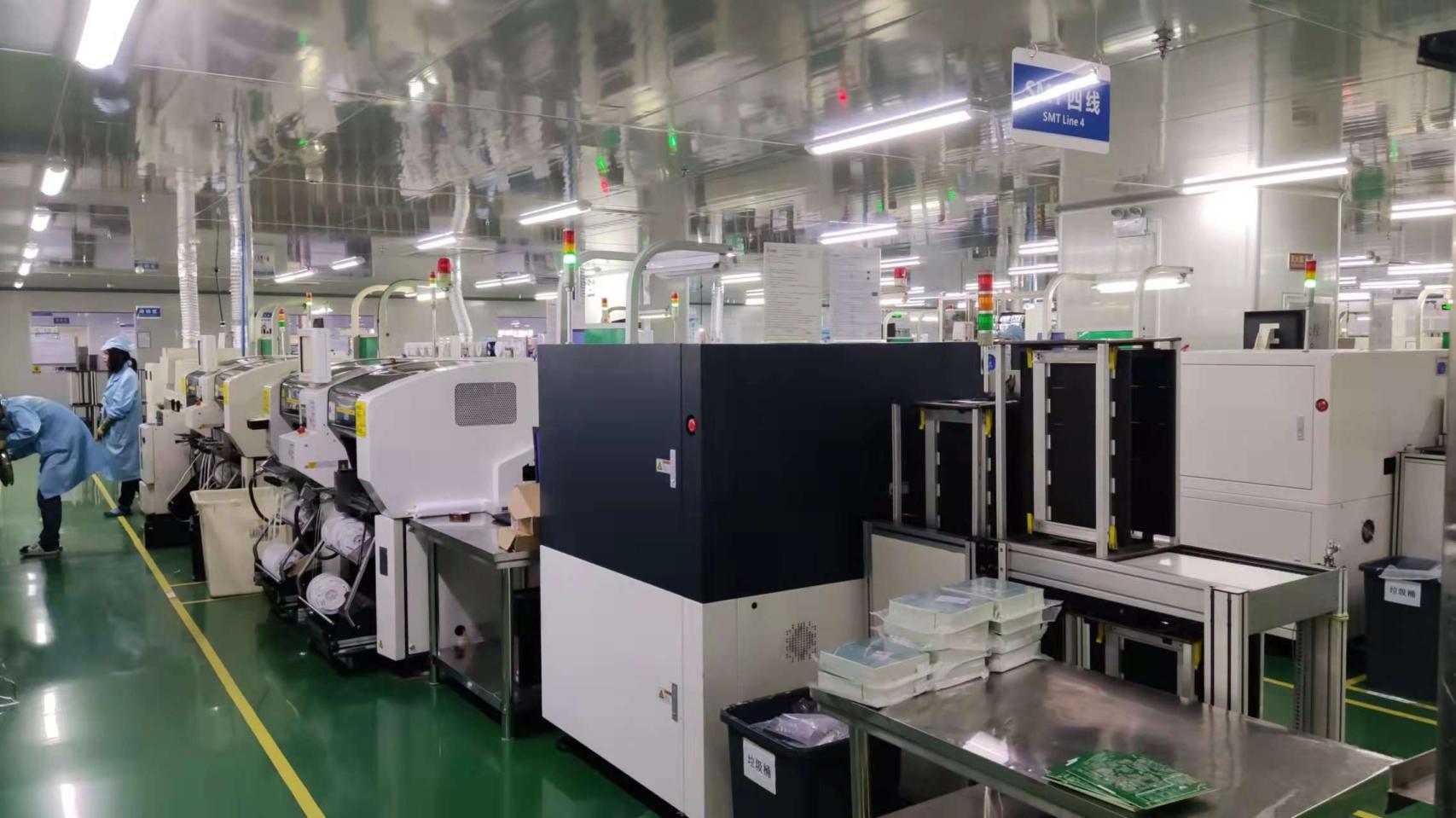
SMT Process
High-precision surface-mount placement for main and touch boards.
AI Auto-Insertion
Automatic through-hole insertion for consistent solder quality.
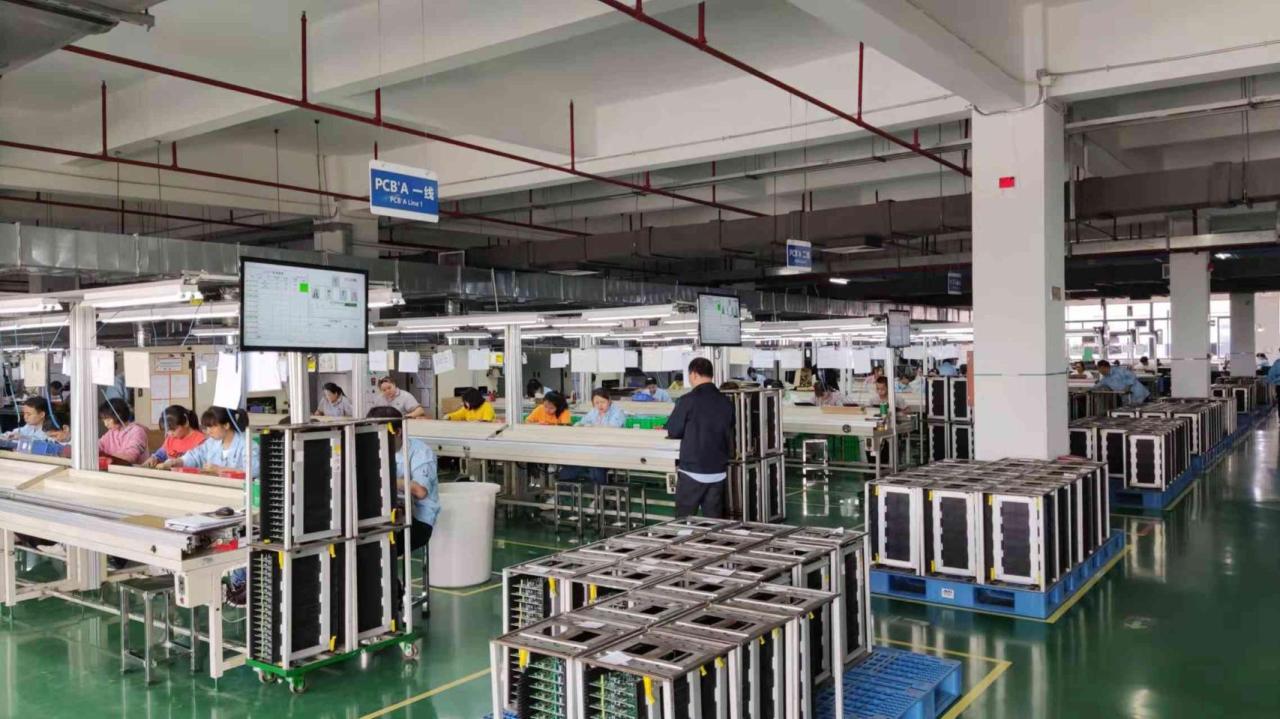
PCB Processing
Printed circuit board processing and functional pre-testing.
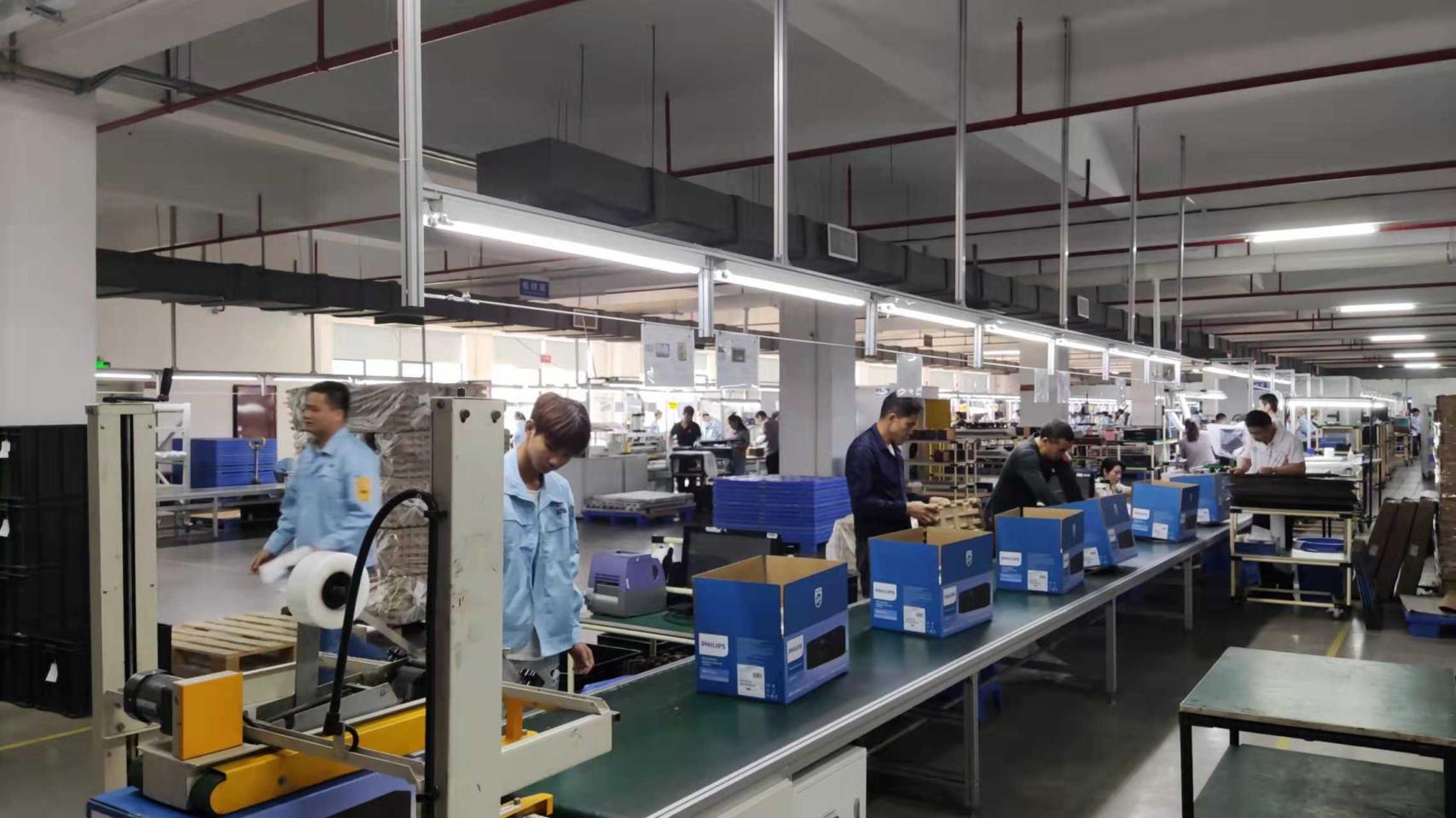
Assembly
Panel, frame and electronics assembled by trained operators.
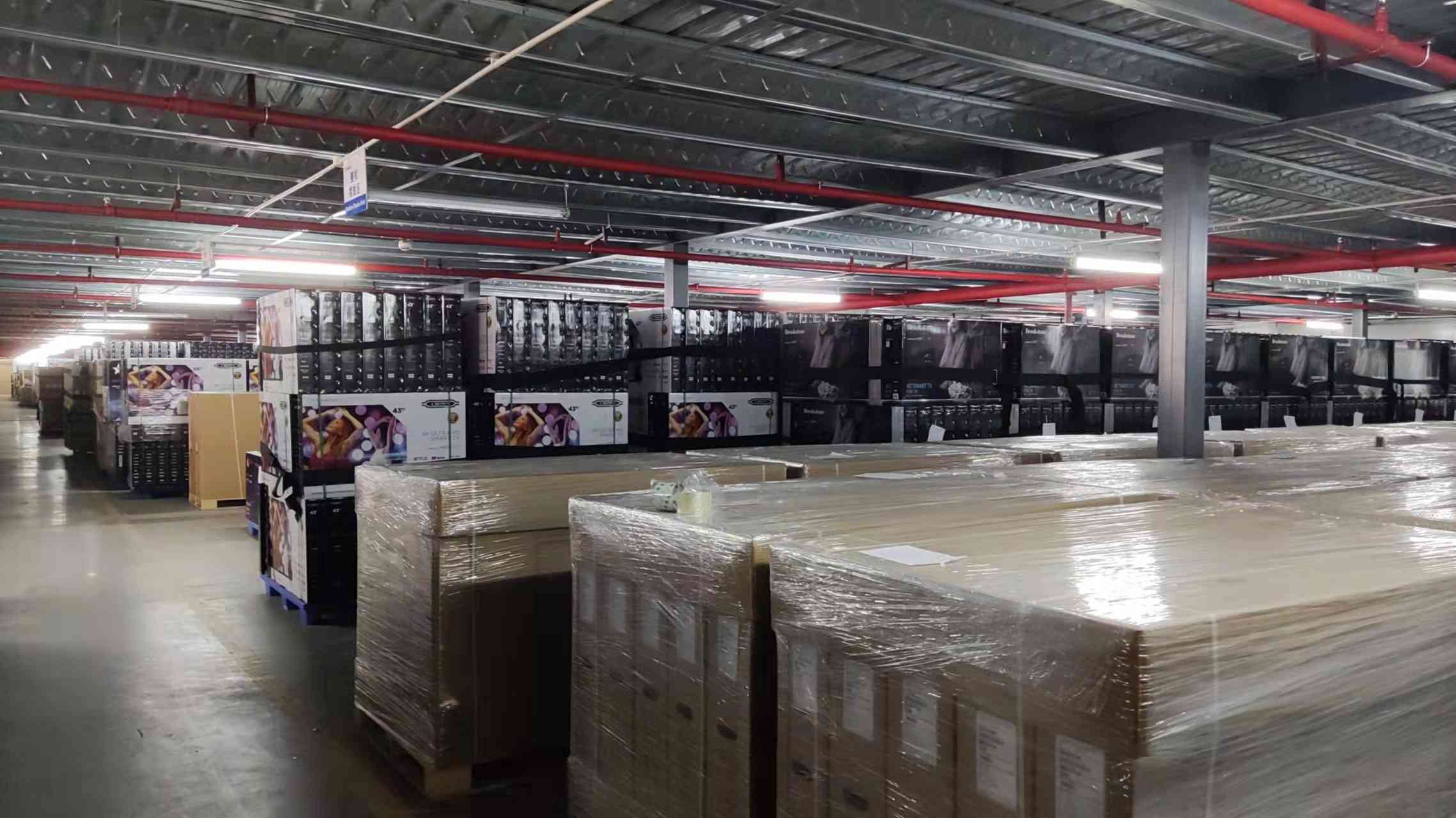
Storage
Organized warehousing for components and finished goods.
Packaging
Automated packing for export-grade protection in transit.
SMT Line
Dedicated SMT line supporting volume orders and fast changeovers.
Reliability Lab: Testing Before Shipment
Every product batch passes through our in-house test lab. These tests help protect buyers in different climates, transport conditions and classroom environments.
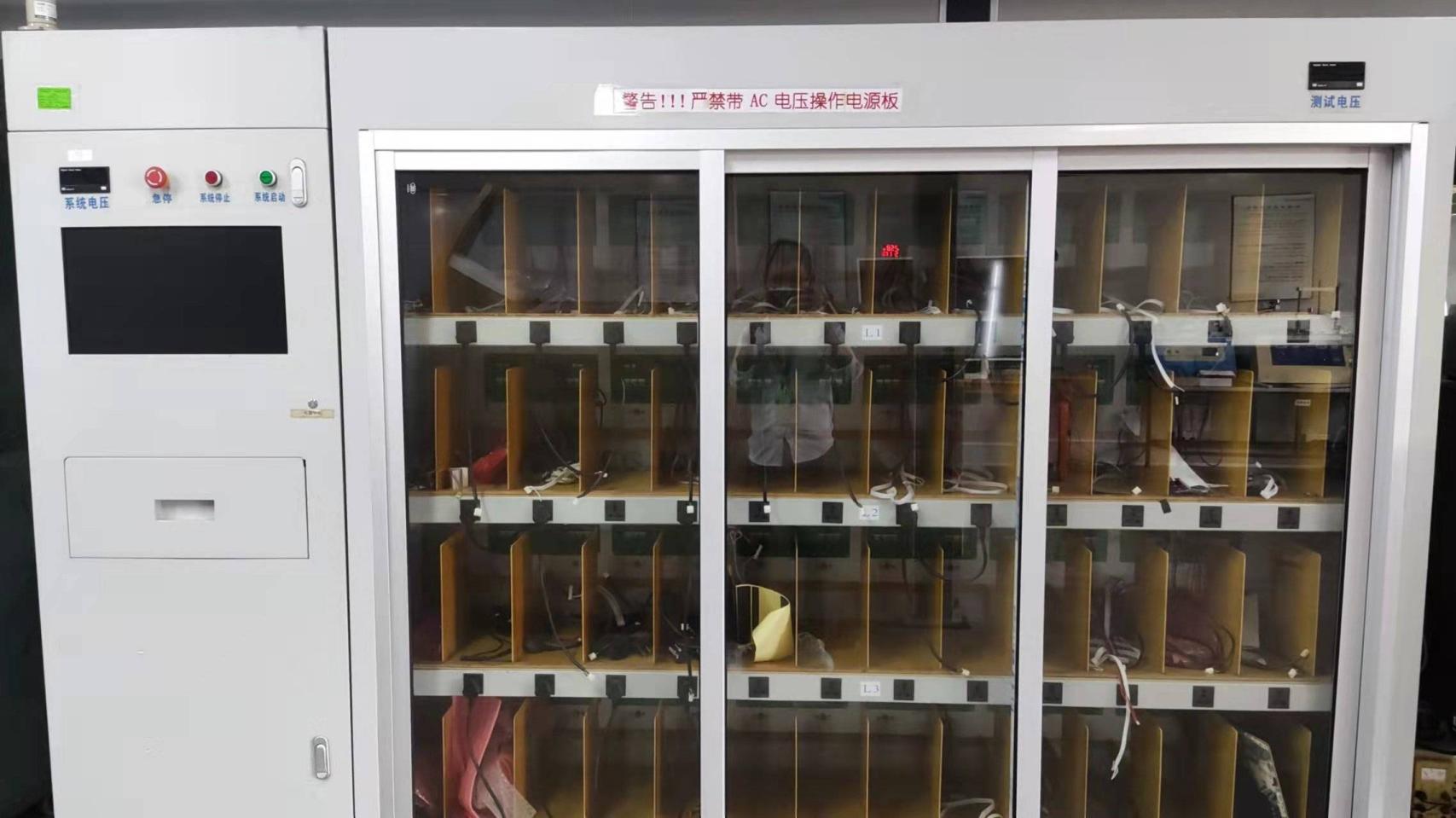
Power Board Inspection
Power boards are verified for stable output before assembly.
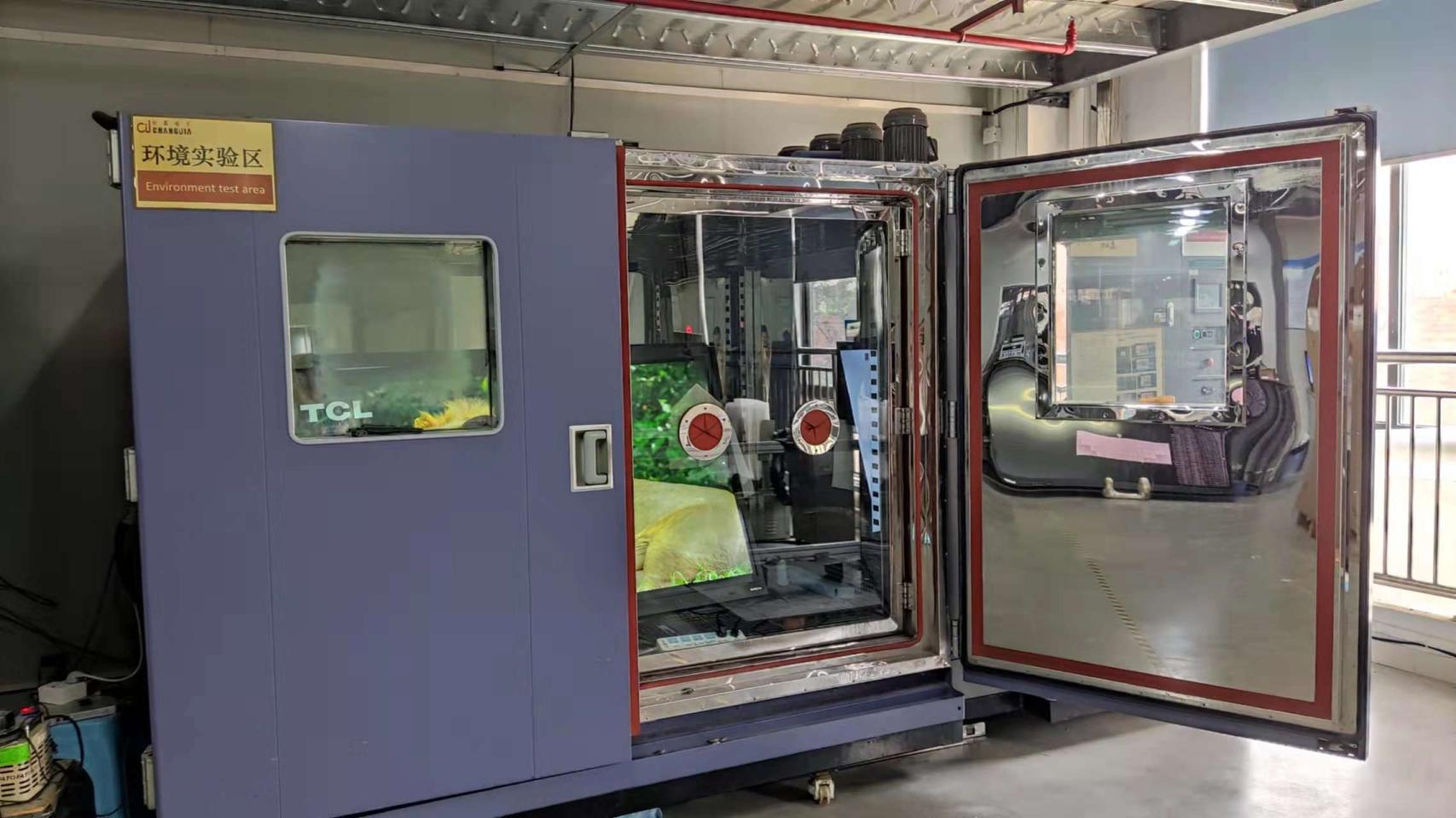
High & Low Temperature Tester
Validates operation across hot and cold climates in export markets.
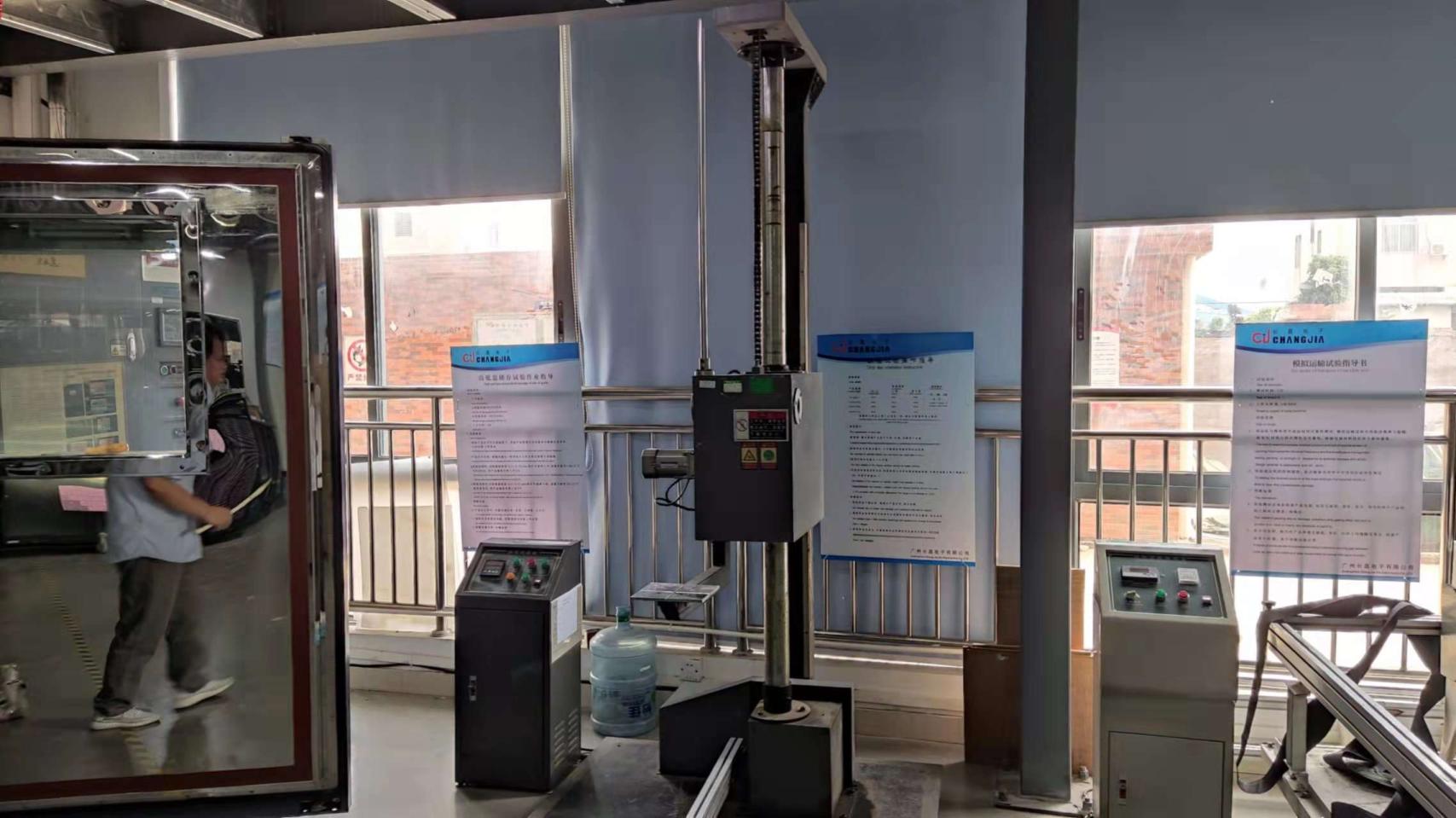
Drop Tester
Confirms packaging protects units against handling impacts.
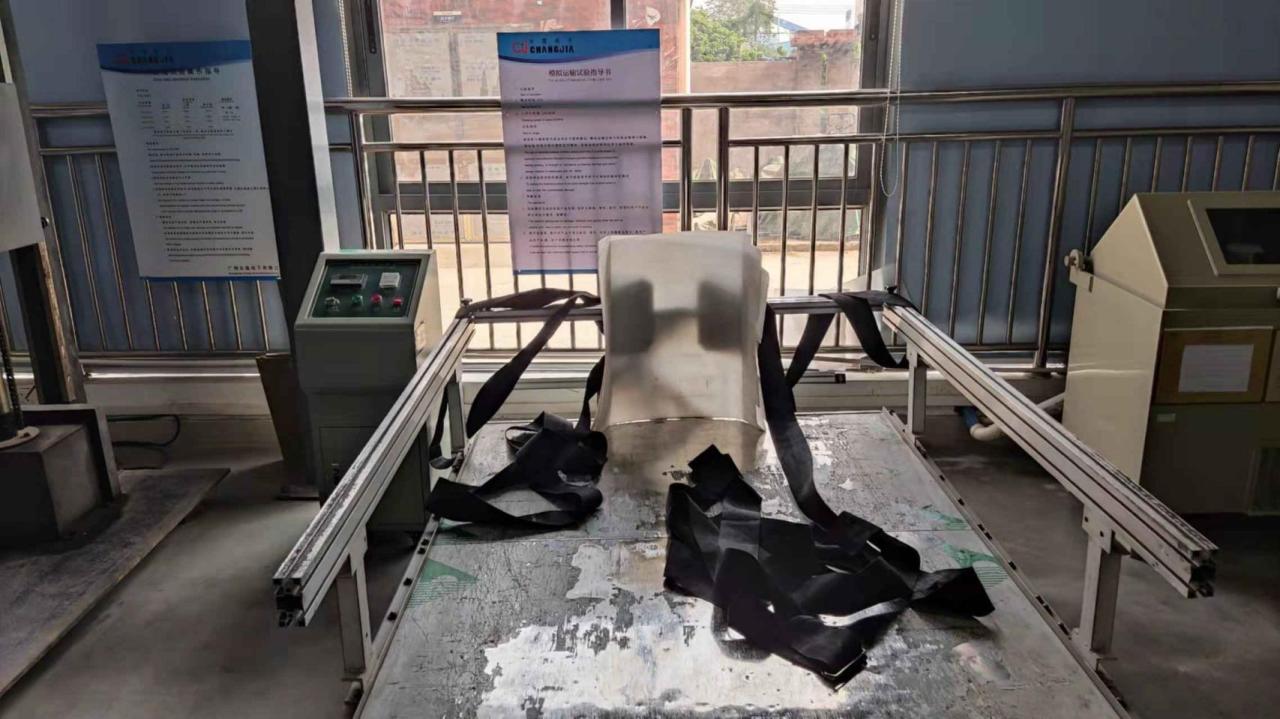
Simulated Transportation Tester
Reproduces long-haul vibration to reduce damage on arrival.
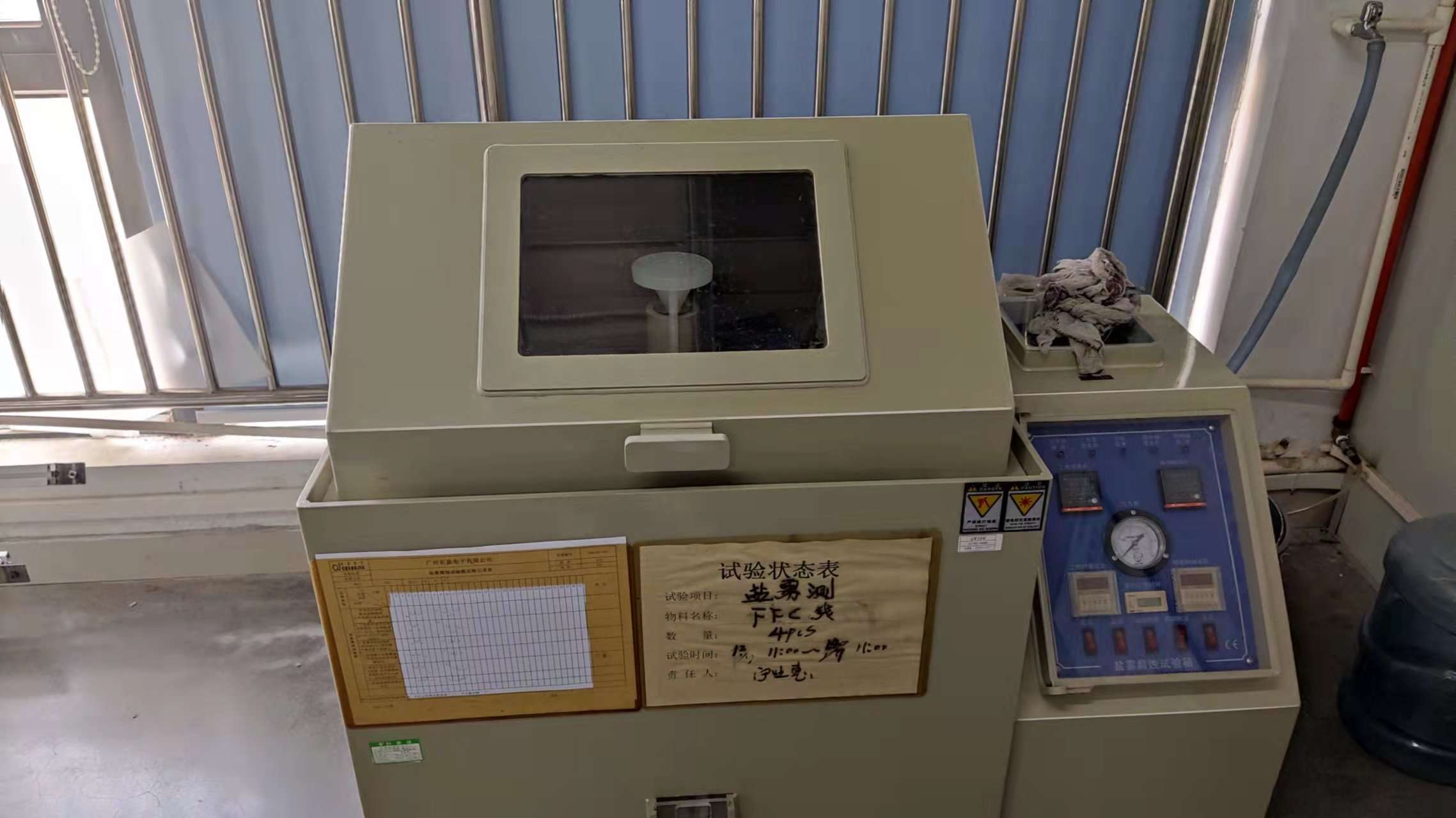
Salt Spray Tester
Checks corrosion resistance of metal frames, brackets and parts.
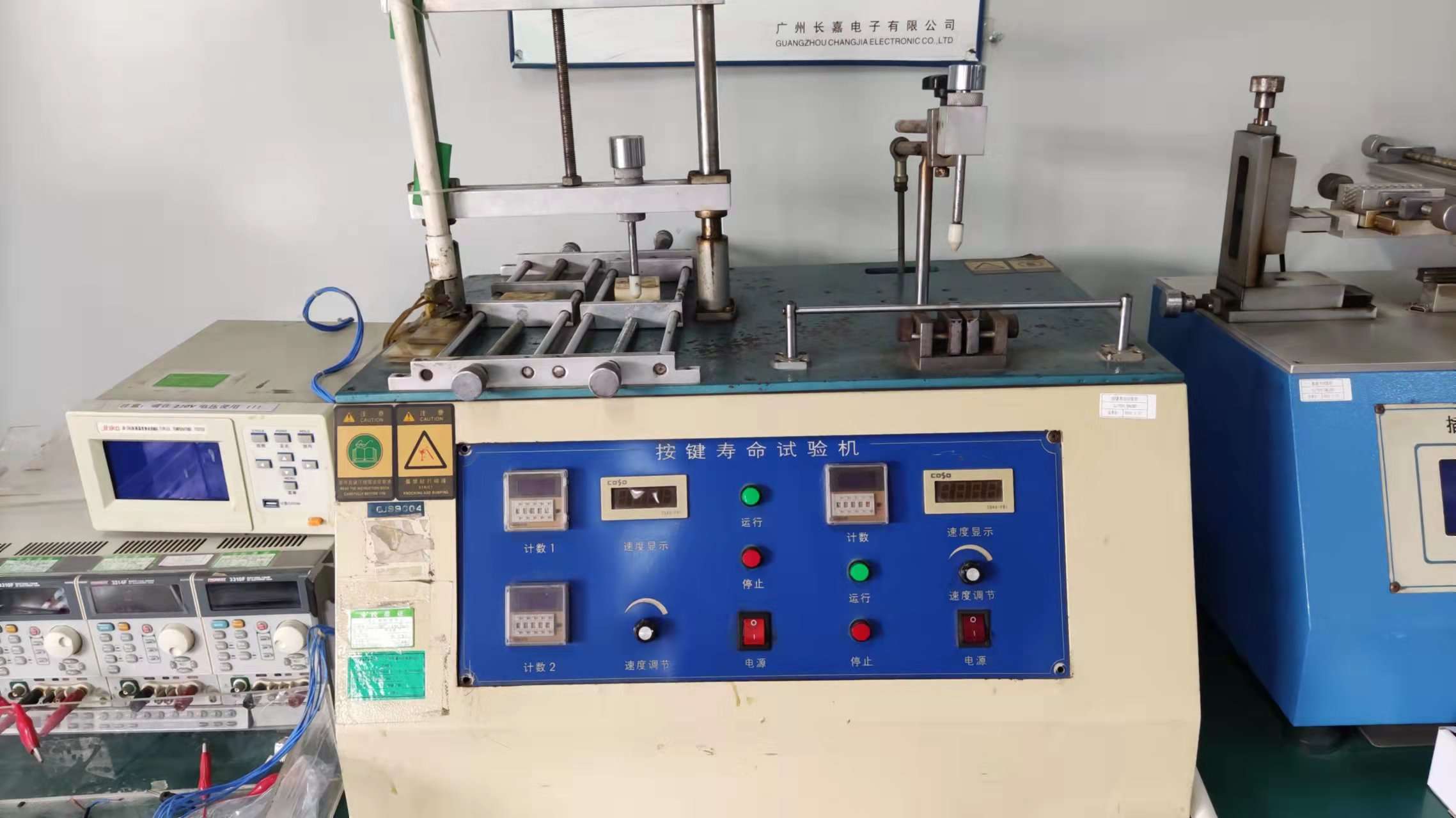
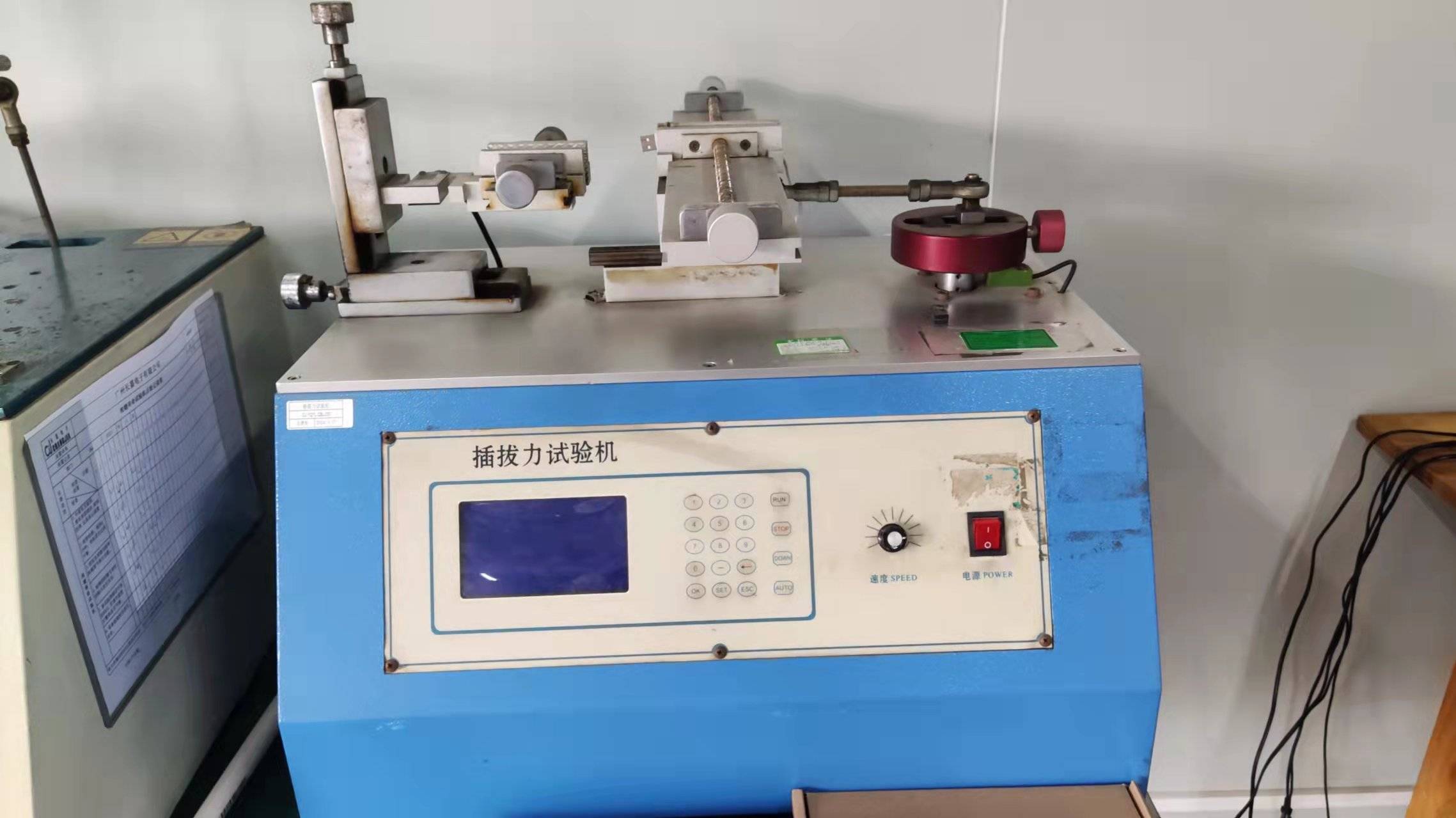
Button Life Testing Machine
Cycles physical buttons to confirm long-term durability.
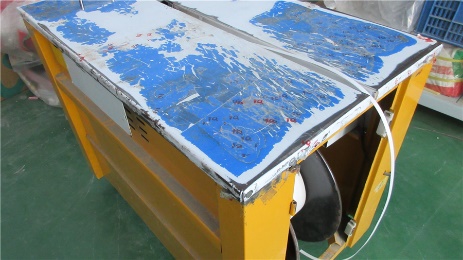
Insertion Force Testing Machine
Measures connector and port durability under repeated plugging.
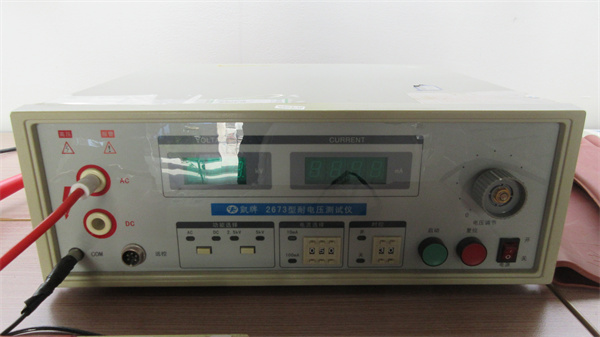
Withstand Voltage Tester
Hi-pot testing to confirm insulation safety before shipment.
Supplier Evaluation and Company Advantages
How to Evaluate a 75 Inch Interactive Display Supplier With E-E-A-T
For education buyers, the cheapest quotation is rarely the lowest-cost decision. A reliable supplier should demonstrate real manufacturing experience, verifiable credentials, transparent quality control and support for the full classroom ecosystem.
Manufacturing Depth
Ruyden operates in-house SMT, PCB, auto-insertion and assembly lines. Controlling these processes helps maintain consistency across bulk orders and protects custom hardware designs from being outsourced to unknown subcontractors.
In-house SMT
PCB processing
Final assembly
Verified Credentials
Ruyden Interactive Technology Group Co., Ltd. has been onsite-verified by SGS Group. Public records cover the supplier assessment report, credit overview, trade capacity, transaction level and trade history. These records help buyers complete due diligence.
SGS verified
Public records
19 years in industry
OEM / ODM Capability
Customization goes beyond a logo. Buyers can specify boot animation, housing colour, packaging, language settings, pre-installed software, OPS PC configuration and accessory bundles. Our team supports sample approval before mass production.
Logo & UI
Packaging
Hardware configuration
Verify Us Independently Before You Buy
Transparency is the foundation of a long-term supply relationship. Review our audited records and platform history before you shortlist a supplier for a 75 inch interactive display for teaching project.
Frequently Asked Questions About 75 Inch Interactive Displays for Teaching
These are the questions global procurement teams, distributors and school IT managers ask most often when specifying a 75 inch interactive display for teaching.
What classroom size is a 75 inch interactive display best for?
A 75 inch interactive display for teaching is best for standard classrooms, seminar rooms and training rooms with 20–40 learners. The furthest viewer should generally sit around 4.5–5.5 metres from the screen. If the room is longer than that, consider an 85 inch or 100 inch model, or confirm the content is designed with larger fonts and simplified layouts.
How many touch points should a 75 inch teaching display support?
For daily teaching, specify at least 20-point multi-touch and dual-pen writing. This allows several students to annotate while the teacher uses a second pen or finger input. Touch latency and palm rejection matter as much as the touch-point number, so request a live demo or sample video before approval.
Can Ruyden customize a 75 inch interactive display for our brand?
Yes. Ruyden Interactive Technology Group Co., Ltd. supports OEM and ODM customization including logo, boot screen, housing colour, packaging, pre-installed software, language settings, OPS PC configuration and accessory bundles. Design-based customization capability has been verified through independent third-party inspection.
What should buyers pair with a 75 inch display for hybrid teaching?
A practical hybrid kit includes the 75 inch interactive display, an OPS PC or Android module, a 4K USB webcam, a ceiling or wireless microphone, a 4K wireless presentation system and, for larger rooms, a lecture capture camera and networked digital podium. This combination lets remote students see the teacher, the board and shared content without complex daily setup.
How does Ruyden test interactive displays before shipment?
Products run through in-house SMT, PCB and assembly lines, then a reliability lab that includes high and low temperature, drop, simulated transportation, salt spray, button life, insertion force, static, earth continuity and withstand voltage testing. These checks are particularly relevant for export orders that cross different climates and transport conditions.
Has Ruyden been verified by an independent third party?
Yes. Ruyden has been onsite-verified by SGS Group. Buyers can review the SGS assessment report, credit overview, trade capacity, transaction level and trade history through publicly available verification links. This makes it easier for procurement teams to complete supplier due diligence.
How should buyers calculate total cost of ownership for a 75 inch display?
Include the display, mounting, OPS PC or Android module, camera and audio, wireless presentation, installation, software licensing, spare parts and expected service life. A lower-cost panel with limited ports or difficult service access can become more expensive over time. Ask suppliers for power board accessibility, firmware update policy and spare-part availability.
How do overseas buyers start a project with Ruyden?
Email info@ruydentech.com with your room types, target quantity, target market, preferred software platform and any certification requirements. The Ruyden export team will reply with a tailored configuration proposal, sample plan and production schedule. For integrated projects, share floor plans and existing AV equipment so our engineers can recommend the right display, podium, capture and control package.
Start Your Project
Planning a 75 Inch Interactive Display Rollout for Teaching?
Share your classroom sizes, quantity and software preference. Our team will recommend a configuration based on real teaching workflows, not a generic spec sheet.