Eight Products That Support Overhead Document Scanning and Smart Classroom Capture
An overhead document scanner is rarely purchased alone. The shortlist below combines the visualizer camera with the display, audio, podium, processing and information-kiosk hardware that turn document capture into a complete classroom or meeting-room workflow.
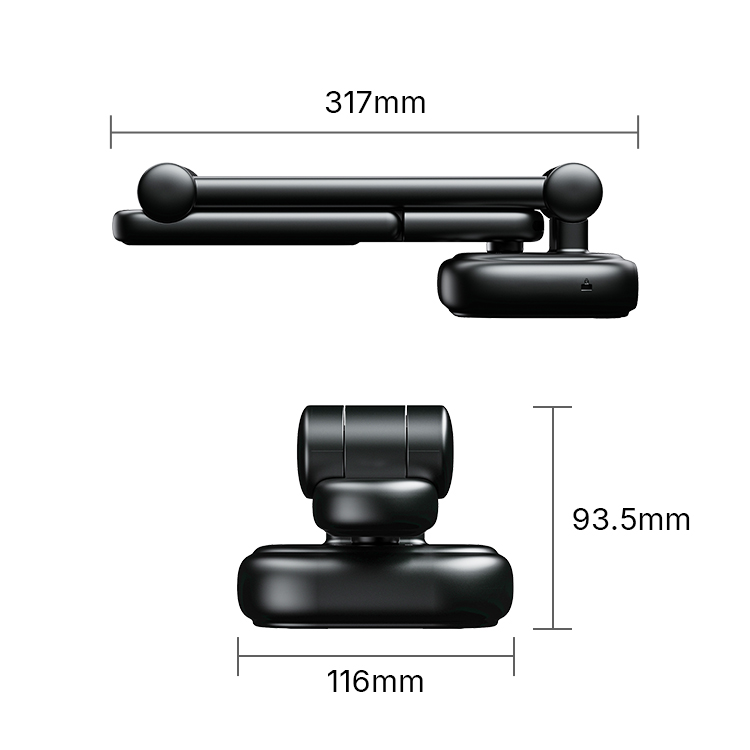
55x Digital Zoom Document Camera / Visualizer
Real-time annotation, built-in microphone and high-capture imaging for overhead document scanning, science demonstrations and hybrid teaching.
View product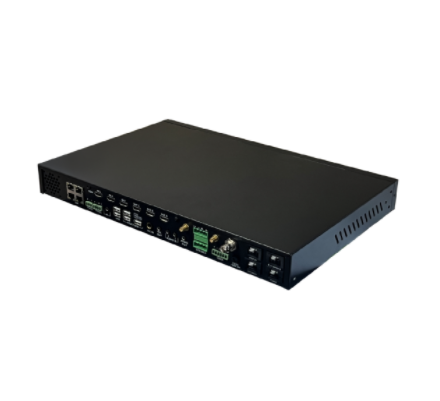
QNex Networked Media Processor for Digital Podium
Central media processing and network distribution for podium control, visualizer input, display routing and classroom AV integration.
View product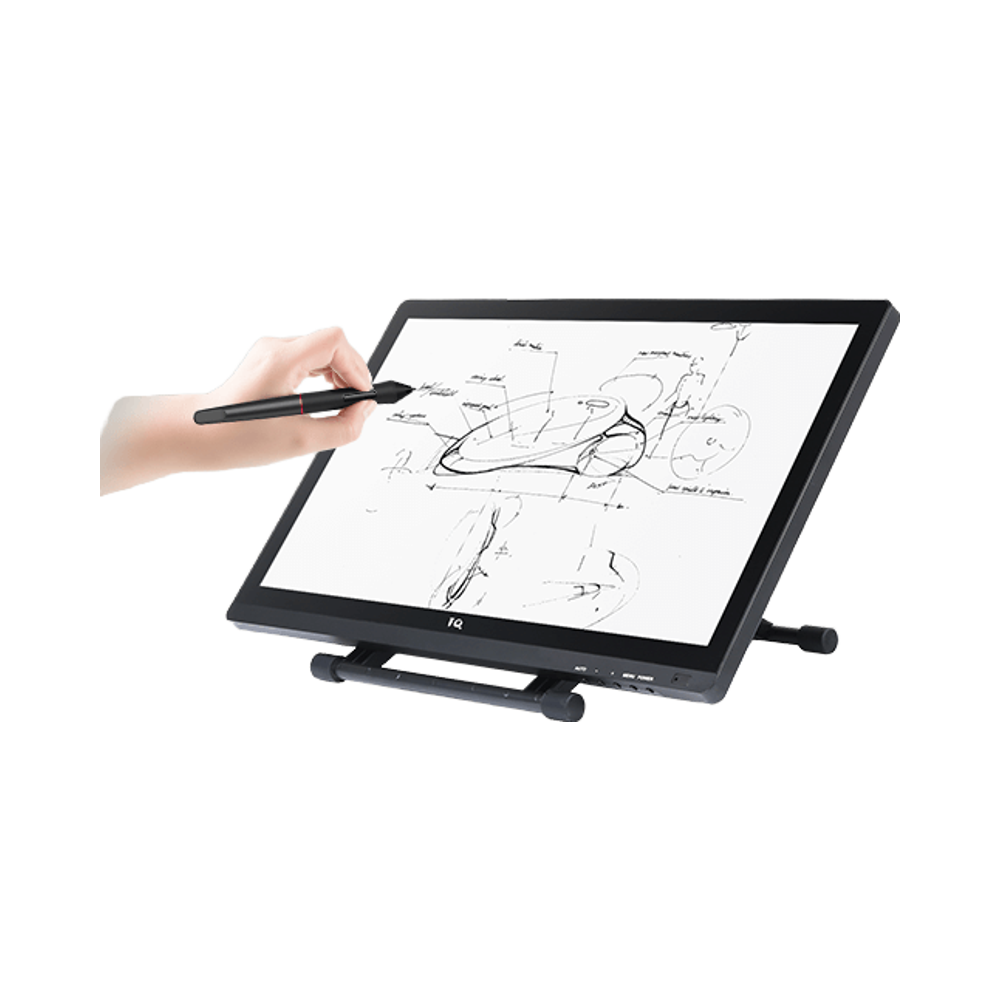
22" Touch Screen Digital Smart Podium with Wireless Microphone
Integrated lectern display and wireless microphone for annotation, device switching and presentation control during document-camera lessons.
View product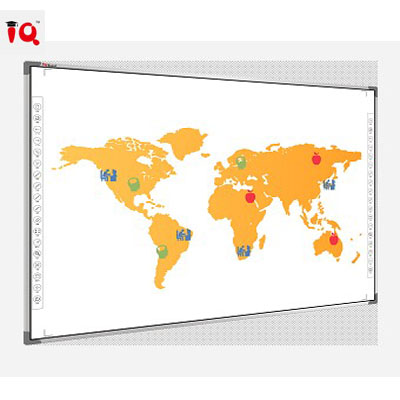
IQBoard 82" 2-Point Touch Interactive Whiteboard
Large-format classroom display for showing overhead document images, handwriting, annotation and shared teaching content at the front of the room.
View product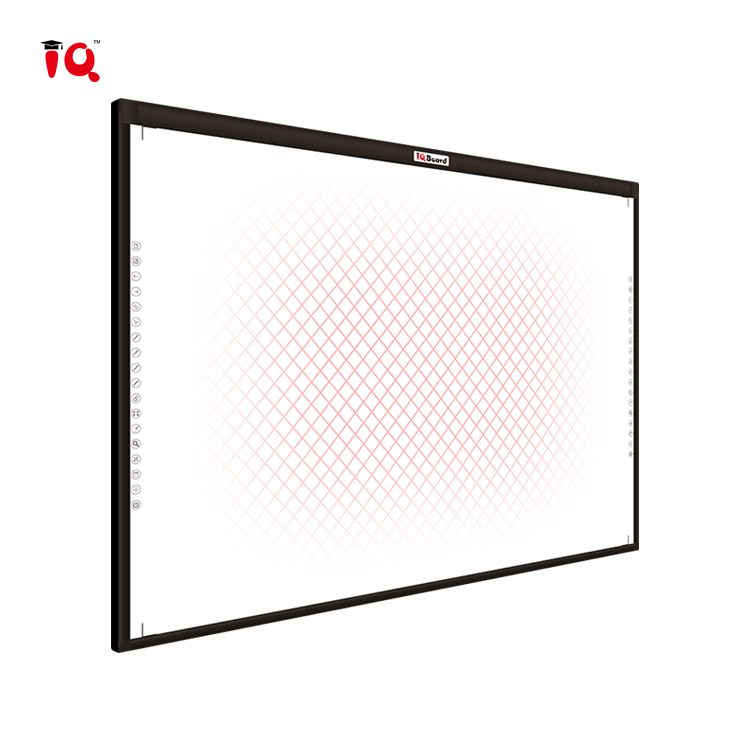
IQ Board No Projector Portable Smart Board
Flexible interactive display for schools that need movable teaching surfaces, temporary classrooms or shared document-camera stations.
View product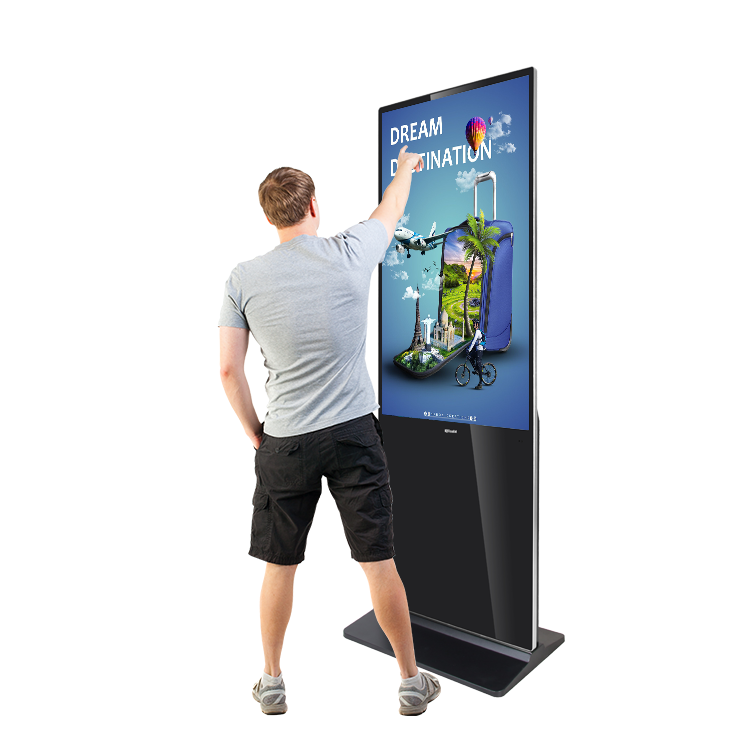
43" Android Floor Standing Touch Kiosk
Self-service information display for hotel, bank and school environments; useful for wayfinding, schedules and public-facing announcements.
View product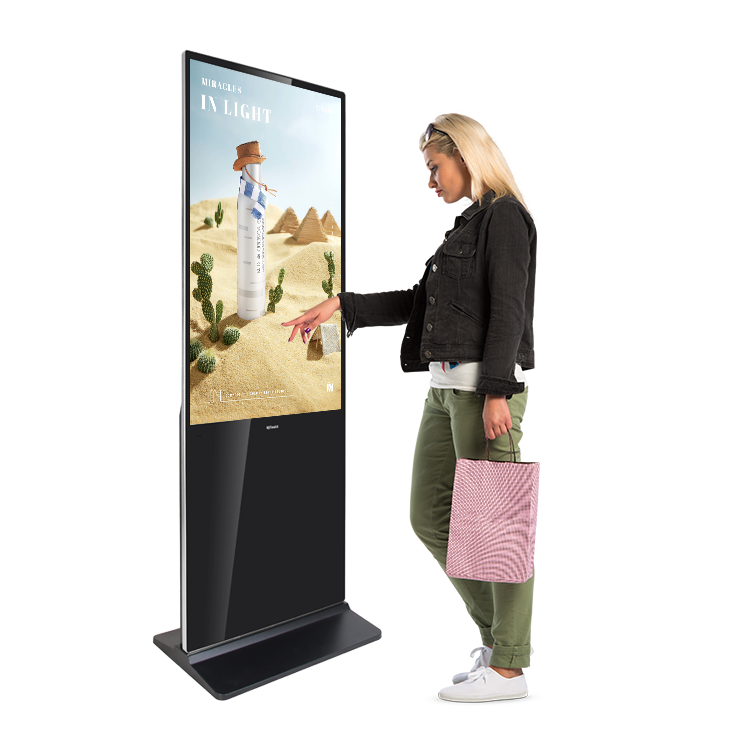
Android and Windows Floor Stand Information Kiosk
Floor-standing touch screen kiosk for shopping malls, campuses and public spaces where reliable interactive information delivery matters.
View product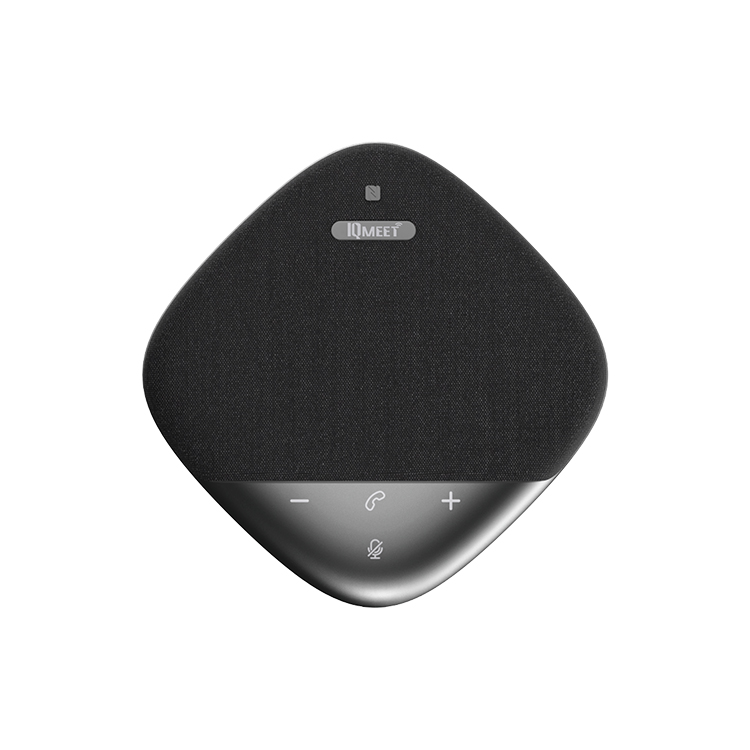
NFC AI Noise Reduction Conference Speakerphone
Built-in dual speakers and AI noise reduction for clearer teacher speech, remote participation and recorded document-camera demonstrations.
View productWhat “Best” Really Means When Comparing Overhead Document Scanner Factories
No website can objectively crown the “best” overhead document scanner factory in China. Search engines can retrieve supplier pages, but they cannot audit optical performance, software stability, spare-parts readiness or after-sales discipline. A responsible buyer therefore treats the phrase China best overhead document scanner manufacturers & factories as a commercial investigation query, not as a directory ranking. The goal is to build a shortlist that can prove manufacturing depth, quality control and classroom integration capability.
In education and enterprise AV, the product category is more often called a document camera, visualizer or overhead teaching camera. It is not a flatbed scanner. It captures documents, textbooks, experiments, 3D objects and handwritten notes in real time, then sends the image to an interactive display, podium, projector or recording system. That distinction matters because a factory that understands classroom workflow will specify the camera together with the display, annotation software, microphone, podium control and network infrastructure.
Ruyden approaches this category from a smart-classroom manufacturing background. The 55x digital zoom document camera with built-in microphone and real-time annotation sits inside a wider product ecosystem that includes interactive flat panels, portable smart boards, networked digital podiums, lecture capture systems, media processors, conference speakerphones, wireless presentation and AV control. For overseas distributors and tender buyers, that ecosystem can reduce compatibility risk: one supplier can document how the visualizer, display, audio and podium work together.
Information gain for procurement teams: evaluate the factory’s test lab, OEM/ODM documentation, product ecosystem and post-sale support before comparing unit price. The lowest quotation is rarely the lowest total cost when installation, training, spares and compatibility are included.
Search Intent Decoded
- Primary intent: commercial sourcing of overhead document scanners, visualizers or document cameras from China.
- Secondary intent: compare factories for OEM/ODM, tender compliance, certification and classroom integration.
- Risk signal: buying a camera only, without checking display, audio, podium and software compatibility.
- Decision evidence: reliability lab records, factory audit, customization proof, spare-parts process and buyer references.
- Best next action: send room types, quantities, target market and zoom requirements for a configuration proposal.
Overhead Document Scanner, Document Camera and Visualizer: What Buyers Mean
These terms overlap in search results but carry different expectations in tenders, classrooms and procurement documents.
Overhead Document Scanner
A broad commercial phrase for a camera mounted above a desk, document or object to capture a live image. Buyers often use it when they want real-time display, annotation and recording rather than sheet-fed scanning.
Document Camera
A live imaging device connected to a display or computer. Important specifications include zoom clarity, autofocus, light handling, microphone quality, frame rate, annotation software and output ports.
Classroom Visualizer
The education-market term for a document camera used to show textbooks, science experiments, handwriting or small objects. It is usually evaluated with the interactive display, podium and audio system together.
Eight Evidence-Based Checks Before You Shortlist a China Supplier
Use these checks to separate trading sites from factories that can support repeatable, tender-ready overhead document scanner projects.
Application Validation
Ask for a live demonstration with printed text, handwriting, small objects and low-light conditions. The image should remain readable when zoomed, annotated and projected.
Zoom and Focus Quality
Check whether 55x digital zoom is useful at practical distances. Confirm autofocus speed, image stability, frame rate and clarity when the camera is connected to a large display.
Annotation Workflow
Real-time annotation, snapshot, split-screen comparison and recording are workflow features, not accessories. They should be demonstrated with the display and software your buyer will use.
Ecosystem Compatibility
A visualizer should connect cleanly to interactive flat panels, smart podiums, media processors, speakerphones and wireless presentation systems without adapter confusion.
Manufacturing Depth
In-house SMT, PCB processing, automatic insertion and final assembly reduce handoffs. Ask where the main board, touch board and final product are made and tested.
Reliability Lab Evidence
Look for high and low temperature, drop, simulated transportation, salt spray, button life, insertion force, static, earth continuity and withstand voltage testing.
Verified Customization
OEM/ODM claims should be documented. Confirm logo, boot screen, housing colour, packaging, language settings, pre-installed software and hardware configuration options.
Export and Service Readiness
Ask for tender documents, packing standards, spare-parts lists, warranty flow and technical training. A factory that supports distributors after delivery reduces project risk.
Recommended Configurations by Room and Teaching Workflow
Use these configuration patterns as a starting point, then confirm screen size, mounting, software and quantity with engineering review.
K–12 Classroom
Pair the 55x document camera with an 82" interactive whiteboard and a compact smart podium so teachers can switch between textbook pages, handwriting and interactive content without moving desks.
- 55x visualizer
- 82" touch display
- Annotation
- Built-in mic
University / Lecture Hall
Combine a large interactive display, QNex networked media processor and 22" smart podium with wireless microphone. Add the AI noise reduction speakerphone for lecture capture and remote participation.
- Networked podium
- Media processor
- Speakerphone
- Lecture capture
Training and Public Spaces
Use a portable interactive smart board or floor-standing kiosk where flexibility and public information delivery matter, then add a document camera for demonstrations and a speakerphone for clear audio.
- Portable board
- 43" kiosk
- Visualizer
- AI audio
What Education and Enterprise Buyers Will Expect Next
Overhead document scanner procurement is shifting from single-device purchasing to documented, integrated and serviceable classroom infrastructure.
Bundle-First RFQs
Buyers increasingly request the camera, display, podium, audio and control system as one configuration. This reduces compatibility disputes and simplifies tender evaluation.
Evidence Over Claims
Factory audit reports, test-lab records, customization verification and public trade history are becoming part of supplier qualification, not optional marketing material.
Software and Remote Management
Schools want visualizer software that works with their displays, supports annotation and recording, and can be managed across multiple classrooms without on-site visits.
Serviceable Sustainability
Longer product life, replaceable modules and clear spare-parts support are becoming stronger purchase criteria than a short-term price advantage.
Visualizer Technology Is Moving Toward Clarity, Intelligence and Interoperability
The next generation of overhead document cameras will be judged less as standalone cameras and more as visual learning input devices. In classroom tenders, buyers are moving from basic image capture toward 4K clarity, faster autofocus, AI-assisted noise handling and seamless switching between physical documents and digital lesson content.
This is where a manufacturer’s ecosystem experience matters. A camera can have excellent hardware and still fail in daily use if it is slow to connect to the display, difficult for teachers to annotate, or incompatible with the podium control system. The strongest product roadmap therefore links the visualizer to interactive flat panels, smart podiums, wireless presentation and centralized AV management.
The directional priorities below are illustrative project-brief signals, not a formal market survey. They are useful for structuring requirements during supplier review.
Directional Buyer Priorities
Where Cheap Overhead Document Scanners Lose on Project Economics
Procurement teams often compare the unit price of the camera. Distributors and integrators should compare the full delivery cost of the classroom or meeting-room system.
Pre-Purchase Engineering
Poorly specified zoom range, mounting height, lighting and output ports create site visits, adapter purchases and rework. A factory that reviews room layouts before quotation reduces this hidden cost.
Integration and Installation
A low-cost visualizer may not connect cleanly to the interactive display, podium or speakerphone. Every compatibility issue becomes labour time, user training and potential project delay.
Lifecycle and Spares
Warranty handling, spare-parts availability, firmware support and remote diagnostics determine the long-term cost of ownership. The lowest quotation is rarely the lowest-cost project.
Why Ruyden Belongs on a Serious Overhead Document Camera Shortlist
Ruyden Interactive Technology Group Co., Ltd. combines education AV manufacturing, smart-classroom integration and documented quality control in one supply chain.
Ruyden is based in the Fuzhou High-tech Zone, Fujian, China, and is an SGS onsite-verified manufacturer. Public records cover the SGS assessment report, credit overview, trade capacity, transaction level, trade history and buyer ratings. The company reports 19 years in the interactive display and education AV industry, more than 21 years of verified B2B trading and 82 staff across engineering, production, quality control and export service. Export experience exceeds ten years, and Ruyden has participated in international trade shows four times.
Its design-based customization capability has been verified by independent third-party inspection. Buyers can discuss logo and boot screen, housing colour, packaging, pre-installed software, language settings and hardware configuration. Production is supported by in-house SMT, automatic insertion, PCB and assembly lines, allowing tighter control over engineering changes, quality evidence and delivery planning than a trader-only supply model.
For overhead document scanner projects, the practical advantage is ecosystem coverage. Ruyden integrates visualizers with interactive flat panels and whiteboards, lecture capture systems, networked digital podiums, 4K wireless presentation, conference speakerphones and centralized AV, light and door control. Distributors can therefore build a complete classroom bill of materials around one supplier relationship while keeping a documented path for installation, training and after-sales support.
Test-Lab Discipline That Supports Tender and Distributor Projects
Reliability evidence matters more than a specification sheet when the product will be installed in high-use classrooms and shipped internationally.
Climate and Transport Simulation
High and low temperature testing plus simulated transportation helps confirm that the device can survive export logistics and operate in different regional climates.
Drop and Packaging Validation
Drop testing supports packaging design and reduces the risk of damage during handling. It is especially important for floor-standing kiosks, podiums and display systems.
Corrosion Resistance
Salt spray testing checks metal frames, brackets and exposed parts, which is relevant for coastal markets and long installation cycles.
Mechanical Durability
Button life and insertion force testing checks repeated classroom use, port durability and connector reliability before a product is approved for shipment.
Electrical Safety
Static, earth continuity and withstand voltage testing help verify user safety and insulation performance for education and public-space installations.
Final Inspection and Traceability
In-line functional checks, visual inspection and export packing records give distributors a documented basis for warranty and after-sales conversations.
From Requirement to Delivery in Six Clear Steps
A structured workflow keeps importers, distributors, tender teams and system integrators aligned from the first inquiry to final shipment.
Requirement Review
Share room types, quantities, target market, visualizer zoom requirement, certification needs and any existing display or podium equipment.
Solution Design
Engineering proposes camera configuration, display size, audio, podium control, connectivity and branding options.
Sample Approval
Pre-production samples confirm appearance, image quality, annotation workflow, microphone performance and packaging.
Mass Production
In-house SMT, PCB, automatic insertion and assembly lines support the approved configuration and volume plan.
QC and Testing
Reliability lab checks and final inspection are completed before export packing and shipping coordination.
Delivery and Support
Documentation, packing, technical training and after-sales support help distributors launch and maintain the project.
Overhead Document Scanner Procurement Questions Buyers Ask Most
These answers address common sourcing, specification and integration questions from overseas distributors, schools and tender teams.
Is an overhead document scanner the same as a document camera?
In most education and enterprise searches, yes. The phrase usually refers to a document camera or visualizer mounted above a desk to show documents, objects and handwriting in real time. It should not be confused with a sheet-fed office scanner.
Which specifications matter most for a classroom visualizer?
Check zoom clarity, autofocus speed, sensor resolution, frame rate, microphone quality, lighting tolerance, output ports, annotation software and compatibility with the interactive display or smart podium.
Can buyers request OEM or ODM customization?
Yes, subject to project review. Typical options include logo, boot screen, housing colour, packaging, language settings, pre-installed software and hardware configuration. Ruyden’s design-based customization capability has been verified by an independent third party.
How can I verify a China overhead document scanner factory before payment?
Review the SGS or third-party audit, company profile, trade capacity, transaction history, ratings and test-lab evidence. Then request a live product demonstration, sample inspection and written specification confirmation before placing a bulk order.
Can a visualizer be integrated with displays, podiums and audio?
Yes. A complete configuration can combine a 55x document camera with an interactive flat panel or whiteboard, a networked smart podium, QNex media processor, conference speakerphone and wireless presentation system.
What should I include in an inquiry for a faster quotation?
Include room type, viewing distance, display size preference, visualizer zoom requirement, quantity, target market, certification needs, installation environment and desired delivery schedule. This allows engineering to propose a suitable configuration.
Planning an Overhead Document Scanner and Smart Classroom Rollout?
Share your room layout, target market, quantity, zoom requirement and certification needs. The project team can then recommend a visualizer, display, podium and audio configuration that fits the actual teaching workflow.
