8 Recommended HDMI Document Camera & Visual Presentation Products
These eight products cover the capture, annotation, audio, display and control layers that wholesale buyers usually evaluate together. Each product URL is preserved exactly as supplied.
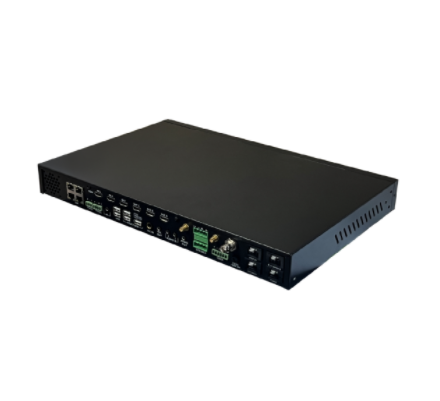
QNex Networked Media Processor for Digital Podium
Routes HDMI document camera, PC and display signals through a networked lectern. A practical choice when a visualizer must be controlled from a digital podium across lecture halls and training rooms.
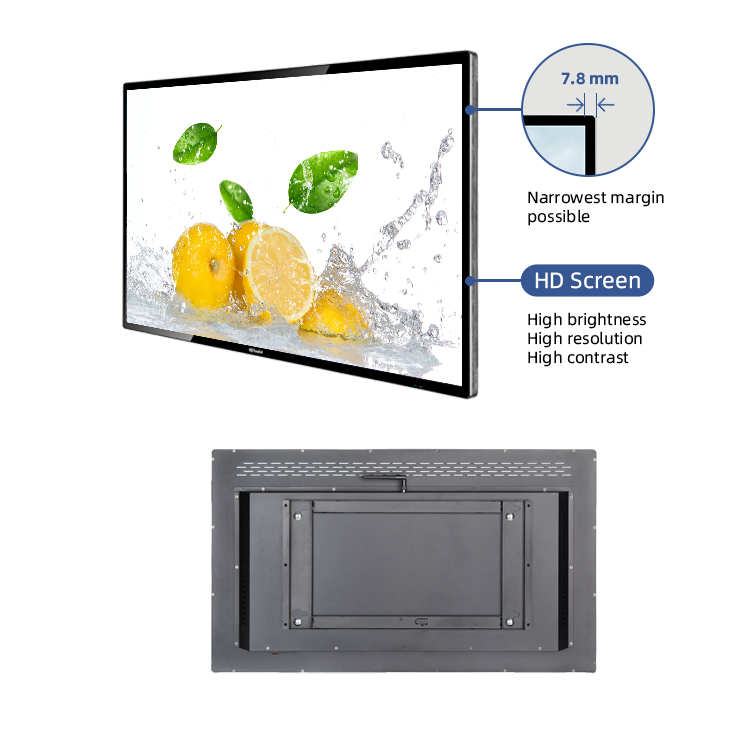
Interactive Touch Screen 10/13/15/22/32/43/49/55/65 Inch Android LCD Monitor Kiosk
Android LCD touch display for classrooms, reception and training rooms; useful as a secondary annotation or signage screen when document camera stills and recordings need to be shared.
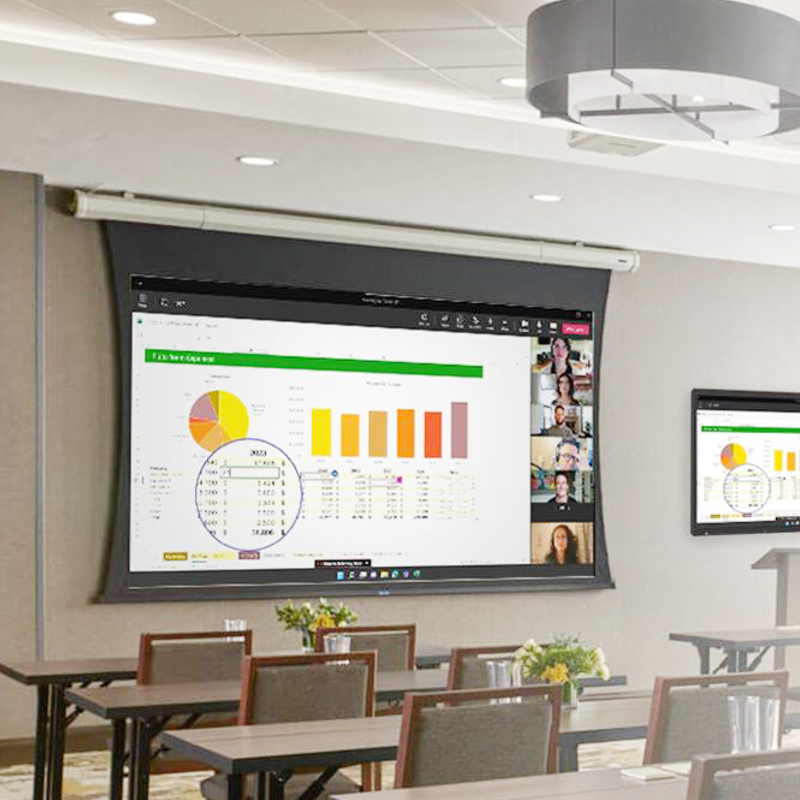
Multi-functional Teaching Android and Windows OPS System Interactive Flat Panel Smart Board
Interactive flat panel with Android and Windows OPS options for school teaching; pair with an HDMI document camera for annotated lessons, recorded demonstrations and hybrid classes.
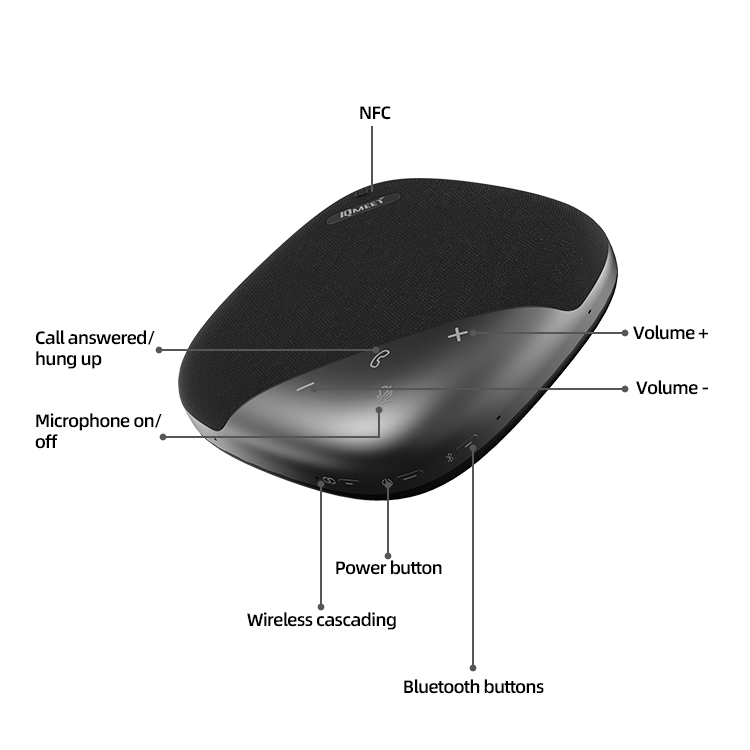
Home Theatre Omnidirectional USB Wireless Amplified Speakerphone Conference Powerful Sound
Omnidirectional USB/wireless speakerphone for classrooms and conference rooms; adds clear two-way audio to visualizer-based remote lessons and hybrid meetings.
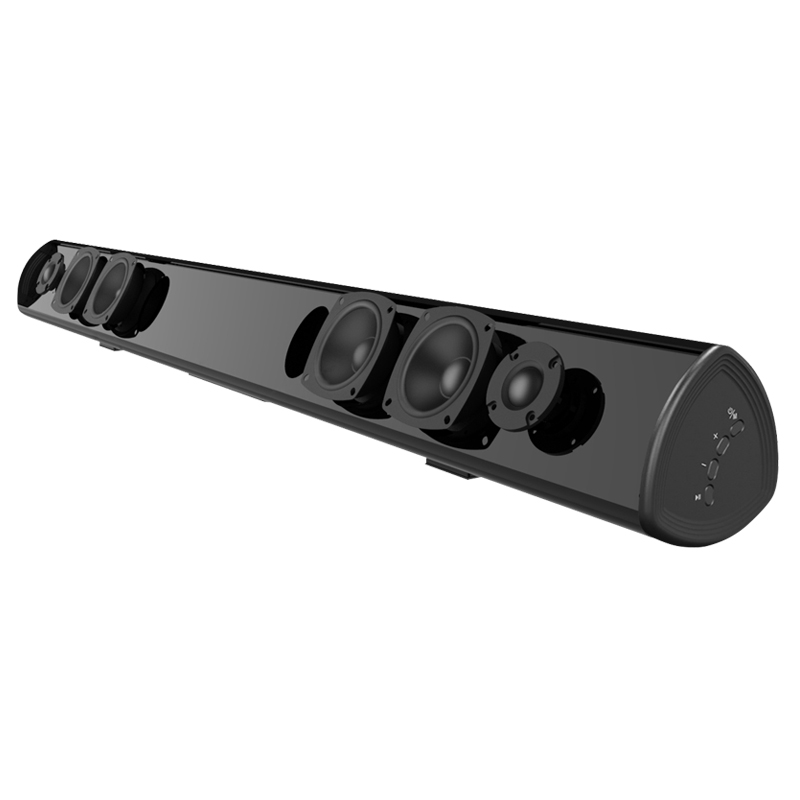
Voice Pick up Soundbar Sound Remote Speaker
Voice pickup soundbar with remote speaker function; complements document camera demonstrations in rooms where presenter voice and media playback share one AV system.
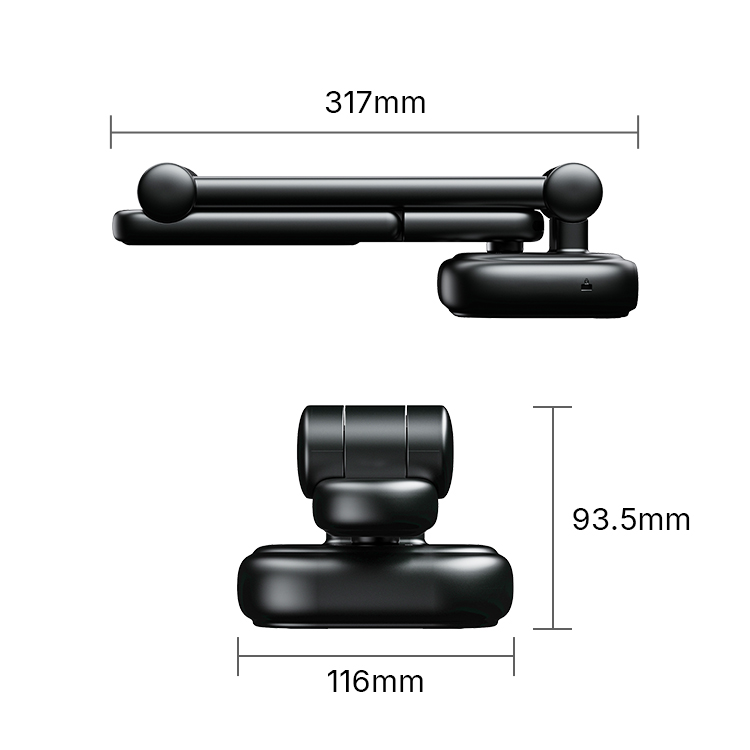
55x Digital Zoom Built in Mic Real-time Annotation Document Cameras or Visualizers
55× digital zoom visualizer with built-in microphone and real-time annotation; designed for live demonstrations, fine text capture, science specimens and courtroom or training documentation.
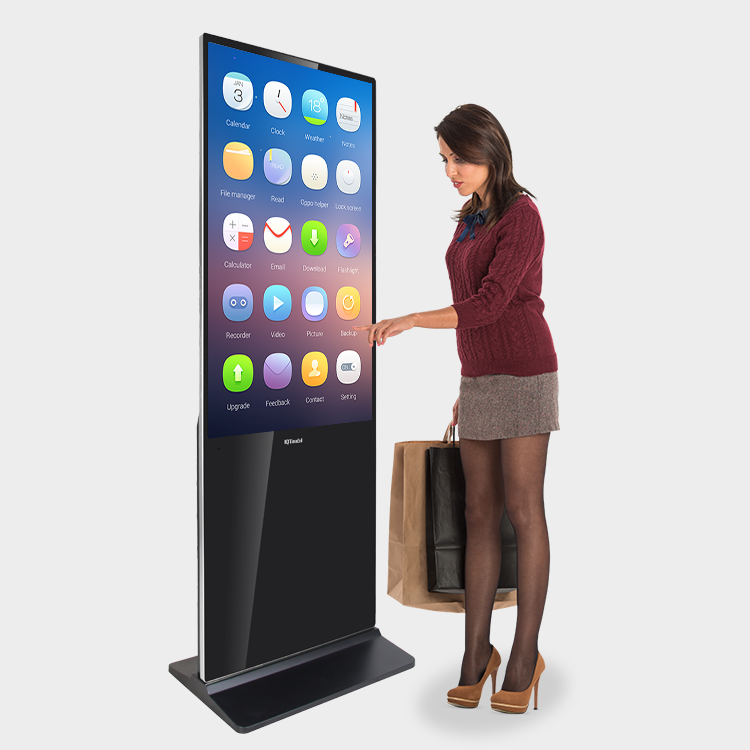
43inch Kiosk Touch Screen Floor Standing Advertising Kiosk Outdoor Waterproof
43-inch waterproof floor-standing touch kiosk for shopping centres and campus wayfinding; useful for publishing captured notices, OCR summaries or public information.
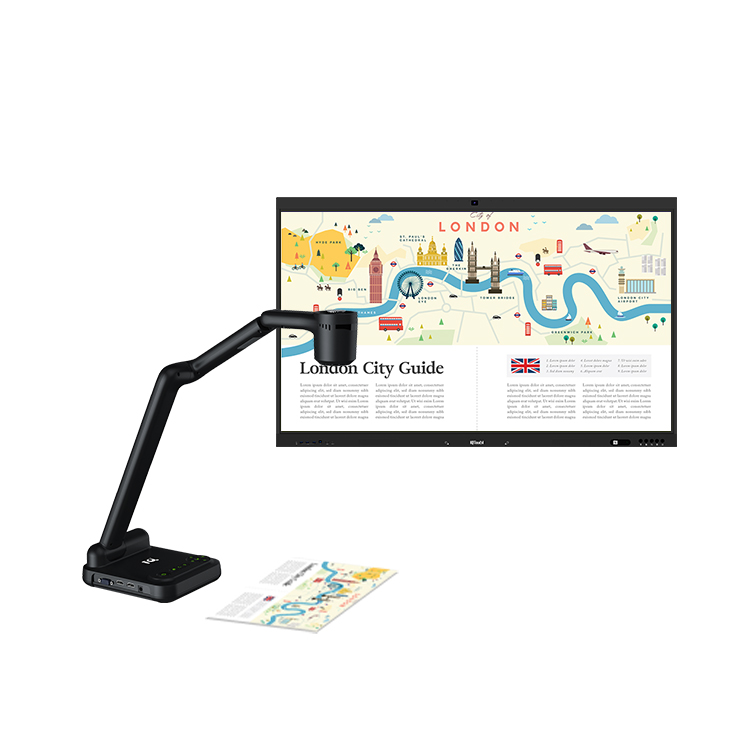
A3 A4 8 Megapixel Scanner Machine Large Document Camera Portable OCR Document Scanner
Portable A3/A4 8MP document camera scanner with OCR capability; suitable for contracts, ID documents, forms and on-the-go digitisation in offices, schools and service counters.
What Should a China Wholesale HDMI Document Camera Supplier Prove?
HDMI document camera sourcing is not the same as buying a webcam with an HDMI port. The term describes a visual presenter that converts documents, objects and live demonstrations into a stable video signal for projectors, interactive panels, lecture capture systems and video-conferencing platforms.
For wholesale buyers, the real question is not only sensor resolution. It is whether the supplier can hold image clarity at full zoom, keep latency low enough for live annotation, and document the interfaces, drivers, firmware and warranty terms that procurement teams need.
Ruyden Interactive Technology Group Co., Ltd. approaches this category from a smart-classroom and AV-integration background. That matters because a document camera is rarely used alone: it sits between a teacher’s desk, an interactive flat panel, a lecture capture recorder, a podium control system and a hybrid-meeting platform. In our project reviews, failures usually come from incompatible HDMI handshakes, unclear UVC support, missing remote-control commands or spare-part gaps — not from the headline megapixel count.
Information gain for serious buyers: ask for a live demo at maximum zoom, not only a static image. Check the frame rate at 4K, autofocus behaviour under mixed lighting, OCR output on A3 forms, and whether the camera can be firmware-updated without returning the unit. A supplier that publishes these details is more useful than one that only lists “HD” or “4K” on a specification sheet.
- Signal path: HDMI out for displays and recorders; USB UVC for plug-and-play PC use; LAN where managed capture is required.
- Lens and zoom: optical versus digital zoom, minimum working distance, focus speed and edge sharpness on A3 pages.
- Annotation and OCR: real-time drawing, snapshot, split-screen, OCR language packs and export formats.
- Lifecycle support: firmware policy, spare parts, remote diagnostics and installer documentation for tenders.
Supplier Snapshot
Verified production and trading facts that reduce sourcing risk for distributors, integrators and tender buyers.
Confirmed by independent inspection records.
Engineering, production, QC and export service professionals.
Long-term global supplier platform membership.
Average score from verified buyer reviews and transactions.
The Sourcing Shift: From Standalone Camera to Capture System
Wholesale buyers increasingly plan document camera purchases around room workflows instead of isolated SKUs. A school may need a 55× visualizer for science demonstrations, an A3 OCR scanner for administration, an interactive panel for annotation, a speakerphone for remote learners and a media processor for the lecture hall. Buying these from one qualified supplier reduces compatibility testing, packaging complexity and after-sales handoffs.
That is also why the most useful RFQs now include room type, viewing distance, display resolution, recording destination, software platform and service expectations. When these inputs are clear, a manufacturer can recommend the right HDMI document camera configuration and avoid over-specifying expensive hardware that the room cannot use.
Procurement Priority Index
Typical weighting observed in education and enterprise visualizer projects.
Which Configuration Fits Your Project?
Use these four buying patterns to shortlist the right mix of HDMI document camera, display, audio and control hardware before requesting a quotation.
K-12 & University Teaching
Pair the 55× zoom document camera with an interactive flat panel and a speakerphone. This keeps demonstrations visible, annotatable and audible for both in-room and remote students.
Court, Government & Tender Projects
Combine the A3/A4 8MP OCR scanner with a networked media processor or digital podium. Document control, traceable capture and tidy cable management matter more than decorative features.
Hybrid Meeting & Training
Use an HDMI visualizer with an omnidirectional speakerphone and voice pickup soundbar. The goal is a predictable BYOM experience: one camera source, one audio path and minimal setup time.
Campus Signage & Public Information
Feed approved stills, OCR summaries or notices to an outdoor waterproof kiosk. This extends the value of document capture beyond the classroom into reception, wayfinding and public service areas.
How Wholesale Buyers Will Purchase HDMI Document Cameras Next
Procurement is moving from lowest-unit-price buying toward total capture reliability. These four trends are already visible in education tenders, corporate AV standards and system-integrator proposals.
Total Cost of Ownership
Buyers will compare purchase price with installation time, spare-parts availability, warranty response and firmware longevity. A slightly higher unit cost can be cheaper if it avoids classroom downtime.
AI Accuracy & Privacy
Autofocus, text enhancement and OCR are becoming expected features. Procurement teams will also ask where processing happens, what data is stored and whether on-device processing can reduce privacy risk.
Interoperability & BYOM
HDMI document cameras must coexist with Zoom, Microsoft Teams, Google Meet, lecture capture software and interactive whiteboard apps. Standards-based USB UVC and clear HDMI EDID behaviour will remain essential.
Compliance & Repairability
Institutional buyers will require clearer safety documentation, packaging data, replaceable components and service manuals. Modular design will become a procurement advantage rather than an engineering afterthought.
Where HDMI Document Camera Technology Is Moving
The next generation of visualizers will be judged by real teaching and meeting outcomes: clarity at distance, low-friction sharing and predictable serviceability.
4K Clarity with Low Latency
Higher-resolution sensors are useful only when the full pipeline supports them. Expect stronger demand for 4K capture, smooth autofocus and low-latency HDMI output for live annotation.
On-Device AI Assistance
AI can sharpen text, reduce glare, detect page edges and improve OCR without sending content to the cloud. For schools and public agencies, privacy-preserving processing will be a strong differentiator.
Modular I/O & Remote Management
Separate I/O modules, replaceable arms and remote firmware tools help integrators maintain fleets. Buyers will favour models that can be diagnosed without removing every unit from the classroom.
Durability & Sustainable Packaging
Frequent setup and teardown demand robust hinges, stable bases and cleanable surfaces. Export-grade recyclable packaging and clearer material documentation will support institutional ESG requirements.
How to Verify a Document Camera Manufacturer Before You Order
Supplier authority is a risk-control issue. Use this RFQ checklist and factory-test list to separate a real OEM/ODM manufacturer from a reseller with a catalogue.
| Spec Area | What to Ask | Why It Matters |
|---|---|---|
| Sensor & Lens | Native resolution, sensor size, optical/digital zoom, minimum working distance, focus speed. | A 4K label does not guarantee readable text at full zoom or stable focus on curved objects. |
| Frame Rate | Actual fps at 4K, 1080p and USB UVC modes; latency through HDMI loop or capture. | Live annotation and hybrid teaching need smooth motion and predictable timing. |
| Interface | HDMI version, USB UVC/UAC support, LAN, audio pass-through, EDID handling. | Compatibility with panels, recorders and meeting platforms affects installation time. |
| Annotation & OCR | Onboard annotation, snapshot, split-screen, OCR languages, export to PDF/JPEG/Word. | These features determine classroom productivity and administrative digitisation value. |
| Firmware & Software | Update method, release notes, driver-free operation, supported operating systems. | Long-term maintainability protects the buyer from avoidable service visits. |
| Service & Spares | Warranty terms, spare-parts list, remote support, installation documentation. | Tenders and campus rollouts require predictable support after delivery. |
Why Ruyden Is a Reliable China Wholesale HDMI Document Camera Supplier
Our factory strengths are directly relevant to document camera and visual presentation projects: in-house electronics production, reliability testing, flexible OEM/ODM support and a connected AV product ecosystem.
SGS Onsite-Verified Factory
Independent third-party verification supports distributor onboarding, tender reviews and credit checks. Assessment, credit overview, trade capacity and transaction history can be reviewed publicly.
In-House Production Control
Our team combines in-house SMT, PCB and assembly lines with a dedicated reliability test lab, helping protect custom hardware designs and respond quickly to engineering changes.
Design-Based OEM/ODM
Customize logo, boot screen, housing colour, packaging, language settings, pre-installed software and hardware configuration. Design-based customization has been verified by independent inspection.
Global Export Experience
More than ten years of export experience supports packaging, documentation, voltage requirements and communication workflows for distributors, integrators and project buyers.
Reliability Lab & Quality Gates
High and low temperature, drop, simulated transportation, salt spray, button life, insertion force, static, earth continuity and withstand voltage tests support consistent shipment quality.
One-Stop AV Ecosystem
Displays, visualizers, scanners, podiums, audio and control can be sourced together. This reduces supplier count, simplifies compatibility checks and improves after-sales accountability.
China Wholesale HDMI Document Camera FAQ
These are the questions overseas buyers ask most often when evaluating manufacturers, requesting samples and planning volume orders.
Are you a manufacturer or a trading company?
We are a manufacturer and solution provider with an SGS onsite-verified factory profile. Production capabilities include in-house SMT, PCB and assembly lines plus a reliability test lab. For complete room solutions, we also integrate compatible AV components where a project requires them.
What is the MOQ for an HDMI document camera order?
A sample order can usually start with one unit for evaluation. Volume MOQ depends on model, customization and packaging. Logo printing, custom boot screens or special accessories may require a higher MOQ, so share your target market and estimated quantity for an exact quotation.
Can you customize logo, firmware, packaging and hardware?
Yes. Common options include logo and boot screen, housing colour, packaging, language settings, pre-installed software and hardware configuration. Our design-based customization capability has been verified by an independent third-party inspection.
Which certifications can you support?
The final certification scope depends on the model, destination market and buyer requirements. We coordinate third-party testing and documentation where required. Buyers should confirm the exact CE, RoHS, FCC, REACH or other market-specific scope before placing a volume order.
Should I choose HDMI, USB or LAN for a document camera?
HDMI is useful for direct display, recording and lecture capture. USB UVC is convenient for plug-and-play PC use and video conferencing. LAN is relevant where managed capture or networked podium control is required. Many projects use more than one interface, so confirm latency, EDID handling and platform compatibility with your supplier.
How do you control image clarity, focus and latency?
Ask for a live demonstration at maximum zoom under realistic room lighting. Check text sharpness on A3 pages, autofocus speed when moving objects, frame rate at the selected resolution and HDMI handshake behaviour with your display or recorder. Factory QC should include functional testing before packing.
How are samples, bulk orders and shipping handled?
We recommend a pre-production sample for evaluation before volume production. Export packing is designed for long-haul transport, and shipping can be coordinated by express, air or sea according to project schedule. Provide quantity, destination, target certification and delivery terms so the export team can prepare a complete quote.
What warranty and after-sales support is available?
Warranty and spare-parts terms are confirmed per model and order. Support can include remote technical guidance, installation documentation, firmware advice and after-sales coordination. For tenders and campus rollouts, request an SLA, recommended spare-parts list and escalation process before signing.
Planning a Document Camera or Smart Classroom Rollout?
Share room types, quantity, target market and certification needs. Our export team will respond with a tailored HDMI document camera and visual presentation configuration proposal.
