Custom OEM Wireless Visualizer Manufacturer & Factories
A procurement-ready guide for distributors, integrators and tender buyers sourcing custom wireless visualizers, 4K document cameras, interactive displays, digital podiums and classroom AV from a verifiable factory.
Eight Factory-Direct Products for a Custom Wireless Visualizer Programme
A wireless visualizer is rarely a single box. It is a room-level system that combines object capture, wireless presentation, annotation, audio, display and control. The eight products below show how Ruyden supports a complete OEM visualizer bundle rather than an isolated SKU.
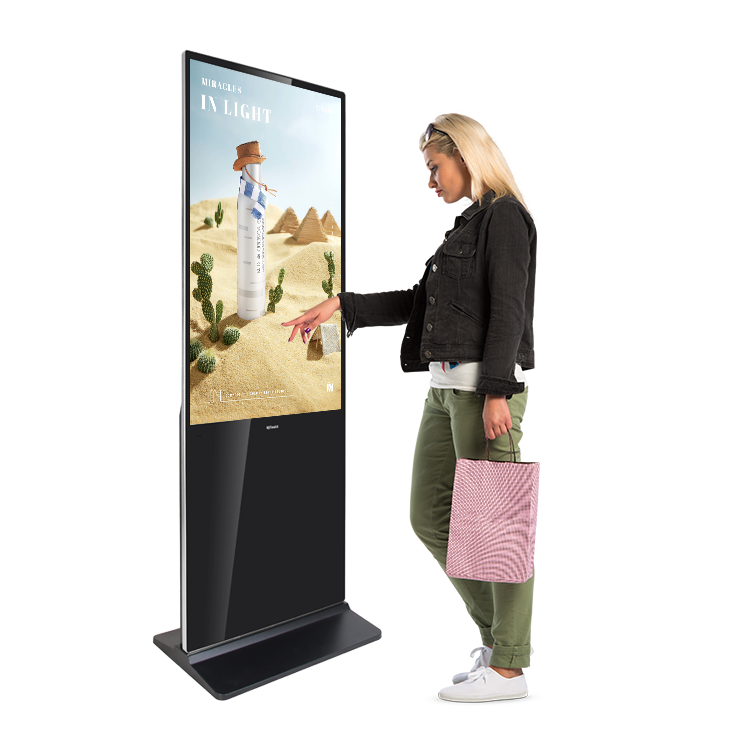
Android and Windows System Standing Floor Stand Information Kiosk Touch Screen for Shopping Mall
Adds a flexible self-service or collaborative display endpoint for visualizer demonstrations, wayfinding and interactive presentation zones.
View product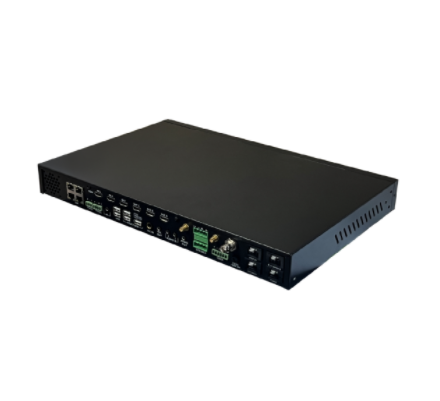
QNex Networked Media Processor for Digital Podium
Supports networked media processing and podium integration, helping a wireless visualizer work alongside display, audio and room-control systems.
View product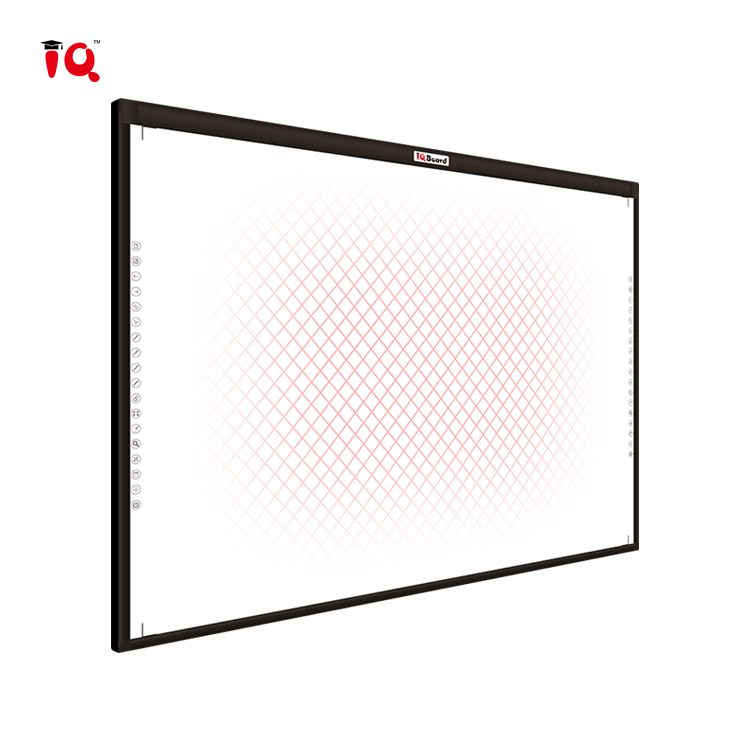
IQ Board No Projector Portable Smart Board China Interactive Whiteboard
A projector-free interactive surface for training rooms and mobile teaching, pairing naturally with document capture and annotation workflows.
View product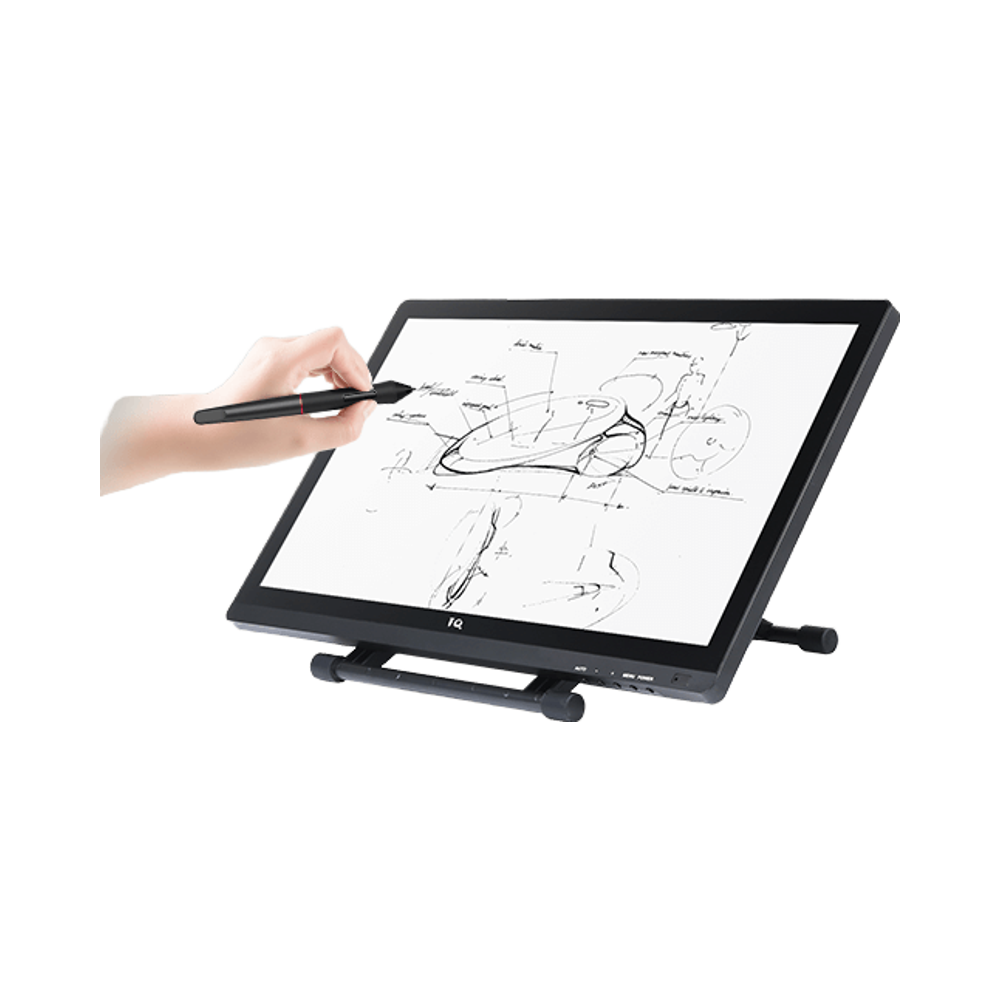
22" Touch Screen Digital Smart Podium with Wireless Microphone for Sale
Brings visualizer preview, annotation, audio and room control to the presenter’s lectern, reducing cable clutter and setup time.
View product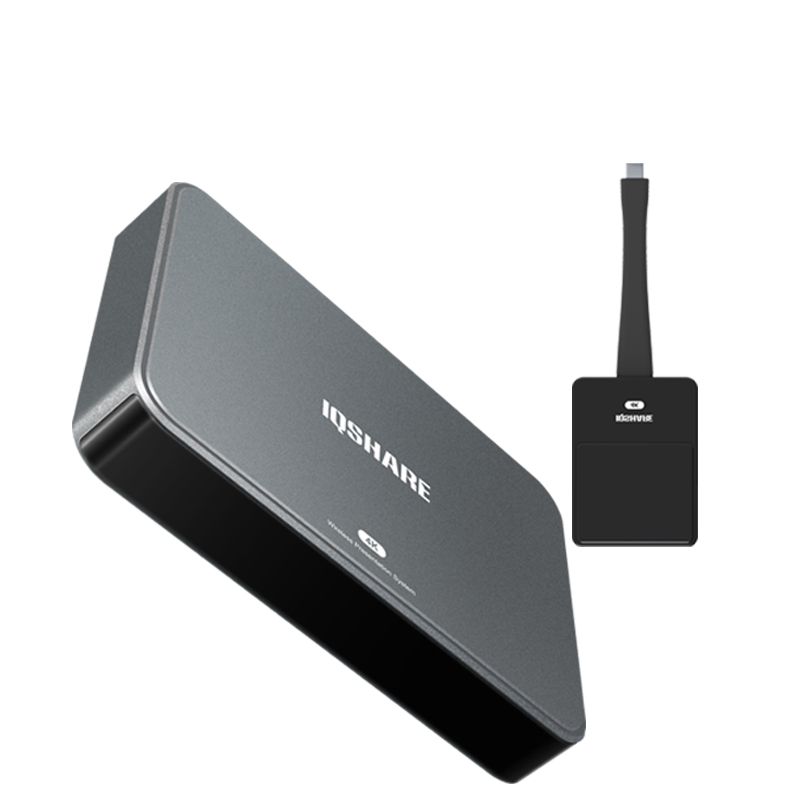
Hdm1 Wireless Transmitter Receiver 1 to 4 Anycast Wireless Screen Sharing Wireless Presentation System
Provides the wireless casting layer for mixed-device classrooms and meeting rooms, with one-to-many sharing for collaborative sessions.
View product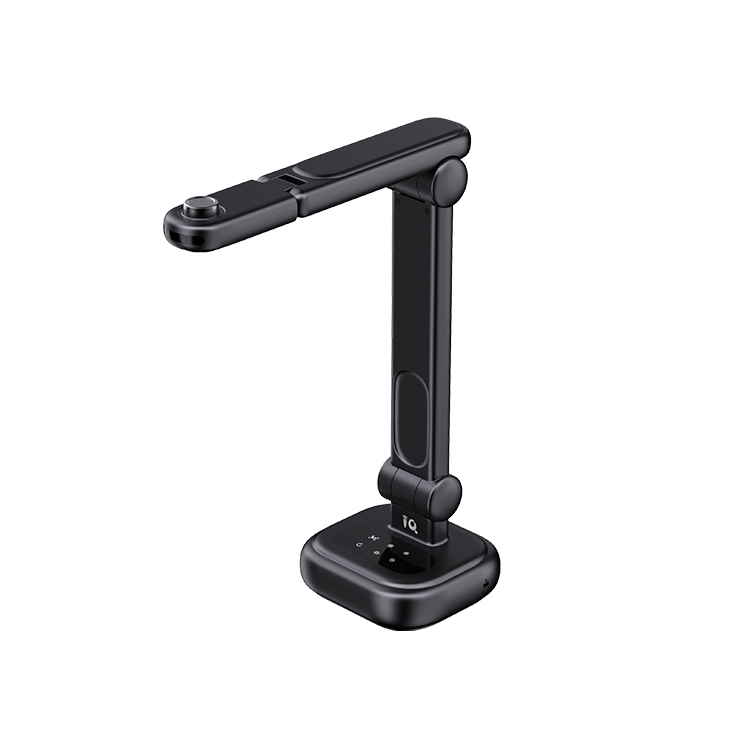
4K Video Output and Real-time Annotation Capabilities Document Camera Portable Visualizer with Auto Focus
The capture core for documents, objects, experiments and handwriting, with 4K output, auto focus and real-time annotation for live teaching.
View product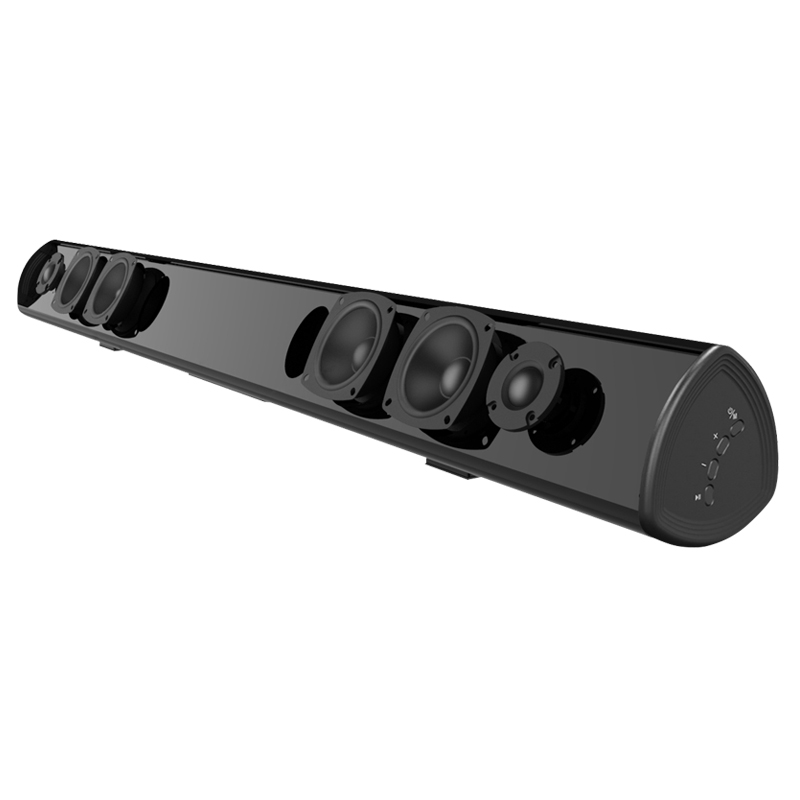
Voice Pick up Soundbar Sound Remote Speaker
Improves voice pickup for hybrid visualizer lessons, making demonstrations audible to in-room students and remote participants.
View product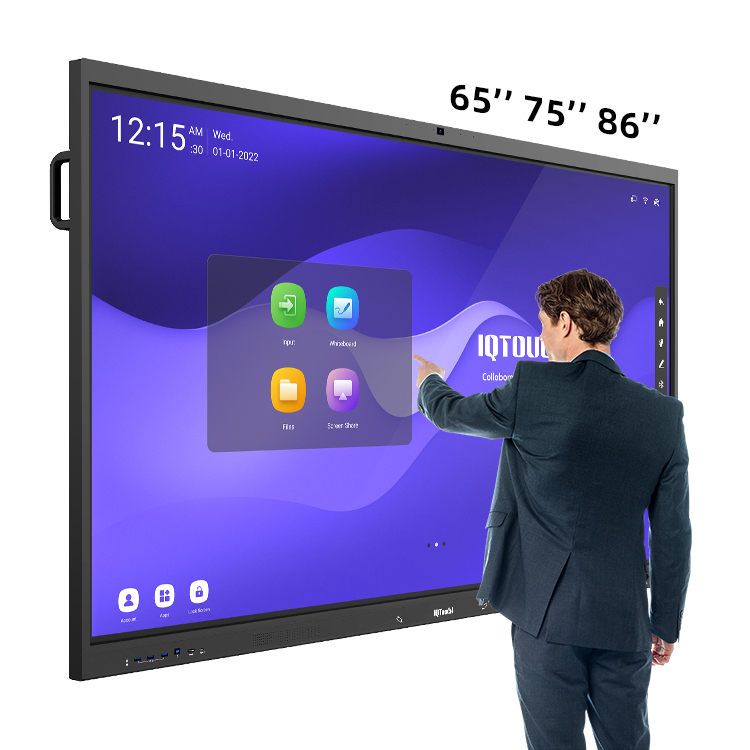
Dual System 4K 65 75 86 Inch Smart Board Interactive Electronic Whiteboard for Education and Conference
Provides the large-format 4K collaboration endpoint for visualizer content, annotation, video conferencing and class discussion.
View productFactory Capability You Can Check Before You Commit
For OEM visualizer buyers, trust is not a slogan. It is a trail of inspection records, production assets, staff strength, trade history and buyer feedback. Ruyden presents these signals openly so procurement teams can qualify the supplier before samples are approved.
Long-term education AV experience supports stable product planning and export execution.
Engineering, production, QC and export service professionals support OEM and ODM programmes.
Public buyer feedback and verified transactions help overseas purchasers assess cooperation risk.
A documented trading history supports due diligence for distributors, integrators and tender agents.
Covers huddle rooms, standard classrooms, training rooms, lecture halls and auditoriums.
Export workflows, packaging and documentation are built for international project procurement.
Figures are drawn from the public supplier profile and third-party inspection content referenced by the original Ruyden website.
What Buyers Really Mean by “Wireless Visualizer”
Search demand around a custom OEM wireless visualizer manufacturer is not a single query intent. Some buyers are looking for a document camera with wireless casting. Others need a visualizer bundle for a smart classroom tender, a 4K camera for hybrid teaching, a podium-integrated capture system, or a factory that can private-label hardware for a regional education brand. The terminology varies: document camera, visualizer, wireless presenter, object camera, lecture capture camera, classroom capture device and wireless screen-sharing system.
For procurement teams, the most useful first step is to define the room outcome before the SKU. A primary school may prioritise fast auto focus, simple annotation and low training time. A university may need 4K recording, lecture capture integration, networked podium control and centralized AV management. A corporate training centre may care about BYOD screen sharing, USB-C compatibility, microphone pickup and low-latency switching between a presenter’s laptop and a live object view.
A genuine wireless visualizer programme should answer four practical questions: what is captured, how it is transmitted, where it is displayed and how the room is supported after installation. That is where information gain matters. A manufacturer that can discuss working distance, lighting, latency, interference management, annotation software and serviceability is more useful than a supplier that only quotes a resolution figure.
- Specify whether “wireless” means Wi-Fi casting, a dedicated transmitter kit, USB-C, HDMI or a hybrid fallback path.
- Ask for real output resolution, frame rate, focus speed and zoom type rather than interpolated marketing numbers.
- Confirm how the visualizer is mounted, powered, cabled and serviced in daily classroom use.
- Evaluate the full bundle: capture device, display, podium, audio, wireless presentation and control.
Procurement Insight: Buy the Workflow, Not the Box
A wireless visualizer succeeds when a teacher can place an object under the camera, show it to the room, annotate it, switch to a laptop, record the session and hand over to the next class without calling IT. OEM buyers should therefore compare vendors on workflow integration, not only on camera specifications.
- Validate the capture-to-display latency in the actual room size.
- Test wireless interference with phones, laptops and adjacent classrooms active.
- Require a wired fallback for high-stakes lectures and examinations.
- Review firmware update policy, spare-parts strategy and RMA process.
Eight Purchasing Trends Reshaping Wireless Visualizer Tenders
Education and enterprise buyers are moving from isolated device purchases to room-level standards. These trends are already appearing in specifications, distributor roadmaps and tender evaluation criteria.
Wireless-first BYOD rooms
Buyers want one-click sharing from laptops, tablets and phones, with clear guest access and simple switching between presenters.
4K and USB-C standardisation
4K capture and USB-C connectivity are becoming baseline expectations for new hybrid classrooms and training rooms.
AI-assisted capture
Auto focus, auto exposure, region selection and annotation assistance reduce teacher setup time and improve image consistency.
Lecture capture integration
Visualizer output is increasingly recorded, streamed and archived alongside camera, microphone and presentation content.
Centralised AV control
Campus teams prefer cloud or network management for firmware, device status, power control and room-level troubleshooting.
Security and update governance
Procurement teams now ask about encryption, firmware signing, update policy and network segregation for wireless devices.
Serviceability and TCO
Spare parts, replaceable modules, warranty terms and RMA speed can matter more than the initial unit price.
Documentation readiness
Tender buyers expect organised product documentation, packaging data, conformity files and consistent model naming.
Where Custom Wireless Visualizers Are Heading Next
The next generation of visualizer programmes is being shaped by software value, room integration and lifecycle support. Hardware alone is no longer enough.
Edge AI for focus and clarity
On-device processing will improve document detection, glare reduction, handwriting clarity and object framing without relying on a PC.
Wireless casting built into the visualizer
Integrated wireless modules and receiver pairing will reduce external dongles and simplify classroom start-up.
Modular I/O and mounting
Buyers will ask for flexible HDMI, USB-C, USB-A and network options, plus mounts for desks, walls, carts and podiums.
Software and API integration
Visualizer controls will connect with interactive displays, lecture capture platforms and room management dashboards.
Hybrid audio is part of the package
Microphone pickup, soundbar output and noise control will be specified together with image quality for remote learners.
Repairable and sustainable design
Replaceable components, recyclable packaging and clearer lifecycle documentation will support public-sector tenders.
Inside a Verifiable OEM Visualizer Factory
Ruyden Interactive Technology Group Co., Ltd. is an SGS onsite-verified manufacturer based in the Fuzhou High-tech Zone, Fujian, China. The company designs, manufactures and exports interactive flat panels, interactive whiteboards, lecture capture systems, networked digital podiums, wireless presentation systems and visualizer-related classroom devices for education and enterprise buyers worldwide.
For an OEM wireless visualizer project, factory control matters because the final product often combines capture hardware, wireless transmission, display output, audio, mounting and branded software. When SMT, PCB, assembly and testing are coordinated under one roof, engineering changes are easier to protect, quality data is easier to trace and mass production is less exposed to third-party delays.
The production workflow includes in-house SMT, AI auto-insertion, PCB processing and final assembly. The reliability test lab validates products with high and low temperature testing, drop testing, simulated transportation, salt spray, button life, insertion force, static, earth continuity and withstand voltage testing before shipment. That testing scope is especially relevant for visualizer arms, ports, buttons and power boards that face daily handling in schools.
Commercial due diligence is also public: the company reports 19+ years in the industry, 82 verified staff, a 5.0/5 buyer rating and 21 years of verified B2B trading. The OEM/ODM design-based customisation capability has been verified by independent third-party inspection. For distributors and tender agents, these records help reduce supplier risk before the first sample order.
What This Means for OEM Buyers
A wireless visualizer programme usually requires logo, boot screen, housing colour, packaging, language, software pre-installation and hardware configuration changes. A factory with verified customisation capability can turn those requirements into a controlled production process rather than a one-off sample.
- Ask for a sample that matches the final housing, firmware and packaging route.
- Review the QC checklist for ports, buttons, wireless modules and power boards.
- Confirm who owns approved artwork, labels and packing files before mass production.
- Check how engineering changes are recorded and approved after the sample sign-off.


A Six-Step OEM Wireless Visualizer Project Plan
Use this sequence to reduce rework between specification, sampling and mass production.
Define the room outcome
List room size, subject type, viewing distance, lighting, network conditions and the teacher workflow to be supported.
Specify the capture and wireless path
Decide 4K or 1080p, wired fallback, Wi-Fi standard, casting method, receiver count and display interface.
Validate a realistic sample
Test auto focus, latency, annotation, audio pickup, mount stability, cable routing and switching between sources.
Lock OEM customisation
Approve logo, boot screen, housing, packaging, manuals, language settings, software preload and accessory kit.
Audit QC and packaging
Confirm incoming inspection, assembly checks, reliability testing, final inspection, drop protection and labelling.
Plan deployment and service
Agree firmware policy, spare parts, warranty terms, RMA route, training materials and after-sales communication.
A Practical Buyer’s Checklist for Wireless Visualizer RFQs
Use these checkpoints to compare suppliers on equivalent information and avoid vague tender language.
| Requirement | Why It Matters | What to Ask the Supplier |
|---|---|---|
| Capture resolution and frame rate | Image clarity affects readability of text, handwriting and small objects. | Confirm native 4K or 1080p output, frame rate, compression method and real measured latency. |
| Lens, focus and zoom | Teachers need fast, stable focus while moving objects or hands. | Ask for autofocus speed, working distance, field of view and whether zoom is optical or digital. |
| Wireless transmission | Interference and latency can disrupt live lessons and demonstrations. | Check Wi-Fi band, channel management, encryption, receiver pairing, wired fallback and maximum receiver count. |
| Annotation and software | The visualizer must fit the teaching workflow, not add extra steps. | Request real-time annotation, split screen, recording, OS compatibility and software update support. |
| Audio integration | Remote learners need to hear the teacher and the room discussion. | Ask about built-in microphone, soundbar pairing, pickup distance, noise suppression and line-out options. |
| Mounting and installation | Poor mounting causes unstable images, cable strain and service difficulty. | Confirm desk, wall, cart and podium options, VESA pattern, cable management and power requirements. |
| Compliance and documentation | Tender files often require consistent labelling and conformity records. | Request the required certificates for the target market, packaging data, manual files and model naming rules. |
| Service and lifecycle | Total cost of ownership depends on spares, updates and RMA speed. | Ask for warranty terms, critical spare parts list, firmware policy and after-sales response process. |
Ruyden engineers can review room plans, quantities, target markets and certification requirements to recommend a practical visualizer bundle.
Questions Overseas Buyers Ask About Custom OEM Wireless Visualizers
What is a custom OEM wireless visualizer?
A custom OEM wireless visualizer is a branded visualizer system built for a distributor, integrator or tender project. It typically combines a document camera or object camera with wireless casting, annotation software, display output, audio and optional podium or room-control integration. OEM customisation can cover logo, boot screen, housing, packaging, language, accessories and selected hardware configuration.
Can Ruyden support a visualizer bundle rather than a single product?
Yes. The factory portfolio includes a 4K portable document camera, wireless HDMI screen-sharing systems, interactive displays, digital podiums, networked media processing, soundbars and classroom AV components. This makes it possible to plan a room-level bundle instead of sourcing unrelated devices from multiple suppliers.
Which buyers are the best fit for a wireless visualizer programme?
Education distributors, AV integrators, tender agents, corporate training suppliers, government project contractors and private-label education technology brands are typical buyers. The strongest opportunities are in hybrid classrooms, universities, training centres, science labs, art and design rooms, and lecture halls where live object capture adds clear teaching value.
What should be specified first in a wireless visualizer RFQ?
Start with the room outcome: room size, viewing distance, subject type, lighting, network conditions, display interface and whether recording or lecture capture is required. Then specify capture resolution, focus speed, wireless path, latency target, audio pickup, mounting and service requirements. This sequence prevents the buyer from over-specifying one component while missing the workflow.
How can wireless interference be reduced in a classroom deployment?
Use dual-band wireless equipment, plan channels carefully, keep receivers away from high-interference sources, test with multiple devices active and provide a wired fallback for critical sessions. For campus rollouts, standardise the receiver and firmware baseline so support teams can troubleshoot consistently.
Which OEM customisation options are practical to request?
Common options include logo and boot screen, housing colour, packaging design, user manual, language settings, pre-installed software, accessory kit, label content and selected hardware configuration. Buyers should approve final artwork and sample configuration before mass production and confirm how changes are recorded.
How does Ruyden control product quality?
Production runs through in-house SMT, AI auto-insertion, PCB and assembly processes. Reliability testing includes high and low temperature, drop, simulated transportation, salt spray, button life, insertion force, static, earth continuity and withstand voltage testing. Final inspection and export packaging are completed before shipment.
Is Ruyden a factory or a trading company?
Ruyden is presented as an SGS onsite-verified manufacturer and exporter with in-house production capabilities and a publicly viewable supplier profile. Buyers can review the SGS assessment report, credit overview, trade capacity, transaction level, trade history and buyer ratings through the company’s published verification pages.
What affects MOQ and lead time for an OEM visualizer order?
MOQ and lead time depend on the chosen hardware configuration, customisation scope, packaging, testing requirements, order quantity and production schedule. The most reliable approach is to share room types, target quantity, destination market and required certifications so the factory can confirm a realistic plan.
How should overseas buyers start a project?
Send the project brief to info@ruydentech.com with room types, estimated quantities, target market, display preferences, wireless requirements and any certification needs. The export team can then propose a product configuration, sample plan and next-step schedule.
Build a Factory-Direct Wireless Visualizer Programme with Ruyden
Share your room plan, target market, quantities and customisation needs. The team can review the visualizer, display, podium, audio and wireless presentation bundle and recommend a practical configuration for your next tender or distribution programme.
