Top 10 Digital Visualizer Manufacturer & Supplier
A semantic procurement guide to 4K document cameras, interactive visualizers, wireless presentation, digital podiums and smart classroom systems — backed by SGS-verified manufacturing, 19 years of education AV experience and OEM/ODM support for global buyers.
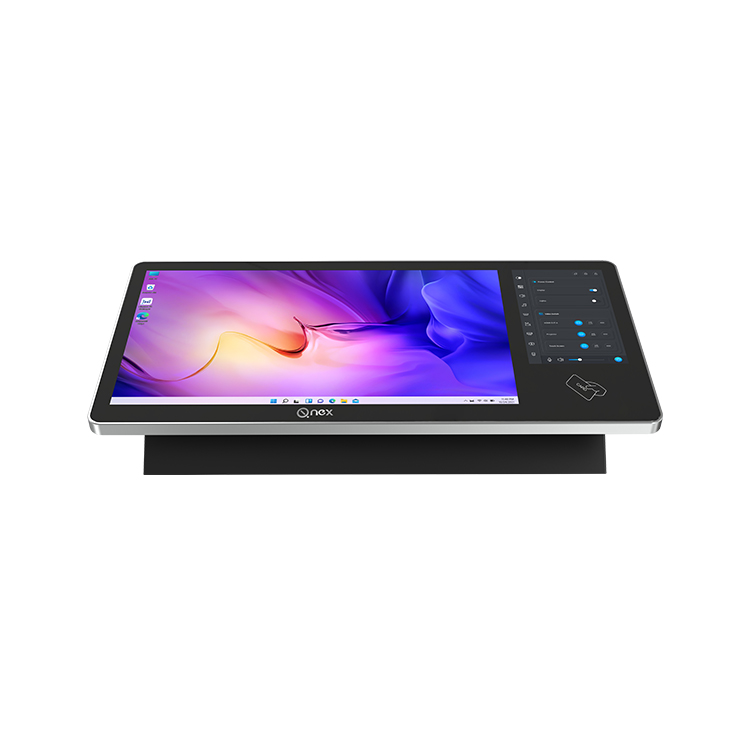
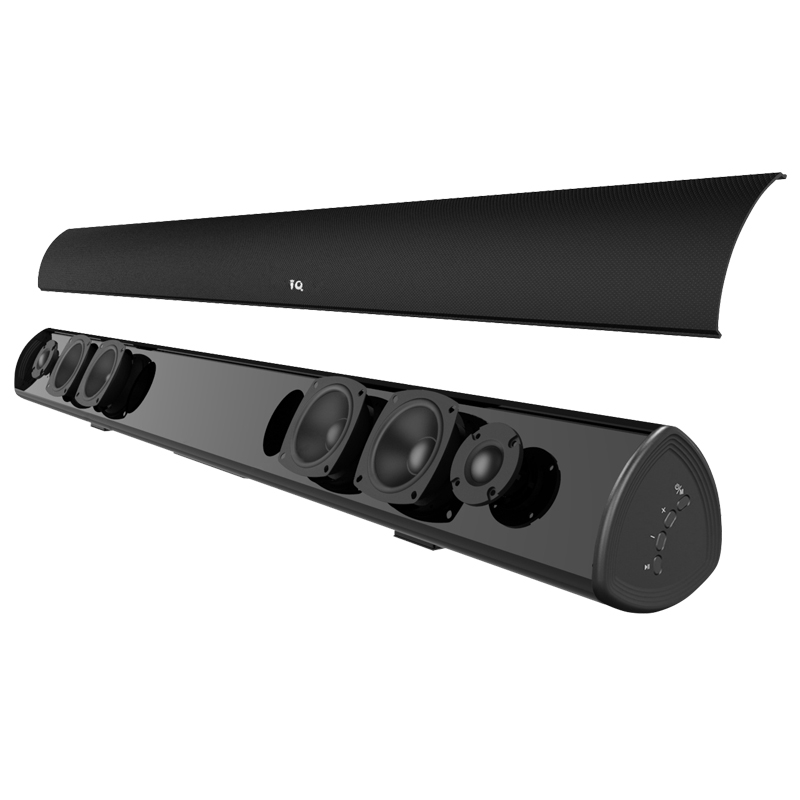
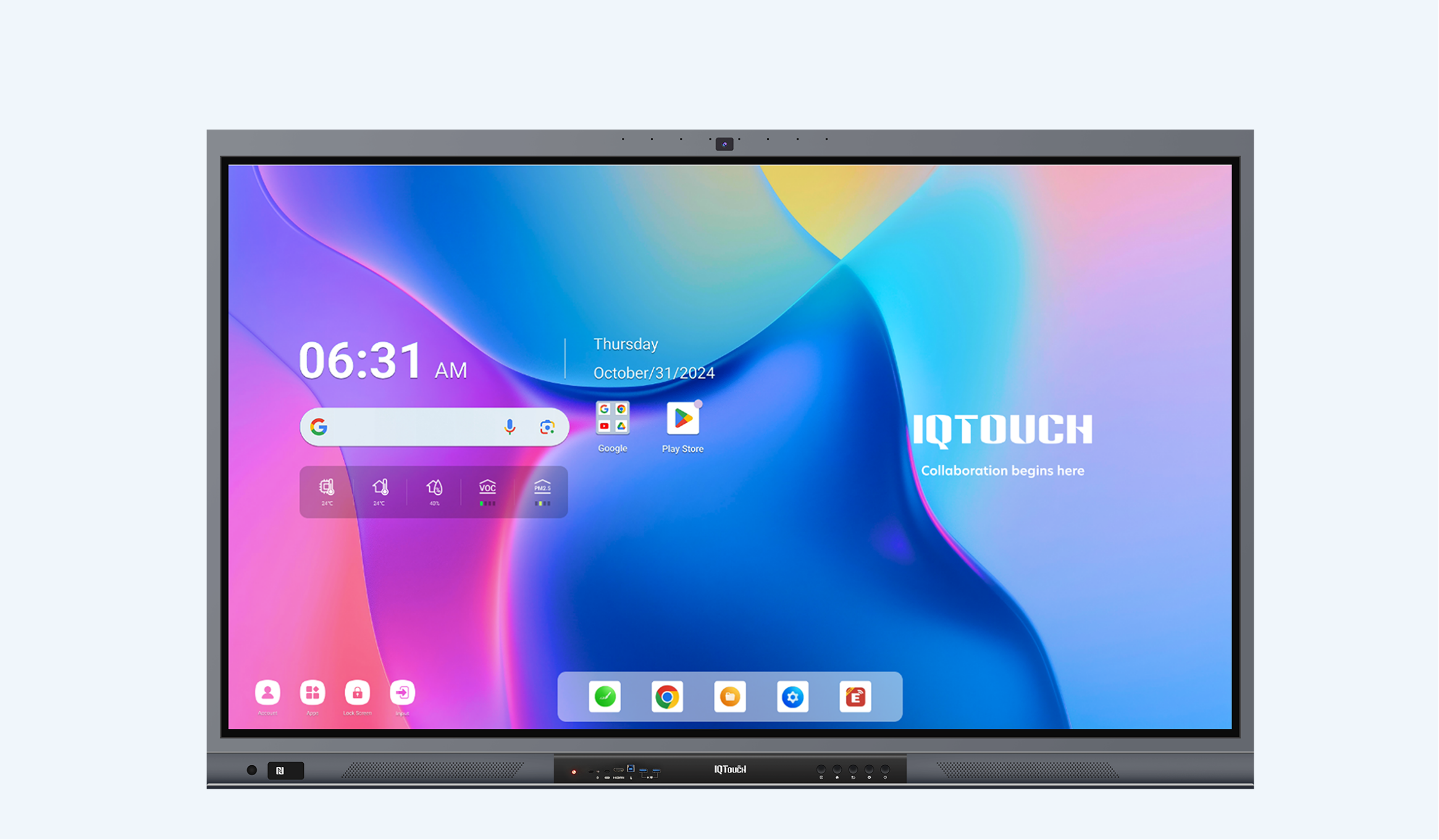
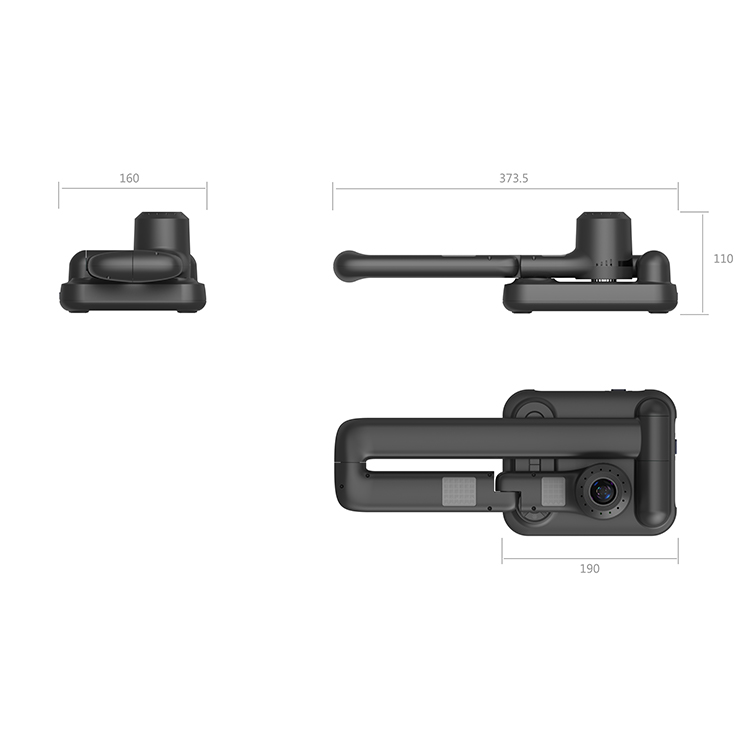
Eight Flagship Digital Visualizer & Smart Classroom Systems for Buyer Shortlists
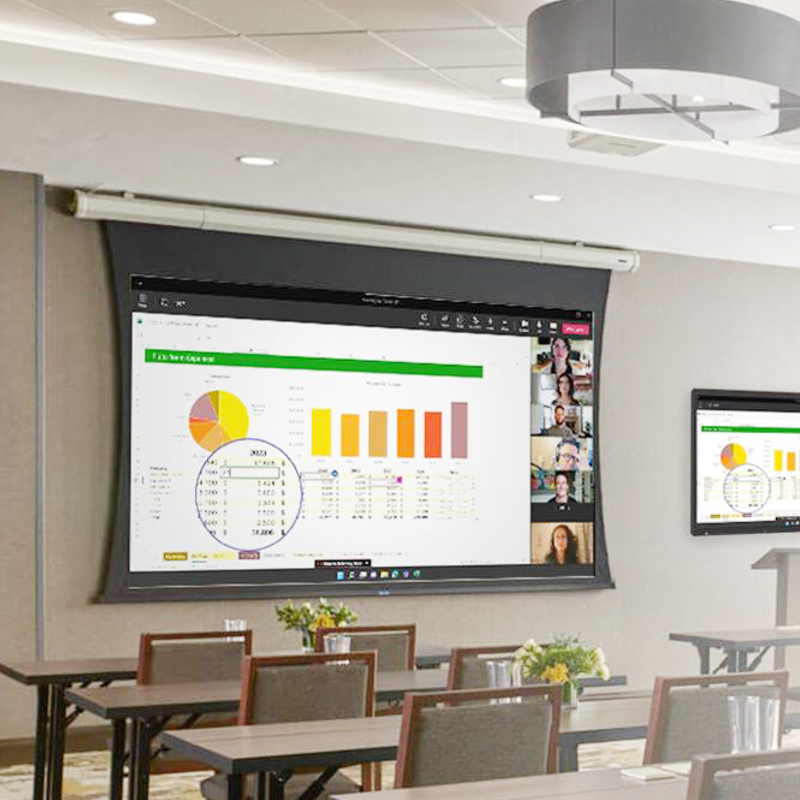
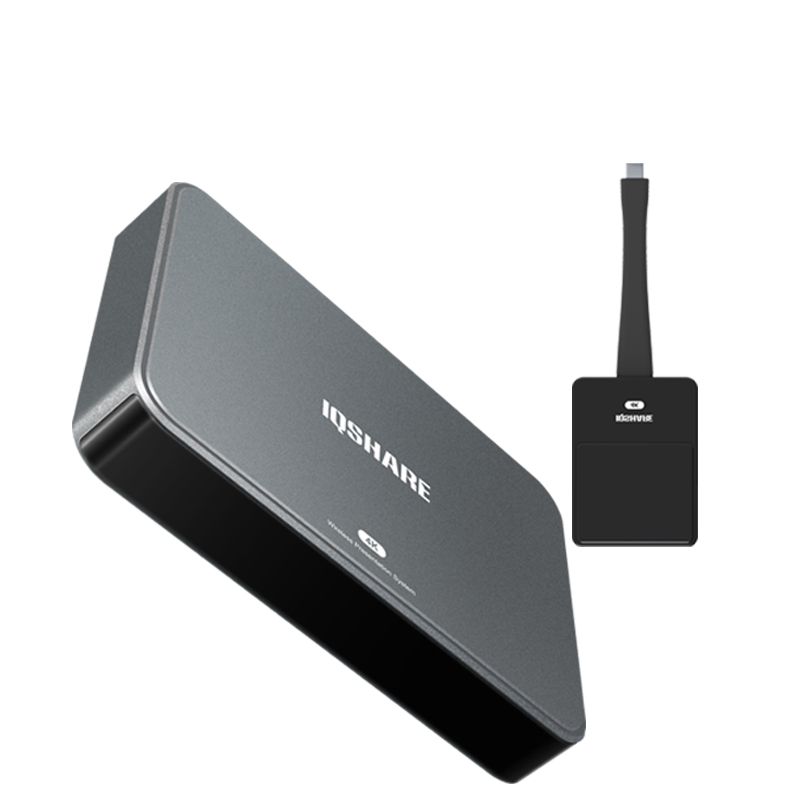
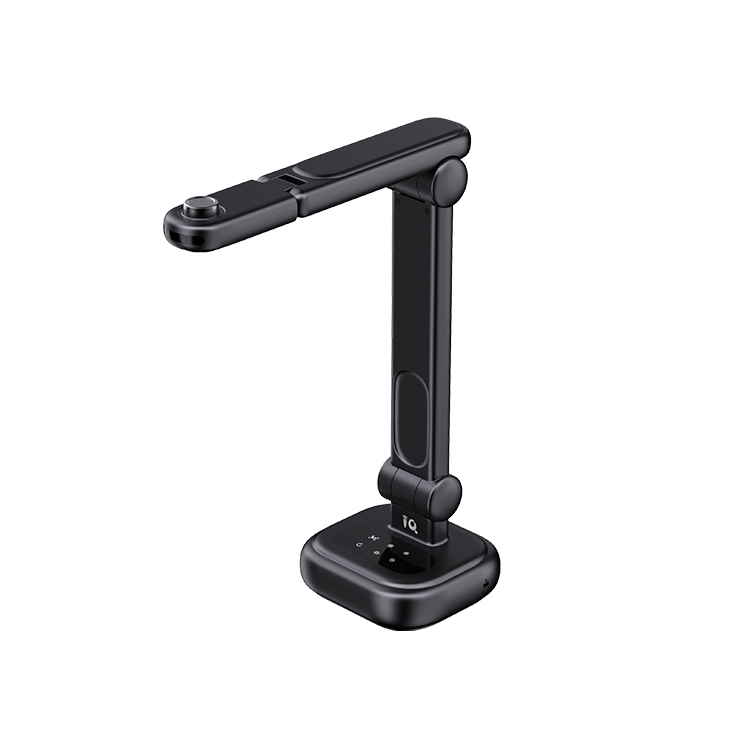
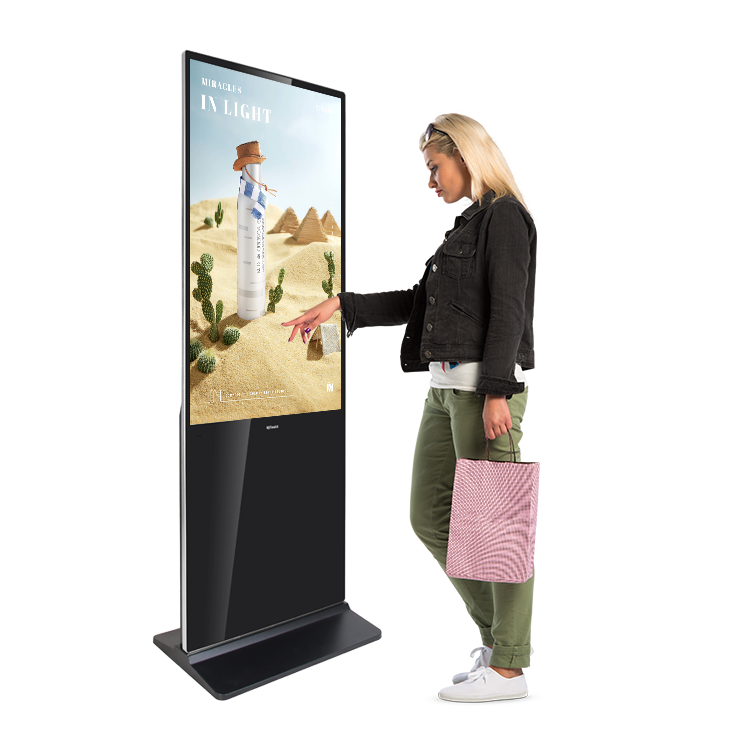
The phrase “top 10” is useful only when it is supported by transparent evaluation criteria. The eight configurations below represent the product families most often requested by distributors, tender buyers and system integrators who need a digital visualizer, document camera, interactive display or connected classroom system from one verified source.
What “Top 10 Digital Visualizer Manufacturer & Supplier” Should Prove
A credible shortlist is not a beauty contest. It is a risk-reduction instrument for distributors, tenders, system integrators and education groups that must justify technical fit, compliance, lifecycle support and total cost of ownership.
Buyers are purchasing an outcome, not a camera
A digital visualizer is only as valuable as the lesson, demonstration or inspection workflow it supports. The strongest suppliers document how the device behaves with interactive panels, lecture capture, wireless presentation systems, document cameras and classroom audio — not only how many megapixels appear on a specification sheet.
Verification shortens the tender evaluation cycle
For public tenders and large education rollouts, third-party verification matters because it converts supplier claims into reviewable evidence. SGS onsite verification, documented trade capacity, accessible transaction records and in-house reliability testing all reduce the number of unknowns that procurement teams must price into a risk buffer.
In semantic search, buyers rarely type “digital visualizer manufacturer” in isolation. They search for a problem: “4K document camera for classroom”, “portable visualizer with auto focus”, “wireless screen sharing for meeting room”, “interactive flat panel supplier for tender”, “A4 document scanner kiosk” or “OEM smart podium factory”. A strong supplier page should therefore connect product keywords with use-case intent, proof of manufacturing capability and a clear procurement path.
This is where information gain becomes commercially important. A page that merely repeats a product list gives buyers no reason to trust the supplier. A page that explains room sizing, optical zoom, annotation latency, OPS architecture, optical bonding, test-lab coverage, packaging resilience and OEM documentation gives procurement teams a practical evaluation framework — and creates a legitimate reason to shortlist the manufacturer behind it.
Ruyden Interactive Technology Group Co., Ltd. operates from the Fuzhou High-tech Zone in Fujian, China, with in-house SMT, PCB, assembly and reliability testing capabilities. For international buyers, that vertical control is not a marketing detail; it determines how quickly engineering changes can be handled, how consistently OEM configurations are repeated across batches and how promptly quality evidence can be supplied during due diligence.
Procurement Trends Reshaping Digital Visualizer and Smart Classroom Purchasing
The next purchasing cycle will reward suppliers who can support standards, integration, firmware governance and lifecycle service — not just low unit pricing.
Room-based bundles replace stand-alone device buying
Buyers increasingly specify a complete teaching room: interactive display, visualizer, wireless presentation, soundbar, podium and capture camera. Bundling reduces compatibility risk and simplifies after-sales responsibility, but it also means the supplier must prove interoperability across categories.
4K and optical zoom become baseline expectations
Document cameras are moving from simple webcam modules to true visualizers with 4K output, auto focus, optical zoom and real-time annotation. For university demonstrations, science teaching and document inspection, digital zoom alone is rarely accepted when fine detail and low distortion are required.
UVC, USB-C and driverless compatibility move up the RFQ
IT teams want devices that work immediately with Windows, Android, Chrome and video-conference platforms. UVC-compliant output, HDMI and USB-C pathways, clear SDK availability and predictable firmware behaviour are now procurement questions, not merely engineering preferences.
Wireless presentation is evaluated as infrastructure
One-to-four screen sharing, low-latency 4K transmission and simple guest access are becoming normal requirements in classrooms and meeting rooms. Buyers are also asking about network separation, firmware update procedures and administrative control to support campus-scale deployment.
Centralized management and cybersecurity gain weight
As interactive panels, podiums and visualizers join campus networks, procurement teams need clear answers on account control, update policy, data handling and device administration. Suppliers that treat firmware and security documentation as part of the product — not an afterthought — are easier to approve.
Total cost of ownership beats headline price
A low quotation can become expensive if accessories are incompatible, packaging fails in transit, spare parts are unavailable or firmware requires repeated site visits. Mature buyers compare installation complexity, warranty support, training materials, packaging protection and multi-year serviceability alongside unit cost.
Product Trends to Specify Now: Optical Quality, UVC, AV-over-IP and Serviceability
These development directions have moved from premium differentiation to practical specification points for education, training, retail and corporate projects.
4K sensors, optical zoom and intelligent auto focus
For visualizers and document cameras, 4K output is increasingly expected alongside responsive auto focus and optical zoom. The practical question is not only resolution but stability: how quickly the camera locks onto a moving document, how well it handles glare and how naturally it supports annotation during live teaching.
Open connectivity for global IT environments
Multi-language interfaces, driverless USB video class output, HDMI pass-through and platform compatibility should be confirmed before mass production. For export projects, configuration control matters: the same model may need different language packs, power cables, packaging artwork and preinstalled software by market.
Optical bonding and anti-glare readability
In bright classrooms and public spaces, optical bonding improves perceived contrast, reduces internal reflection and supports a more direct writing experience. Buyers should ask how bonding, anti-glare treatment and toughened glass affect touch accuracy, visual clarity and long-term durability.
Wireless presentation, AV-over-IP and hybrid capture
Wireless HDMI systems, 1-to-4 sharing, conference cameras and lecture capture are converging into one classroom workflow. Buyers should plan the signal path clearly: local display, remote participants, recording, live broadcast and annotation all need predictable latency and simple operator behaviour.
Centralized AV control and smart podiums
Digital podiums with LCD touch screens are becoming control points for displays, audio, lighting and door access. For integrators, the key value is reduced commissioning time and clear operating logic; for end users, it is the ability to start a lesson without calling technical support.
Longer lifecycle, serviceability and export-ready packaging
Education buyers keep devices in service for years. Component consistency, accessible firmware, replaceable accessories and packaging that survives long-haul transport matter as much as launch features. Export-grade packaging, drop testing and transport simulation are direct contributors to lower damage rates.
Ruyden Manufacturing Advantages Buyers Can Verify
For global education projects, manufacturer credibility should be visible in records, production capability, testing discipline and the ability to support OEM/ODM requirements without losing consistency.
Ruyden Interactive Technology Group Co., Ltd. combines display, capture, audio, podium and wireless presentation categories into a single smart classroom ecosystem. That product breadth is useful for buyers who want fewer suppliers, clearer accountability and faster project coordination. It also means engineering changes are not isolated: a digital visualizer, interactive flat panel, wireless presentation system and smart podium can be planned as one connected room rather than four disconnected purchases.
The company has been onsite-verified by SGS Group, with assessment reports, credit overview, trade capacity and transaction records available for review. Design-based customization has also been verified by independent third-party inspection. For importers and tender buyers, these signals support a more efficient due-diligence process because they are inspectable rather than dependent on sales copy alone.
Education AV specialization supported by independent inspection records.
Long-term global supplier membership and documented trade history.
Engineering, production, quality control and export service professionals.
Average score from verified reviews and transaction records.
SGS onsite-verified supplier
Third-party verification supports tender submissions, distributor onboarding and pre-order due diligence. Buyers can review the SGS assessment report, credit overview, trade capacity, transaction level, trade history and buyer feedback records.
In-house SMT, PCB and assembly
Control over SMT, auto-insertion, PCB processing and final assembly helps protect custom designs, repeat OEM configurations and respond faster when engineering or compliance changes are required.
Verified OEM / ODM customization
Common customization includes logo and boot screen, housing color, packaging, language settings, preinstalled software and hardware configuration. This allows distributors to build market-specific product lines without managing a separate factory.
Reliability test lab and pre-shipment QC
Quality control includes high and low temperature, drop, simulated transportation, salt spray, button life, insertion force, static, earth continuity and withstand voltage testing. These checks address real failure risks in export shipping and daily classroom use.
One connected smart classroom ecosystem
Interactive flat panels, visualizers, wireless presentation, soundbars, lecture capture, digital podiums and centralized AV control can be coordinated into one project, reducing compatibility risk and simplifying after-sales responsibility.
Export experience and project support
More than ten years of export experience, international exhibition participation and documented trade activity support distributors, system integrators and tender buyers across different regional requirements and project scales.
Digital Visualizer RFQ Checklist and Total Cost of Ownership
Use this checklist to compare quotations on the same basis. The lowest unit price is not the lowest project cost when compatibility, testing, packaging or serviceability are unclear.
| Specification Area | Question to Ask the Supplier | Why It Matters |
|---|---|---|
| Optical performance | Is the visualizer true 4K, what optical zoom is available, and how does auto focus behave with moving documents? | Fine text, science demonstrations and A4 documents require stable detail, not interpolated resolution alone. |
| Annotation workflow | Can live video be annotated in real time, and is the software compatible with the interactive panel or podium? | Teachers need a natural workflow that does not interrupt the lesson or require separate software training. |
| Connectivity | Does it support HDMI, USB, UVC, USB-C or wireless presentation as required by the project? | IT teams need predictable compatibility with existing displays, computers and video-conference platforms. |
| Display integration | Does the supplier provide the interactive flat panel, wireless system, soundbar and smart podium as a coordinated package? | One accountable source reduces interoperability risk and simplifies installation and after-sales support. |
| Reliability testing | Which test reports are available for temperature, drop, transport vibration, salt spray, static and electrical safety? | Export projects face handling, climate and power conditions that should be considered before shipment. |
| OEM / ODM control | Can logo, boot screen, packaging, language, software preinstallation and hardware configuration be customized? | Distributors need market-specific products without losing batch consistency or documentation quality. |
| Packaging and logistics | Is packaging designed for long-haul export, and what protection is used for glass, cameras and electronic modules? | Transit damage creates hidden costs through replacement units, installation delays and reputational risk. |
| Lifecycle service | What is included in warranty, technical training, spare-part planning and firmware support? | The real cost of ownership continues after installation and should be evaluated before purchase approval. |
For a robust comparison, ask every supplier to quote against the same room plan and the same operational scenario. A 75-inch panel for a small classroom is not equivalent to an 86-inch panel for a lecture hall; a portable 4K visualizer with auto focus is not interchangeable with a 10x optical zoom A4 document scanner kiosk; and a wireless 1-to-4 presentation system should be assessed by latency, pairing simplicity and administrative control, not packaging alone.
Frequently Asked Questions About Digital Visualizers and OEM Supply
These are the questions most frequently raised by education distributors, tender buyers, integrators and corporate procurement teams.
What is a digital visualizer, and how is it used in a classroom?
A digital visualizer is a document camera or visual presentation device that captures books, objects, experiments, handwriting or product samples and displays them on a large screen. In modern classrooms it is often combined with an interactive flat panel, real-time annotation, lecture capture and wireless presentation so teachers can move naturally between physical materials and digital content.
What should buyers check in a 4K document camera specification?
Look beyond the 4K label. Confirm the sensor and output path, optical zoom versus digital zoom, auto-focus behaviour, frame rate, low-light performance, annotation latency, HDMI and USB connectivity, software compatibility and whether the supplier can provide test evidence for the configured model.
Does Ruyden support OEM and ODM customization?
Yes. Design-based customization has been verified by independent third-party inspection. Typical options include logo and boot screen, housing color, packaging, language settings, preinstalled software and hardware configuration. Project-specific requirements should be reviewed with the export team before sampling.
How are products tested before shipment?
Production runs through in-house SMT, auto-insertion, PCB and assembly lines, followed by reliability and safety testing. Depending on the model and project, checks include high and low temperature, drop, simulated transportation, salt spray, button life, insertion force, static, earth continuity and withstand voltage testing.
Has Ruyden been verified by an independent third party?
Yes. Ruyden has been onsite-verified by SGS Group. The supplier assessment report, credit overview, trade capacity, transaction level and trade history are publicly viewable through the company’s verification pages, supporting tender and distributor due diligence.
Can visualizers and interactive panels be integrated into one smart classroom?
Yes. A typical integrated room can combine an interactive flat panel, 4K visualizer or document camera, wireless presentation system, soundbar, digital podium and lecture capture. Planning these categories together reduces compatibility risk and creates one clearer after-sales route.
Which sizes are available for interactive flat panels?
Interactive flat panels and touch-screen whiteboards are available in 55, 65, 75, 85, 90 and 100 inch sizes. The correct size depends on room depth, viewing distance, audience size and whether the room is a huddle space, standard classroom, lecture hall or conference room.
How should an overseas buyer start a quotation?
Share the room type, target quantity, installation country, target market, preferred sizes, software language and any certification or tender requirements. A tailored configuration proposal can then be prepared around the project instead of quoting a generic product list.
What is the difference between a portable visualizer and an A4 document scanner kiosk?
A portable visualizer is usually designed for flexible teaching, demonstration and on-the-move capture. An A4 document scanner kiosk typically emphasizes large coverage, 10x optical zoom, foldable flatbed scanning, high-speed document capture and fixed installation for public service, inspection or archival workflows.
Request a Factory-Backed Digital Visualizer Configuration
Share your room types, target quantities, market requirements and tender documents. Ruyden can propose a coordinated configuration across interactive flat panels, 4K visualizers, wireless presentation, soundbars and digital podiums — supported by documented manufacturing verification and export experience.
SGS onsite-verified manufacturer · 19 years in education AV · OEM/ODM customization · In-house SMT, PCB, assembly and reliability testing
