Eight Classroom Visualiser Products for Integrated Room Projects
The strongest export portfolios are not random catalogues. They map to real room bills of materials: one display, one audio system, one capture device, one teacher-control podium, one document visualiser and one campus signage option. The eight products below support that mixed-room procurement model.
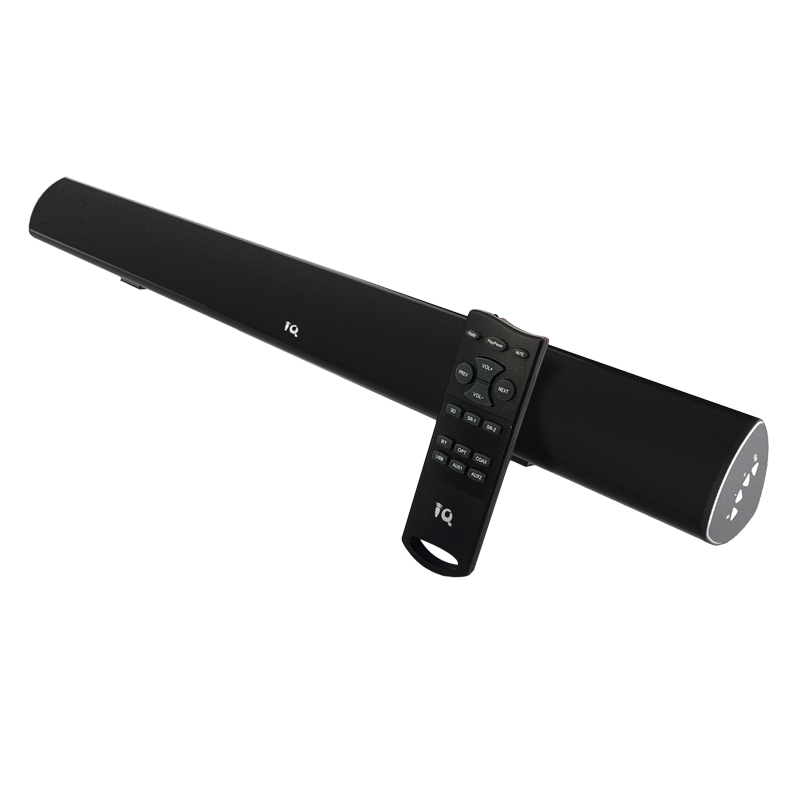
IQSoundbar Wholesale Office Conference Room Audio Sound Bar TV Soundbar with Subwoofer Active Speaker
An audio upgrade for 65–86 inch display classrooms and meeting rooms where speech intelligibility matters more than cinema volume.
- Active soundbar
- Subwoofer
- Wholesale
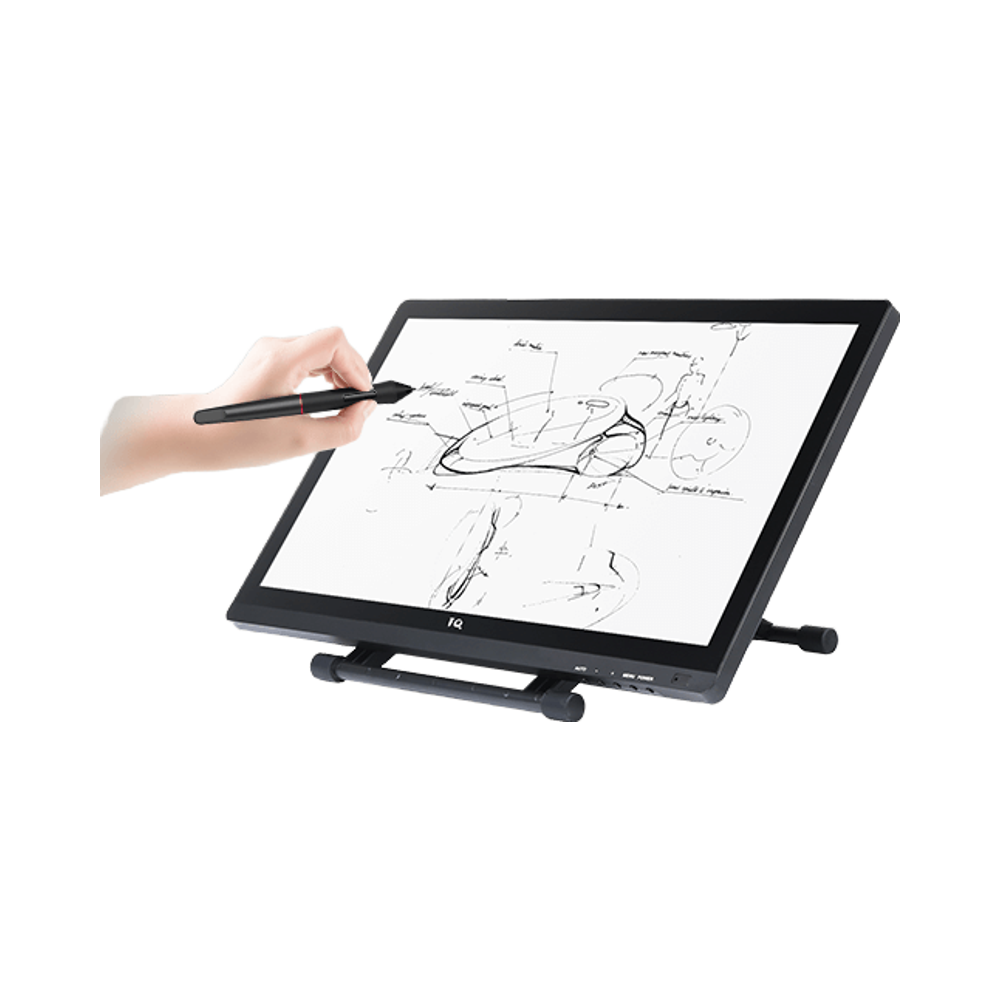
22" Touch Screen Digital Smart Podium with Wireless Microphone for Sale
A teacher-control lectern for rooms that need display switching, microphone input and lesson-source control from one surface.
- 22 in touch
- Wireless mic
- Teacher control

4K Kiosk Touch Screen Digital Signage Outdoor LED LCD Advertising Kiosk for School Hotel Hospitals
Outdoor signage for school gates, hospital entrances and campus wayfinding, with a 4K touch display for notices and directions.
- 4K display
- Outdoor kiosk
- Touch screen
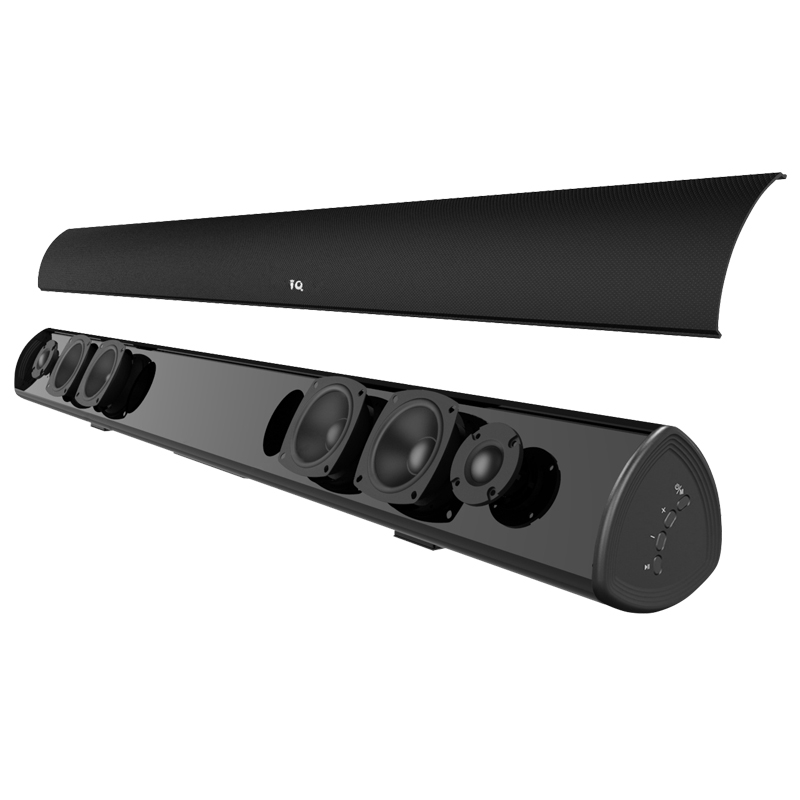
Soundbar for Meeting Room and Classroom Remote Control Speaker
A practical soundbar for refurbishment projects where existing displays remain in service but voice reinforcement must improve.
- Remote control
- Meeting room
- Classroom
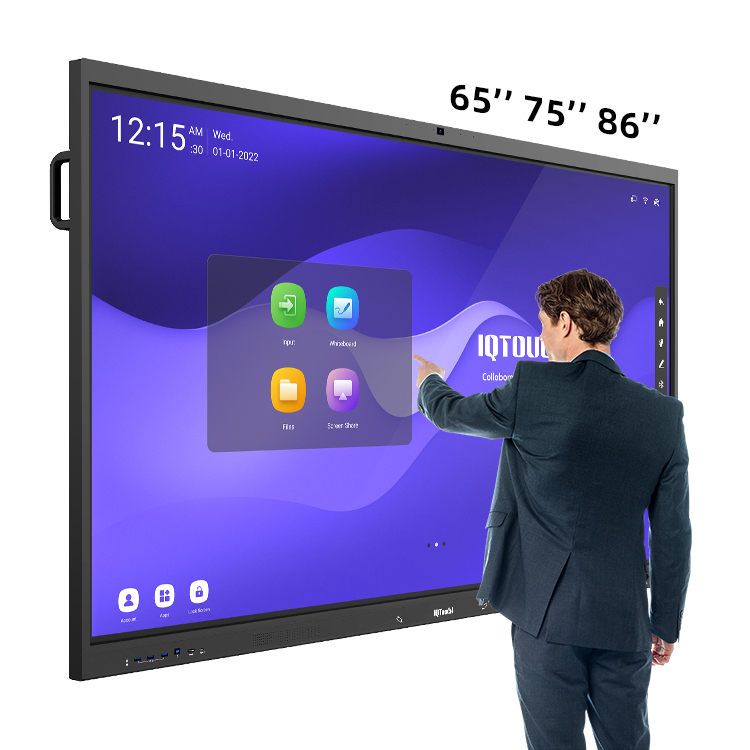
Dual System 4K 65 75 86 Inch Smart Board Interactive Electronic Whiteboard for Education and Conference
A dual-system 4K interactive board for K-12, higher education and conference rooms where software standards differ by site.
- 4K
- Dual system
- 65–86 in
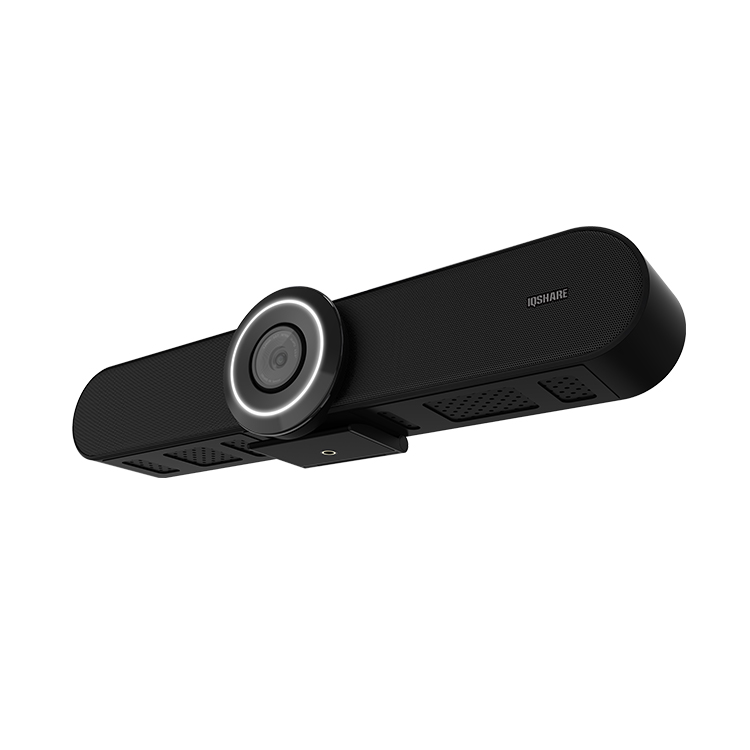
8MP Ultra HD 4K Conference Desktop All in One Webcam Stand Built-in Mic & Speaker for Online Class Meeting Live Stream
An all-in-one 4K webcam with microphone and speaker for hybrid classes, live streams and small meeting rooms.
- 8MP 4K
- Mic + speaker
- USB setup
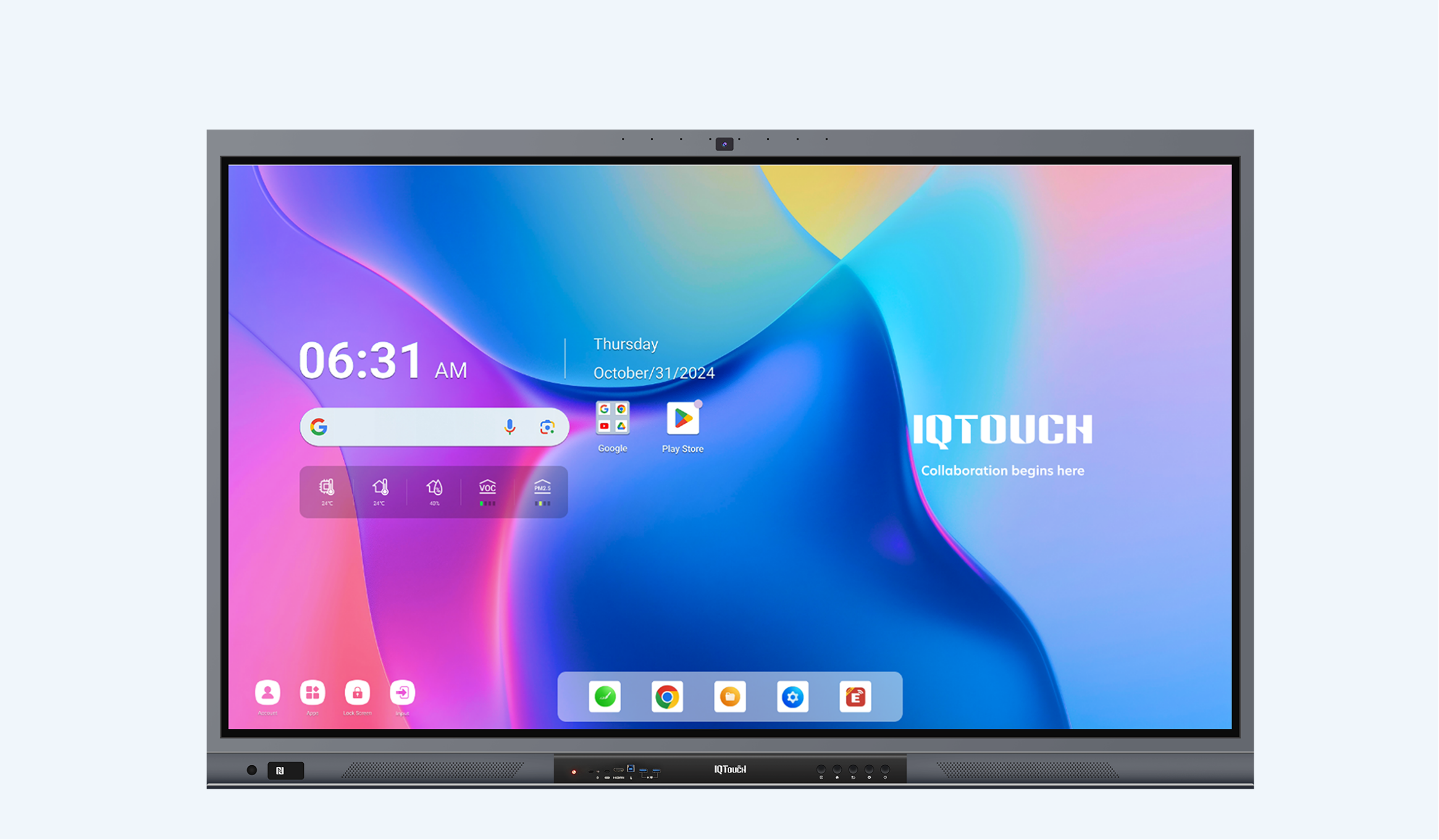
75 86 Inch Interactive Touch All in One Pc Electronic Interactive Whiteboard Smart Board Digital Price for Conference
A 75 or 86 inch all-in-one interactive PC board for conference rooms and training spaces that require annotation and video calls.
- All-in-one PC
- 75/86 in
- Touch
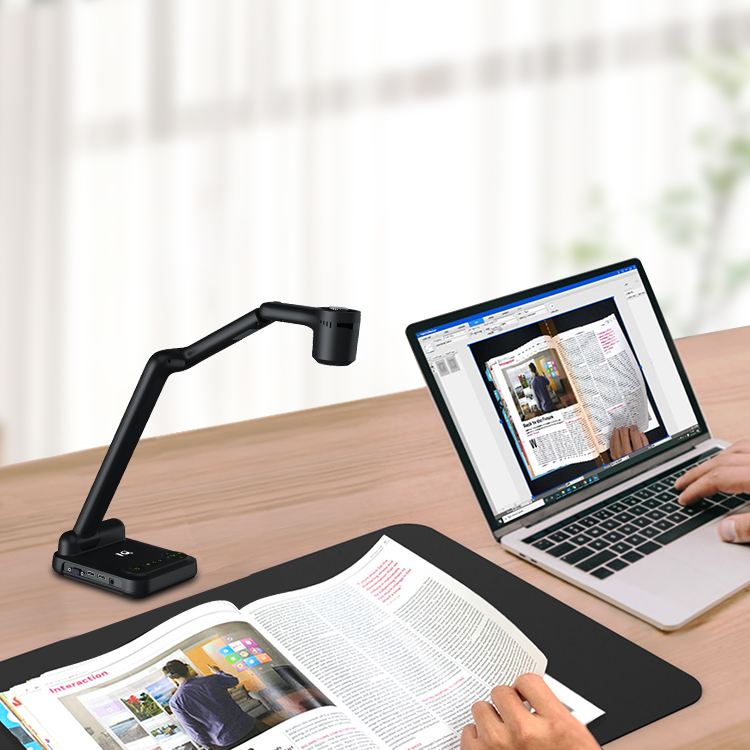
Wholesale 10x Optical Zoom Portable High Definition Live Image Document Camera Ceiling for School
A true classroom visualiser for science demonstrations, art critique, textbook close-ups and remote tutorials.
- 10x optical
- Portable
- HD live image
Why “Classroom Visualiser Supplier” Is Now a Room-Capability Question
Classroom visualiser procurement has moved from a peripheral purchase to a room-level infrastructure decision. In many markets, “visualiser” still describes a document camera that sits above a desk and projects fine detail to a display. Yet in current education tenders, the same search intent often includes interactive flat panels, lecture capture, classroom audio, digital podiums, wireless presentation and centralized AV control.
That shift matters to distributors, importers and procurement teams. A search for trusted classroom visualiser suppliers and exporters is rarely a request for one isolated SKU. It is usually a request for a partner who can supply a compatible bill of materials, document test evidence, support OEM branding and provide after-sales continuity across multiple rooms or campuses.
The most useful information gain for buyers is therefore not another list of product names. It is a repeatable evaluation model: verify the factory, confirm the test regime, inspect the room-level compatibility, compare lifecycle cost and test the supplier’s ability to support a mixed-container order. This guide is structured around that model.
- Product recommendations mapped to actual classroom, lecture hall, meeting room and campus-signage workflows
- Procurement trends that should appear in 2026 RFQs, including hybrid parity, 4K capture and lifecycle economics
- Supplier verification questions that distinguish an export-capable manufacturer from an assembled catalogue
A competitive classroom visualiser portfolio connects document capture, displays, audio, lecterns and AV control instead of treating each item as a standalone purchase.
What “Trusted” Should Mean in a Classroom Visualiser Export Relationship
Trust is not a badge placed beside a product photo. It is a chain of evidence that can be reviewed before a deposit is paid and re-checked before a repeat order.
Independent Verification
Ask for an SGS or equivalent onsite assessment with scope, date and company identity. Ruyden’s public profile includes SGS onsite verification, credit overview, trade capacity, transaction level and trade history for independent review.
Manufacturing Depth
Displays and visualisers are sensitive to board-level quality. In-house SMT, automatic insertion, PCB processing and final assembly reduce reliance on anonymous subcontractors and make engineering changes easier to control.
Reliability Test Evidence
Request named tests: high and low temperature, drop, simulated transportation, salt spray, button life, insertion force, static, earth continuity and withstand voltage. Test names matter because they reveal what could fail in real export markets.
OEM / ODM Control
Real customization extends beyond a logo sticker. Confirm boot screen, housing color, packaging, language pack, pre-installed software, accessory mix and hardware configuration. Request sample approval before mass production.
One-Stop Room Compatibility
A trusted exporter should document how displays, soundbars, cameras, podiums and wireless presentation work together. Room-level compatibility lowers commissioning risk and reduces finger-pointing when an integrator hands over the site.
Export and Tender Support
Look for documented export history, multilingual sales support, packing standards, spare-parts planning and the ability to supply tender documents. A factory with 82 staff and 10+ years of export experience can support repeat programmes, not only one-off orders.
Procurement Trends Reshaping 2026 Classroom Visualiser RFQs
Buyers are writing specifications around teaching outcomes and lifecycle risk. Suppliers that can answer at the room level will win more repeat business than those that quote only unit price.
| Procurement Trend | What It Changes in the Buyer’s RFQ |
|---|---|
| Outcome-based room specifications | Instead of requesting “twelve 75-inch panels”, buyers now describe “twelve rooms with 4K display, wireless sharing, speech reinforcement, document capture and three-year spares”. The supplier must provide a compatible bill of materials and a commissioning narrative. |
| Hybrid teaching parity | Remote students must hear and see the same lesson quality as in-room students. RFQs increasingly ask for camera field of view, microphone pickup, speaker coverage, lecture capture recording and simple teacher control in one workflow. |
| 4K capture and AI-assisted audio | 4K resolution is becoming table stakes for displays and cameras. Buyers are also testing auto framing, noise suppression and voice lift in real rooms with HVAC noise, echo and mixed seating. Demonstration videos are not enough. |
| Open management and serviceability | Campus IT teams want firmware policy, remote diagnostics, standardized device management and replacement-part availability. Proprietary lock-in raises long-term support cost and slows maintenance across multiple buildings. |
| Compliance and data governance | Cameras and microphones in classrooms require clear privacy controls, network segmentation guidance, retention policy and local certification planning. Exporters should provide documentation rather than verbal assurances. |
| Lifecycle economics | The lowest unit price can lose after one replacement panel, one failed power board or one unbudgeted spare-parts air shipment. Buyers compare packaging, DOA process, warranty workflow, firmware support and spare-part lists alongside unit cost. |
What Buyers Should Anticipate in the Next Generation of Classroom Visualisers
The winning products will be easier to deploy, easier to manage and easier to justify in a three-year total-cost model.
AI at the Edge
Auto framing, speaker tracking, voice lift and noise suppression are moving into cameras and soundbars. The procurement question is not whether AI exists, but whether it improves intelligibility in a real classroom without creating privacy or network problems.
Dual OS and Open Modules
Education buyers often need Android flexibility while enterprise users expect Windows compatibility. Dual-system interactive boards and open pluggable modules reduce integration friction and extend the useful life of the display.
Wireless 4K and USB-C
Teachers want one-click sharing without cable clutter. Wireless presentation, USB-C input and HDMI handshake reliability are becoming evaluation points in meeting-room and classroom tenders, especially for retrofit projects.
Serviceable, Sustainable Design
Modular boards, replaceable power units, recyclable packaging and remote diagnostics reduce lifecycle waste. Buyers increasingly ask for firmware update plans and spare-part availability at the quotation stage, not after installation.
How to Compare Classroom Visualiser Suppliers Before You Shortlist
A strong quotation should survive a technical review without relying on sales assurances. Use this matrix to separate weak signals from procurement-grade evidence.
| Evaluation Criterion | Weak Signal | Strong Signal |
|---|---|---|
| Factory proof | Stock photos, generic brochures or a trading-company website | Third-party onsite assessment with report, date, scope and public company records |
| Quality evidence | “Strict QC” with no named tests | Specific reliability tests for temperature, transport, salt spray, electrical safety, ESD, drop and service life |
| Customization | Logo printing only | Design-based OEM/ODM with boot screen, UI, housing, packaging, language, software and hardware configuration control |
| Room compatibility | Single-product quotation with unofficial accessories | Room-level bill of materials covering display, audio, camera, visualiser, podium, wireless sharing and AV control |
| Export support | “We export worldwide” without evidence | Public trade capacity, transaction history, buyer ratings, export-market experience and spare-parts planning |
| Total cost of ownership | Lowest unit price with unclear warranty and spares | Documented warranty flow, DOA policy, packaging standard, training support, firmware plan and lifecycle cost comparison |
Recommended Classroom Visualiser Configurations by Space
Match the visualiser, display, audio and teacher-control modules to the room’s viewing distance and teaching style. This approach reduces orphan accessories and prevents under-specified rooms after installation.
| Room Type | Recommended Visual Solution | Audio and Capture | Procurement Note |
|---|---|---|---|
| Small huddle room | 55–65 inch 4K interactive display with wireless sharing | Compact soundbar plus all-in-one 4K webcam | Prioritize USB simplicity and clean wall mounting over maximum screen size. |
| Standard K-12 classroom | 65–75 inch interactive board plus portable document camera | Classroom soundbar and optional visualiser stand | Specify teacher-friendly annotation, HDMI/USB-C access and consistent firmware across rooms. |
| Large classroom | 75–86 inch dual-system interactive display | Remote-control soundbar and 4K hybrid webcam | Check viewing distance for the back row and provide one control surface at the teaching position. |
| Lecture hall | 90–100 inch display with networked podium | Lecture capture, 360-degree or room camera, active audio | Plan recording workflows, microphone coverage and content-sharing inputs before tender close. |
| Campus wayfinding | 4K outdoor touch digital signage kiosk | Built-in display management and protected network access | Confirm brightness, ingress protection requirements, content ownership and maintenance access. |
Why Ruyden Is Positioned for Demanding Education Export Programmes
Ruyden Interactive Technology Group Co., Ltd. is an SGS onsite-verified manufacturer based in the Fuzhou High-tech Zone, Fujian, China. The company’s public profile documents 19 years in the industry, 82 staff, 10+ years of export experience and a product portfolio covering 55–100 inch interactive flat panels, interactive whiteboards, lecture capture systems, networked digital podiums, wireless presentation and smart classroom AV integration.
The manufacturing story matters to buyers because the product family is not assembled from unrelated catalogue parts. The original company content documents in-house SMT, automatic insertion, PCB processing, final assembly, packaging and a dedicated test lab. The lab covers high and low temperature testing, drop testing, simulated transportation, salt spray, button life, insertion force, static testing, earth continuity, multimeter checks and withstand voltage testing.
For distributors and tender buyers, that translates into four practical advantages: a verified factory to present in bid documents, design-based OEM/ODM customization, one connected room ecosystem, and export support backed by public trade records. You can review the SGS assessment report, credit overview, trade capacity, transaction level and trade history before requesting a quotation.

Supplier Capability at a Glance
Use verifiable capability markers to compare exporters before you move from sample review to a multi-room purchase order.
Long-term education AV focus, documented in public verification records.
Engineering, production, quality control and export service roles.
Support for distributors, integrators and tender-based education projects.
Review verified transaction and feedback records as part of due diligence.
A Better Way to Compare Classroom Visualiser Quotations
Do not compare visualiser suppliers on unit price alone. Compare the complete room kit and the support model behind it.
Acquisition Cost
Include the display, document camera, soundbar, camera, podium, mounts, cables, freight, insurance, duties and packaging. A mixed container may reduce logistics cost, but only if the supplier can protect each SKU with export-grade packing.
Deployment Cost
Budget for installation, commissioning, teacher training, network configuration and content migration. Standard room templates and documented wiring diagrams reduce integrator labor and shorten handover time.
Lifecycle Cost
Ask for warranty workflow, DOA policy, spare-part list, firmware update plan and replacement-module availability. One failed power board or display panel can erase the savings from a lower initial quotation.
Classroom Visualiser Supplier FAQ for Overseas Buyers
These are the questions procurement teams, distributors and system integrators ask most often when comparing classroom visualiser exporters.
What is a classroom visualiser, and how does it differ from a document camera?
A classroom visualiser is often a document camera used to show textbooks, objects, handwriting or demonstrations on a large display. In broader education AV procurement, the term can also include interactive displays, lecture capture and visual presentation systems. Buyers should define the exact function in the RFQ so suppliers quote the correct optical zoom, output and mounting format.
Which products should be bundled for a standard 75-inch classroom?
A practical bundle includes a 65–75 inch 4K interactive display, a classroom soundbar, a portable document camera, an all-in-one webcam for hybrid lessons and optional wireless presentation. For lecture rooms, add a digital podium and lecture capture. For campus projects, keep the same control layout across rooms to reduce training time.
How can I verify a classroom visualiser exporter before ordering?
Check third-party onsite assessment reports, trade capacity, transaction history, buyer feedback and product-test evidence. Ask for named reliability tests and a sample inspection plan. For Ruyden, the SGS assessment report, credit overview, trade capacity and trade history are publicly viewable through the company profile links on this page.
What OEM and ODM options are realistic for an export order?
Realistic options include logo, boot screen, housing color, packaging, language pack, pre-installed software, accessory mix and selected hardware configuration. The supplier should provide a sample approval step before mass production. Design-based customization is more valuable than logo-only branding because it supports local market requirements and tender documentation.
How do I compare 4K visualisers beyond resolution?
Test optical zoom, focus speed, low-light performance, frame rate, output latency and how clearly the camera reads fine print at the edge of the frame. For document cameras, 10x optical zoom is often more useful than digital zoom because it preserves detail. Ask for a live demonstration using a textbook page, a small object and a handwritten note.
How should a supplier control quality across mixed room orders?
The supplier should create a room-level bill of materials, inspect incoming components, serialize major units, run functional checks, test packaging for export transport and prepare a pre-shipment inspection report. Mixed orders require stronger labeling and carton marks so integrators can receive by room or by building without opening every box.
What should I include in an RFQ to get a useful quotation?
Include room types, room dimensions, quantity per room, target country, preferred display size, audio requirements, capture needs, installation responsibility, certification expectations, language requirements and desired delivery schedule. If you have a bill of materials from an architect or integrator, share it. A supplier can then propose a compatible configuration instead of quoting isolated products.
How do we start a project with Ruyden?
Prepare your room count, target market, panel-size preference, audio and capture requirements, OEM needs and certification expectations. The export team can then review the room scenario and prepare a configuration proposal, sample plan and quotation. You can also use the quote button on this page to open the inquiry channel.
Turn Your Classroom Visualiser Requirement Into a Verified Room Kit
Share your room types, target country, display sizes, audio and capture needs. We will help map the requirement to a practical classroom visualiser bill of materials, sample plan and export quote.
Get a Quote