CE-Certified Classroom Visualizer Supply for Philippine Schools, Universities and Training Centers
The Philippine education market is moving from static projection toward visual, collaborative and hybrid-ready classrooms. A classroom visualizer is now a complete teaching chain: 4K document capture, interactive display, wireless sharing, audio, digital podium and remote conferencing.
For Philippine public schools, private academies, universities, TESDA training centers and BPO learning rooms, the buying question is no longer only “which document camera should we order?” It is “which supplier can deliver a repeatable classroom visualizer package that survives daily use, matches 220V/60Hz power, supports English instruction, and keeps spare parts available after installation?” That is where a factory-direct relationship matters.
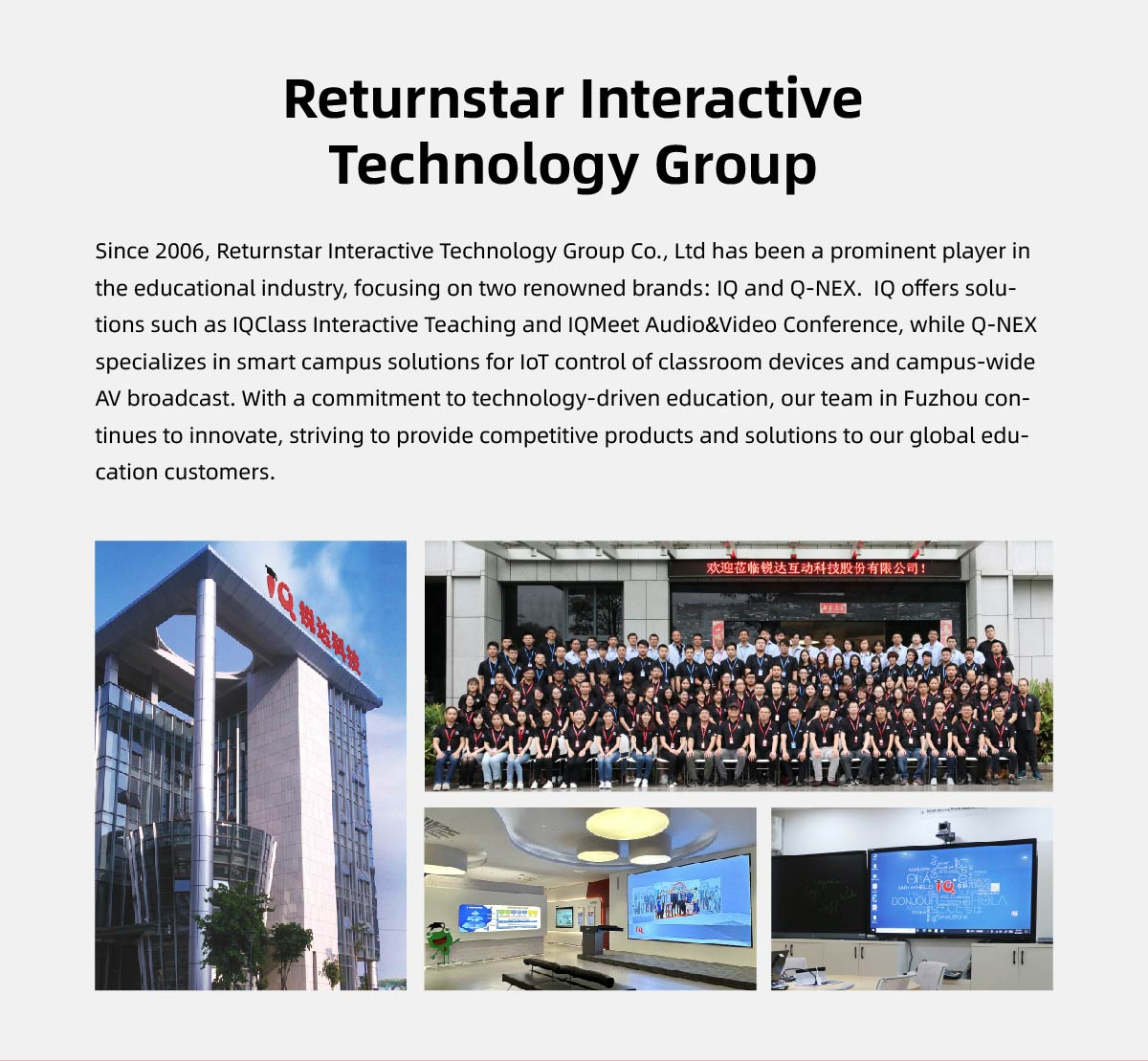
Ruyden Interactive Technology Group Co., Ltd. is an SGS onsite-verified manufacturer and wholesaler of interactive flat panels, interactive whiteboards, lecture capture systems, networked digital podiums, wireless presentation systems and classroom visualizer peripherals. With 19 years in the industry, 82 verified staff and a 5.0/5 buyer rating from verified transactions, Ruyden supports distributors, systems integrators and education tender buyers who need transparent factory records rather than a trading-company layer.
Our factory in the Fuzhou High-tech Zone, Fujian, combines in-house SMT, auto-insertion, PCB processing and final assembly with a dedicated reliability test lab. For the Philippines, this matters because classroom hardware must handle humid air, dust, salt-air exposure in coastal cities, voltage fluctuation in older buildings, and long transport routes to Manila, Cebu, Davao, Clark and regional provinces. Product planning should therefore combine CE-certified configurations with practical Philippine deployment checks: 220V/60Hz power, surge protection, English UI, local content compatibility and spare-parts planning.
Information gain for buyers: do not evaluate a visualizer by megapixels alone. Evaluate the complete teaching workflow — document camera resolution, A3/A4 book scanning, LED lighting control, annotation delay, display size, audio clarity, wireless sharing stability, podium ergonomics and after-sales response. Ruyden can combine these elements into one project package so that a school, university or training center avoids mixed-brand compatibility problems.
Philippines Sourcing Snapshot
- Procurement route: DepEd, CHED, TESDA, LGU or private-school sign-off, followed by RFQ, sample review and delivery scheduling.
- Power: specify 220V/60Hz, grounded outlets, AVR or surge protection, and cable plans before installation.
- Climate: prioritize humidity tolerance, dust protection, stable thermal design and export-grade packaging.
- Language: English UI as standard, with Filipino or Tagalog lesson content supported through local files and software configuration.
- Logistics: plan spare parts and installation support for Manila, Cebu, Davao and provincial campuses.
Ruyden at a Glance
Figures drawn from independent third-party verification and verified platform records — not marketing estimates.
Eight Classroom Visualizer and Smart-Room Products Recommended for the Philippines
These product families cover the most common Philippine buying intents: document capture for teaching, wireless screen sharing for BYOD rooms, digital podiums for teacher control, kiosks for campus information, and audio-video devices for hybrid learning.
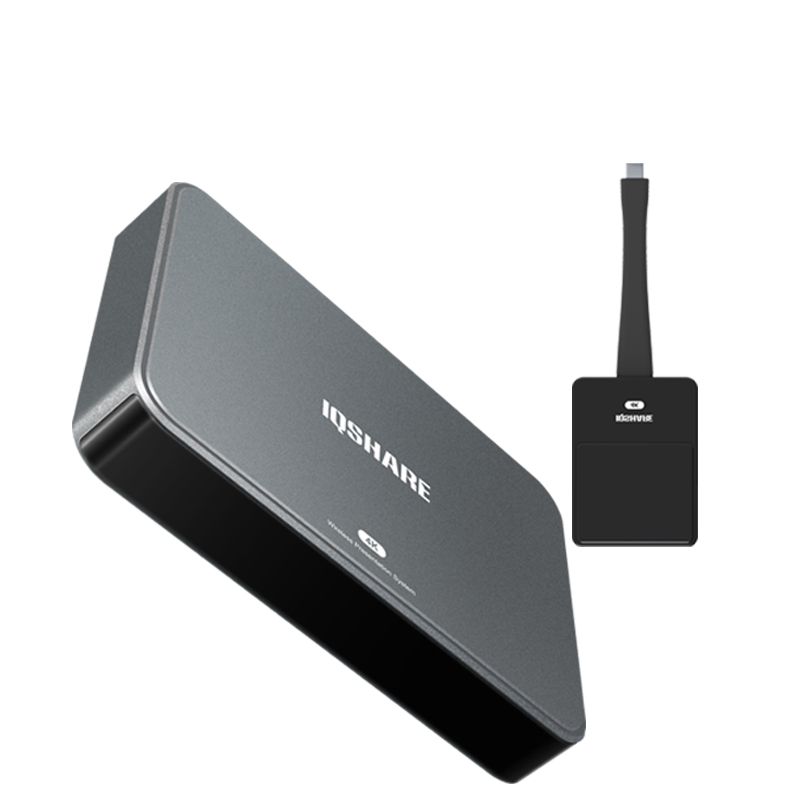
Hdm1 Wireless Transmitter Receiver 1 to 4 Anycast Wireless Screen Sharing Wireless Presentation System
Useful for Philippine classrooms and training rooms where cabling is costly, rooms are shared, or multiple displays need fast screen switching.
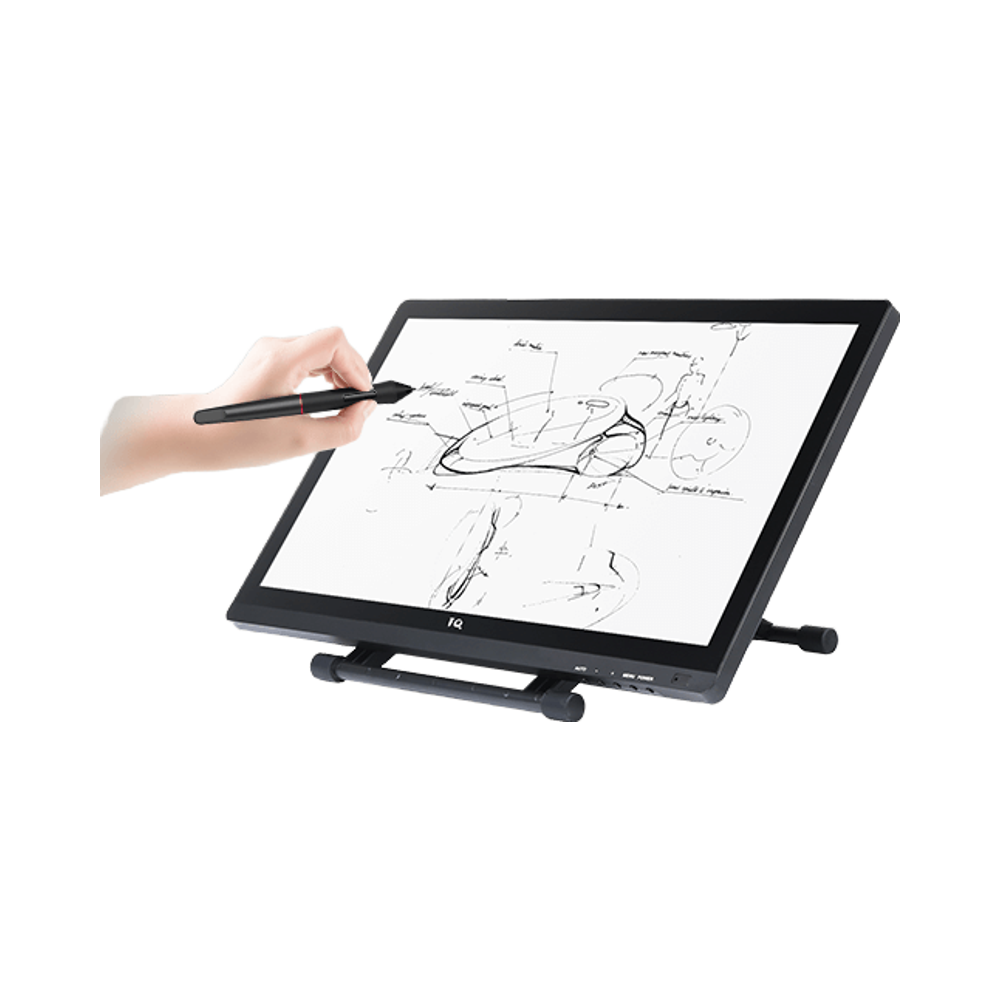
22" Touch Screen Digital Smart Podium with Wireless Microphone for Sale
Gives teachers central control of displays, audio and room devices while supporting clear voice delivery in larger classrooms.
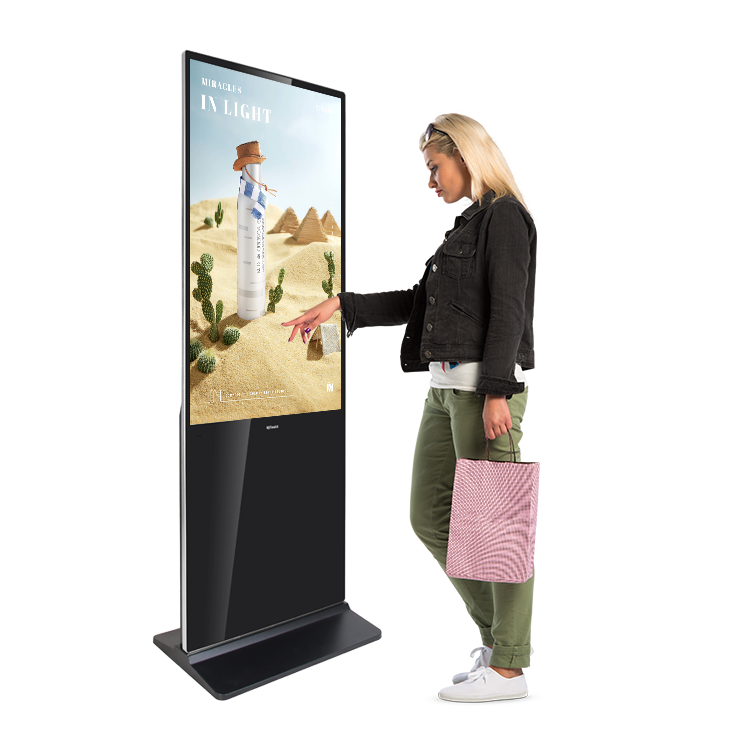
Android and Windows System Standing Floor Stand Information Kiosk Touch Screen for Shopping Mall
Ideal for school lobbies, LGU service areas, malls, clinics and campus wayfinding where reliable information access matters.
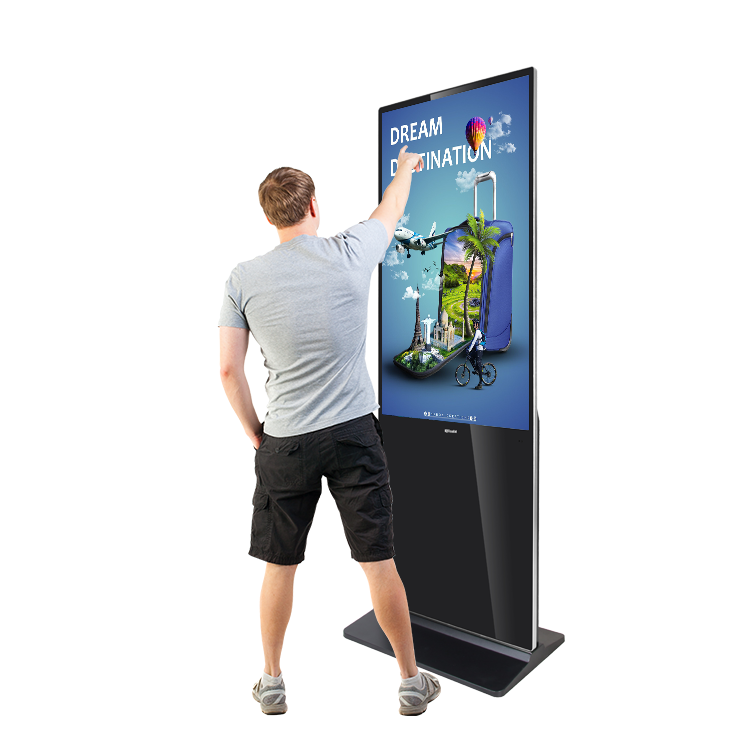
Wholesale 43inch Android Tablet Floor Standing Touch Kiosk for Hotel Bank School
A compact floor-standing digital signage and interactive display for reception areas, banks, hotels, school offices and enrollment desks.
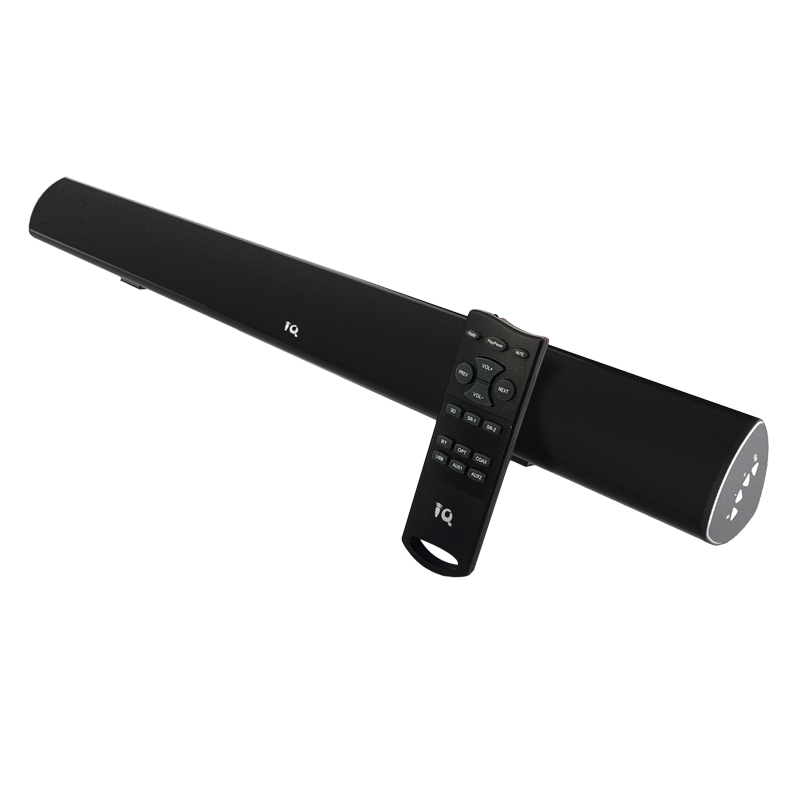
IQSoundbar Wholesale Office Conference Room Audio Sound Bar TV Soundbar with Subwoofer Active Speaker
Improves speech intelligibility in large classrooms, auditoriums and conference rooms where built-in display speakers are not enough.
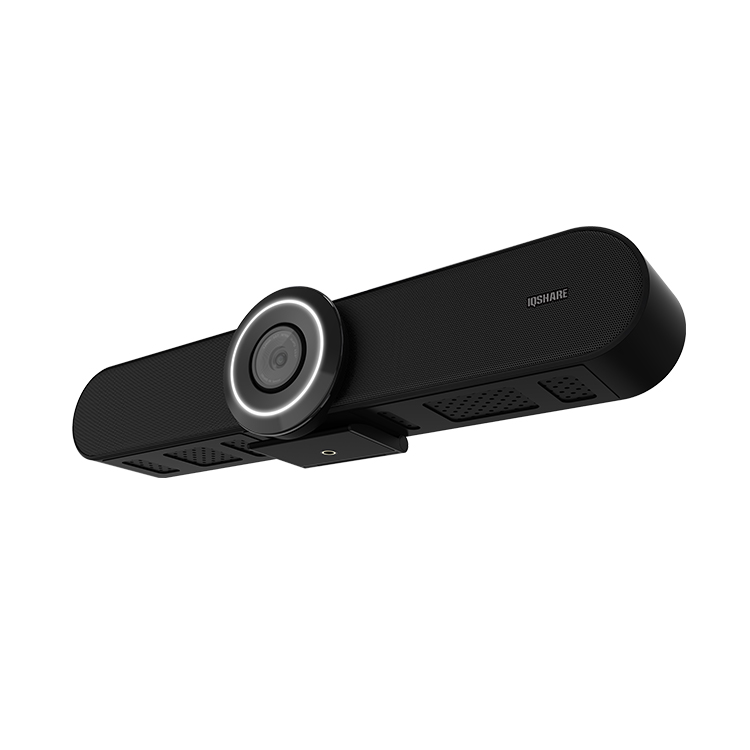
8MP Ultra HD 4K Conference Desktop All in One Webcam Stand Built-in Mic & Speaker for Online Classe Meeting Live Stream
A plug-and-play all-in-one camera for online classes, meetings and live streaming, reducing setup time for teachers and trainers.
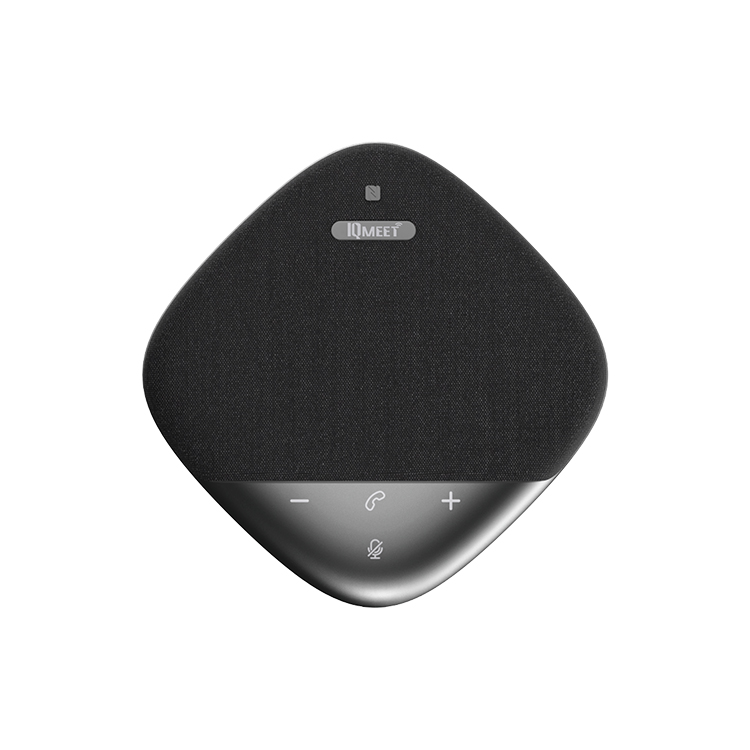
China Factory NFC Features AI Noise Reduction Built-in Dual Speakers Conference Speakerphone for Mobile Phone USB
Supports clear two-way audio for training rooms and huddle spaces, with AI noise reduction for offices near busy roads or open areas.
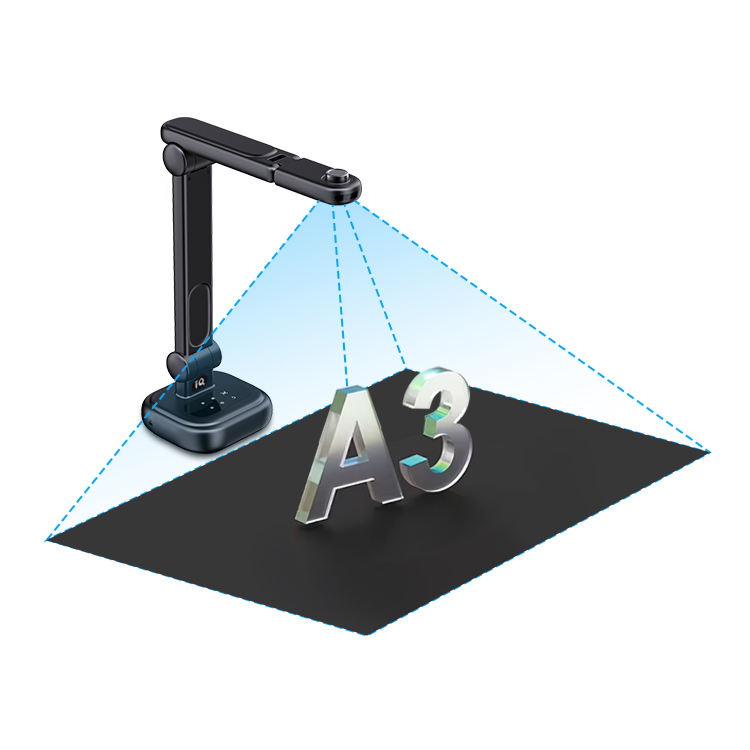
4K Camera Folding Design Live Annotation Adjustable LED Lighting Dual Stream A3 A4 Document Book Camera Scanner
A core visualizer for science demonstrations, book pages, worksheets, art lessons and live annotation, with adjustable LED lighting and A3/A4 support.
Where Classroom Visualizers and Smart AV Fit in the Philippine Learning Environment
Philippine schools do not all buy for the same room. A primary classroom, a university lecture hall, a TESDA workshop and a BPO training floor require different display sizes, audio coverage and capture configurations.
DepEd K-12 Classrooms
For public elementary and high schools, the practical setup is a 55–75 inch interactive display with a 4K document camera for worksheets, textbooks and science demonstrations. English UI keeps teacher onboarding simple, while offline file playback helps schools with limited bandwidth.
Universities and Lecture Halls
CHED universities and private colleges often need 85–100 inch displays, lecture capture, networked podiums and distributed audio. A dual-stream document camera lets lecturers show printed references while maintaining a live camera view for hybrid students.
TESDA and TVET Training Labs
Technical training requires close-up demonstration of tools, wiring, components and procedures. A folding 4K visualizer with LED lighting is more useful than a fixed ceiling camera for hands-on skills demonstration. Add a floor kiosk or 43-inch display for schedule updates.
Private Schools and Review Centers
Private schools and review centers need fast installation, clean aesthetics and teacher-friendly controls. A 22-inch smart podium with wireless microphone, a wireless presentation system and a soundbar can upgrade existing rooms without major civil works.
LGU, Barangay and Government Training
Government agencies, barangay halls and LGU training centers benefit from floor-standing kiosks for announcements and interactive displays for seminars. For remote sites, provide clear power protection and pre-loaded orientation materials for English and Filipino speakers.
BPO and Corporate Learning
BPO training rooms, banks and corporate academies need reliable hybrid meeting audio. Combine an AI noise-reduction speakerphone, 4K conference webcam, soundbar and wireless presentation for clear communication between Manila, Cebu, Davao and global teams.
Philippines Classroom Technology Trends Shaping 2025–2027 Procurement
Buyers who plan for these four trends will make better decisions on classroom visualizers, interactive displays and campus-wide AV standardization.
Hybrid Learning with Low-Bandwidth Fallbacks
Philippine campuses continue to blend face-to-face and remote classes, but internet reliability varies. Choose visualizers and displays that support local file playback, direct HDMI, USB content and offline annotation alongside video conferencing.
Multi-Campus Standardization
Universities and school groups want repeatable room kits across campuses. Standardizing a 55/65/75/86-inch display ladder, one podium design and one document camera model reduces training time, spare-parts complexity and procurement errors.
Tender-Ready Documentation
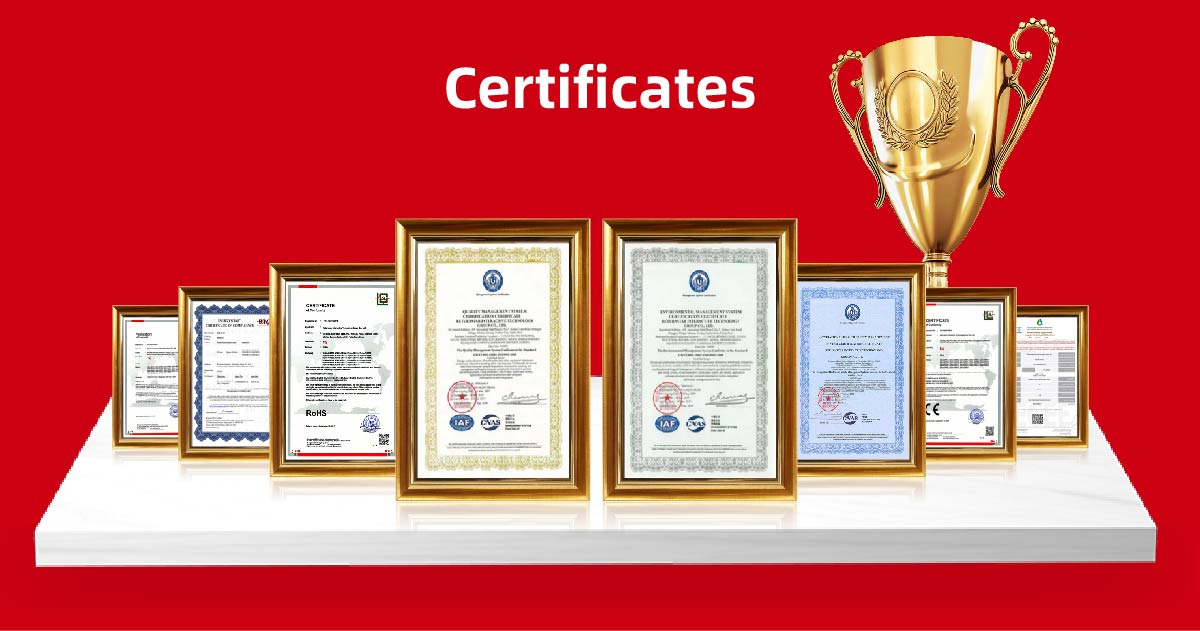
Public and private tenders increasingly request CE, FCC, RoHS, SGS verification, product datasheets, warranty terms and test reports. CE is valuable, but Philippine buyers should also confirm 220V/60Hz support, surge planning and spare-parts availability.
Climate-Ready Lifecycle Planning
Humidity, dust, salt-air exposure and voltage fluctuation affect product lifespan. Specify protected packaging, corrosion-resistant hardware, electrical safety testing and a clear warranty and spare-parts plan for coastal and provincial deployments.
How to Specify the Right Classroom Visualizer Package for Philippine Rooms
The most common sourcing mistake is ordering a display that is too small for the room or a visualizer that does not match the teaching style. Use this practical matrix before you request a quotation.
| Room Type | Display Size | Visualizer and AV Add-Ons | Why This Configuration Works |
|---|---|---|---|
| Small classroom or tutorial room | 55"–65" | 4K document camera, 1-to-4 wireless presentation, optional soundbar | Keeps the investment controlled while giving teachers clear document capture and easy screen sharing. |
| Standard K-12 classroom | 75" | 4K A3/A4 visualizer, wireless HDMI, wall mount or mobile stand | Balances visibility for 30–45 students with practical installation and daily teacher use. |
| Large classroom or university seminar | 85"–90" | Dual-stream visualizer, smart podium, 4K conference webcam, lecture capture planning | Supports larger audiences and hybrid delivery while keeping annotation and book scanning clear. |
| Lecture hall or auditorium | 90"–100" | Dual-stream document camera, soundbar with subwoofer, conference speakerphone, networked podium | Improves speech clarity and visual detail across long viewing distances and larger floor areas. |
| TESDA or skills training lab | 65"–75" | Folding 4K document camera, LED lighting, AI noise-reduction speakerphone | Close-up demonstration of tools and procedures matters more than a very large screen. |
| Campus lobby, LGU or reception area | 43" floor kiosk | Android information kiosk, digital signage, optional Windows configuration | Provides wayfinding, announcements and enrollment information in high-traffic public areas. |
Philippine Deployment Readiness Scorecard
Use this visual checklist during supplier comparison. Scores are project-dependent and should be confirmed against your RFQ documents.
For coastal or multi-island projects, add explicit clauses for packing, spare parts, remote diagnostics and installation responsibility.
Factory Advantages That Lower Risk for Philippine Wholesalers and Tender Buyers
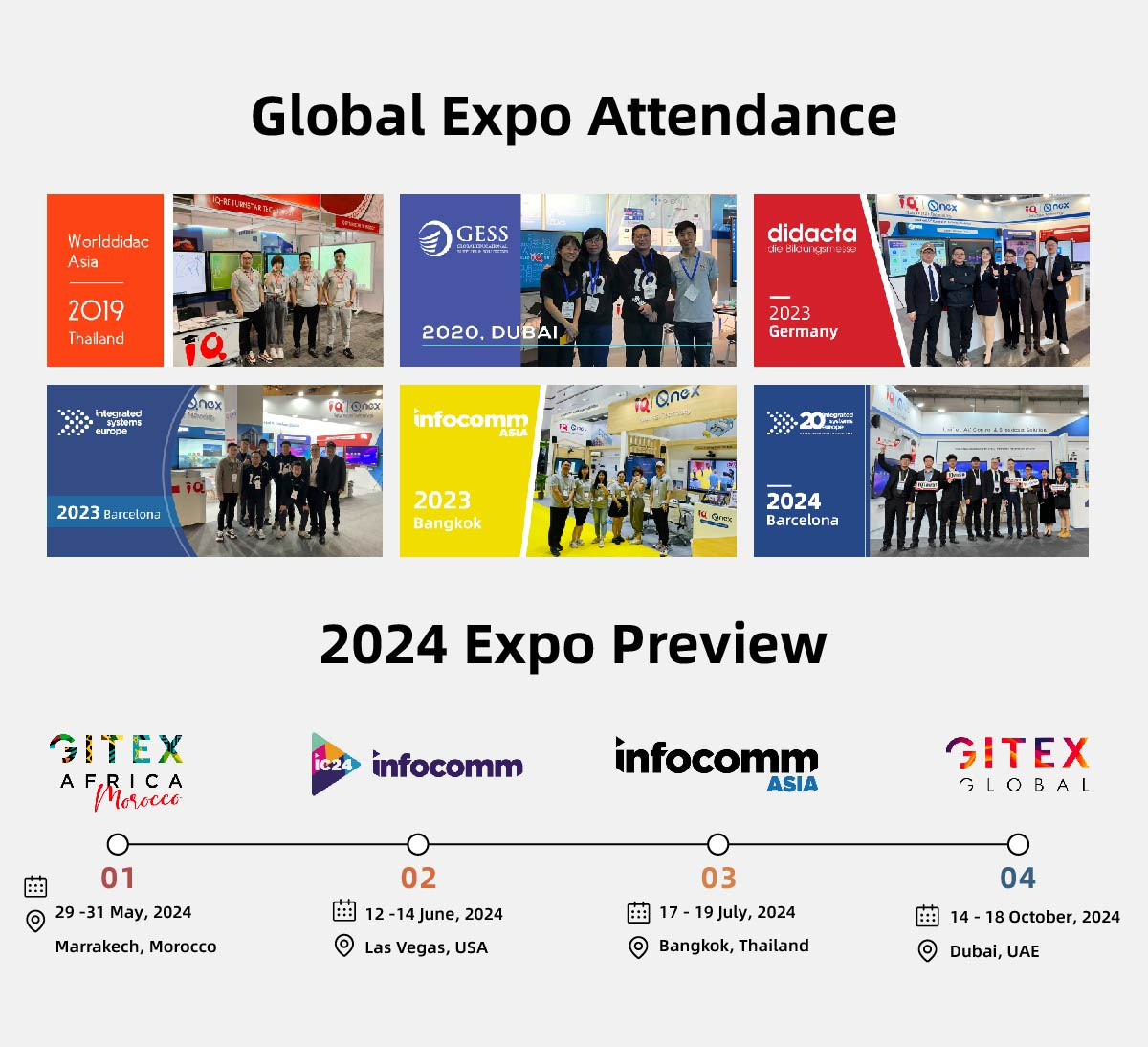
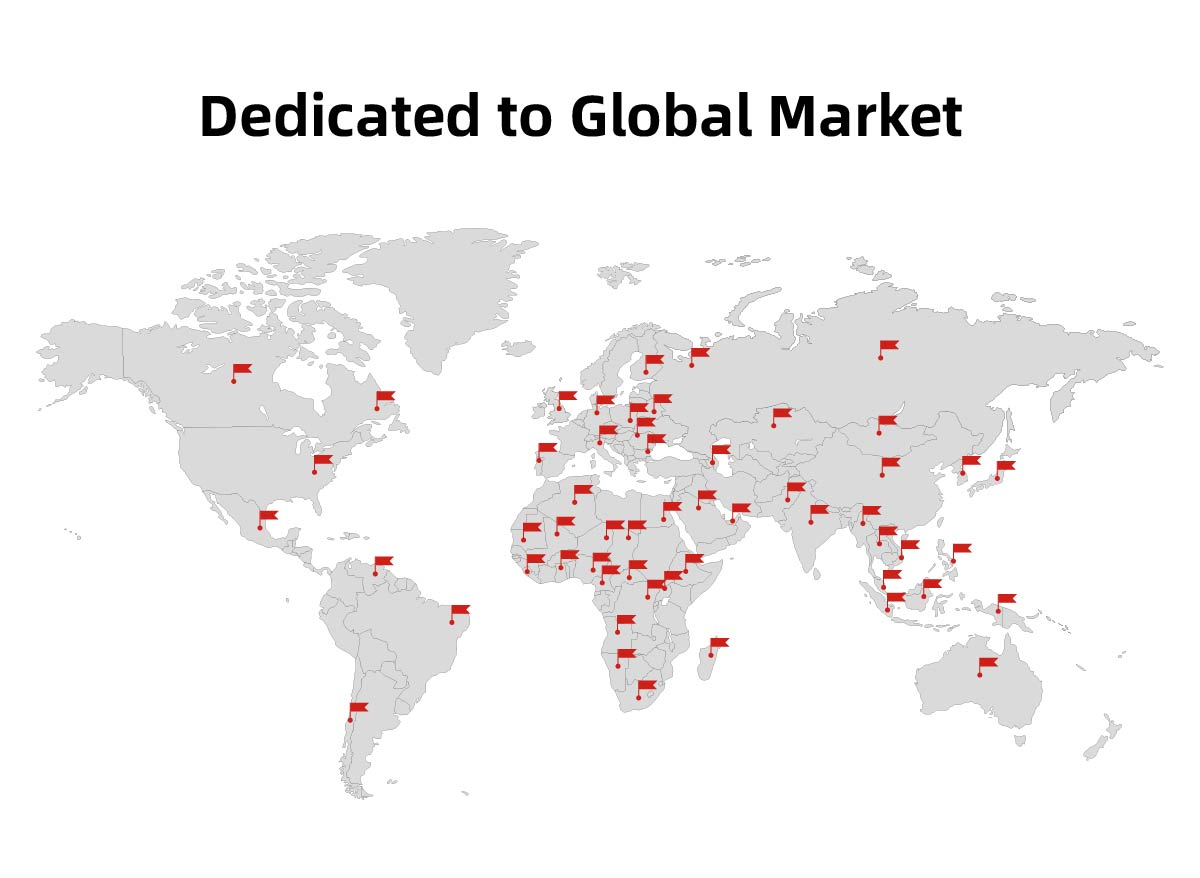
Ruyden’s factory is not a hidden layer behind a marketplace listing. Buyers can review SGS verification, production capability, customization support and one-stop smart classroom integration.
SGS Onsite-Verified
Ruyden has been onsite-verified by SGS Group. Assessment reports, credit overview, trade capacity, transaction level and trade history can be reviewed before placing an order, supporting procurement transparency.
19 Years and 82 Staff
Long-term industry experience is combined with an 82-person team covering engineering, production, quality control and export service. This helps distributors and integrators receive consistent communication across repeat orders.
In-House Production Control
Ruyden controls SMT, auto-insertion, PCB processing and final assembly under one roof. In-house production supports faster engineering changes, protected custom designs and consistent batch quality for school projects.
OEM/ODM and One-Stop Smart Classroom
Customize logo, boot screen, housing color, packaging, software pre-installation, language settings and hardware configuration. Combine displays, visualizers, podiums, wireless sharing, cameras, audio and AV control in one coordinated package.
Quality Validation for Hot, Humid and High-Use Philippine Environments
Classroom visualizers, interactive displays and podiums must work reliably through daily classes, teacher shifts, moving carts and long-distance shipping. Ruyden uses in-house reliability testing before export packing.


From Philippine Tender to Campus Rollout: Six Clear Steps
A structured workflow keeps Philippine distributors, integrators and school buyers informed from quotation to delivery.
Requirement Review
Share room types, student capacity, quantity, target panel sizes, power conditions, delivery city and any DepEd, CHED, TESDA or private-school procurement requirements.
Solution Design
Ruyden proposes display sizes, visualizer configuration, audio coverage, podium layout, wireless presentation and branding requirements for each room.
Sample Approval
Pre-production samples confirm the user interface, writing experience, document camera clarity, audio performance and packaging requirements.
Mass Production
In-house SMT, auto-insertion, PCB processing and final assembly support volume production and custom hardware configuration.
QC and Testing
Reliability lab checks, functional inspection and export-grade packing are completed before shipment to reduce transit and installation risk.
Delivery and Support
Export packing, shipping coordination, documentation, technical training and after-sales support keep the project moving after arrival.
Philippines Classroom Visualizer Procurement FAQ
These are the questions Philippine distributors, school owners, IT officers and tender buyers ask most often when comparing classroom visualizer factories.
Are you a CE-certified classroom visualizer factory or a trading company?
Ruyden is an SGS onsite-verified manufacturer and wholesaler with in-house SMT, PCB and assembly capability. CE-certified product configurations and supporting documentation can be prepared for applicable models. Buyers should confirm the exact model, destination, voltage, plug type and bid-document requirements in the RFQ.
What MOQ and lead time should a Philippine buyer expect?
MOQ and lead time depend on model mix, branding, packaging and project quantity. Standard products can support trial orders, while OEM/ODM projects require sample approval before mass production. For Philippine school rollouts, reserve time for production, QC, export packing and ocean freight to Manila, Cebu, Davao or regional ports.
Do your products support Philippine power and language requirements?
Philippine projects should specify 220V/60Hz, grounded power, surge protection and the required plug type. English UI is commonly used for classroom systems, and Filipino or Tagalog lesson content can be delivered through local files, software settings or pre-loaded content where supported by the model.
Can you supply a complete classroom visualizer package?
Yes. Ruyden can combine 4K document cameras, interactive flat panels, interactive whiteboards, 22-inch smart podiums, wireless presentation systems, soundbars, conference webcams, speakerphones, floor-standing kiosks and AV integration planning in one coordinated package.
How do warranty, spare parts, installation and training work?
Warranty, spare-parts lists and service terms are defined in the quotation or contract. For Philippine campus projects, we recommend ordering critical spares together with the main equipment, preparing remote commissioning documents and scheduling training for local IT staff or distributor engineers.
What documents are useful for DepEd, CHED, TESDA or private-school bids?
Prepare datasheets, CE-related documentation, FCC or RoHS documents where required, test reports, SGS verification records, packing lists, warranty terms, training plans, spare-parts lists and clear installation responsibility. Always copy the mandatory requirements from the actual bid documents before finalizing the product specification.
Request a Wholesale Quote for Classroom Visualizers and Smart Classroom AV
Send your room count, target display sizes, document camera quantity, delivery city, certification checklist and branding needs. Ruyden’s export team will return a practical configuration plan for your Philippine school, university, TESDA center or corporate training project.
