Ruyden · SGS-Verified Manufacturer · Portland Export Desk

CE Certified Video Visualizer Suppliers & Exporters Serving Portland

4K document cameras, interactive whiteboards, lecture capture, outdoor kiosks, smart podiums and conference AV—configured for Oregon power, export documentation and Pacific Time support.

Product Recommendations

8 Video Visualizer & Smart Classroom Products for Portland Buyers

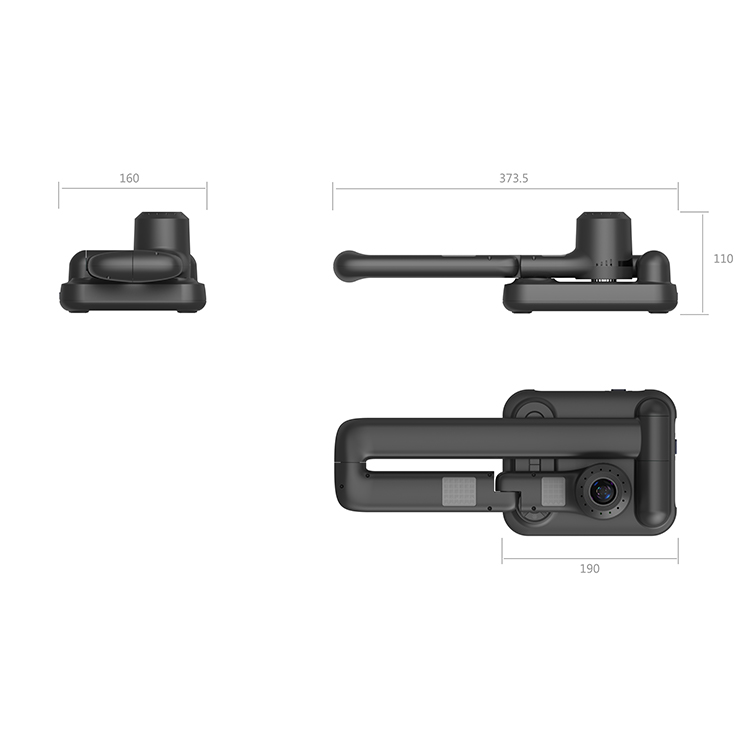
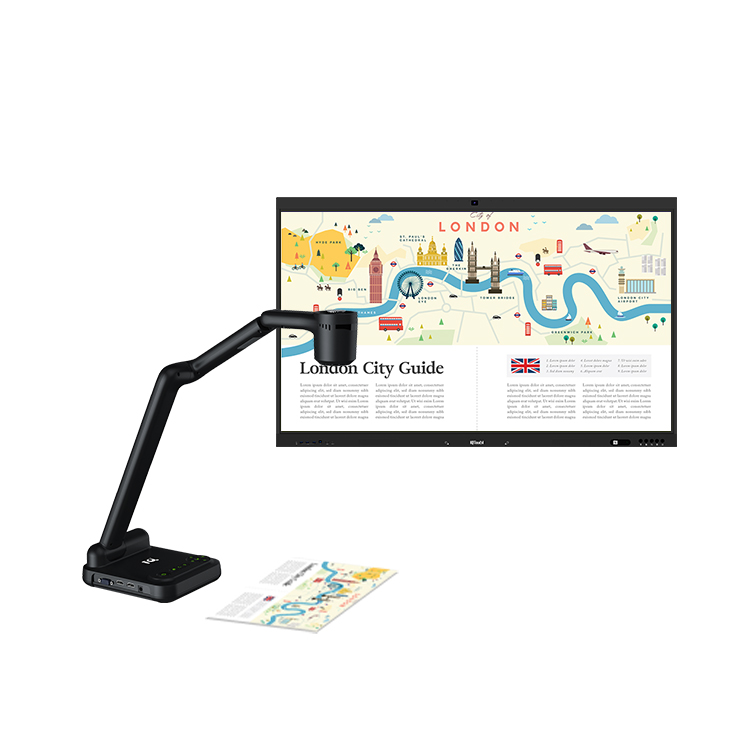
A video visualizer—often called a document camera—is only one part of a complete classroom or meeting-room system. The eight products below are the models Portland-area schools, universities, healthcare trainers and integrators most often request when they need CE-ready documentation, 4K image quality and reliable export supply. Each product URL is preserved exactly for easy specification and procurement review.

Verified Supply Strength

A Portland-Ready Supplier File, Not a Marketplace Guess

Portland buyers—especially school districts, public agencies and integrators—need documentation they can attach to a bid or purchase requisition. Ruyden’s public supplier file includes an SGS onsite assessment, credit overview, trade capacity, transaction level, trade history and buyer ratings. The figures below are drawn from those records and from our 19-year operating history.

19+
Years in Industry

Education AV manufacturing focus confirmed by the latest independent inspection report.

82
Verified Staff

Engineering, production, quality control and export service professionals.

21yrs
Verified B2B Trading

Two decades of continuous membership as a paid global supplier with public trade records.

5/5
Buyer Rating

Average score from verified buyer reviews and transaction history.

Corporate Advantages

Why Portland Buyers Work With Ruyden

Ruyden Interactive Technology Group Co., Ltd. is an SGS onsite-verified manufacturer and exporter based in Fuzhou, Fujian, China. We are not a trading company reselling anonymous hardware. Our team controls SMT, PCB, auto-insertion, final assembly, packaging and reliability testing under one roof—so a Portland integrator can ask for a boot screen, housing color, language pack, packaging design or hardware configuration change and get an answer from the people who build the product. Our 19 years in education AV and more than 10 years of export experience support projects that range from a single classroom visualizer to a campus-wide smart classroom rollout.

  • SGS onsite verification with publicly viewable assessment, credit, trade capacity and transaction records.
  • Design-based OEM/ODM capability verified by independent third-party inspection, covering logo, software, packaging and hardware configuration.
  • In-house reliability lab with high/low temperature, drop, simulated transportation, salt spray, button life, insertion force, static, earth continuity and hi-pot testing.
  • Portland-focused support with Pacific Time coordination, export packing, documentation packages and remote commissioning for local installers.
Ruyden factory building and production facility supporting Portland education AV projects

SGS Onsite-Verified Supplier

Independent assessment and public records help Portland procurement teams verify the factory before a sample order or tender submission.

19-Year Education AV Focus

Long experience with interactive displays, whiteboards, lecture capture, digital podiums and classroom AV integration.

In-House SMT, PCB & Assembly

Production is controlled under one roof, protecting custom designs and shortening engineering changes for OEM/ODM buyers.

Reliability Test Lab

Temperature, drop, transport, salt spray, button life, insertion force, static and electrical safety checks reduce shipment risk.

OEM / ODM Customization

Logo, boot screen, housing color, packaging, pre-installed software, language settings and hardware configuration can be customized.

Export & Portland Support

Export packing, project documentation, Pacific Time communication and remote commissioning support for local installation teams.

Localized Applications

Localized Application Scenarios in and Around Portland

Portland is not a single buying environment. A classroom in Gresham, a lecture hall near Portland State University, a healthcare training room in the South Waterfront and a hybrid boardroom in Hillsboro can need very different visualizer, display and control configurations. The scenarios below show how the eight products fit together without over-specifying every room.

Portland Metro K-12 Classrooms

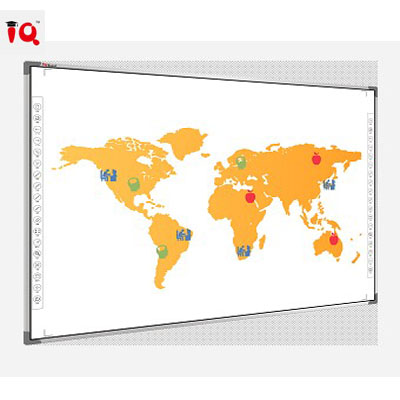
Pair the 82-inch IQBoard whiteboard with the portable 8MP document camera. Teachers can place a worksheet under the visualizer, annotate over it and save the lesson for absent students. For older buildings, confirm wall structure, outlet location and 120V/60Hz power before mounting.

University & College Lecture Halls

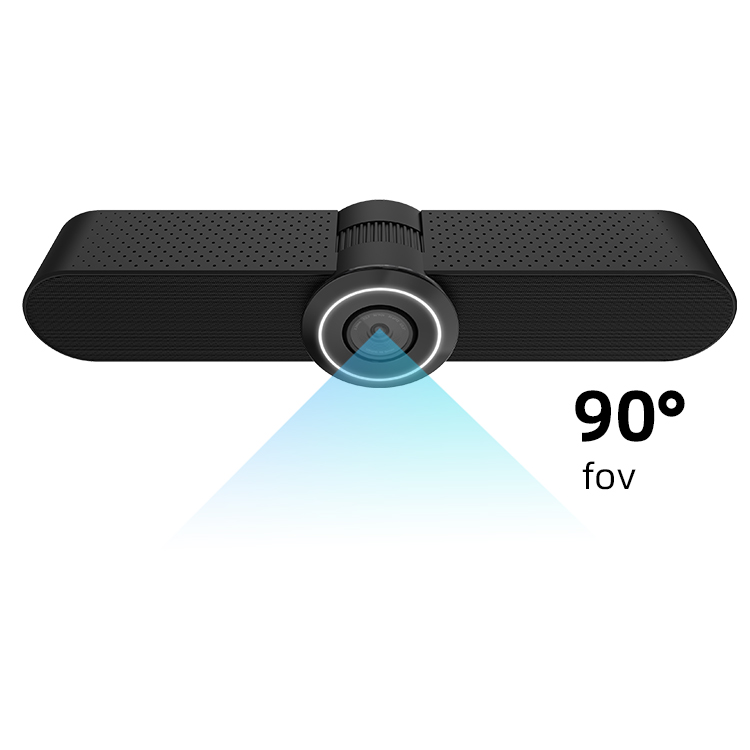
Use the 22-inch smart podium and 4K AI conference camera to capture lectures and connect remote learners. Add the 4K 10x document scanner kiosk for registrar, library and archive workflows where detailed paper capture matters.

Healthcare, Agencies & Training Centers

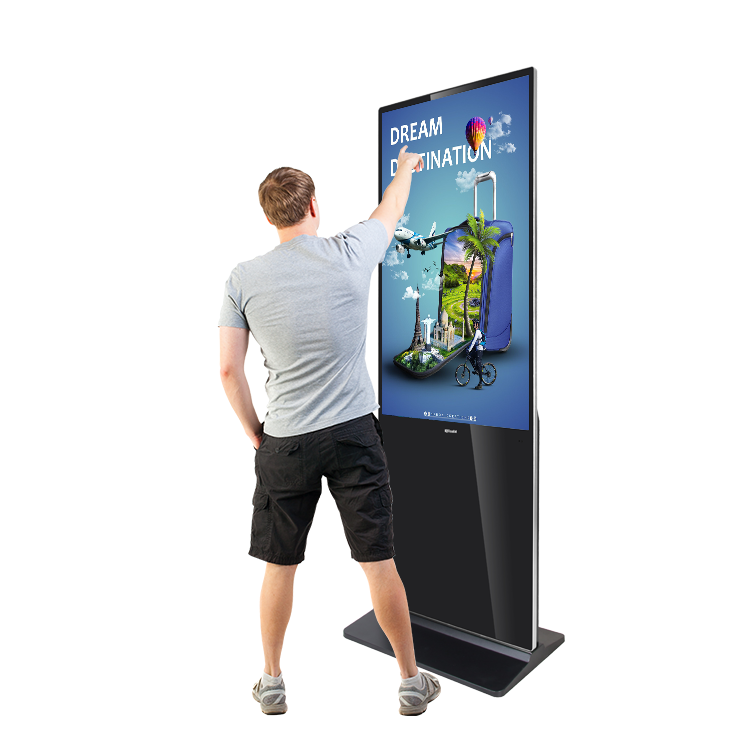
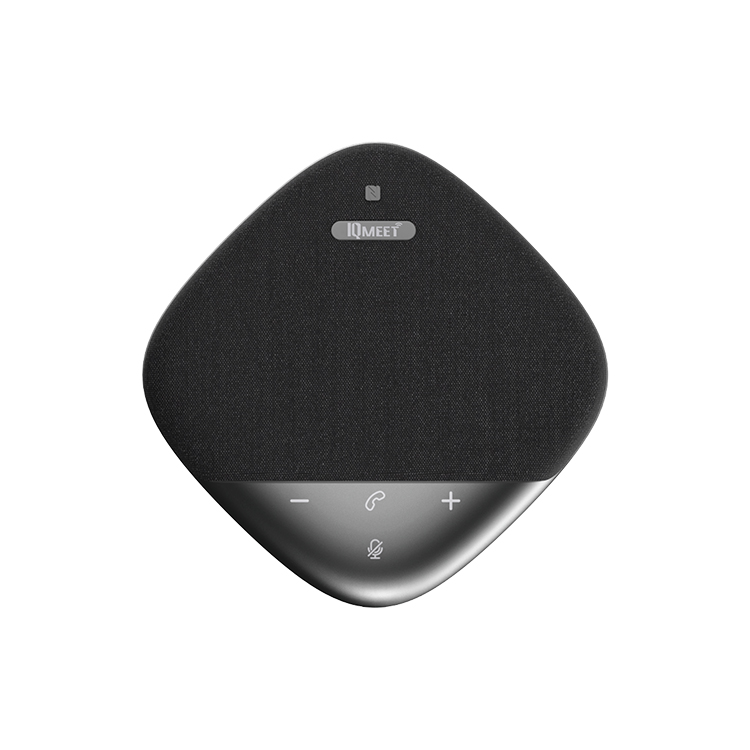
Outdoor and indoor kiosks support wayfinding, check-in and queue management. The AI noise-reduction speakerphone improves telehealth and training calls. For public-sector bids, include CE documentation for applicable models, test reports and SGS records in the technical file.

Corporate Hybrid Rooms in Beaverton & Hillsboro

Use the 4K webcam, NFC speakerphone and interactive display for a cable-light Teams/Zoom room. If the space doubles as a training room, add a document visualizer so facilitators can show printed materials and product samples.

Localized Trends

Portland-Area Trends Shaping Video Visualizer Procurement

Search demand for “video visualizer suppliers” is expanding beyond single document cameras. Portland buyers are comparing visualizers with interactive displays, lecture capture, smart podiums and room-control systems. These three trends explain why.

Hyflex Learning Is Raising the Bar for Document Cameras

Portland-area schools and colleges continue to support students who attend in person and remotely. A visualizer must do more than show paper: it should deliver high-resolution imagery, stable frame rate, zoom and simple USB or HDMI output. Buyers are asking for models that integrate with lecture capture and interactive displays, not a standalone gadget at the back of the room.

Public Procurement Teams Want Verifiable Supplier Files

Districts, agencies and universities need documentation before they approve a purchase. CE certificates for applicable models, test reports, SGS assessment, credit overview, trade capacity and transaction history shorten the review cycle. Generic marketplace listings often fail this stage, even when the price looks lower.

Logistics and Pacific Northwest Conditions Affect System Design

Portland’s wet winters, older school buildings and mixed-use facilities make installation details matter. Export packing, drop and transportation testing, moisture protection, mounting method and power configuration should be confirmed before shipment. Coordinating delivery windows with school breaks can reduce project risk.

Buyer’s Guide

Selection Guide: Matching a Video Visualizer to the Room

Use this practical matrix to prepare a specification for a Portland classroom, conference room or public-service area. It is not a substitute for a site survey, but it helps buyers ask better questions before requesting samples.

Recommended video visualizer and AV products by Portland room type and use case
Room / Use CaseRecommended Visualizer or AV ProductWhy It FitsPortland Deployment Note
K-12 classroom, 25–35 students8MP portable A3/A4 document camera + 82" IQBoardShows worksheets, textbooks and science demonstrations; dual-touch whiteboard supports group work.Check wall mounting, outlet height and 120V/60Hz power; plan teacher training.
Lecture hall, 60–200 seats4K 10x optical zoom scanner kiosk + 22" smart podiumHigh-resolution detail and presenter control for large rooms.Confirm sightlines, podium position, microphone coverage and lecture-capture output.
Hybrid conference room, 6–14 people4K AI webcam + AI noise-reduction speakerphoneClear presenter framing and echo control for remote participants.Test USB pass-through with the room PC; confirm Teams/Zoom room compatibility.
Library, registrar or archive4K 10x optical zoom scanner kioskFast, high-detail capture of documents and records.Validate OCR workflow and data/privacy requirements with the department.
Campus wayfinding or hospital queueOutdoor 4K touch kiosk or 43" Android floor kioskSelf-service information and digital signage in public areas.Review rain exposure, glare, cleaning routine and content management.
Training or multi-purpose roomInteractive whiteboard + portable visualizer + speakerphoneFlexible setup for in-person and remote training.Use mobile stands where wall mounting is not allowed; label cables for fast setup.

For projects in Portland, Beaverton, Hillsboro, Gresham, Lake Oswego, Tigard or Vancouver WA, send room dimensions and photos so our engineers can recommend mounting, cabling and configuration.

Procurement Checklist

A Portland Procurement Checklist Before You Request a Quote

Use this checklist to reduce back-and-forth and keep a public-sector or school-district review on schedule. It is especially useful when comparing a video visualizer supplier against local AV resellers.

01

Define the Workflow

List what will be shown: printed pages, 3D objects, handwriting, live demonstrations or lecture capture. This determines whether a portable document camera, a 4K zoom scanner kiosk or an interactive display is the right core product.

02

Confirm Compliance & Power

For Portland, specify 120V/60Hz, plug type and any district or agency requirements. Ask for CE documentation for applicable models, plus SGS records and test reports. Raise any additional US safety documentation before the sample order.

03

Test a Sample & Approve

Test image clarity, zoom, frame rate, software compatibility, mounting and packaging. For OEM projects, approve logo, boot screen, language, housing color and packaging before mass production.

04

Plan Delivery & Support

Coordinate shipping with school breaks or facility opening dates. Ask for remote commissioning, user guides, spare-parts recommendations and a clear RMA process. Pacific Time scheduling keeps communication predictable.

Local FAQ

Frequently Asked Questions for Portland Buyers

These are the questions our export team receives most often from Portland schools, integrators, public agencies and corporate buyers comparing video visualizer suppliers.

Are Ruyden video visualizers CE certified for Portland projects?

CE certification documentation is available for applicable models. Because Portland is in the United States, we also confirm 120V/60Hz power, plug type and any additional safety or EMC documentation your district or agency requires. The exact certificate scope should be checked against the model number before you place an order.

Can you ship to Portland, Oregon, and support a local installation team?

Yes. We ship export-packed products to Portland and the broader Pacific Northwest. We can coordinate with your local integrator for installation, provide remote commissioning and prepare documentation for customs and project closeout. Delivery timing is confirmed against production lead time and the freight method you choose.

What is the difference between a video visualizer and a document scanner kiosk?

A video visualizer is typically a document camera used in live teaching. A scanner kiosk is optimized for high-speed capture of documents with optical zoom and a fixed or foldable platform. For classrooms, the portable 8MP document camera is often enough; for archives, registrar offices and large lecture halls, the 4K 10x optical zoom scanner kiosk provides more detail and stability.

Do you support small sample orders or pilot programs for Portland schools?

Yes. We support sample and pilot orders so your team can test image quality, software, mounting and workflow before a larger rollout. Share the room type, quantity and target date, and our export team will propose a sample configuration and mass-production schedule.

Can the 82-inch interactive whiteboard connect to existing classroom audio and projectors?

Connectivity depends on the model and the room design. We confirm HDMI, USB, network and control requirements during project review. Where a legacy projector or audio system is retained, our engineers can recommend the interface and cabling plan; where the whiteboard replaces the projector, we can help plan the display and audio layout.

Do you offer OEM and ODM customization for Portland distributors and integrators?

Yes. Our design-based customization capability has been verified by independent third-party inspection. Common options include logo, boot screen, housing color, packaging, pre-installed software, language settings and hardware configuration. For public-sector projects, keep the approval process and documentation requirements in the project plan.

What lead time should a Portland buyer expect?

Lead time depends on whether the order is a sample, a standard configuration or an OEM project with custom packaging. Production slots, component availability and shipping method all affect the schedule. Send your target installation date early; our team will work backward from that date to confirm sample approval, production, QC and freight.

How can we verify Ruyden before issuing a purchase order?

Review our SGS onsite assessment, credit overview, trade capacity, transaction level, trade history and buyer ratings. These records are public and can be attached to a supplier review. You can also request a live video factory walk-through and a model-specific test report before approval.

Start Your Portland Project

Planning a Classroom, Lecture Hall or Hybrid Meeting Room Rollout?

Talk to an engineer, not a call center. Share your room types, quantities, target installation date and compliance requirements. We will respond with a configuration proposal, sample plan and documentation checklist for your Portland project.

info@ruydentech.com Contact Us