China Best Classroom Voting System Supplier & Suppliers for Makati
An evidence-led buyer brief for schools, universities, BPO training hubs, and government venues in Makati City — covering response-ready displays, digital podiums, audio, wireless sharing, capture, and deployment risk.
8 Classroom Voting & Smart Engagement Products for Makati Projects
A classroom voting system depends on the hardware layer as much as the polling software. These eight products cover the visible, audible, interactive, and hybrid-learning elements that make response sessions reliable in Makati classrooms, training rooms, lobbies, and lecture halls.
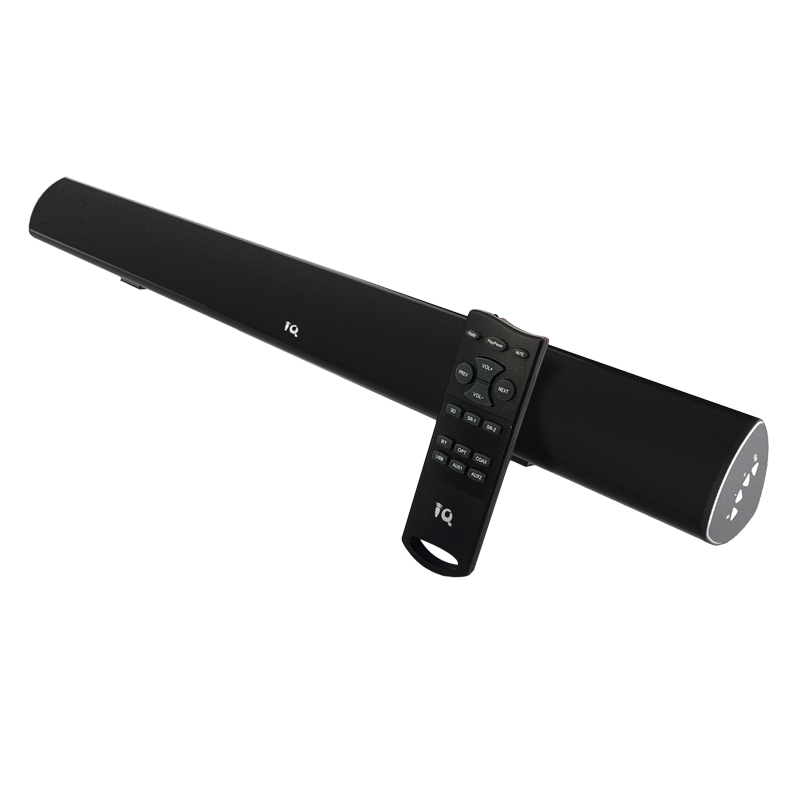
IQSoundbar Wholesale Office Conference Room Audio Sound Bar TV Soundbar with Subwoofer Active Speaker
Clear teacher prompts and poll-result audio in rooms with glass walls, hard floors, and high ceilings. A practical fit for Makati classrooms and meeting rooms that need stronger speech intelligibility without a complex AV rack.
View product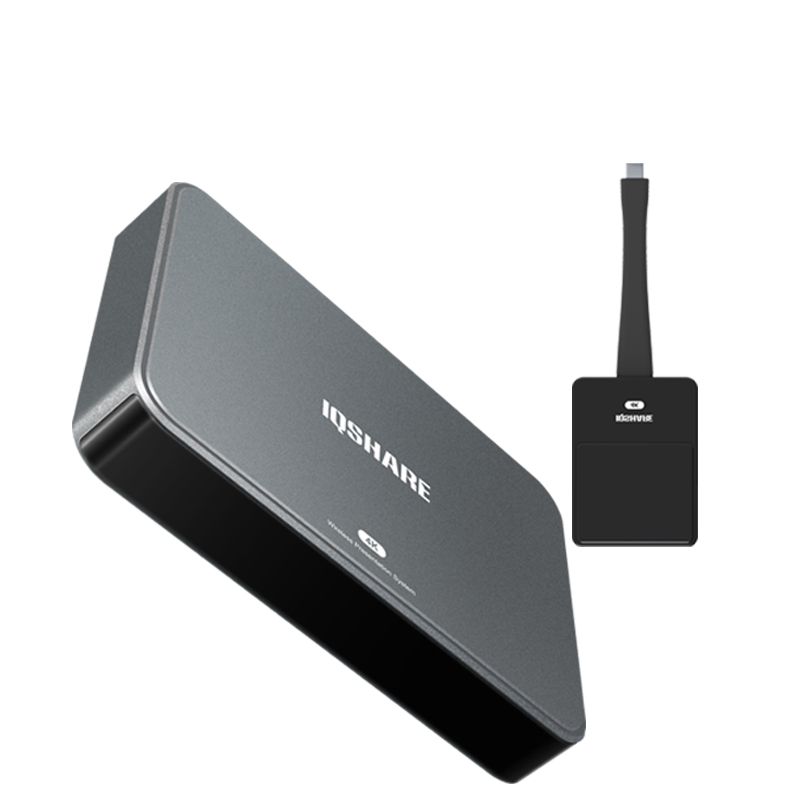
Hdm1 Wireless Transmitter Receiver 1 to 4 Anycast Wireless Screen Sharing Wireless Presentation System
Share one teaching source to up to four displays for group polling, live scoreboards, and lecture overflow. Useful in Makati training rooms where students must see both the main board and a secondary results screen.
View product
QNex Networked Media Processor for Digital Podium
Centralises lesson sources, display control, and classroom applications at the teaching point. For voting sessions, it lets the moderator launch polls, switch sources, and manage the room from one podium workflow.
View product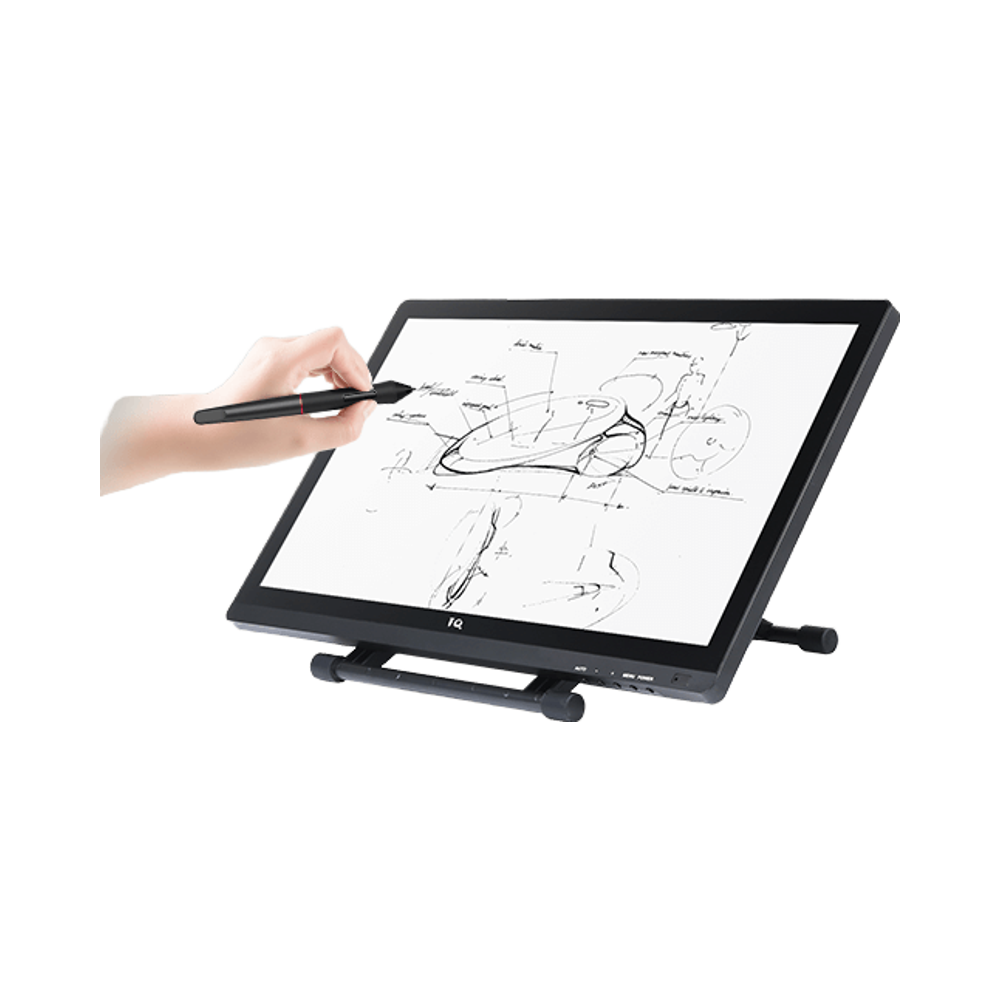
22" Touch Screen Digital Smart Podium with Wireless Microphone for Sale
A dedicated touch surface and wireless microphone for teachers who moderate quizzes, call on students, and annotate results. It keeps the voting workflow at the lectern instead of forcing the instructor to return to a laptop.
View product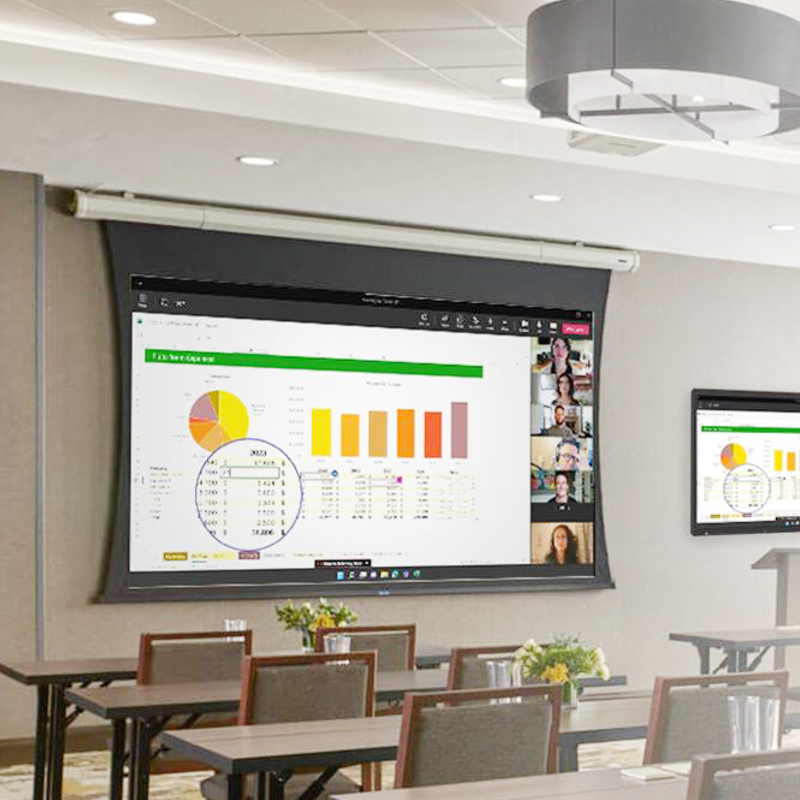
Multi-functional Teaching Android and Windows OPS System Interactive Flat Panel Smart Board Price for School Teaching
The core visual surface for questions, annotations, scoreboards, and student response dashboards. Select 65" to 86" for standard Makati classrooms and larger formats for lecture halls, based on sightlines and room depth.
View product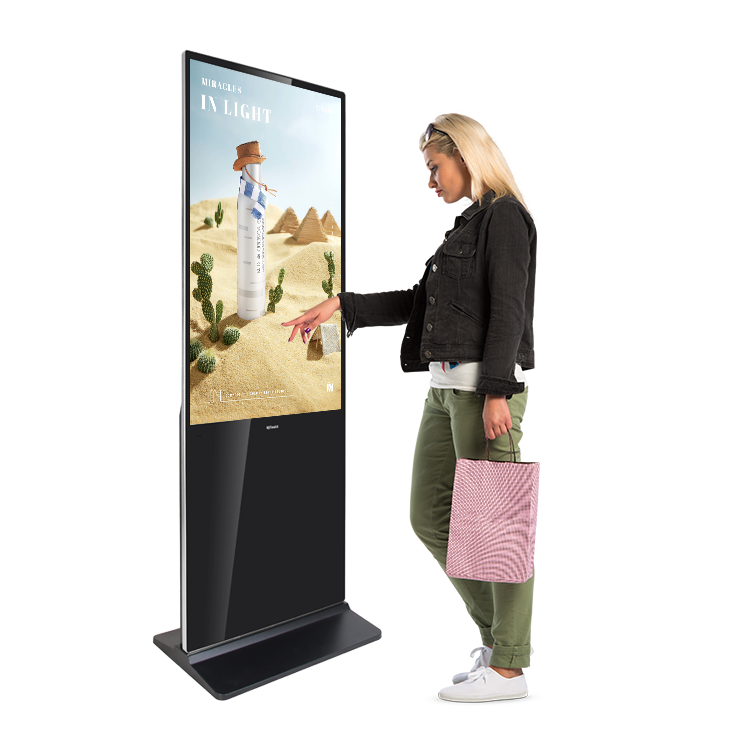
Android and Windows System Standing Floor Stand Information Kiosk Touch Screen for Shopping Mall
A self-service touch point for Makati building lobbies, event registration areas, campus wayfinding, and short surveys. When a fixed podium is impractical, a kiosk can collect responses and display schedules without staff assistance.
View product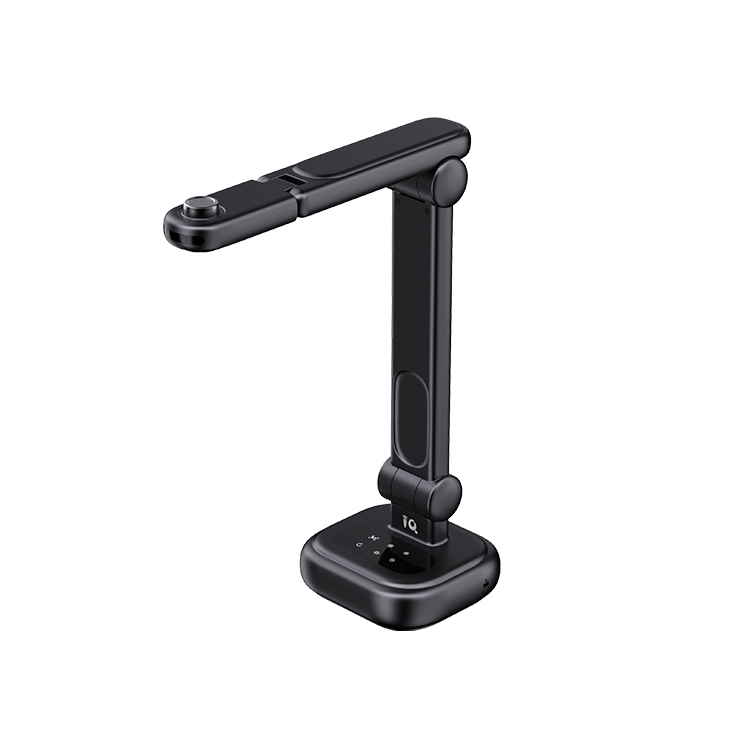
4K Video Output and Real-time Annotation Capabilities Document Camera Portable Visualizer with Auto Focus
Show worked solutions, printed quiz items, science demonstrations, and handwritten notes on the main display. In a hybrid voting session, remote students can see the same detail that in-room learners see.
View product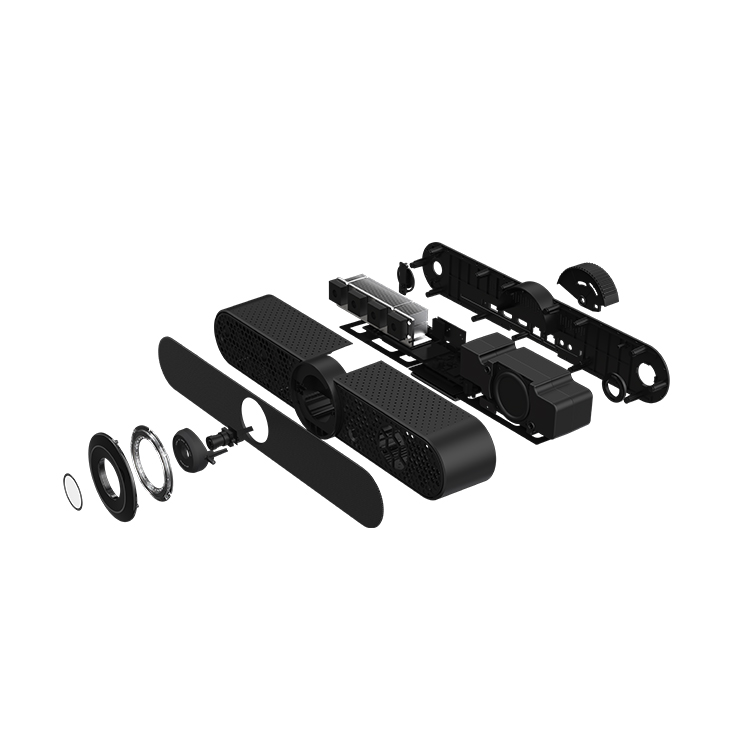
AI Auto-Tracking Webcam All-in-one 1080p 4k PC Mini Webcam for Video Calling and Conference
Supports hybrid classroom voting, recorded lessons, and remote panel sessions where off-site participants must follow the teacher and the room. AI tracking reduces the need for a dedicated camera operator.
View productNeed help matching products to your Makati rooms? Send your room list, class size, software preference, and installation timeline. The reply can include display sizing, podium configuration, audio recommendations, and OEM options.
Contact UsWhat a Classroom Voting System Really Requires in Makati
A polling platform is only one layer. In a live classroom, the system also depends on what students can see, what teachers can control, how clearly the room hears instructions, and whether the network supports the session.
A classroom voting system is not a single box. It combines an interactive display, a teacher control surface, clear audio, a reliable local network, and an easy way for students to respond from a web browser, app, clicker, or QR code. Software may be cloud-based, on-premise, or browser-based. The hardware layer determines whether the session starts on time and whether every learner can follow the result.
For Makati buyers, that distinction matters because procurement often brings together a school committee, an AV integrator, a local software provider, and an overseas manufacturer. If those parties evaluate only the polling subscription, they can miss the installation details that decide the project: display size, sightlines, power quality, cable routes, room acoustics, Wi-Fi policy, and after-sales access.
The stronger supplier is not always the one with the lowest unit price; it is the one whose product, documentation, and test discipline reduce opening-day risk. That is the standard this brief applies to the Makati market.
Ruyden Interactive Technology Group Co., Ltd. designs and manufactures interactive flat panels, interactive whiteboards, lecture capture systems, networked digital podiums, wireless presentation systems, and smart classroom AV integration solutions from Fuzhou, Fujian, China. The company is SGS onsite-verified, reports 19 years in the industry, and serves education and enterprise buyers worldwide. For a Makati project, those credentials are useful only when they connect to the actual room plan, user workflow, and import schedule.
Supplier facts worth checking before the first demo
These figures reflect the manufacturer profile provided in the source material and should be re-verified against current public records during your due diligence.
Why Makati Integrators and School Buyers Shortlist Ruyden
Makati projects often combine imported hardware with local installation teams and fixed handover dates. A manufacturer that controls more of the production and testing process gives the integrator fewer variables to manage.
SGS Onsite-Verified Manufacturing
Independent audit records help school committees, distributors, and tender reviewers reduce supplier qualification risk before placing an order.
OEM / ODM Customization
Logo, boot screen, housing color, packaging, pre-installed software, language settings, and hardware configuration can be discussed for Makati distributors and school-branded rollouts.
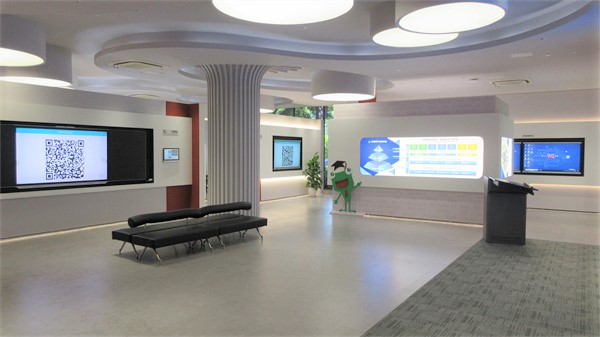
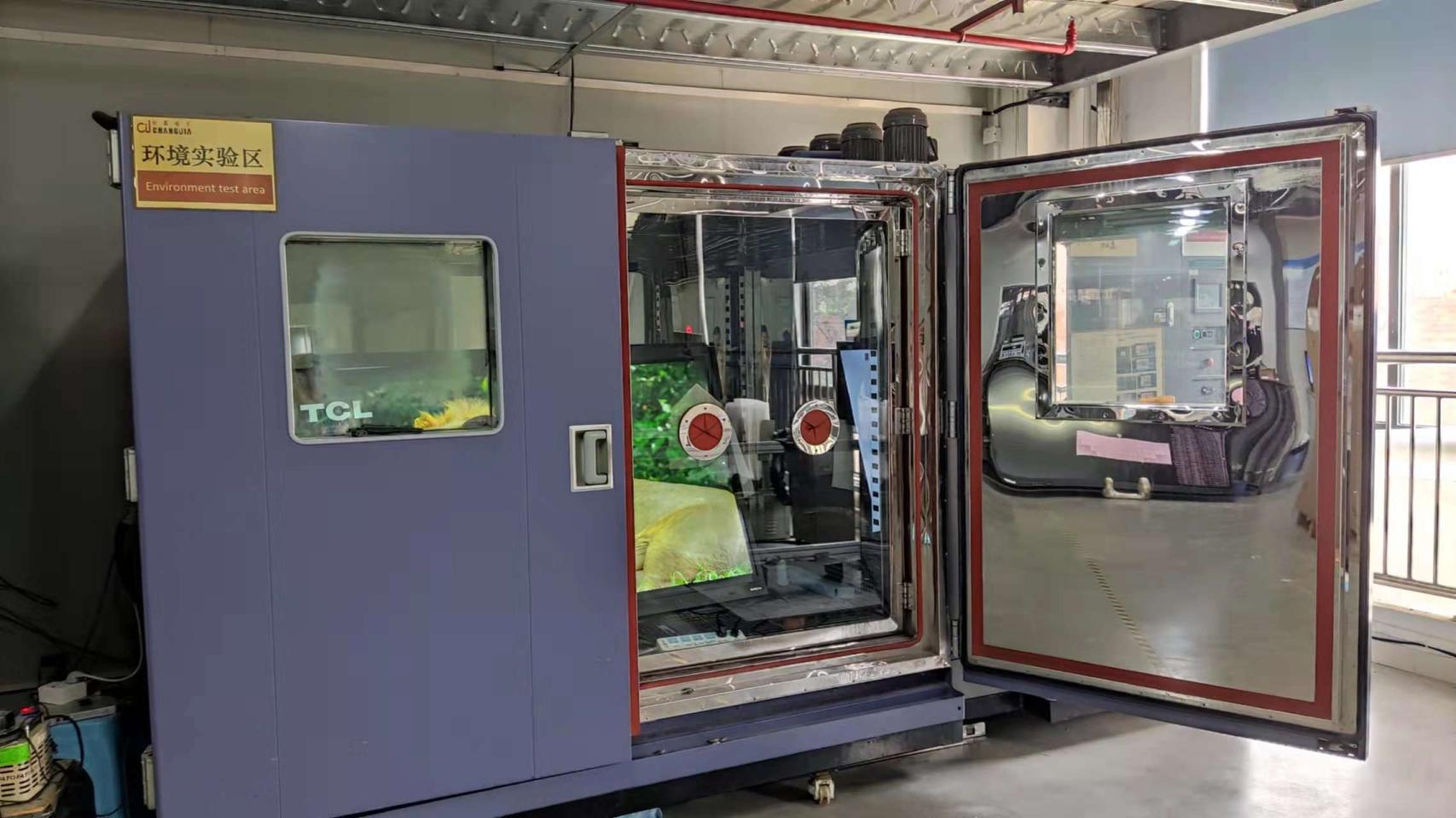
In-House Production & Test Lab
SMT, PCB, auto-insertion, assembly, and reliability checks are brought under one factory system, supporting repeat orders and engineering changes.
Complete Smart Classroom Ecosystem
Displays, podiums, capture, wireless presentation, audio, and AV control can be specified together, reducing compatibility disputes between separate vendors.

Where Classroom Voting Systems Create Measurable Value in Makati
Makati combines high-rise campuses, private schools, review centers, BPO learning hubs, civic venues, and mixed-use commercial buildings. The best hardware mix changes with the room, the audience, and the level of technical support on site.
Private K-12 Schools
Use quick polls, exit tickets, and quiz reviews to increase participation. A 65" to 75" interactive panel plus soundbar keeps the result visible and audible in standard classrooms.
Universities & Review Centers
Large lectures need sightline planning, lecturer control, and captured sessions. Pair larger displays with networked podiums, document cameras, and lecture capture for review classes and auditoriums.
BPO & Corporate Learning
Use polls for onboarding checks, compliance training, and workshop feedback. Wireless presentation, AI tracking webcams, and soundbars support hybrid teams without cable clutter.
Government & Event Spaces
Audience polling, public consultations, registration, and training can use floor-standing kiosks or portable podium setups where permanent AV infrastructure is limited.
| Makati space | Typical capacity | Recommended hardware stack | Voting workflow fit | Why it works |
|---|---|---|---|---|
| Standard classroom | 25–40 learners | 65"–75" interactive flat panel, soundbar, wireless HDMI | Teacher-led browser polls, QR responses, quiz review, group scoring | Balances readability, acoustic clarity, and budget without over-specifying the room. |
| Review center / training room | 30–60 learners | 75"–85" interactive panel, 1-to-4 screen sharing, document camera | Timed quizzes, worked solutions, live scoreboards, printed item review | Supports fast switching between questions, explanations, and group results. |
| Lecture hall / auditorium | 100+ attendees | 90"–100" display, networked podium, AI tracking webcam, lecture capture | Large audience polling, recorded sessions, remote participation, moderated Q&A | Improves sightlines, captures the session, and gives the lecturer a single control point. |
| Lobby / event area | Transient traffic | 22" digital podium or floor-standing kiosk, wireless presentation | Self-service surveys, event check-in, wayfinding, short feedback forms | Turns waiting time into data collection without requiring a staffed booth. |
| Hybrid classroom | 20–50 in-room and remote | 75"–86" interactive panel, soundbar, document camera, AI tracking webcam | Simultaneous in-room votes, remote responses, recorded explanations | Gives remote learners the same question context and visual detail as the room. |
Sizing is a planning guide, not a substitute for a site survey. Makati rooms with deep layouts, columns, glass partitions, or sloped floors should be reviewed with sightlines and mounting positions in mind.
Makati Classroom Voting Trends That Reward Better Hardware Choices
Buyers in Makati are not only comparing clickers. They are evaluating whether a classroom can support browser-based response, hybrid teaching, recorded lessons, and multi-use scheduling without adding technical burden to teachers.
Hybrid by Default
Remote participants and recorded sessions are now part of ordinary teaching and training. Displays, microphones, and cameras must work together, not as separate afterthoughts.
Browser-Based Polling
Students increasingly respond from phones and laptops. Schools need clear Wi-Fi policies, a stable display workflow, and easy QR or link sharing at the start of class.
Podium-Centred Control
Teachers want fewer remotes and more control from one touch surface. Networked podiums and media processors reduce the risk of source-switching delays during a quiz.
Evidence Before Price
Procurement teams increasingly ask for SGS records, test reports, OEM capability, and public transaction history before approving an overseas supplier.
Relative deployment priorities for Makati fit-outs
This visual is an illustrative planning index for discussion, not a market statistic. It reflects common concerns in dense, high-rise, tropical, multi-use learning environments.
A Lower-Risk Sourcing Path for Makati Buyers
A classroom voting system rollout becomes easier to approve when the hardware, software, installation, and support assumptions are documented before the purchase order is issued.
Share the room schedule
Provide room count, capacity, ceiling height, screen location, power points, network access, and daily timetable.
Confirm the response software
Decide whether voting will run through a cloud platform, local server, browser app, clicker set, or a mixed model.
Select the hardware stack
Match display size, podium, audio, camera, and document camera to the teaching workflow rather than buying a single screen.
Request evidence and samples
Review SGS records, test capabilities, customization options, and sample performance before approving mass production.
Validate installation conditions
Check lift access, wall strength, cable routes, voltage, UPS, network segmentation, and after-hours work rules in the building.
Pilot, then scale
Run a live polling session in one room, gather teacher feedback, and only then standardise the configuration across the campus.
Questions Makati Buyers Ask Before Choosing a Classroom Voting System Supplier
These answers focus on the practical sourcing questions that appear in school committee reviews, integrator evaluations, and import planning discussions.
Are you a manufacturer or a trading company?
Ruyden Interactive Technology Group Co., Ltd. is presented as an SGS onsite-verified manufacturer and exporter in Fuzhou, Fujian, China. The source profile states in-house SMT, PCB, assembly, and test capabilities. Buyers should still review the current SGS assessment report, trade capacity, transaction level, and public records before approving a supplier.
Can you supply a complete classroom voting workflow for Makati, not only a display?
Yes, the hardware side can be specified as an integrated stack: interactive flat panel, digital podium, networked media processor, audio, wireless presentation, document camera, and camera for hybrid sessions. The polling or voting software should be confirmed separately, because licensing, data residency, student accounts, and support responsibility must be agreed before deployment.
How should we choose between a 65-inch, 75-inch, 86-inch, and 100-inch display?
Start with the farthest viewer, not the room name. A standard Makati classroom usually begins around 65" to 75", a larger training room or review center around 75" to 86", and a lecture hall around 90" to 100". Columns, ceiling height, and mounting position can change the recommendation, so a site survey is more reliable than a catalogue-only decision.
What about voltage, language, plug type, and network compatibility?
The Philippines uses 220V / 60Hz power. For any classroom technology order, confirm the input range on the actual specification sheet, the plug or termination required by the installation, English user interface, and whether the voting software needs internet access, local server access, or a guest Wi-Fi policy. Do not assume; list these requirements in the quotation.
Can you customise branding, packaging, boot screen, or pre-installed software?
OEM and ODM discussions can cover logo, boot screen, housing color, packaging, language settings, pre-installed software, and hardware configuration. Any third-party software must be properly licensed by the buyer or the local partner. Customisation should be documented in the sample approval stage so mass production matches the approved unit.
How do we evaluate quality before shipment to Makati?
Ask for the test list and the inspection plan. The manufacturer’s test lab is described as covering high and low temperature, drop, simulated transportation, salt spray, button life, insertion force, static, earth continuity, and withstand voltage testing. For a Makati project, also request packaging photos, accessory lists, serial-number records, and a pre-shipment inspection plan agreed with your freight forwarder.
How should an importer or integrator begin a quotation?
Send the number of rooms, learner capacity per room, preferred display size, polling software model, camera and audio requirements, delivery target, and whether you need OEM branding. Include a simple floor plan if available. That allows the supplier to propose a configuration instead of quoting a generic product list.
What is a common Makati sourcing mistake?
Buying the display separately from the audio, camera, podium, and control system can create compatibility problems and unclear after-sales responsibility. A second mistake is ignoring the installation window in an occupied building. Shipping, lift booking, wall reinforcement, and network configuration can affect handover more than the panel specification itself.
Build a Classroom Voting Ecosystem with a Verified China Supplier
Planning a Makati classroom rollout, review center upgrade, BPO training room, or lecture hall project? Send the room count, class size, software preference, target delivery date, and whether you need OEM or ODM options. The supplier can respond with a configuration proposal rather than a generic price list.
Contact Us Useful details to include: room dimensions, farthest viewing distance, number of student devices, existing network policy, installation access, and whether the room must be completed after hours.