8 Desktop Visual Presenters & Classroom AV Products for Kobe Buyers
The eight products below match the sourcing briefs we receive most often from Kobe: a compact desktop visual presenter for a science room, a portable document scanner for tutoring rooms, interactive teaching displays, clear classroom audio, 4K conference cameras and outdoor digital signage for campus and public information.
55x Digital Zoom Document Camera with Built-in Mic & Real-Time Annotation for Kobe Classrooms
Capture textbooks, handwriting, science demonstrations and small objects in crisp detail, then annotate and share the live image on an interactive display or projector.
View product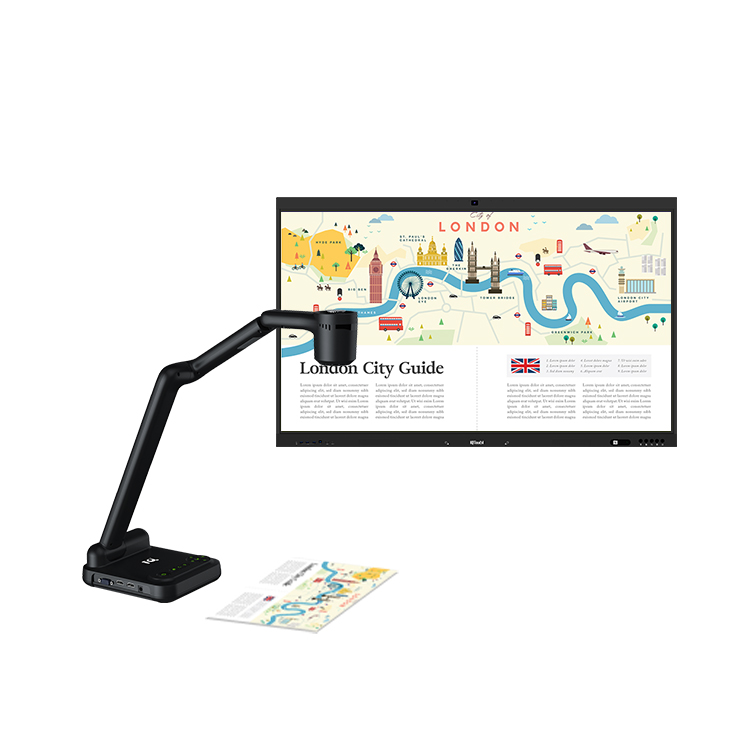
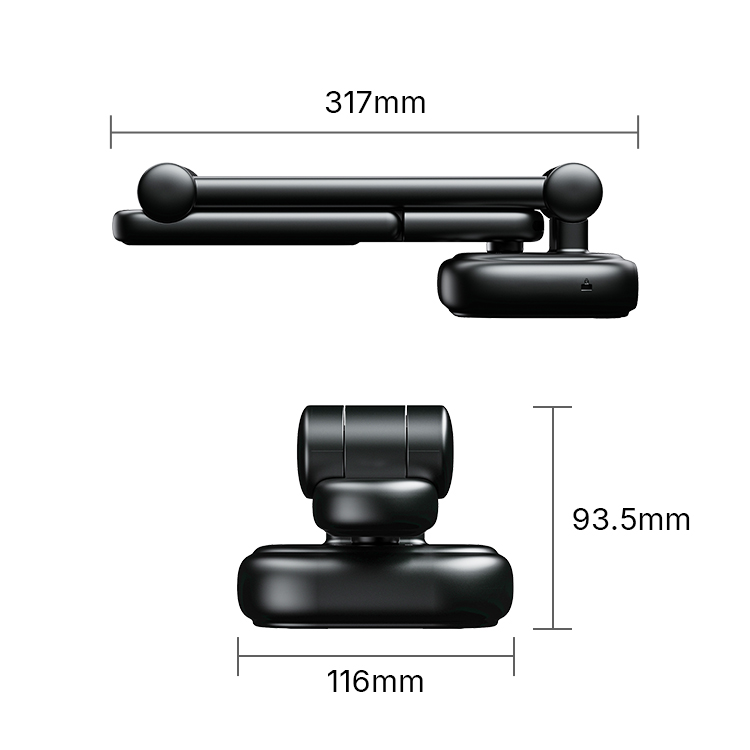
8MP Portable A3/A4 Document Camera & OCR Scanner for Desktop Visual Presenting
A compact document camera and scanner combination for tutoring rooms, administrative offices and mobile teaching where desk space and fast setup matter.
View product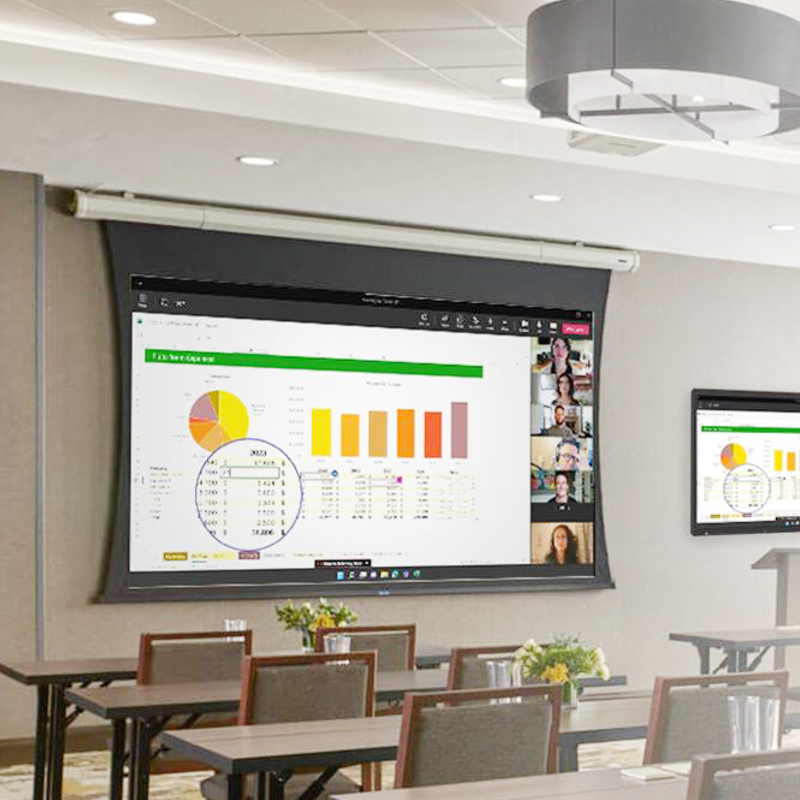
Multi-Functional Teaching Interactive Flat Panel with Android & Windows OPS
Combine whiteboard annotation, screen sharing, app flexibility and optional Windows OPS into one classroom display for Kobe schools and meeting rooms.
View product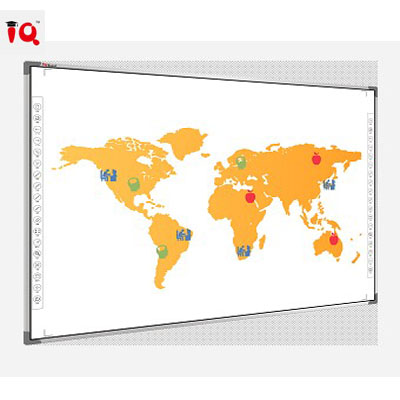
IQBoard 82-Inch 2-Point Touch Interactive Whiteboard for Kobe Schools
A durable front-of-class interactive whiteboard for schools that want familiar pen-and-touch teaching, group annotation and whole-class collaboration.
View product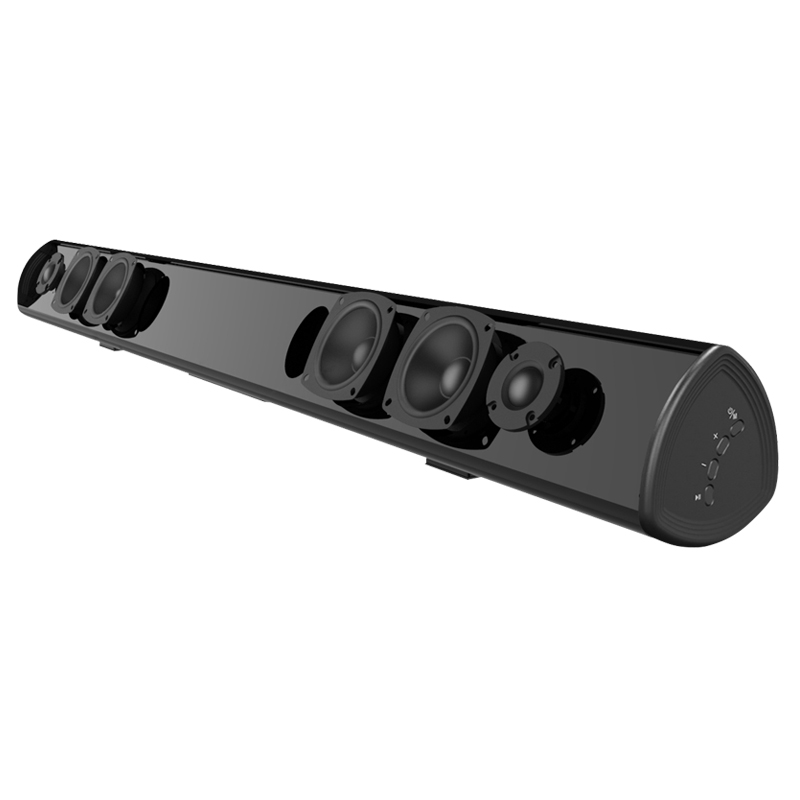
Voice Pick-Up Soundbar & Remote Speaker for Classroom and Meeting Audio
Improve speech clarity in classrooms, lecture rooms and hybrid meeting spaces where teachers and presenters need to be heard naturally.
View product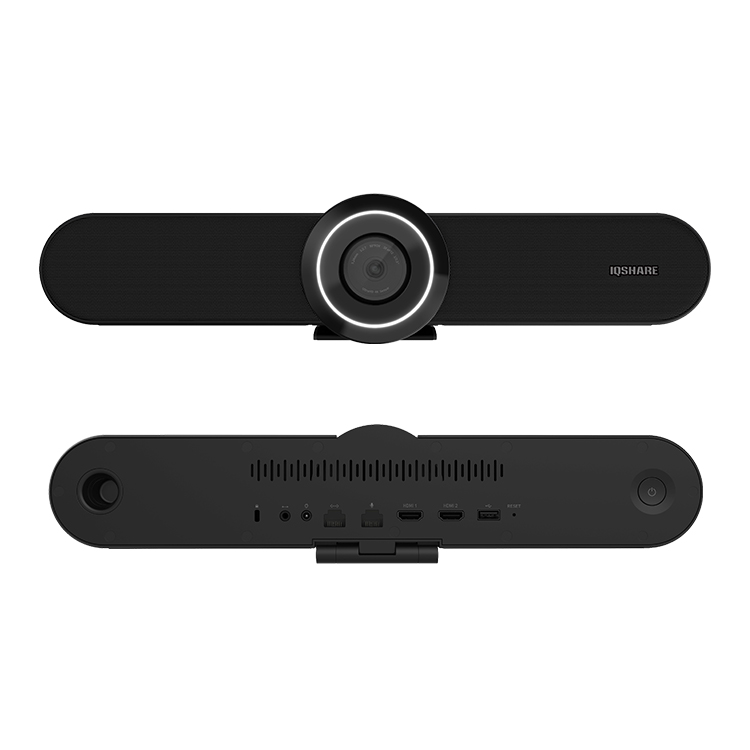
All-in-One USB 4K Conference Webcam with Speakerphone & 2 Microphones
A plug-and-play 4K autofocus camera with integrated speakerphone and microphones for huddle rooms, hybrid training and remote presentations.
View product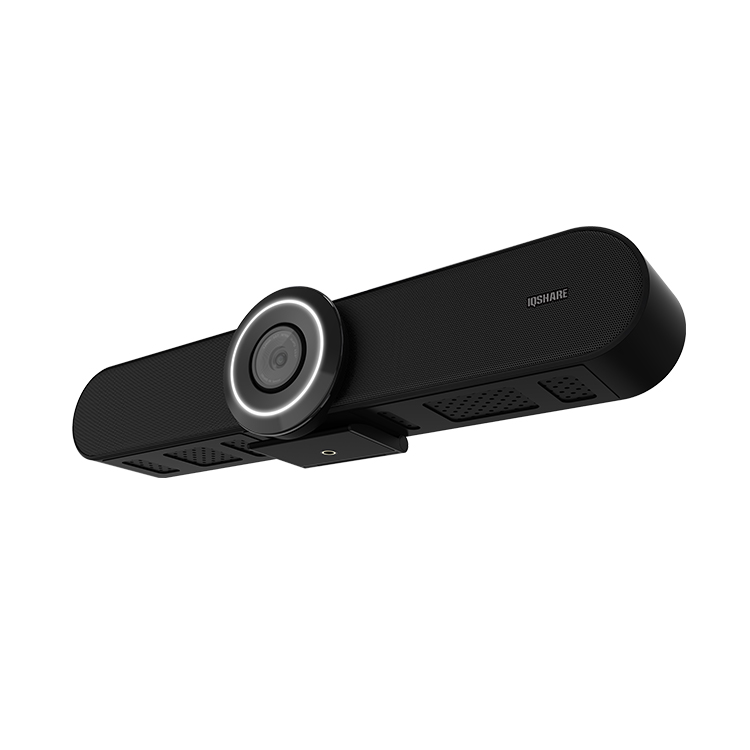
8MP 4K All-in-One Conference Webcam with Mic & Speaker for Online Classes
Support online classes, live streaming and video meetings with a desktop all-in-one camera that keeps setup simple for teachers and trainers.
View product
4K Outdoor Touch Screen Digital Signage Kiosk for Campus & Public Information
Use touch signage for campus wayfinding, event schedules, public notices, hospital information and advertising; confirm installation conditions with our team.
View productDesktop Visual Presenters for Kobe: What Schools and Training Teams Actually Need
Kobe is not a generic education technology market. As a compact port city within the Hanshin industrial and academic corridor, it brings together elementary and secondary schools, universities, international schools, medical and nursing training institutions, port-related enterprises, municipal learning centers and public-facing facilities. That mix creates demand for desktop visual presenters that work not only in a standard classroom, but also in corporate training rooms, science laboratories, healthcare teaching rooms and public information areas. For Kobe buyers, the product must be easy to set up, easy to explain in Japanese, and easy to maintain after installation.
A desktop visual presenter, also called a document camera or visualizer, captures printed documents, handwriting, small components, textbooks and physical demonstrations, then sends the live image to an interactive flat panel, projector, lecture capture system or video meeting platform. In practical Kobe classrooms, resolution alone is not enough. Buyers should compare zoom clarity, autofocus speed, lighting balance, annotation workflow, frame rate, output connectivity and how the camera integrates with the display or recording software already used by teachers. For a science demonstration, the presenter must show small details without washing out colours. For a language lesson, it must capture textbook annotations clearly. For corporate training, it must switch quickly between a document, a sample product and a presenter.
Choosing a China desktop visual presenter supplier and wholesaler for Kobe is therefore a procurement decision, not just a price comparison. A reliable supplier should understand export packing, mixed-model orders, Japanese-language configuration, 100V power planning, spare parts expectations and after-sales communication. Ruyden has 19 years of education AV manufacturing experience, an SGS onsite-verified production base in Fuzhou, Fujian, and an export team used to working with distributors, system integrators and tender buyers. We help Kobe customers compare the right document camera, interactive display, audio device and conference camera before an order is placed, so the final classroom configuration is coherent rather than a collection of unrelated devices.
How this guide creates practical information gain for Kobe procurement
Most supplier pages list products and stop there. This guide goes further by matching products to Kobe deployment scenarios, explaining the local buying logic behind each recommendation, and separating the questions that matter before shipment from the features that are impressive only on a specification sheet. The recommendations below are based on Ruyden’s manufacturing experience, export records and common buyer requirements. They are written for distributors, school IT managers, integrators and training teams who need to compare a desktop visual presenter on total classroom usefulness, not a single headline specification.
- Product recommendations grouped by Kobe classroom, campus, corporate and public-facility use.
- Local procurement considerations including 100V planning, Japanese-language OSD, packaging and spare-parts support.
- Transparent company verification routes so Kobe buyers can review manufacturing, trade capacity and buyer feedback independently.
Kobe project brief checklist
Send these details in your first inquiry and our export engineers can respond with a more accurate desktop visual presenter or classroom AV proposal.
Where Desktop Visual Presenters Fit in Kobe
Kobe buyers often use one product category across several environments. These four scenarios reflect the most common combinations of document cameras, interactive displays, audio, conference cameras and signage.
K-12 and International Schools
Teachers can place a textbook, worksheet or science object under the camera and annotate the live image on an interactive display. A 55x zoom document camera paired with an IQBoard or interactive flat panel supports daily teaching without requiring teachers to rebuild every lesson around new software.
Universities and Lecture Rooms
Lecture teams increasingly record classes and share materials with remote students. An 8MP A3/A4 document camera, a 4K conference webcam and a voice pick-up soundbar create a practical capture setup for lecture rooms, seminars and hybrid events.
Port, Logistics and Corporate Training
Kobe’s port and industrial ecosystem relies on continuous training. A desktop visual presenter can show maps, schematics, inspection samples and printed procedures during hybrid sessions, while the 4K all-in-one webcam keeps remote participants engaged.
Medical, Nursing and Public Learning
Training rooms often need detailed visual demonstration of models, printed records and small equipment. Use a document camera for live magnification and a portable scanner for quick A3/A4 capture. For public areas, outdoor touch signage supports wayfinding and announcements.
What Is Changing in Kobe Classroom and Training Technology
These trends are not abstract market predictions. They affect specification, compliance, spare-parts planning and the total cost of ownership for Kobe buyers comparing suppliers in China.
Hybrid teaching remains permanent
Kobe schools and companies are no longer treating hybrid learning as a temporary measure. Buyers want document cameras that can feed a display and a video meeting at the same time, with clear audio and stable camera focus.
Localization moves beyond translation
Japanese-language menus, clear setup documentation, 100V planning and packaging details are part of the buying decision. A wholesaler that only supplies an English specification may create avoidable work for the local installer.
Shipment planning via Kobe Port matters
Many Kobe buyers prefer consolidated shipments, mixed cartons and predictable export packing. Suppliers should be able to discuss Incoterms, documentation, spare parts and installation sequencing before production begins.
Total cost of ownership is the new price
Procurement teams compare product durability, repair options, software stability, replacement parts and delivery reliability. A lower initial price is less valuable if a desktop visual presenter cannot be serviced or matched later.
Which Desktop Visual Presenter Combination Fits Each Kobe Scenario?
Use this comparison as a starting point. Our team can review room sizes, existing equipment and intended teaching workflow before recommending a final configuration.
| Kobe deployment scenario | Recommended product set | Why it fits |
|---|---|---|
| Elementary / junior high classroom | 55x digital zoom document camera + IQBoard 82-inch or interactive flat panel | Fast live magnification of textbooks, handwriting and simple science demonstrations, with a familiar teaching surface for group work. |
| University seminar / lecture room | 8MP A3/A4 document camera + 4K all-in-one conference webcam + soundbar | Supports detailed document capture, remote participation and clear speech reinforcement for recorded or hybrid lectures. |
| Corporate, port and logistics training | 55x document camera + 4K USB all-in-one webcam + soundbar | Shows printed procedures, samples and maps while keeping remote trainees visible and audible during practical demonstrations. |
| Public information / campus signage | 4K outdoor touch screen digital signage kiosk | Provides a touch-enabled information point for wayfinding, event schedules and notices; installation environment must be reviewed with our team. |
For tender documents, share the room list, quantity per room, voltage requirement, required language and target delivery window. We will prepare a model-by-model proposal for Kobe review.
Why Ruyden Is a Serious Wholesale Partner for Kobe Buyers
Kobe buyers need more than a product catalogue. They need evidence that the supplier can build, test, customise and support the products after the order is confirmed. Ruyden’s public verification records and in-house manufacturing structure make that review possible.


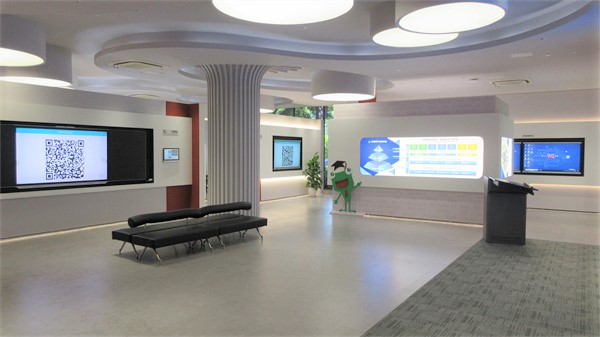
SGS onsite-verified manufacturer
Ruyden has been onsite-verified by SGS Group. Kobe buyers can review the supplier assessment report, credit overview, trade capacity and transaction history through publicly available verification links before placing an order.
In-house SMT, PCB and assembly
Controlling SMT, auto-insertion, PCB and final assembly under one roof supports consistent quality, faster engineering changes and better protection of OEM designs. This is particularly useful for Kobe distributors who need stable long-term supply.
Reliability testing before shipment
Products can be validated through high and low temperature testing, drop testing, simulated transportation, salt spray, button life, insertion force, static, earth continuity and withstand voltage testing. These checks address real shipping and classroom-use risks.
Design-based OEM / ODM verified
Design-based customization has been verified by an independent third-party inspection. Kobe buyers can discuss logo, boot screen, housing colour, packaging, pre-installed software, language settings and hardware configuration.
One connected classroom ecosystem
Ruyden supplies desktop visual presenters, interactive flat panels, interactive whiteboards, lecture capture cameras, networked podiums, conference webcams, soundbars and digital signage. This reduces compatibility risk when Kobe buyers equip multiple rooms.
Export experience and partner support
With more than ten years of export experience, Ruyden supports distributors, integrators and tender buyers with export packing, model comparison, technical documentation and after-sales coordination for long-term projects.
Verify Ruyden independently before you order
Transparent records shorten supplier evaluation. Review the same public documents our Kobe prospects use when comparing a China desktop visual presenter wholesaler.
From Kobe Inquiry to Shipment in Six Clear Steps
A structured process reduces misunderstandings between the buyer, installer and factory. Each step below is designed to keep Kobe procurement teams informed before production and shipping.
Requirement review
Share room types, quantity, target market, voltage, language, existing equipment and delivery window. For Kobe, please also state any installer or compliance requirements early.
Solution design
Our team proposes product combinations, hardware configuration, software pre-installation, packaging and branding options based on the actual teaching or meeting workflow.
Sample approval
Pre-production samples confirm look, feel, image quality, connectivity and language settings before mass production begins.
Mass production
In-house SMT, PCB and assembly lines build the order. Production updates help Kobe buyers coordinate installation schedules and local stock planning.
QC and testing
Reliability lab checks and final inspection review performance, safety and packaging before shipment. Test scope depends on the product model and project requirements.
Delivery and support
Export packing, shipping coordination, documentation and after-sales support help distributors and integrators receive and deploy products with fewer surprises.
Common Questions About Ordering Desktop Visual Presenters for Kobe
These are the questions we recommend checking before comparing a China supplier and wholesaler. Clear answers early in the project prevent delays later.
Are you a factory or a trading company?
Ruyden is an SGS onsite-verified manufacturer and exporter based in Fuzhou, Fujian, China. Our production structure includes SMT, PCB, assembly and testing. We work with distributors, system integrators, tender buyers and project owners, and we can support both standard products and customized configurations.
Can you support 100V planning and Japanese-language configuration for Kobe?
Yes, these topics should be discussed at inquiry stage. Kobe buyers commonly ask about voltage suitability, plug type, Japanese-language OSD or software, packaging text and setup documentation. Final compliance requirements depend on the product model and the importer’s regulatory route. Please confirm the exact configuration and required documentation with our export team before ordering.
What is the minimum order quantity for a desktop visual presenter or classroom AV package?
MOQ varies by model, customization level and whether the order is a mixed-model project. For sample evaluation or small pilot deployments, tell us the room type, quantity and target installation date. We will propose a practical starting configuration and explain the most economical production approach.
Can you customize the product for a Kobe distributor or tender project?
Ruyden supports design-based customization, including logo, boot screen, housing colour, packaging, pre-installed software, language settings and hardware configuration. For tender projects, we can also discuss label artwork, carton information and documentation support based on the agreed scope.
How should a Kobe buyer evaluate product compliance and certification?
Compliance depends on the product, destination market and the importer’s responsibility model. Kobe buyers should confirm applicable requirements with their importer or compliance specialist before ordering. Our team can provide the available documentation for the selected model and discuss the verification scope supported by our factory records.
How do you pack products for shipment to Kobe?
Export packing is planned according to product type, quantity and shipping method. We can discuss carton strength, internal protection, labelling and mixed-model consolidation. Before production, Kobe buyers should confirm the preferred shipping route, Incoterms and documentation needs so the order moves smoothly from the factory to Kobe Port or Kansai International Airport.
What after-sales support is available for long-term Kobe projects?
We support technical questions, installation guidance, spare-parts planning and after-sales coordination for distributors and integrators. Because Kobe projects often involve multiple rooms and long replacement cycles, we recommend agreeing on spare parts, model lifecycle and technical contact procedures before the first shipment.
How do we start a project with Ruyden?
Prepare a short project brief covering room types, quantities, target market, required language, voltage, existing equipment, delivery timeline and any customization needs. Send it through the inquiry button on this page or email info@ruydentech.com. Our export team will reply with a recommended product configuration and next steps.
Need a Reliable China Wholesaler for Desktop Visual Presenters in Kobe?
Send your room list, quantities, voltage and Japanese-language requirements. Ruyden will help you compare desktop visual presenters, interactive displays, audio, conference cameras and signage with a clear configuration proposal for your Kobe school, university, corporate training room or public facility project.
